


WordPress Tutorial Page 10
The "WordPress Tutorials" feature takes you in-depth understanding of WordPress, from the basic installation, theme and plug-in configuration, to SEO optimization and site security, covering all aspects of the core knowledge and practical skills needed to build a site. Whether you are a novice or an experienced developer, you can find the appropriate tutorials to help you easily master the use of WordPress and advanced operations.
arrange in order

WooCommerce vs Magento: Which open source e-commerce CMS is better for your online store?
Compare the pros and cons of two open source e-commerce platforms, WooCommerce and Magento, to help you choose the best e-commerce CMS for your online store.Understand the features, pricing, and scenarios where both platforms are applicable to make an informed decision.
WordPress Website Backup Guide: Protect and Restore Your Website in One Click with the WPvivid Plugin
Use the WPvivid plugin to quickly backup and restore your WordPress site and prevent data loss issues caused by plugin failures or misuse.

Why Elementor Safe Mode is a must-have tool for every developer?
Learn how Elementor Safe Mode helps developers quickly pinpoint problems, reduce debugging risks, and save time and effort. By isolating distractions and improving debugging efficiency, Elementor Safe Mode is a must-have tool for improving development productivity.

How to use Elementor Safe Mode for quick troubleshooting?
Experiencing Elementor loading failures, editor crashes, or style errors? This article shows you how to use Elementor Safe Mode to quickly locate and fix the problem and improve troubleshooting efficiency.

How to Enhance Your Ecommerce Experience with the Product Comparison Feature in Blocksy 2
Learn how to enable and configure the product comparison feature in Blocksy 2 to help customers quickly compare products and improve shopping decisions. Enhance the user experience and conversion rate of your e-commerce website with simple settings.

Manage Multiple Regional, Language and Currency Settings in WooCommerce
Learn how to configure multiple regional tax rates, shipping zones, multi-currency and multi-language settings in WooCommerce to help your store provide a personalized global shopping experience.

Common Troubleshooting Scenarios: How to Diagnose Page Layout Issues and Broken Animations After Enabling Merged/Deferred JS (Including Differences Between the Two)
Page misalignment is often caused by merged JavaScript files disrupting dependencies or delayed JavaScript pushing initialization back. Quickly restore layouts and animations by applying either of these solutions: - Isolate the issue - Use console first-error detection - Whitelist exclusions - Clear cache and rebuild
WordPress Website Cross-Border Migration: A Complete Guide to Improving Global Access and CDN Optimization
This guide analyzes in detail the whole steps of WordPress website multinational migration, and provides in-depth CDN optimization strategies to help you significantly increase the speed of access to your website in the world, improve user experience and improve SEO ranking. Includes hosting options, migration process and CDN setup tutorials.

How to make Elementor columns equal in height (also Flexbox containers)
Learn how to use the HappyAddons plugin to equalize columns and Flexbox containers in Elementor, simplifying the site design process, eliminating the need to write code, and improving page aesthetics and consistency.

2025 Latest WooCommerce SEO Complete Guide: from Product Page Optimization to Structured Data
Master WooCommerce SEO! This guide optimizes your site for Google rankings and e-commerce conversions from product titles, image ALTs, and Schema tags to Core Web Vitals enhancements for the latest SEO strategies for 2025.

Professional WordPress patches: the key to ensuring website security and performance
Learn how to improve your site's security, fix vulnerabilities, and optimize performance by installing WordPress patches on a regular basis. This article provides a complete guide on WordPress core, plugin, and theme updates to help you keep your website running stably.
Kadence Tutorial: How to Install and Activate the Kadence Shop Kit Plug-in
This article describes the installation and activation process of the Kadence Shop Kit plugin and explains in detail the main features of the plugin, such as variant styles, product galleries, checkout editor, etc., to help merchants optimize their WooCommerce stores and improve conversion rates and user experience.

A complete guide to configuring WooCommerce's offline payment methods: Cash on Delivery, Check Payment, Bank Transfer
This tutorial explains how to enable and configure Payment on Delivery, Payment by Check and Bank Transfer in WooCommerce for various offline checkout needs.

How to choose an open source CMS for a multilingual website?
Learn how to choose the right open source CMS for your multilingual website. This article compares WordPress, Drupal, Joomla, and many other CMSs to help you make the best choice based on your needs and build an efficient multilingual website.

A Complete Guide to Creating Reusable Button Styles with GenerateBlocks Pro
Use GenerateBlocks Pro to create reusable button styles for unified maintenance and flexible reuse, improving the design efficiency and development quality of WordPress websites.

Open source CMS security: how to protect your site from hackers?
Learn how to comprehensively improve the security of your open source CMS website by updating the CMS, using strong passwords, restricting login attempts, setting up firewalls, and other methods to prevent hacker attacks and ensure stable site operation.

Blocksy Multilingual Tutorial: How to Translate Content Strings in a Website
Learn how to use the WPML plugin to translate content strings in Blocksy themes, including buttons, menus, placeholders, and more, to create complete and consistent multilingual WordPress sites.

Why choose Kadence Theme as the first choice for enterprise website building? Features and Benefits
Discover how Kadence Theme is the best choice for building websites for businesses. From extremely fast loading and SEO optimization to powerful WooCommerce support and responsive design, Kadence provides businesses with an efficient and flexible website building solution that helps brands build professional websites.

Blocksy Pro Content Block Hands-on Tutorial: Implementing Automatic Ad Insertion (Google AdSense Support)
Learn how to use the Blocksy Pro content block feature to efficiently insert static ads and Google AdSense into WordPress websites for WooCommerce malls and content blogs without modifying the page structure.
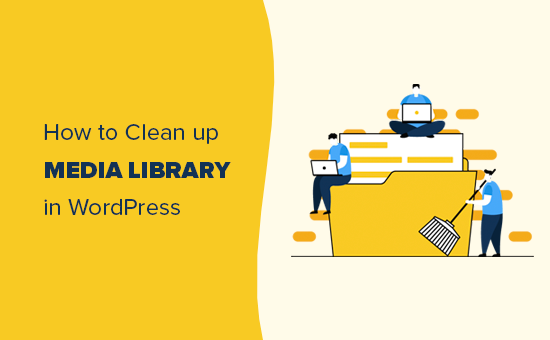
Cleaning Up Your WordPress Media Library: How to Optimize and Manage Media Files
Learn how to clean up and optimize your WordPress media library to improve site performance and user experience. This article provides detailed manual cleanup methods and plugin recommendations to help you effectively manage images, videos, and other media files. This setup helps search engines accurately recognize post topics...
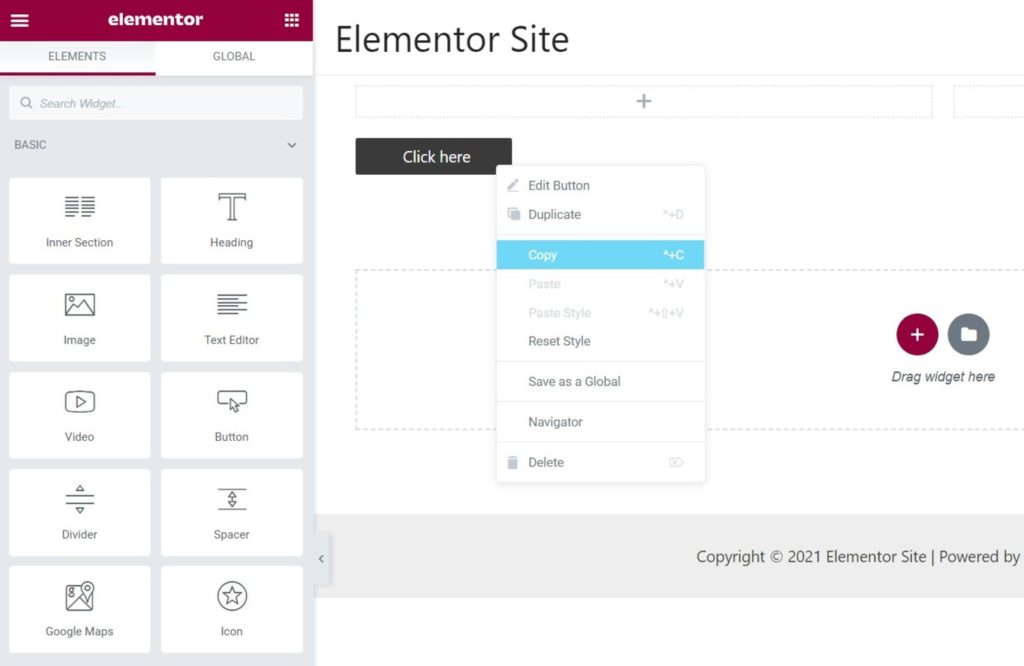
Common Misconceptions and Solutions in Elementor Safe Mode
Learn about common misconceptions and solutions in Elementor security mode to help you easily troubleshoot plugin conflicts, front-end design issues, and performance impacts to optimize your WordPress site building process.

Translate Astra Themes/Plugins into your own language with GlotPress
Learn how to use GlotPress Translate Astra themes and plugins to translate your website into your desired language. Quickly achieve multilingual support and improve the global adaptability of your website by exporting .po and .mo files and uploading them to WordPress.
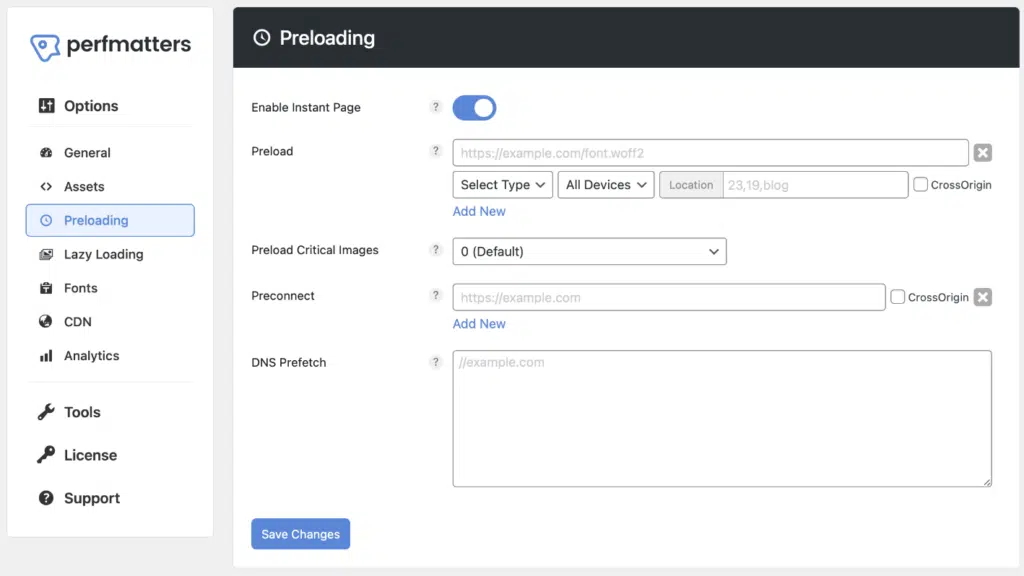
What does Perfmatters primarily address? Understanding its value through "subtractive optimization"
Optimize Perfmatters with Subtraction: Disable redundant frontend overhead, deactivate scripts per page, defer non-critical JS, optimize preconnections and preloading— accelerate first-screen loading, enhance interaction fluidity.

How to Use Blocksy Popups to Enhance Engagement
Learn how to use the Blocksy theme's popup feature to interact with your visitors by setting up triggers, animations, and display conditions to boost your website's conversion rate.

How to Create a Mega Menu with Elementor Builder and WoodMart Themes
This article describes how to create powerful and flexible mega menus with the Elementor builder and WoodMart theme. It includes creating navigation menus, setting up dropdown menus, adding full-width mega menus, customizing sizes, adding labels and setting up rotating product displays to help enhance web...
Flatsome Theme Security Analysis: How to Protect Your WordPress Website?
In-depth analysis of Flatsome theme security performance in 2025, revealing potential risks and protective measures. Provide practical plugin recommendations and professional configuration guide to help you build a safe and reliable WordPress website.

Enhance Website Content Display with Dynamic Data Blocks in Blocksy Theme
Get an in-depth look at the dynamic data blocks featured in the Blocksy theme, and master how to extract and display multi-source content in WordPress to create flexible, vivid and optimized page layouts.

WooCommerce URL Optimization Guide: How to Set Up an SEO Friendly Product Link Structure?
Want to improve the SEO performance of your WooCommerce site? This article walks you through how to set up an SEO-friendly product linking structure, from removing product prefixes and optimizing slugs to configuring multi-language hreflang tags, to help you achieve higher rankings and click-through rates.
Using GeneratePress and GenerateBlocks to Create Page Heroes for Category/Tag Archive Pages
Use GeneratePress and GenerateBlocks plugins to customize the top banner of category and tag archive pages to dynamically display titles and descriptions, improving page visual effects and design quality.
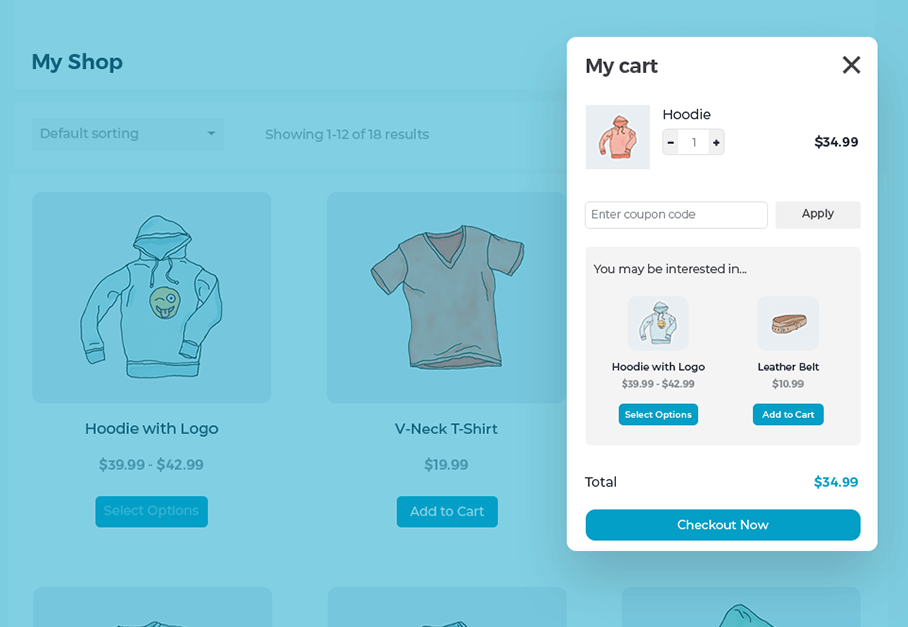
Create a Popup WooCommerce Cart with the WooCommerce Fast Cart Plugin
WooCommerce Fast Cart plugin makes shopping more convenient, supports pop-up shopping cart, fast checkout and recommended products features, reduces bouncing, optimizes the shopping process and improves the order completion rate.

 简体中文
简体中文  English
  日本語
日本語  Français
  Español



