




As we approach 2026, many WordPress sites increasingly resemble "modular assembly vehicles":thematicLayers upon layers of blocks, statistics, forms, privacy pop-ups, and third-party scripts pile up. When pages load slowly, caching and compression can alleviate some issues, but the real bottlenecks are often resources that shouldn't appear on the first screen—or even on the entire site. Perfmatters doesn't add another layer of acceleration; instead, it trims unnecessary burdens first, making pages lighter from the ground up.
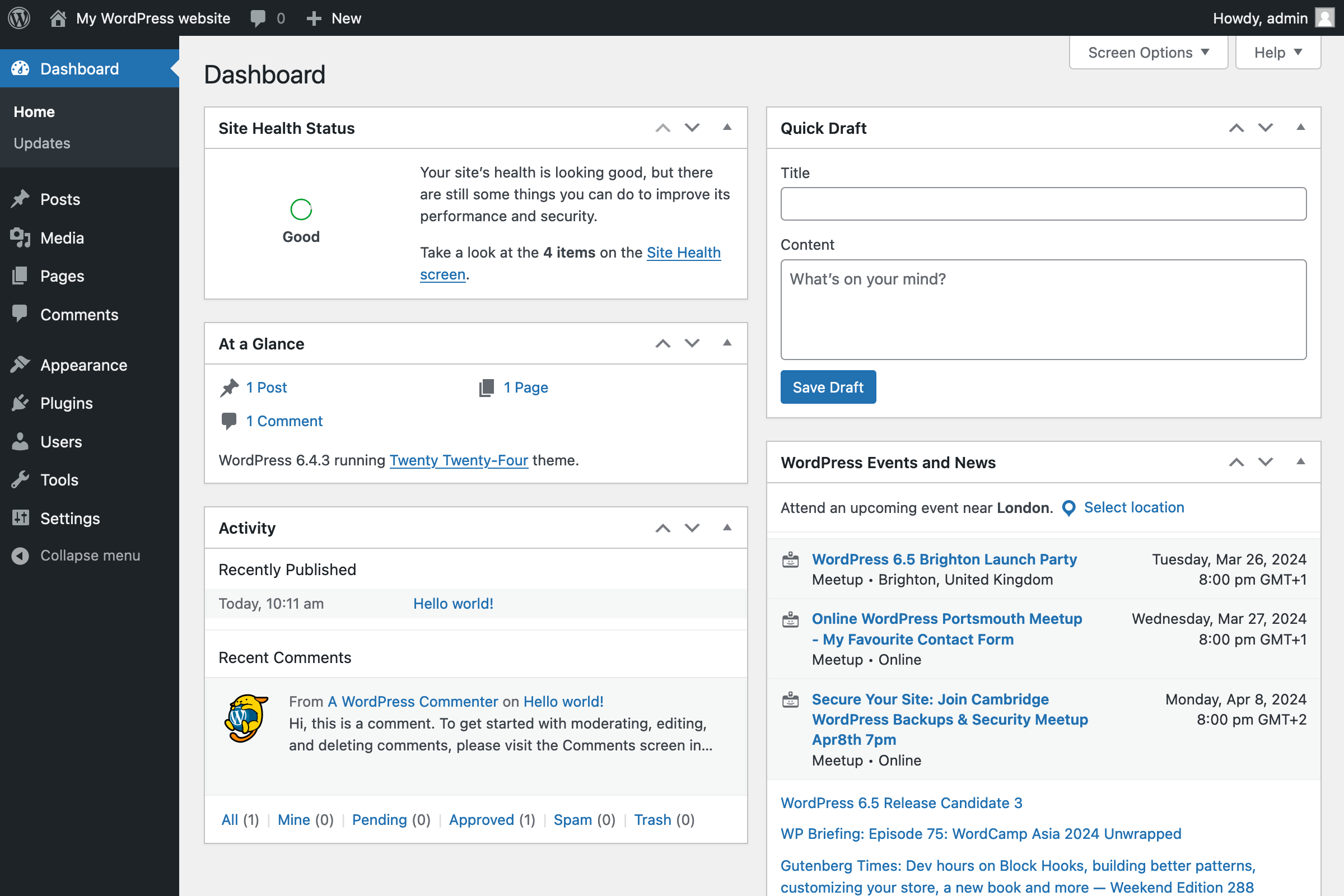
1. Subtraction Optimization: First, prevent it from loading; then discuss how to load it faster.
1.1 The core of Perfmatters is frontend "cleanup and scheduling."
Many optimization tools focus on "additive" approaches: merging, compressing, caching, and accelerating distribution. Perfmatters functions more like a switch panel and scheduler: it disables unnecessary features, defers essential resources, and restricts scripts used only on specific pages to those pages. Each load reduced means one less instance of parsing and execution, delivering not just speed but also stability and predictability.
1.2 Slowdowns occur not only during downloads but also when interactions are occupied.
In heavierforward part of sth.In 2026, where frameworks coexist with numerous third-party scripts, lag often stems from the main thread being occupied: button clicks take forever, scrolling feels sluggish, and input responses are sluggish. Subtractive optimization directly reduces the amount of code to execute, diminishing the chain reaction of event listeners and layout recalculations, making interactions feel more responsive.
2. What "ineffective burdens" does it primarily address?
2.1 One-Click Disable Default Front-End Features Not Required by Every Site
WordPress includes certain frontend features for versatility: emojis, embeds, icon fonts, and partial header output. For many content sites and corporate websites, these features may not add value but can result in extra requests or unnecessary scripts. Perfmatters provides visible toggles for these features, allowing you to disable them as needed and verify each one individually on the frontend.
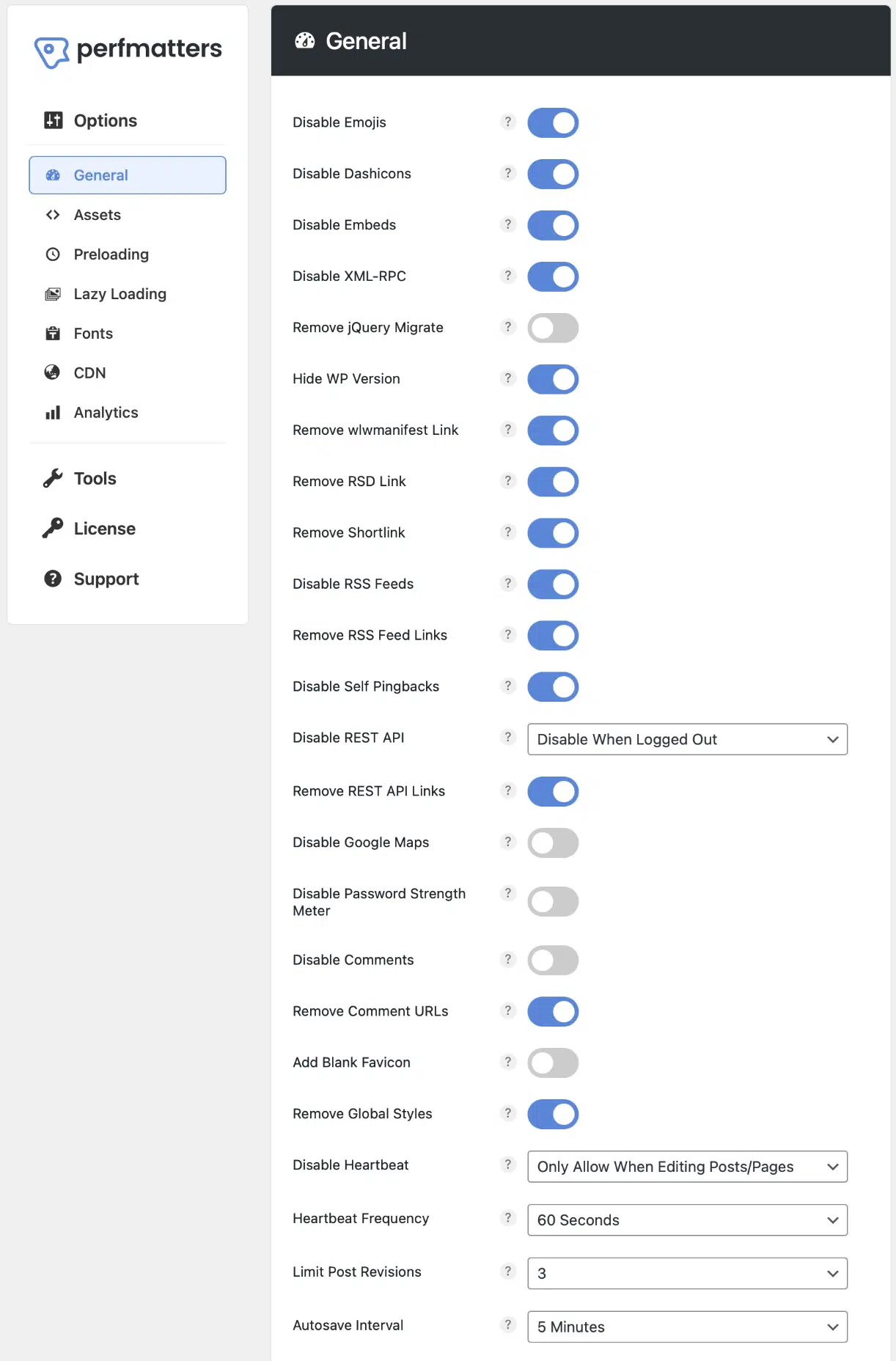
In practice, it's recommended to start with "low-coupling" options: avoid altering content structure or theme rendering logic, and focus solely on reducing unnecessary frontend output. This approach yields more consistently reproducible results and minimizes the risk of encountering compatibility issues with themes or plugins.
2.2 Make "Load Only on Needed Pages" the Default Approach
Many plugins load scripts and styles site-wide: forms are only used on contact pages, share buttons only on article pages, sliders only on the homepage—yet resources are downloaded and executed on every single page. Perfmatters' Script Manager lets you streamline on a per-page basis: if a page doesn't need it, don't load it.

This control isn't just about "fewer requests"; more crucially, it's about "less execution." Even small scripts can impact the first-screen load and interactions if they participate in rendering or event listening. Removing scripts from unrelated pages is often more effective than continuing to compress them.
3. Shift resource loading from passive to active
3.1 Preconnect and Preload: Deliver Critical Resources Earlier
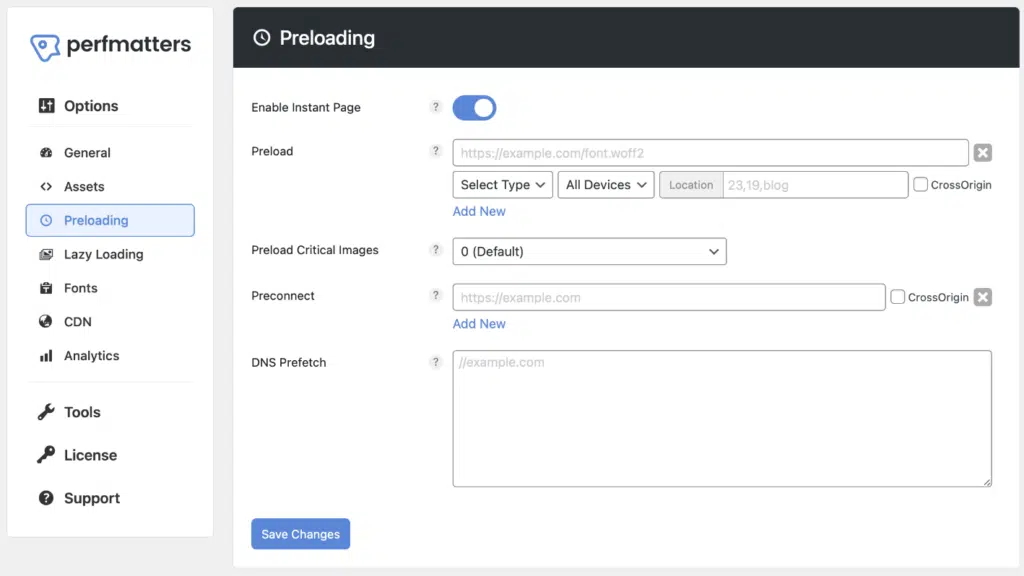
When the first screen relies on fonts, critical images, or cross-domain resources, preconnect and preload allow the browser to establish connections earlier and queue critical files sooner. Perfmatters centralizes these configurations for use on "must-appear-on-first-screen" resources, rather than applying them indiscriminately to everything.
3.2 Deferred Execution: Postpone non-essential scripts until the user actually triggers them.
Delaying the execution of chat components, analytics, certain animations, and non-above-the-fold features can reduce the "must-run-now" queue. The correct approach isn't to blindly delay everything, but to first ensure critical interactions remain unaffected. Then, place replaceable or deferrable scripts into the delay queue, while reserving exceptions for special pages.

4. Drive subtraction with "visible evidence" rather than flipping switches based on gut feelings.
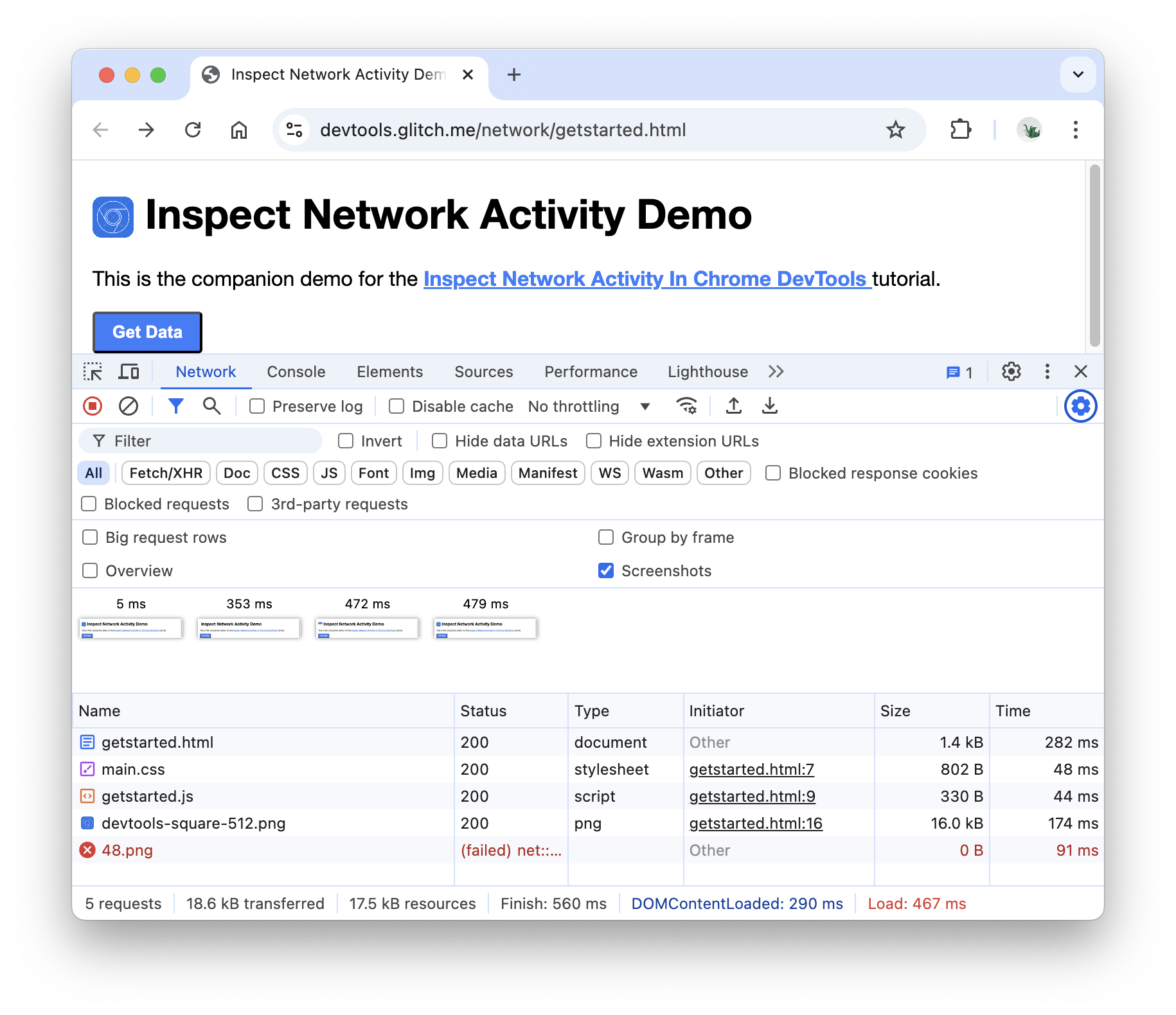
4.1 Viewing Requests, Sequence, and First-Screen Load in Network
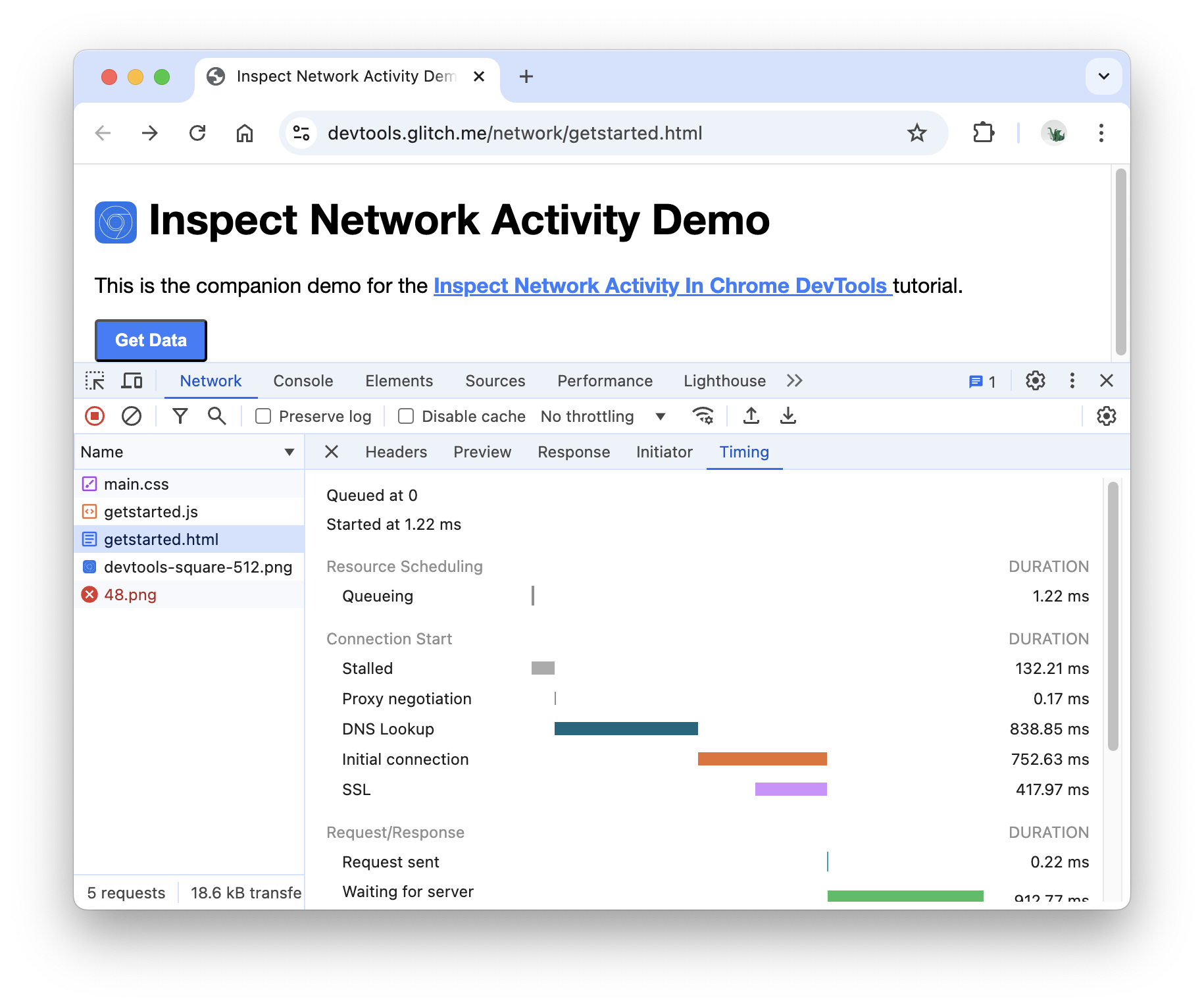
Open the Network panel in your browser's developer tools and force a refresh. You'll visually see which resources are requested during the above-the-fold phase, which come from third parties, and which queue up on the critical path. Every time you "disable" or "limit loading" with Perfmatters, you should observe fewer requests or more optimized loading sequences here.
4.2 Break down the slow sections in the Timing to pinpoint exactly where the slowness occurs.
Some slowdowns stem from slow connection establishment, others from prolonged server waits, and still others from blocked downloads. The Timing view breaks down queuing,DNS、Connect,SSLOnce you separate yourself from waiting, you can determine whether to continue optimizing frontend operations or return to addressing weaknesses in caching strategies, backend responses, and static resource distribution.
5. From Measurement to Implementation: Using Perfmatters as a Growth-Phase Optimization Tool
5.1 Conduct Before-and-After Comparisons Using the Same Test Scenarios
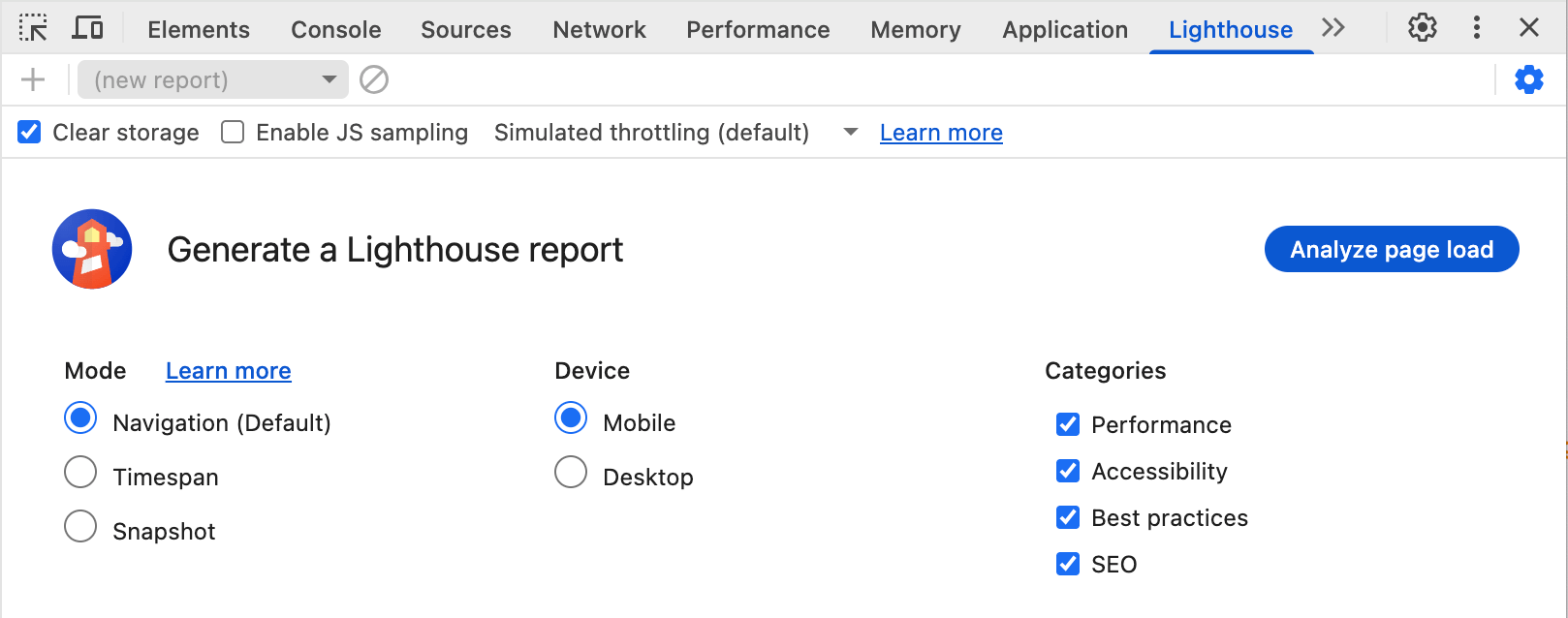
Subtractive optimization fears nothing more than "perceived speed improvements." To pinpoint changes to specific switches or rules, you must fix device types and page paths, maintain consistent browser environments, and repeat tests using identical procedures. This approach allows rapid identification of problematic steps even when functionality is impacted.
5.2 Three Principles for Making "Subtraction" Safer and More Sustainable
First, start with low-risk options before tackling high-impact settings like delay and script scope. Second, modify only one variable at a time and immediately conduct regression testing on critical pages—especially navigation, forms, login, and checkout workflows. Third,scriptsTreat management as governance: When launching new plugins, first define their loading scope; when deprecating old features, take the opportunity to remove their resources as well. Only then can the site become lighter with use.

When you think of Perfmatters as a "subtractive console," it works in parallel with caching, CDNs, and backend optimization: addition focuses on delivering faster, while subtraction focuses on delivering less. What end users experience is a faster first screen, smoother interactions, and fewer unexpected regressions and compatibility headaches.

Link to this article:https://www.361sale.com/en/84375The article is copyrighted and must be reproduced with attribution.




















![Emoji[wozuimei]-Photonflux.com | Professional WordPress repair service, worldwide, rapid response](https://www.361sale.com/wp-content/themes/zibll/img/smilies/wozuimei.gif)

![Emoticon[baoquan] - Photon Wave Network | Professional WordPress Repair Services, Worldwide Coverage, Rapid Response](https://www.361sale.com/wp-content/themes/zibll/img/smilies/baoquan.gif)


 简体中文
简体中文  English
  日本語
日本語  Français
  Español


No comments