




New websites most often discover their foundations aren't solid until a week after launch—and SEO losses typically start with details like URL structure, indexing paths, and page templates. Treat these first 7 days as a pre-launch minefield clearance, turning each step into a reusable process. If you want to integrate website development and SEO into a cohesive system, start by...WordPress website tutorialAlign the columns with the page hierarchy, then implement the following 20 tasks one by one.
Day 1: Finalize the structure first to avoid rework later.
1.1 Map out the page types you want to rank
Task 01: List the page types you plan to update long-term (category pages, article pages, special feature pages, tool pages), and clearly define the search intent each page type serves (informational/comparison/transactional).
Task 02: Keep the site hierarchy within three levels: Homepage → Category → Content Page; prevent "tag pages, author pages, and date archives" from becoming thin content that clutters search results early on.
1.2 Establish URL rules first, then write the first piece of content.
Task 03: Establish slug rules (all lowercase, hyphen-based, avoiding pinyin confusion) and standardize the path logic for "sections/articles." Simultaneously, reserve flexibility for future expansion (e.g., dedicated prefixes for special features) to prevent triggering chain reactions of redirects when batch-editing URLs post-launch.
Day 2: Toggle WordPress's Basic SEO Settings to the Correct Position
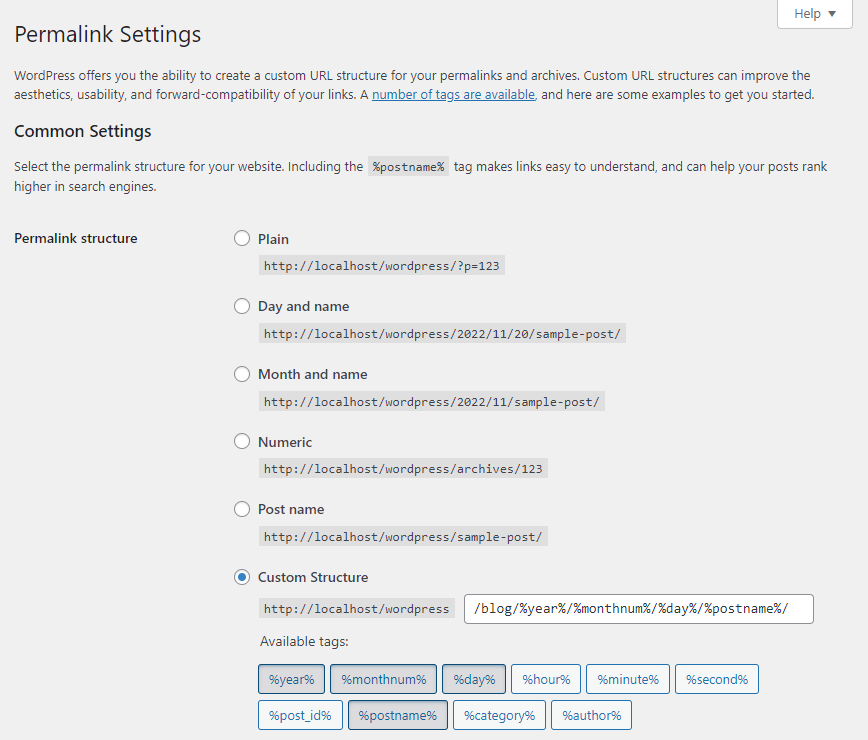
2.1 Site Information and Permalinks Configured Once and Set for Good
Task 04: Clearly define the "brand/positioning/core theme" in the backend site title and subtitle, and maintain a consistent tone throughout the entire site.
![Image[2] - SEO Must-Do Checklist: 20-Step Rapid Implementation for New WordPress Sites in the First 7 Days](https://www.361sale.com/wp-content/uploads/2026/01/20260105162806516-screenshot-20260105-162723.png)
Task 05: Select "Post Name" or a clear custom structure for permalinks; avoid dates, random numbers, and unnecessary directories. Avoid changing this setting after going live.
![Image[3] - Essential SEO Checklist: 20 Rapid Implementation Steps for Your New WordPress Site in the First 7 Days](https://www.361sale.com/wp-content/uploads/2026/01/20260105163107813-screenshot-20260105-162939.png)
2.2 Maintain only one "single version" for domain names and protocols.
Task 06: Enforce full-site HTTPS and redirect the preferred domain (www or non-www) to a single version via a 301 redirect. This prevents weight dilution caused by multiple URLs pointing to the same page.
Task 07: During the development/beta testing phase, enable "Block Search Engine Indexing" and prepare the "Switch Rollback" check item in the launch checklist to prevent the noindex status from persisting after the official launch.
![Image [4] - SEO Must-Do Checklist: 20 Rapid Implementation Steps for Your New WordPress Site in the First 7 Days](https://www.361sale.com/wp-content/uploads/2026/01/20260105163214415-screenshot-20260105-163151.png)
Day 3: Install SEO Plugins and Set Up Template Output
3.1 Don't overload with plugins; start by installing one core SEO plugin.
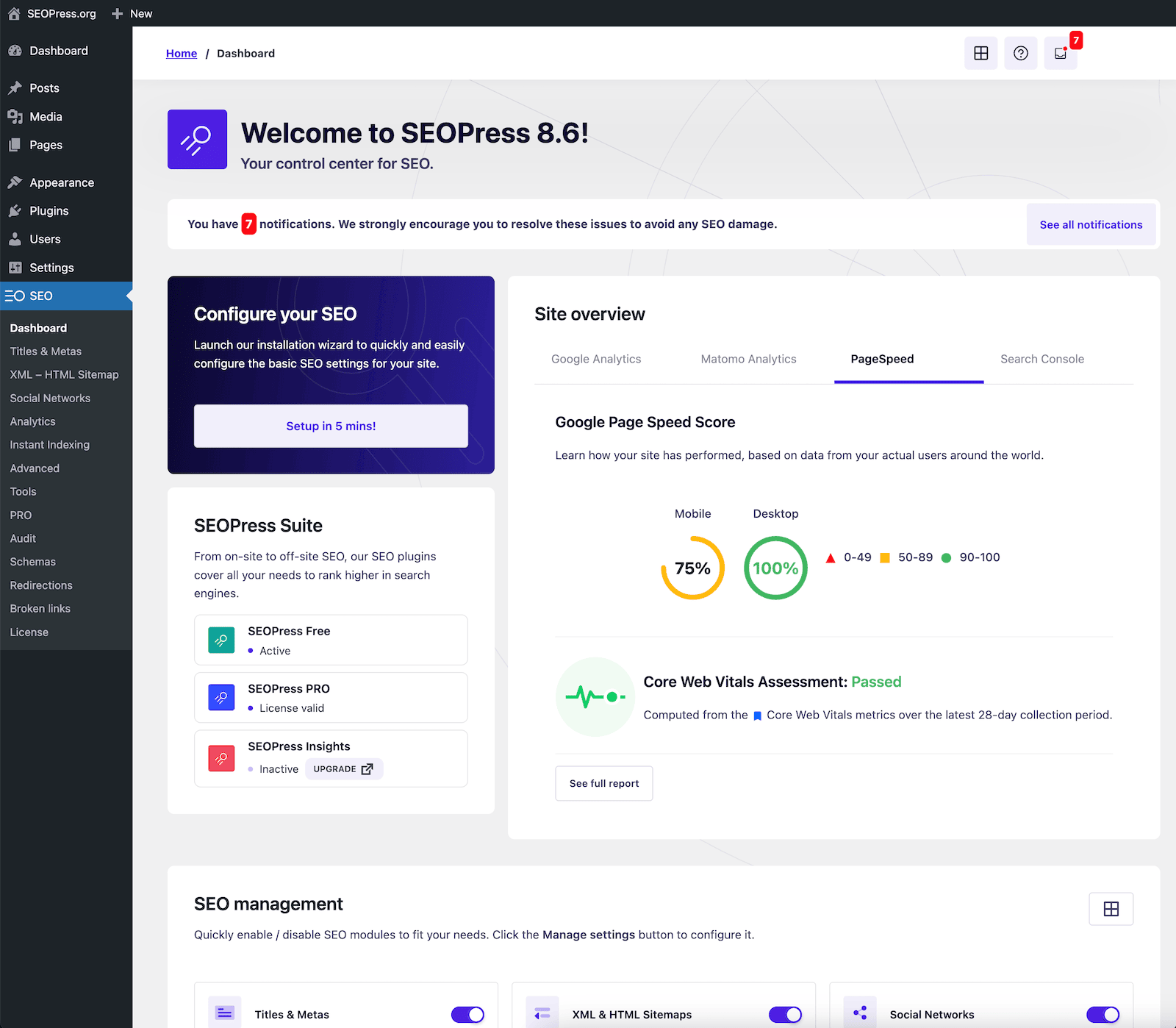
Task 08: Select only one primary SEO plugin and complete its wizard configuration to prevent multiple plugins from simultaneously outputting conflicting canonical tags, sitemaps, or structured data. Task 09: Use variables in title/description templates to concatenate category names, brand names, and article titles into a consistent format, ensuring new content automatically adheres to search result display logic.
![Image [5] - Essential SEO Checklist: 20 Rapid Implementation Steps for Your New WordPress Site in the First 7 Days](https://www.361sale.com/wp-content/uploads/2026/01/20260104160723711-20260104160131234-add-plugins.webp)
3.2 Content Editing Guidelines to be Preemptively Formulated as "Pre-Publication Checks"
Task 10: Ensure only one H1 per page. Use H2/H3 tags strictly for hierarchical structure, not for keyword stuffing. Require the first paragraph on the initial screen to deliver the conclusion directly, minimizing "empty openings." Task 11: Configure breadcrumbs and basic internal navigation (category entries, previous/next or related articles) to enable crawlers to naturally discover new content through internal links.
Day 4: Sitemap and Crawl Paths—What Determines Whether You'll Be Discovered
4.1 Ensure the sitemap only includes "what should be included"
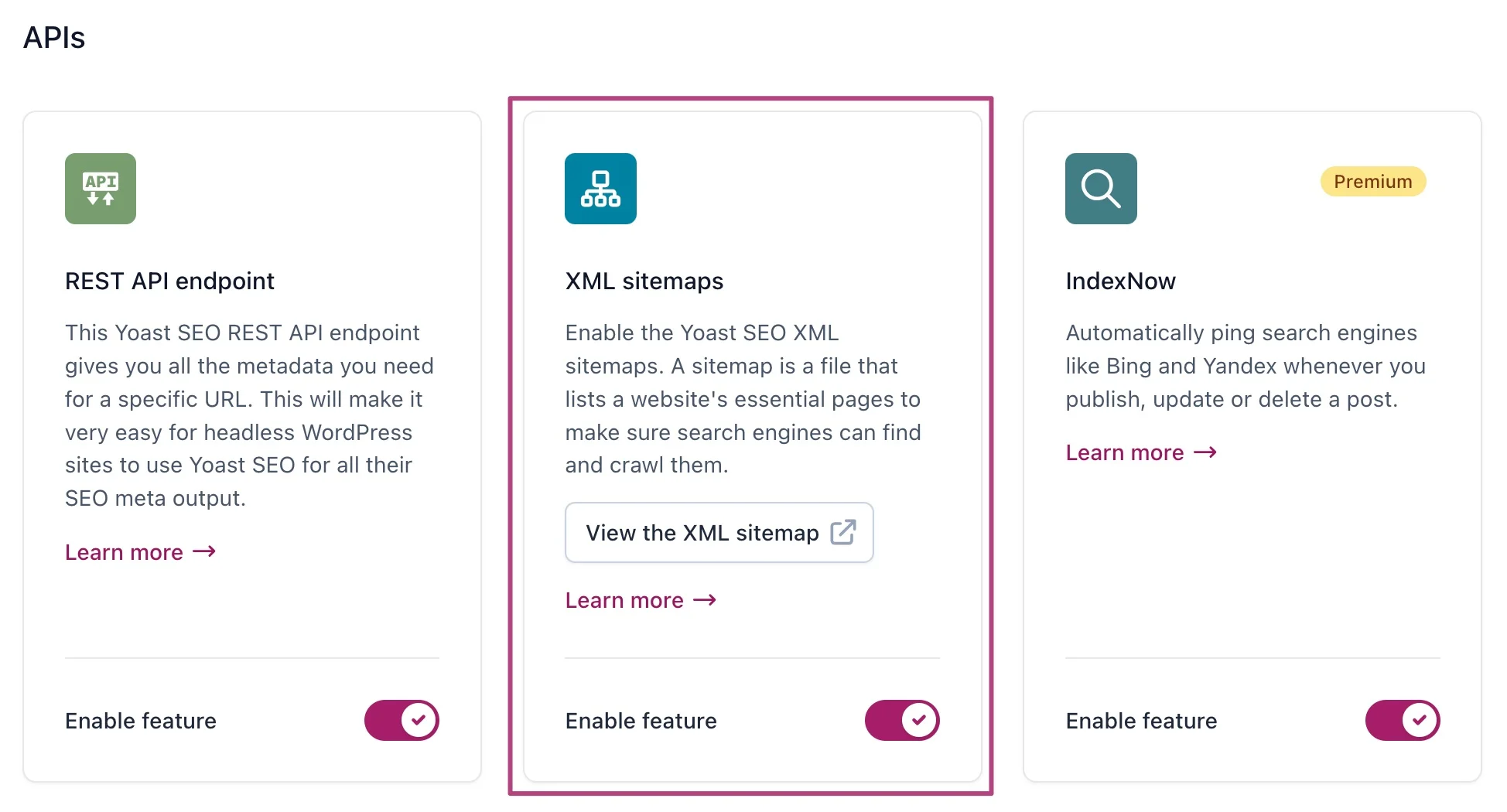
Task 12: Enable XML sitemaps and exclude noindex pages, filter pages, and test pages. Your sitemap should resemble a "high-quality list" rather than a "full site directory." If you use Yoast, you can check againstHow to Set Up a Sitemap with Yoast SEOConfigure the map settings, content types to include, and exclusions all at once.
4.2 Keep robots.txt simple—avoid self-sabotage first.
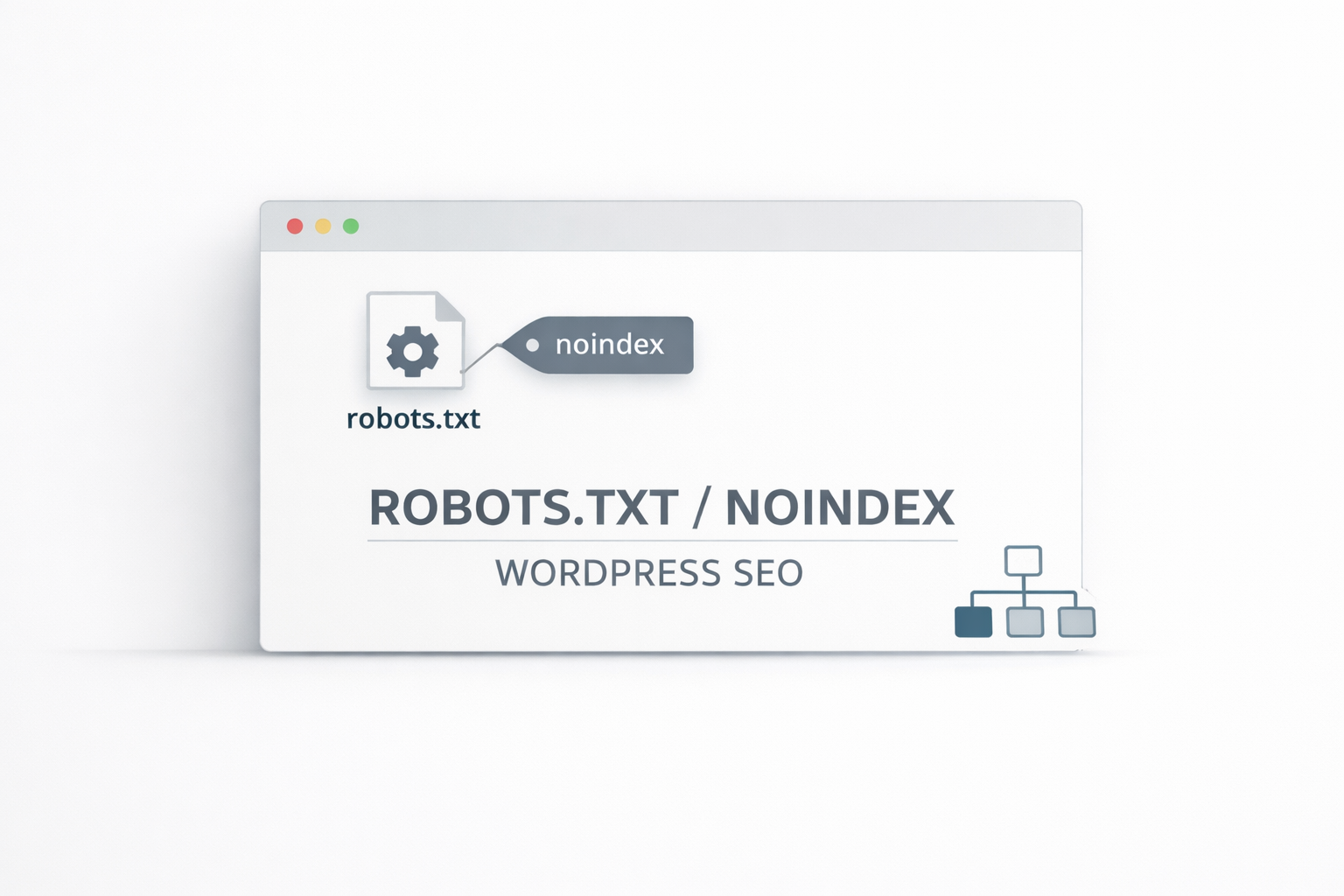
Task 13: robots.txt First, ensure two points: - Do not block critical resources (CSS/JS/images) - Avoid mistakenly blocking category and content pages Additionally, declare the sitemap URL within the file.
Task 14: Reserve strategies for pagination, site search, and filter parameters: Use noindex where possible, consolidate canonical URLs where feasible, and prevent crawlers from wasting budget on duplicate combination pages.
Day 5: Performance and user experience must come first; only then can SEO be stable.
5.1 First, use a performance report to pinpoint the "mandatory requirements."
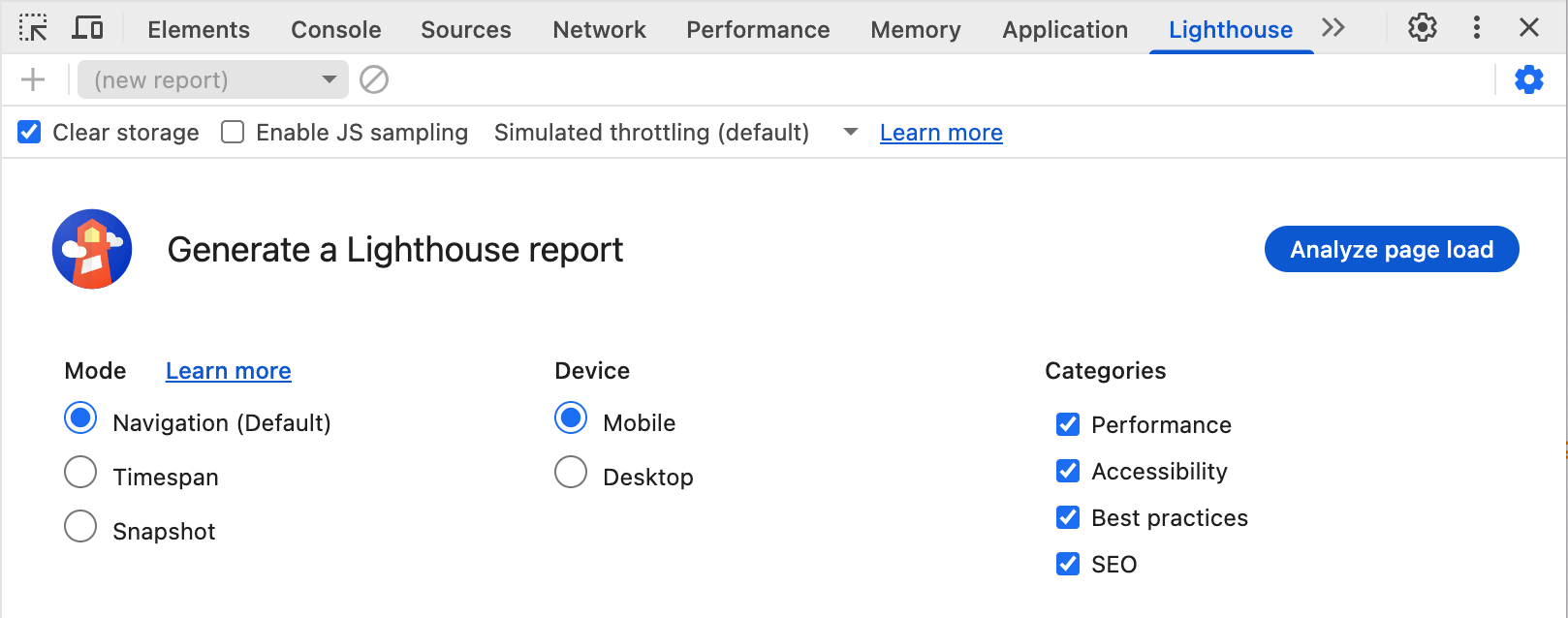
Task 15: Run a mobile report with Lighthouse, focusing on above-the-fold rendering, image size, and blocking resources. Narrow down issues to an actionable list (compression, lazy loading, caching, reducing third-party scripts) and avoid getting bogged down in endless optimization.
5.2 Caching and images are the most cost-effective ways to speed up new websites.
Task 16: Enable page caching and browser caching strategies. Implement unified image compression and size standards (with maximum limits for cover images, body images, and thumbnails). Write clear alt text for important images (describing key visual elements rather than stuffing keywords).
Day 6: Integrate Search Console to create a closed-loop indexing process
6.1 Submit the sitemap first, then use tools to verify crawling.
Task 17: After completing site verification, submit your sitemap to provide search engines with an "entry point" for discovery. For more detailed submission steps, refer to:Google Sitemap Submission GuideTroubleshoot paths, statuses, and common errors all at once.
Task 18: Perform URL checks on core pages to ensure they are crawlable, renderable, and have correct canonical tags. Reserve the "Request Indexing" action for the homepage, category pages, and the first batch of priority content.

6.2 Use a single URL check to expose "hidden pitfalls" early
Task 19: Randomly inspect 10 pages of different types (homepage/category/article/tag/attachment page) for URL checks: - Verify if they are marked with noindex - Check if they are incorrectly canonicalized to the homepage - Confirm if blocked resources are loaded For submission and indexing issues, cross-reference withHow to submit a sitemap to GoogleIdentify each segment of the "submit-parse-crawl-index" chain.

Day 7: Final Full-Site Inspection Before Launch to Avoid Launch-Day Disasters
7.1 Perform a unified inspection of the online switch, index signal, and structured output.
Task 20: Pre-launch checklist: Disable "Block Indexing," ensure all canonical tags point to the site's own or unique version, verify sitemaps contain only crawlable pages, confirm 404 pages are functional and do not return 200 status, ensure 301 redirects exist for old URLs (if migrated), and check titles and descriptions are unique; Finally, select 3–5 core pages for URL verification and request crawling. Ensure your new site gets it right from day one—being discoverable, understandable, and accessible—in the 2026 search landscape that prioritizes quality and user experience.

Link to this article:https://www.361sale.com/en/84988The article is copyrighted and must be reproduced with attribution.















![Emoji[wozuimei]-Photonflux.com | Professional WordPress repair service, worldwide, rapid response](https://www.361sale.com/wp-content/themes/zibll/img/smilies/wozuimei.gif)

![Emoticon[baoquan] - Photon Wave Network | Professional WordPress Repair Services, Worldwide Coverage, Rapid Response](https://www.361sale.com/wp-content/themes/zibll/img/smilies/baoquan.gif)


 简体中文
简体中文  English
  日本語
日本語  Français
  Español


No comments