




WordPress 6.9 delivers deep optimizations across editing experience, administrative efficiency, performance, and theme development capabilities, enabling site administrators to accomplish more with less time. Compared to previous releases, this update focuses more intently on addressing pain points within real-world workflows—particularly in content management, multi-author collaboration, and page-building efficiency. Below, we break down ten key features to fully explore how WordPress 6.9 empowers webmasters to boost productivity.
![Image[1] - WordPress 6.9: A Comprehensive Guide to the Top 10 Performance Enhancements - Powerful Upgrade Guide](https://www.361sale.com/wp-content/uploads/2025/12/20251220150711999-wordpress-6-9-features-1.webp)
The editor responds faster, making content creation smoother.
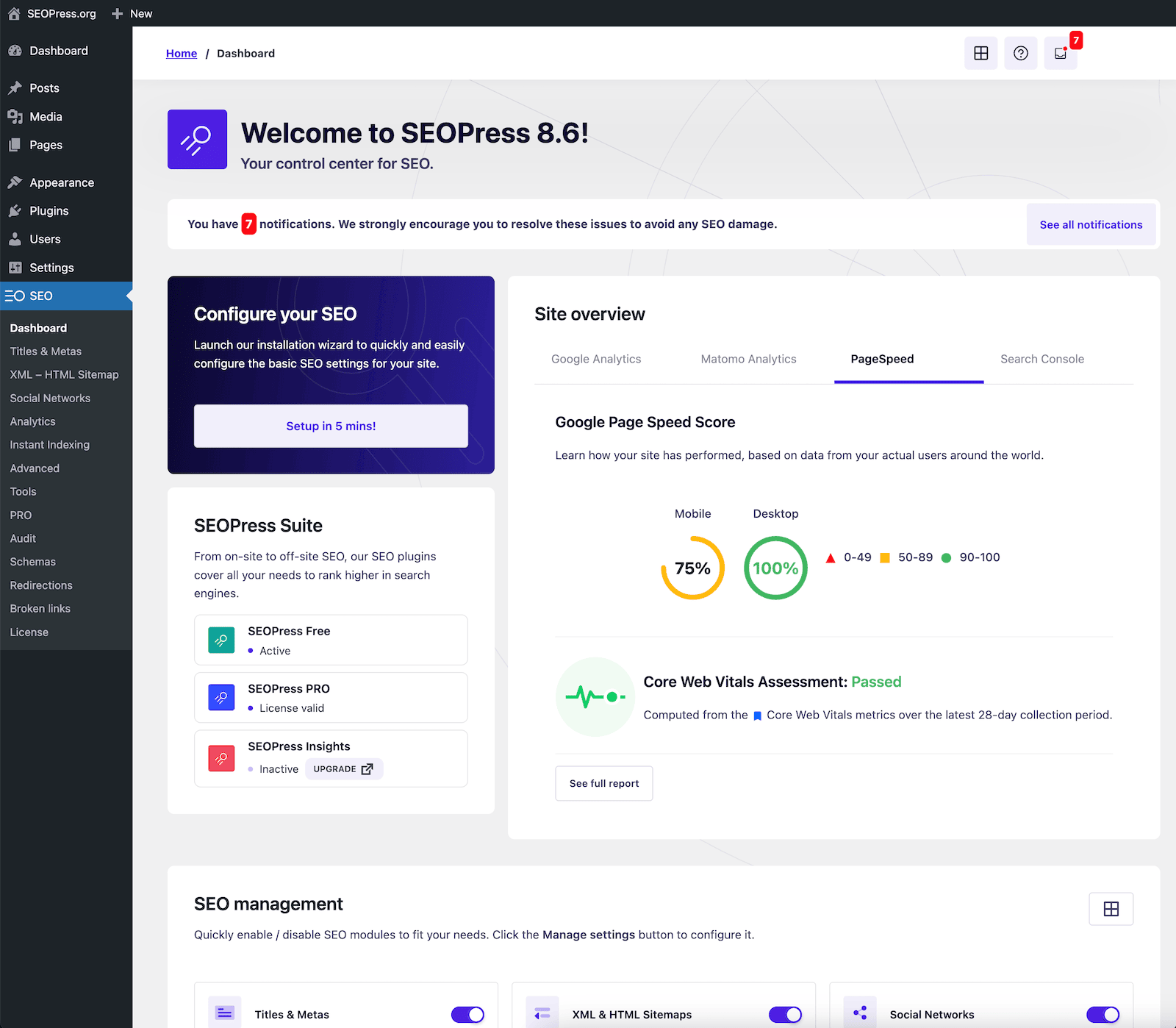
WordPress 6.9 delivers deep optimizations to the Gutenberg editor, significantly improving responsiveness when typing, switching blocks, and saving content.
![Image[2] - WordPress 6.9: A Comprehensive Guide to the Top 10 Performance Enhancements](https://www.361sale.com/wp-content/uploads/2025/12/20251220150738577-image-10.png)
1. A lighter-weight block rendering mechanism
The editor's rendering speed has been significantly improved, making article loading and content switching smoother.
This is primarily reflected in:
- Reduced page loading delay
- Block dragging is more stable
- Smooth editing of long documents
This is extremely beneficial for administrators of large-volume websites.
2. List view is more intuitive.
The new list view enables webmasters to quickly locate block hierarchies, significantly boosting efficiency—especially when editing complex pages.
You can easily view, move, and collapse blocks, significantly reducing editing errors.
Comprehensive Enhancement in Template and Page Building Efficiency
WordPress 6.9 is designed for those who need to make frequent adjustments.page layoutWebsite administrators now have access to more convenient tools.
![Image[3] - WordPress 6.9: A Comprehensive Guide to the Top 10 Efficiency Enhancements - Powerful Upgrade Guide](https://www.361sale.com/wp-content/uploads/2025/12/20251220150753533-WordPress-Full-Site-Editing.webp)
3. Faster template switching
6.9 OptimizedTemplate loadingLogic makes template switching and previewing smoother than ever.
Administrators can complete layout modifications in less time without having to wait for frequent reloads.
4. More consistent site-wide style control
WordPress 6.9 introduces more global style variables, making it easier to control site fonts, colors, and spacing.
Strengths include:
- Update styles once to synchronize across the entire site.
- Enhanced Visual Consistency Across Pages
- Theme style adjustments are now more intuitive.
For sites that frequently update their designs, this feature saves a significant amount of time.
More Efficient Image and Media Management
The media library is a frequently used feature for website administrators, and version 6.9 also introduces several optimizations here.
![Image[4] - WordPress 6.9: A Comprehensive Guide to the Top 10 Performance Enhancements](https://www.361sale.com/wp-content/uploads/2025/12/20251220152501434-image-1.png)
5. Image cropping and loading speed improvements
The new version of the media library loads faster and handles images more naturally.
Especially on sites with large volumes of image assets, administrators can complete uploads and management tasks more efficiently.
6. Smarter media optimization features
Media resources are processed more efficiently, reducing unnecessary resource consumption and making website operations lighter.
Backend efficiency improvements make daily management easier.
WordPress 6.9 features targeted optimizations for the admin dashboard, delivering a smoother experience for site administrators during routine management tasks.
![Image[5] - WordPress 6.9: Top 10 Efficiency Enhancements Explained - The Ultimate Upgrade Guide](https://www.361sale.com/wp-content/uploads/2025/12/20251220152548147-screenshot-20251220-152535.png)
7. Faster backend data requests
By optimizing query logic, backend loading times have been significantly reduced, including:
- Pages load faster
- Set pages to respond more promptly
- Plugin and Theme Management Efficiency Enhancement
The effect is particularly noticeable for large sites or sites with multiple plugins.
8. More accurate edit conflict prompts
Multi-person collaboration is the norm in modern website management.
WordPress 6.9 improves draft synchronization and edit conflict notifications, enabling administrators to more easily coordinate work among multiple authors and reduce accidental overwrites.
Theme constructionEnhanced capabilities, reduced repetitive tasks
WordPress is increasingly emphasizingvisualizationWith low-code development, version 6.9 unlocks greater possibilities at the theme level.
![Image[6] - WordPress 6.9: A Comprehensive Guide to the Top 10 Performance Enhancements](https://www.361sale.com/wp-content/uploads/2025/12/20251220152626968-block-themes-dir.jpg)
9. The new template section is more flexible.
Administrators can easily create reusable template fragments, such as headers, footers, or advertising modules, enabling cross-page reuse and reducing repetitive editing.
10. More standardized block theme export
The new theme export format is clearer, enabling website administrators to easily back up themes, migrate styles, or share custom themes.
For multi-site administrators, this saves a significant amount of time spent on repetitive configurations.
Summary: Is WordPress 6.9 Worth Upgrading To?
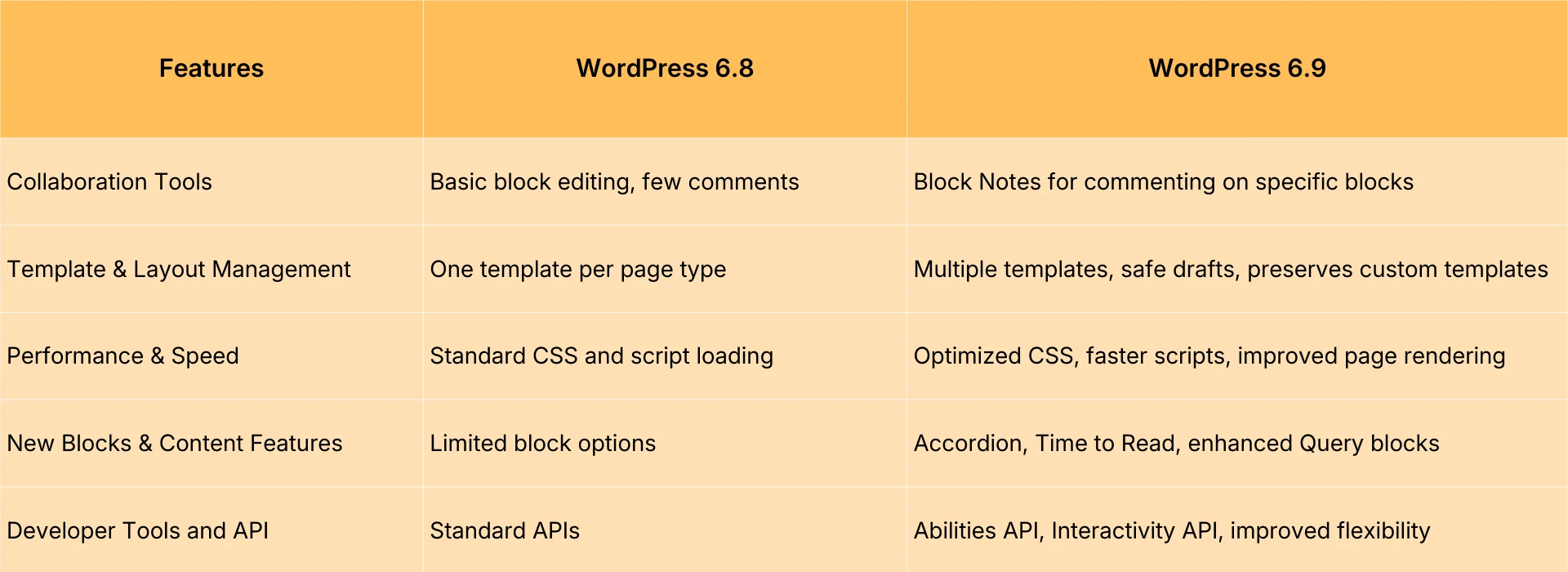
WordPress 6.9 This update focuses on efficiency improvements, effectively addressing many real pain points for administrators. Whether it's content editing, media handling, backend management, or theme development, this release makes the entire experience smoother and more intuitive. If you prioritize productivity or manage a site with substantial content, upgrading to WordPress 6.9 is highly recommended.

Link to this article:https://www.361sale.com/en/82804The article is copyrighted and must be reproduced with attribution.















![Emoji[wozuimei]-Photonflux.com | Professional WordPress repair service, worldwide, rapid response](https://www.361sale.com/wp-content/themes/zibll/img/smilies/wozuimei.gif)

![Emoticon[baoquan] - Photon Wave Network | Professional WordPress Repair Services, Worldwide Coverage, Rapid Response](https://www.361sale.com/wp-content/themes/zibll/img/smilies/baoquan.gif)


 简体中文
简体中文  English
  日本語
日本語  Français
  Español


No comments