




WP self-taught website builder Page 20
At Photon Academy, we specialize in providing high quality WordPress instruction to help you master every aspect of WordPress from basic to advanced. Our courses are designed to allow students to get hands-on and understand the power of WordPress, whether it's building a personal blog or a business website.
arrange in order
How to Fix 502 Bad Gateway Error in WordPress
What is a 502 Error Gateway Error? The "502 Error Gateway" error occurs when the server receives an invalid response from the requested page. This issue can be caused by a number of reasons and the error message may vary depending on your server. When users visit a WordPress website, they...
Full Explanation: Difference between WordPress.Org and WordPress.com, which one is better for your website or blog?
If you're planning to create a website or blog, chances are you've heard of WordPress, the world's most popular content management system (CMS) powering millions of websites and blogs around the globe, according to Google Trends below. The top three content management system apps...
How to Fix WordPress 429 Too Many Requests Error
Recently I was visiting the WordPress open source website https://wordpress.org时, and because of my VPN, I reloaded it a few times and always got a "429 Too Many Requests" error. This error message indicates that the user has sent too many HTTP ...

How to Fix 413 Request Entity Too Large Error in WordPress
What causes the WordPress 413 Request Entity Too Large error? This error occurs when an attempt to upload a file exceeds the maximum file upload limit for a WordPress site. The web server will not be able to upload the file and will see the "413 Request Entity Too Large" error...
How to Fix Password Reset Key Error in WordPress
I don't know if you have ever encountered the "Unable to save password reset key to database" error in WordPress. We have found that this error usually occurs when trying to log in to a WordPress site and it can lock the administrator out of the site, making it impossible for the administrator to...
How to Fix Pluggable.php File Error in WordPress
Encountering pluggable.php file errors in WordPress can be a headache, especially when it's uncertain what's causing these errors. From our team's experience with WordPress over the years, these errors are generally due to themes, plugins, or custom generation...
How to Edit wp-config.php File in WordPress
Many of our previous tutorials have mentioned editing the "wp-config.php" file when resolving issues. This file is very important as it controls key WordPress settings, especially for security, performance and troubleshooting. So, when modifying this file...

How to Check and Resolve WordPress Plugin Conflicts: A Comprehensive Guide
Plugin conflicts are one of the most common technical issues when managing a WordPress website. This post will give you details on how to check for and resolve WordPress plugin conflicts to ensure your site is always running smoothly. What is a WordPress Plugin Conflict? A plugin conflict is when...

How to fix "Your connection is not a private connection" error
The "Your connection is not a private connection" error is displayed when the browser is unable to determine the security of the website it is trying to access. The message displayed varies slightly depending on the browser used, which can make troubleshooting a bit difficult for novices. Let's take a look at what's going on...
Best WordPress CRM Plugin Recommendations and Reviews: essential tools to enhance customer management and business growth
Customer Relationship Management (CRM) Whether it's following up on leads, increasing sales, and managing interactions with customers, WordPress CRM plugins can help you streamline these tasks. In this article, we dive into 8 recommended WordPress CRM plugins to help you optimize customer...
Enhancing WordPress Security: A Guide to Changing Database Table Prefixes
By default, WordPress assigns a prefix to all tables in the database during installation: wp_. While this may seem like a small, inconsequential detail, this default prefix may actually make your site more vulnerable to attacks. In this article, we'll dive into...
Customizing the WordPress Admin Dashboard: a comprehensive guide to enhancing the website management experience
In order to improve administrative efficiency and user experience, it is important to customize your WordPress admin dashboard. By hiding unnecessary items, adjusting the admin screen layout, and optimizing the color scheme, you can create a more organized and efficient workspace. This guide will detail how to customize...
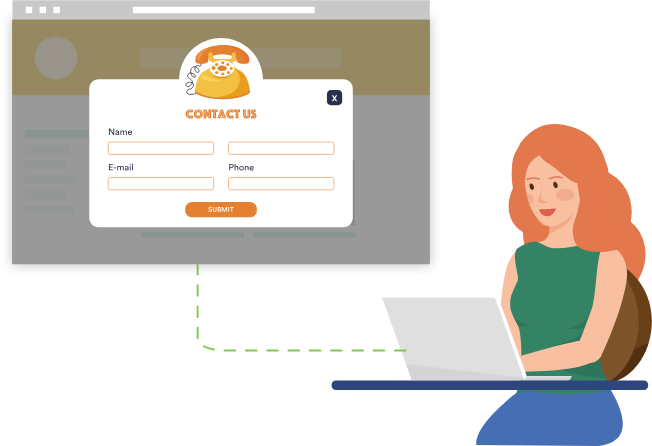
How to Add a Popup Form in WordPress
Popup forms are effective in grabbing users' attention and directing them to perform specific actions, such as signing up for a newsletter or completing a purchase, by displaying a popup window at the right time and place. In this detailed tutorial, we will guide you step-by-step on how to use WordPres...
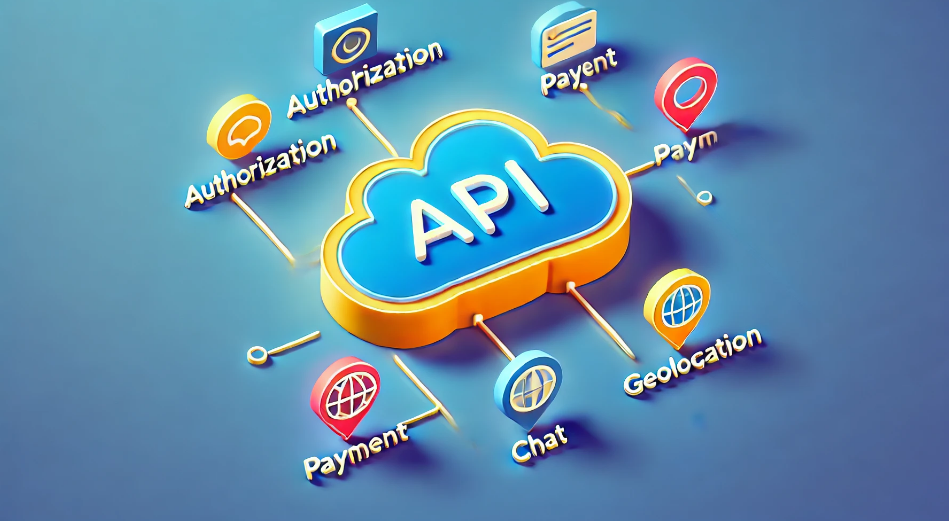
Seamless Third-Party API Integration: A Detailed Guide to Enhancing the Functionality of Your WordPress Website
A third-party API (Application Programming Interface) is a set of protocols, routines, and tools provided by external services or platforms that enable your WordPress website to interact with these external systems. This functionality allows a website to access and utilize the functionality or data of an external service without...
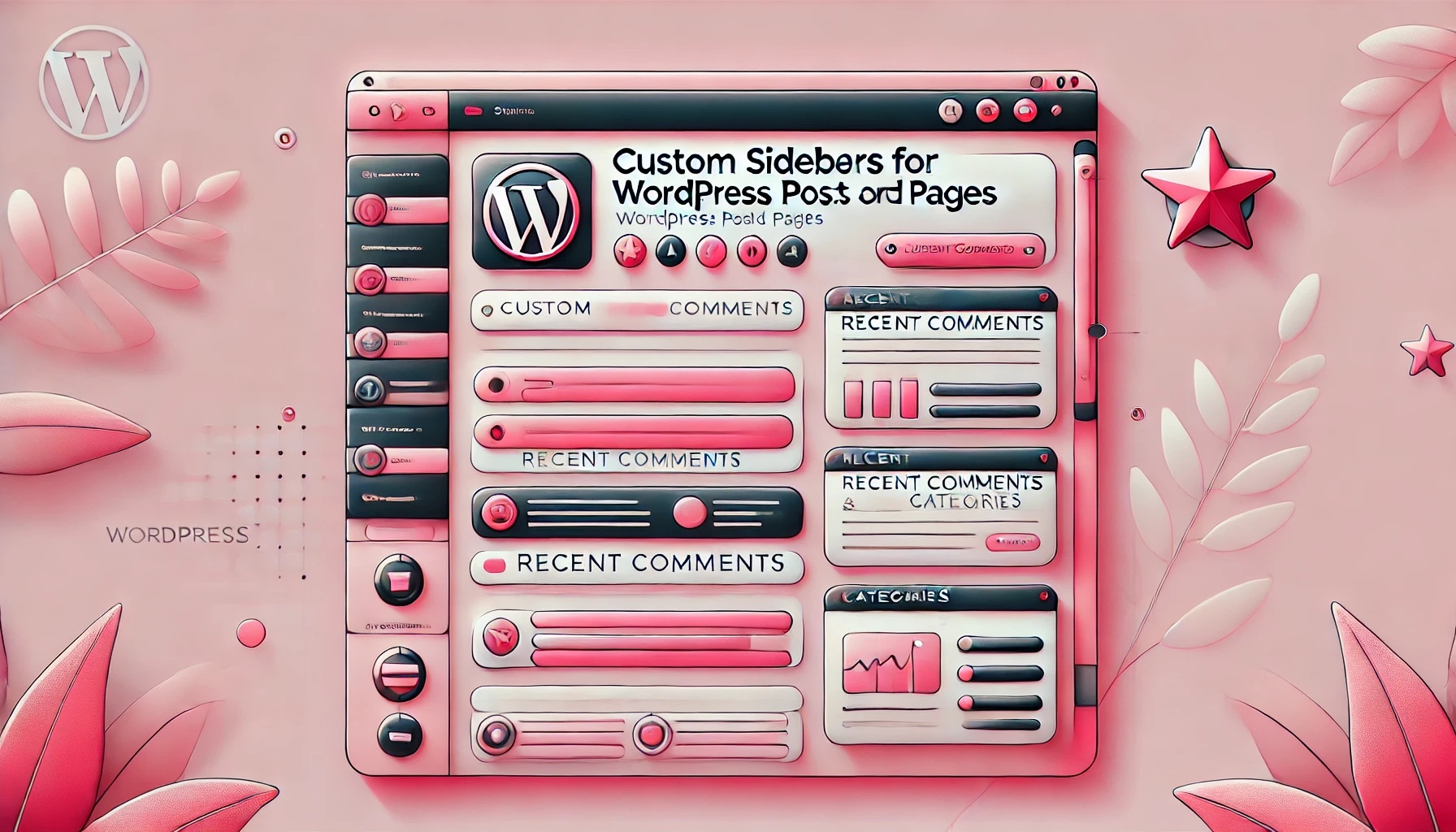
How to Add a Different Sidebar for Each WordPress Page or Post
Adding custom sidebars to different pages or posts in WordPress can help improve the flexibility and user experience of your website. By configuring exclusive sidebars for different types of content, you can display more relevant information such as customized widgets, recommended content, ads, etc...
How to Update WordPress Themes Without Losing Customizations
One of the great things about WordPress is the ease of customization. However, there is a downside, and that is that when updating a theme, there is a high risk of losing some of the customization settings that have been changed. In this tutorial, we'll show how to easily update a WordPress theme without losing customizations. WordPre...
Effective Ways to Solve Common WordPress Form Problems
Forms are an important part of any WordPress website, they help you interact with visitors, collect contact information and increase user engagement. However, forms occasionally have issues that cause problems such as data not being collected properly and notification emails failing to be sent. These issues not only...
WordPress Sidebar Design Tips: Improve Website Visuals and Usability
WordPress sidebars can attract visitors' attention, guide them through content, and more. Our team has been doing WordPress for many years, and we have a lot of experience and insights in WordPress sidebars. Today we share all of them with you, hope it will help you! Why customize...

How to Improve Website Content Organization and SEO with WordPress Taxonomy
WordPress taxonomy is an important feature for organizing and managing website content, it helps webmasters to group and categorize posts to provide readers with a better navigational experience, and also helps search engines to better understand the content of the website, thus optimizing SEO results. In this detailed ...

How to Easily Add Slideshows to WordPress: A Detailed Guide
By adding a slideshow to your WordPress website, you can greatly enhance the visual appeal of your pages and increase user engagement. Slideshows are not only capable of displaying multiple images, but they can also dynamically display different types of content such as products, services, customer testimonials or limited time promotions. ...
How to Optimize Image Loading to Improve WordPress Website Performance
Loading large images can significantly lengthen page load times, which in turn affects the user's browsing experience and can even affect SEO rankings. To optimize image loading, many WordPress users use page builder tools like Elementor. In this article, we'll detail how to optimize the loading of images with El...
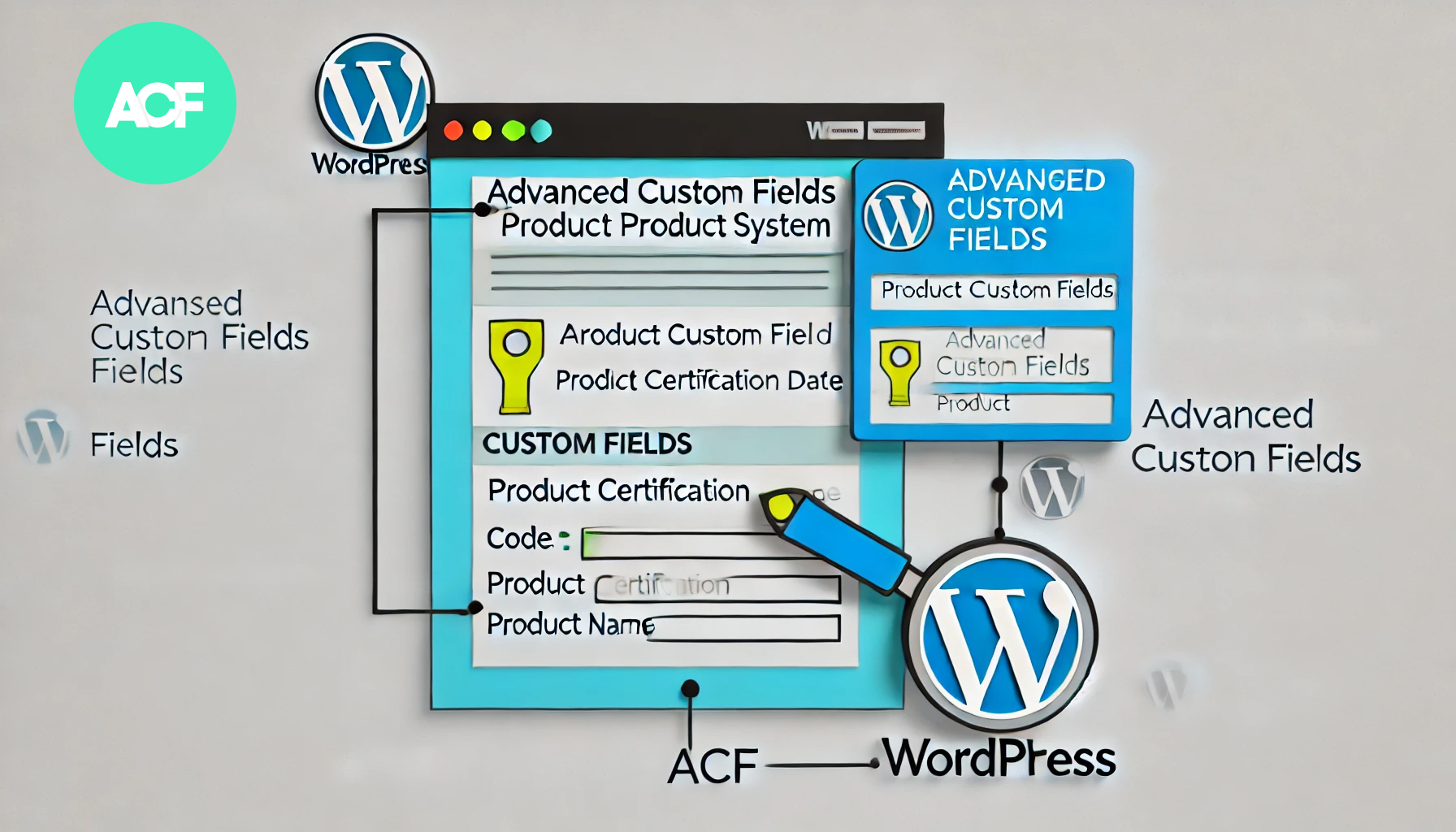
How to Build a Product Authentication Lookup in WordPress Using ACF
In WordPress, using the plugin Advanced Custom Fields (ACF), we can create a user-friendly product authentication query system. This article will detail how to implement this feature using ACF and provide clear step-by-step instructions. Step 1: Install and setup...
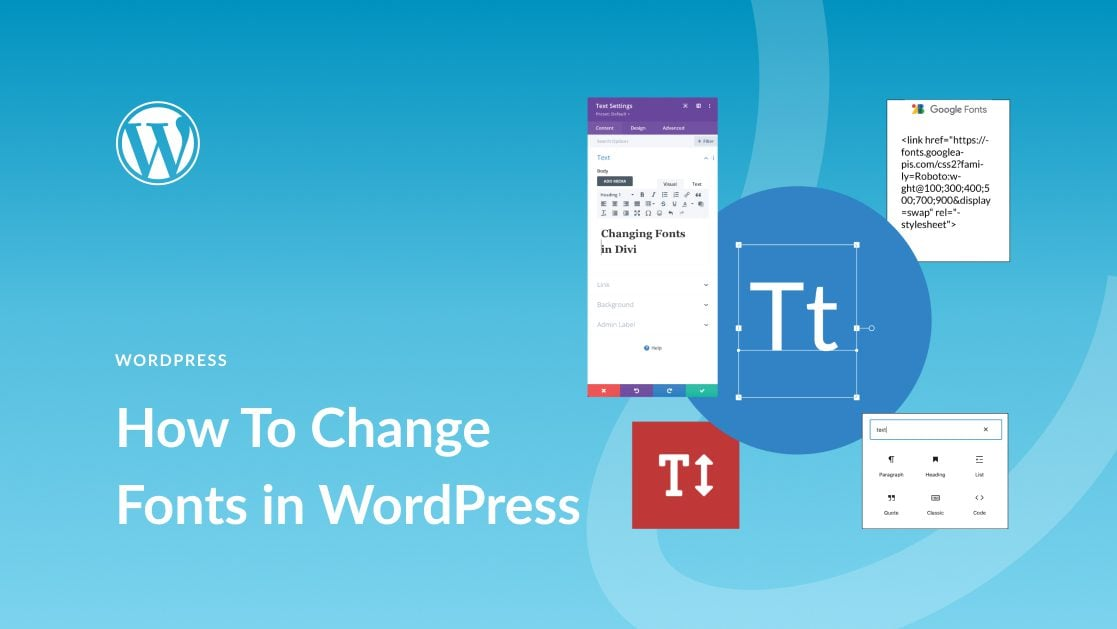
How to Easily Change Fonts in WordPress: 4 Simple Ways
In this post, we'll explore the many ways to change fonts in WordPress, whether you're using a theme, or customizing fonts with a plugin. 1. How to Change Fonts in WordPress (4 Easy Ways) ...

WordPress forgot password how to do? -A few ways to teach you quickly recover the administrator account
Some careless WordPress administrators will forget their WordPress backend login password, and the computer does not save the password locally. Don't worry, there are several ways to teach you to recover it quickly. The easiest way to recover a forgotten password is to change or reset it. How to...
How to Disable WordPress RSS Feeds: Protecting Website Content from Automatic Copying
WordPress RSS feeds provide subscribers with the convenience of quick access to updates, but in some cases, it can also be used by others to automatically fetch and copy your website content. Therefore, disabling RSS feeds is one of the protective measures you can take. What is W...

A Quick Guide to Fixing WordPress "Another Update is Currently in Progress" Errors
When updating a core, plugin, or theme in WordPress, you will sometimes encounter an error message that says "Another update is currently in progress". This prevents you from continuing with the update and leaves your site in an unmodifiable state. This article will detail the cause of this error and provide...
Limit WordPress Users to Multi-Device Logins to Improve Website Security
In some cases, you want to limit the number of user logins on your WordPress site, ensuring that each user can only log in on one device. This method not only improves the security of your website, but also prevents users from sharing login information across multiple devices. This article will detail...
Quick Fix for "Missing Temporary Folder" Error in WordPress: Detailed Tutorial and Solution
In this article, we will take an in-depth look at the "Missing Temporary Folder" error encountered by WordPress and provide you with detailed steps to fix it. With the guidelines in this article, you can easily fix the "Missing Temporary Folder" error and restore WordPress to its normal functionality. What is "Missing ...
How to Optimize admin-ajax.php in WordPress: Reduce Performance Issues Caused by High Usage
The file admin-ajax.php plays a key role in WordPress websites, it is the core file that manages AJAX requests and allows you to implement dynamic features such as real-time notifications, asynchronous form submissions, infinite scrolling, and more without having to refresh the entire page. When admin-ajax.p...
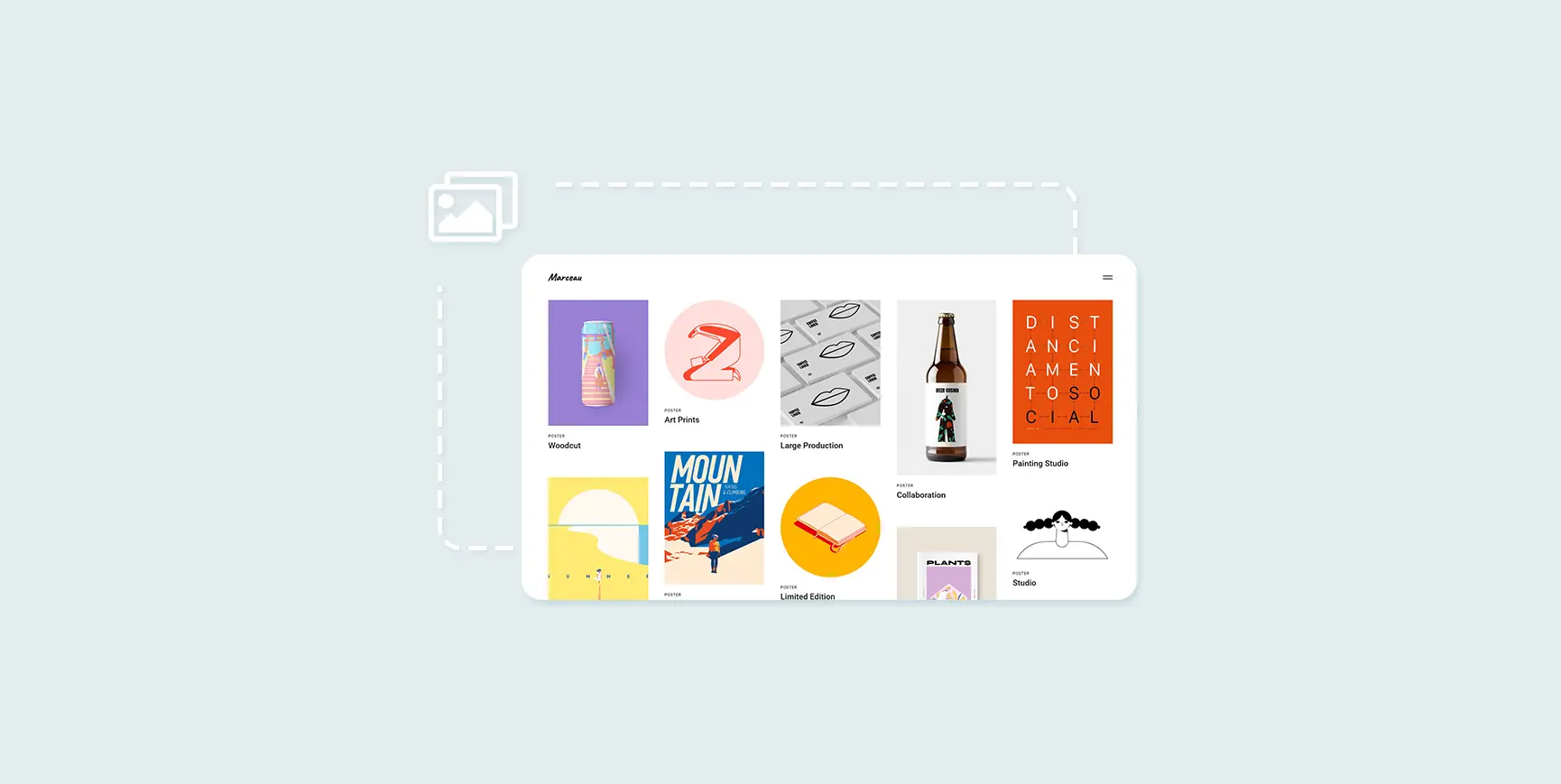
How to Create and Optimize Gallery in WordPress with Gutenberg Gallery Block
Gutenberg Gallery Block is a popular WordPress tool for photographers, artists, bloggers and businesses that makes creating galleries easy, intuitive and requires no coding knowledge. If you want to enhance your website with professional, stylish galleries...

 简体中文
简体中文  English
  日本語
日本語  Français
  Español



