




WP self-taught website builder Page 41
At Photon Academy, we specialize in providing high quality WordPress instruction to help you master every aspect of WordPress from basic to advanced. Our courses are designed to allow students to get hands-on and understand the power of WordPress, whether it's building a personal blog or a business website.
arrange in order

A Complete Guide to Creating Custom URL Links in WordPress
Would you like to have unique link addresses for posts, pages or other types of content in WordPress? Not long ago, a WordPress newbie asked us a question: is it possible to customize the link structure of a post or page in WordPress? In this post...

WordPress Website Publishing Guide: How to Publish Products, Videos, Cases and Downloads
Once a B2B business buys a domain name and server, the next steps are to install WordPress and enable templates so that the first phase is essentially complete. The task that immediately follows is to organize and publish content, including articles, products, videos, case studies and downloadable materials. These within...

WordPress foreign trade website settings: how to block mainland IP access
If your website is primarily geared towards certain specific countries or regions with little or no access from elsewhere, you may have noticed that there are sometimes unexpected spikes in traffic that strain server resources and disrupt the operation of your website. Often, this unusual traffic comes from hackers or automated machines...

How to move the WordPress admin bar to the footer: a detailed tutorial
WordPress by default displays the admin bar at the top of the screen, and this bar helps you quickly access WordPress backend functions. However, some users may find the location of the admin bar a bit obtrusive and want to move it, especially to change its appearance and location. In this tutorial, through WP...
How to delete unused WordPress media: detailed tutorial
Deleting media files that are no longer in use is an effective solution during the operation of a WordPress website when the host's disk space starts to fill up but we don't intend to upgrade the hosting package for the time being. In this article, we will explain how to delete unused WordPress manually or through a plugin...

How to add WhatsApp button in WordPress: detailed tutorial
Before adding a WhatsApp button, you need to first determine whether the function of this button is to display WhatsApp contact information only or to provide a live chat service. This distinction is important because it will directly affect your website performance and user experience. Live Chat vs.

Beginner's Guide: Building Your Website for Free with WordPress
WordPress can provide you with all the tools you need to help you build and manage your website with ease. Whether you want to create a blog, showcase a portfolio, or open an online store, WordPress has your back, and most of its features are free. The first ...
How to Disable WordPress RSS Feeds: Protecting Website Content from Automatic Copying
WordPress RSS feeds provide subscribers with the convenience of quick access to updates, but in some cases, it can also be used by others to automatically fetch and copy your website content. Therefore, disabling RSS feeds is one of the protective measures you can take. What is W...

How to block specific IP addresses in WordPress: a detailed guide
Want to block certain specific IP addresses from accessing your WordPress site? Using a method of blocking IP addresses can help you avoid spam and hacking attacks on your website. This article will guide you on how to set up blocking specific IP addresses in WordPress and teach you how to determine which IP locations...

Three ways to teach you to install WordPress themes
One of the great things about WordPress compared to other content management systems (CMS) is that it allows you to change themes easily, making it simple to customize the look of your website without having to write code. So how do you install a WordPress theme for your website? In this article, we'll cover a few common installation methods...
Recommended Best Code Optimization Plugins for WordPress in 2024
If you're looking for the best way to optimize your WordPress site, you're probably already familiar with some common techniques such as caching, image optimization, and using a CDN to speed up site loading. In addition to these traditional methods, there's a key component to code optimization...
How to create a WordPress lightbox without a plugin: a detailed tutorial
WordPress has been able to create lightbox effects without relying on third-party plugins since version 6.5. This feature has been integrated into the WordPress core, especially for those who use the WordPress block editor (Gutenberg). Therefore, adding images and enabling lightbox effects for them is now...

WordPress website to add Baidu statistics of the hands-on teaching
Web developers and digital marketing experts know that it is important to use analytics tools to monitor their websites, which helps them to improve their website performance. While Google Analytics is known and commonly used, for websites operating in China, adding Baidu points...
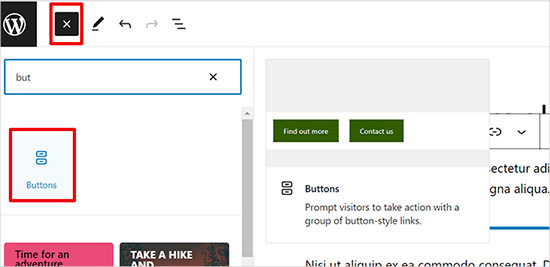
How to Add Buttons in WordPress without Code
Adding buttons to WordPress posts and pages WordPress has a built-in button block that makes adding buttons relatively simple. This is a feature of the Gutenberg WordPress block editor. Let's take a look at some of the ways to do this! Use the default editor in WordP...

How to Add Images Correctly to a WordPress Website
The Importance of Uploading Images Correctly in WordPress Sometimes, users copy images directly and paste them into their website content. This can lead to issues such as slow page speed, poor user experience and poor SEO. When adding images to a WordPress website, it's important to do it correctly...
How to Easily Sort Posts in WordPress with Drag and Drop Features and Plugins
By default, posts are displayed in Wordpress in chronological order from newest to oldest. Sometimes we may want to reorder them, such as putting important announcements, promotions, or the latest blog posts at the top of the home page. If you want to reorder posts in WordPress...
Detailed Guide: How to Customize and Reorder WordPress Admin Menu via Plugin or Code
When we work with WordPress websites, the backend admin menu is an important part of an administrator's daily operations. However, the default admin menu may not fully meet everyone's needs. In this article, we will detail two methods: using a plugin and manually reordering through code...
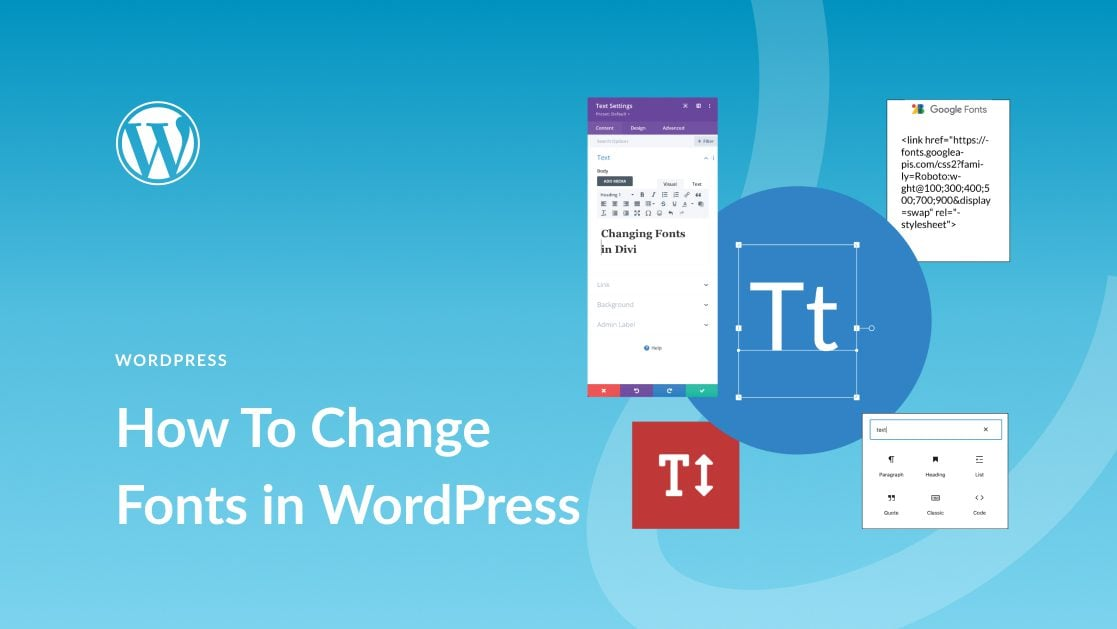
How to Easily Change Fonts in WordPress: 4 Simple Ways
In this post, we'll explore the many ways to change fonts in WordPress, whether you're using a theme, or customizing fonts with a plugin. 1. How to Change Fonts in WordPress (4 Easy Ways) ...
How to Quickly Fix Invalid JSON Response Errors in WordPress
Before we get into what causes the Invalid JSON Response error in WordPress, let's first understand what triggers this error. The error message usually pops up when you're working in the WordPress block editor, and when you try to add media files directly to the block...

WordPress forgot password how to do? -A few ways to teach you quickly recover the administrator account
Some careless WordPress administrators will forget their WordPress backend login password, and the computer does not save the password locally. Don't worry, there are several ways to teach you to recover it quickly. The easiest way to recover a forgotten password is to change or reset it. How to...

How to Add Google Analytics to a WordPress Website with Google Site Kit: A Simple Guide
If you're running a website, you probably use Google services for data analysis, performance monitoring, and more. Managing these services can be a bit complicated, but now there's a plugin called Site Kit for WordPress that makes it easy. Through...

How to Fix WordPress Theme Activation Anomaly Issues
WordPress themes are licensed for use through activation, a process that is automated and usually something you can easily do yourself. However, if you encounter the problem of abnormal theme activation, what should you do? 1, local (intranet) test can not be activated Some customers like to first in their own computer...

How to use Rank Math breadcrumb feature to display all category levels
Rank Math is a powerful WordPress SEO plugin with breadcrumbs to help users understand where they are in the site and improve the user experience. Especially for WordPress websites with multiple category levels, enabling Rank Math breadcrumbs and displaying...

An Easy Guide to Adding Social Media Icons to Your WordPress Site
Adding social media icons to your website is important because it helps visitors easily find and follow you on their usual social platforms. If your website doesn't have these icons, such as in the footer or header, visitors may not be able to find them, which is like you're not providing a way...

WordPress Beginner's Guide: How to Create a Blog Post
If you have a WordPress site but haven't started blogging with it yet, you may be missing out on some benefits. In fact, companies with blogs get 67% more leads than companies without blogs, and blogging can also dramatically improve a site's SEO performance. The good news is that in WordPress...
Why should we always use the latest version of WordPress for our WordPress website?
Hello everyone! Today there is no tutorial, but mainly an answer to one of the most frequently asked questions by our readers in our community. The question is "Why should we always use the latest version of WordPress for our WordPress website? Why should we update WordPress WordPress is free,...

How to Paste a Code Snippet from a Web Page into WordPress for Newbies
Hello everyone! Today's tutorial focuses on teaching you how to safely paste various custom code snippets into WordPress. Below is mainly to share some of our team's experience in pasting custom code snippets. The best way to add code snippets to WordPress is...

WordPress Website Tutorial: Adding an Efficient Inquiry Button (CTA)
Many B2B websites set specific goals, such as wanting people to inquire about a product or sign up for an email list. In order to achieve these goals, you need to encourage visitors to take action, which requires adding an inquiry button to WordPress. Call-to-action terms (CTAs) are website...

WordPress Tutorial: Steps to Add MP3 Audio Files to Your Website
Audio files are often used on blogs. Common audio formats include MP3, M4A, OGG, and WAV. 1 Adding Audio Blocks To add audio to your post, simply click the plus (+) icon in the top left corner of the editor. Once clicked, a menu will appear to select different blocks of content...
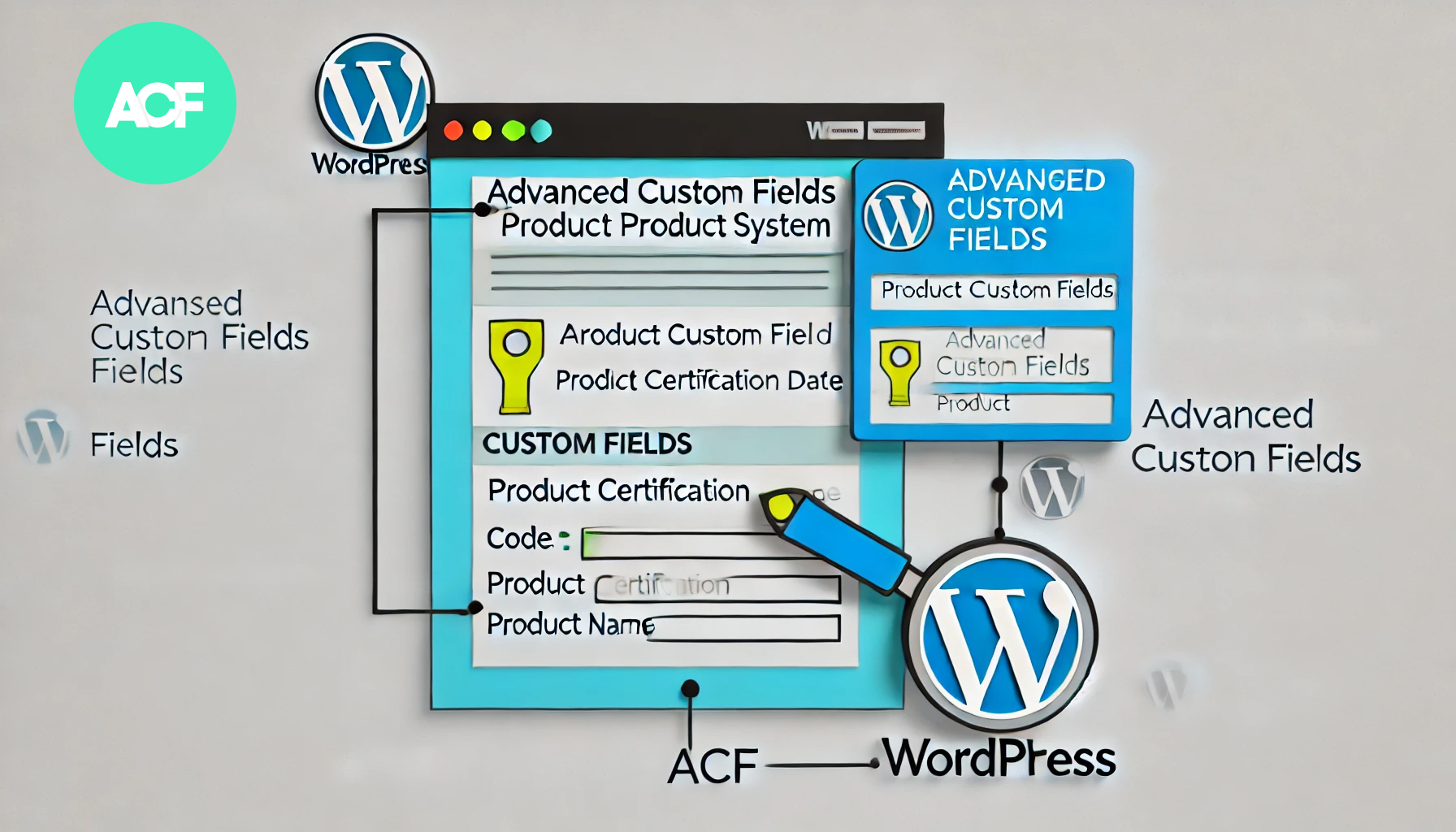
How to Build a Product Authentication Lookup in WordPress Using ACF
In WordPress, using the plugin Advanced Custom Fields (ACF), we can create a user-friendly product authentication query system. This article will detail how to implement this feature using ACF and provide clear step-by-step instructions. Step 1: Install and setup...

 简体中文
简体中文  English
  日本語
日本語  Français
  Español



