




WP self-taught website builder Page 43
At Photon Academy, we specialize in providing high quality WordPress instruction to help you master every aspect of WordPress from basic to advanced. Our courses are designed to allow students to get hands-on and understand the power of WordPress, whether it's building a personal blog or a business website.
arrange in order

How to Create a Multilingual WordPress Website with TranslatePress (01)
TranslatePress is one of the best WordPress translation plugins on the market. Usually, multi-language plugins will require creating multiple versions of the same post in order to translate it.TranslatePress can create translations at the same time. It can also use a live editor to translate all of the site's...
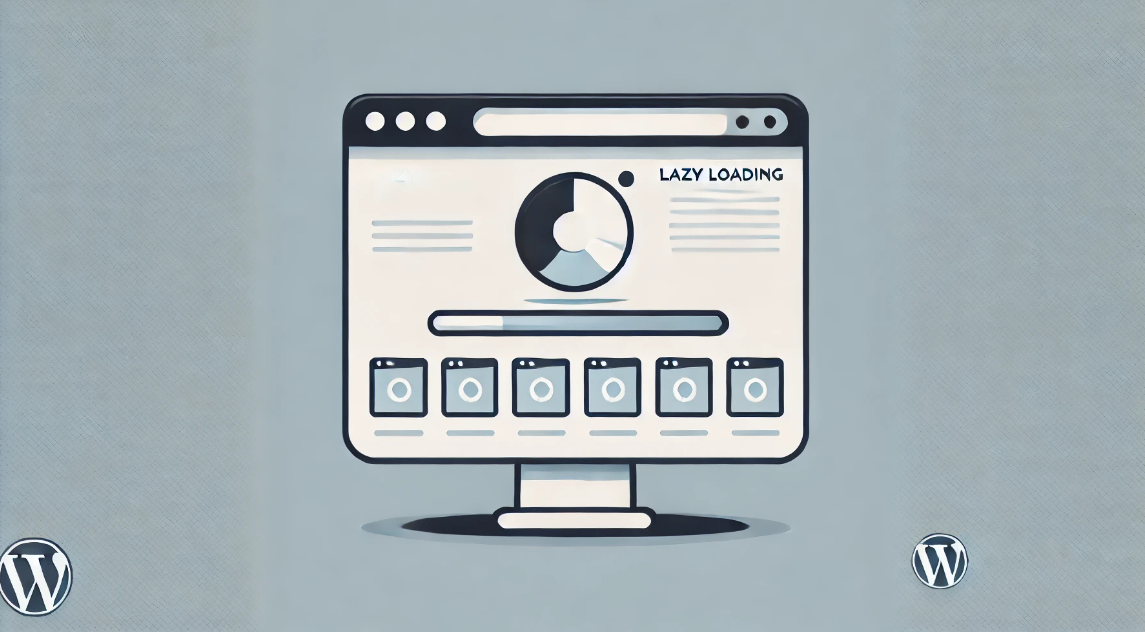
How to Optimize Image Loading to Improve WordPress Website Performance
Loading large images can significantly lengthen page load times, which in turn affects the user's browsing experience and can even affect SEO rankings. To optimize image loading, many WordPress users use page builder tools like Elementor. In this article, we'll detail how to optimize the loading of images with El...

Visual Slideshow Design with WPBakery Page Builder
WPBakery Page Builder is a powerful visual editor that allows you to easily design and customize slideshows. This tutorial will guide you how to implement a visual slideshow design using WPBakery Page Builder. 1. Install WPBakery Page Builder First...

Advanced Tip: Creating Full Screen Slideshows and Content Overlays in WordPress
In WordPress, full-screen slideshows can not only dramatically improve the visual appeal of a website, but also enhance the user interaction experience. Combined with content overlay technology, it can further improve the display effect and provide visitors with more information or interactive opportunities. This article will detail how to use E...

What are the common WordPress plugins used for e-commerce websites?
Many of our partners who want to do e-commerce do not know which plugins they need to install when building a website with WordPress. Have left messages in our community and article comment section, hoping to recommend some WordPress plug-ins. I have organized some below, we do our own online retail website commonly used...

How to Effectively Disable Comments in WordPress
Why disable WordPress comments? 1. Spam Spam usually refers to information that we don't need, and some people will send this type of information on purpose, which not only bothers the recipients, but may also cause them harm. Spam also affects a website's search citation in...

Mastering WordPress Hooks : A Comprehensive Guide to Customizing and Enhancing Your Site
What are WordPress hooks? WordPress "hooks" give you the flexibility to add or change functionality to your website without changing the core code. Hooks are like special interfaces that are installed at key points in the program, allowing you to insert your own code or modify existing...
How to set up a multilingual plugin in your WordPress website to enhance international user experience
In today's era of globalization, having a multilingual website is crucial for multinational companies or businesses that want to expand internationally. By making your website multilingual, you can better serve users from different regions, improve the user experience and increase your business reach...
How to Enable Breadcrumb Navigation on a WordPress Website: A Detailed Guide
Breadcrumb navigation is often presented in the form of 'Home > Category > Products', providing users with a hierarchical path through the pages. It is especially helpful for e-commerce sites, blogs and content-intensive websites. In this article, we will detail how to WordPress website...

How to Change WordPress Administrator Password
Why You Need to Reset Your WordPress Password For security reasons, changing your password is something that must be done on a regular basis, especially if you use the same password on multiple platforms. Updating your passwords on a regular basis reduces security risks. In addition to these security considerations, there are several other...

Enhance WordPress CTA Button Interactive Animations to Increase Conversions Quickly
The CTA (Call-to-Action) button is a crucial element in the process of optimizing your website for conversions. It directs the visitor to take an action, such as signing up, making a purchase, or subscribing. Adding the right interactive animation can greatly increase the user's click-through rate. In this article, we will give you...

How to Change Your WordPress Username: A Detailed Guide to Three Effective Methods
Reasons to change your WordPress username? For security reasons, using generic WordPress usernames like "admin" can put your site at risk because they are easy to guess and likely to be hacked and attacked. However, it may also want to...

What does rel="noopener" mean in WordPress?
rel='noopener' is an HTML attribute that is used when you add a link in WordPress and want it to open in a new browser tab. It is also usually used in conjunction with the rel='noreferrer' attribute.WordPress introduced these two features mainly...

Three Efficient Ways to Utilize WebP Images in WordPress
WebP is an innovative image file format designed for the web. With the WebP format, image file size can be reduced by 25-34%, which is a significant optimization compared to traditional PNG and JPEG formats without sacrificing image quality.WebP images not only help to accelerate Wor...

WordPress poster auto-generation function: one click to generate image sharing with QR code
In order to help many blog type personal websites or official websites to share their contents more conveniently, a simple and efficient one-click poster generation function has been designed. With this feature, you can easily generate image sharing posters with QR codes to make your content easier to spread and promote. One click ...

5 Best WordPress Caching Plugins to Speed Up Your Website
Caching is like taking a snapshot of your WordPress website and saving it on the server. This way, when a user revisits your site, the server can quickly display this snapshot without having to reload the entire site each time. There are many WordPress caching on the market...

WordPress bind multiple domain name tutorial, so that multiple domain names can access the same WordPress site
Tutorial ideas: the need to bind the domain name, we first set up a new website in Pagoda, and then let the site use the WordPress program files, and finally add the corresponding code in the program files to achieve the effect of multiple domain names to access the same site. Description: The following example: w...

How to Change WordPress User IDs
In the process of using WordPress, some users are deleted, ID is empty, then want to register behind the user, use these unoccupied ID, how do we go to modify it? Then this article, will introduce the following if the modification of WordPress user ID. Just funtio...

WordPress not logged in users (visitors) only show a picture in the post Used to guide the user to sign up
There are times when we publish a file and add multiple images, but how do we make it so that unlogged in users (visitors) can only see one image? After the user logs in, he can see all the pictures in the article. Then this article introduces the following, modify the file code to achieve this effect, so that you can guide...
How to Improve Website Content Organization and SEO with WordPress Taxonomy
WordPress taxonomy is an important feature for organizing and managing website content, it helps webmasters to group and categorize posts to provide readers with a better navigational experience, and also helps search engines to better understand the content of the website, thus optimizing SEO results. In this detailed ...

Creating Floating Contact Forms in WordPress with UserFeedback
Want to create a simple floating contact form with direct customization options in your WordPress website, then using a plugin is better for WordPress newbies. UserFeedback is a WordPress plugin that creates customized feedback forms, floating contact forms, and popup tunes...

Shopify and WordPress Integration Guide: Enabling Online Sales on Your WordPress Website
Shopify and WordPress are two powerful tools; Shopify is a best-in-class online sales platform and WordPress is the world's most popular website content management system. In this article, I'm going to dive into how to integrate Shopify with WordPress so that you...
How to Create a WordPress Child Theme (Beginner's Guide)
Child themes are WordPress themes that inherit functionality from other WordPress themes. Many administrators create child themes for their current theme so they can safely customize their site design without losing pre-update settings when the theme is updated. How do child themes work? To ...

7 Most Popular WordPress Anti-Spam Plugins for 2024
Many readers in our community are responding that spam is too much of a headache. They have left comments to see if there are any good anti-spam plugins, and would like to recommend a few. I have compiled a few popular anti-spam plug-ins below, some of which we ourselves are using, you can choose...
WordPress Forms Troubleshooting Tips
Overview of WordPress Form Errors Forms build email lists, create secure user registrations, collect user feedback, and more. If forms don't work, you may lose potential customers and impact your site's SEO. Before we get to the troubleshooting tips, it's important to understand the common Word...

How to Fix "Briefly Unavailable for Scheduled Maintenance" Error in WordPress and Preventive Measures
When WordPress updates its core, themes, or plugins, the site automatically enters maintenance mode. During this process, WordPress creates a file called .maintenance that alerts visitors that the site is being updated. Normally, this mode ends quickly, through...
Effective Ways to Solve Common WordPress Form Problems
Forms are an important part of any WordPress website, they help you interact with visitors, collect contact information and increase user engagement. However, forms occasionally have issues that cause problems such as data not being collected properly and notification emails failing to be sent. These issues not only...
WordPress Sidebar Design Tips: Improve Website Visuals and Usability
WordPress sidebars can attract visitors' attention, guide them through content, and more. Our team has been doing WordPress for many years, and we have a lot of experience and insights in WordPress sidebars. Today we share all of them with you, hope it will help you! Why customize...

How do I change the sidebar in WordPress?
When to Change the Default Sidebar in WordPress A sidebar is a column on a WordPress website, usually located to the left or right of the main content area. In classic WordPress themes, this sidebar is essentially a widget area in which wor...

6 Best WordPress Image Optimization Plugins for 2024
Take a look at the top 6 WordPress image optimization plugins for faster website speed and better SEO in 2024 through real-world testing.Most of us know that website performance is critical to ranking on search engines. It's common sense, but many website owners still...

 简体中文
简体中文  English
  日本語
日本語  Français
  Español



