




WP self-taught website builder Page 44
At Photon Academy, we specialize in providing high quality WordPress instruction to help you master every aspect of WordPress from basic to advanced. Our courses are designed to allow students to get hands-on and understand the power of WordPress, whether it's building a personal blog or a business website.
arrange in order
How to Create WordPress Subblock Themes Using Plugins
The case we used inside the previous post was a classic theme, this tutorial uses a block theme to create it. If using a block theme, then WordPress provides an easy way to create a child theme using the Create Block Theme plugin. First, you need to install and activate WordPre...
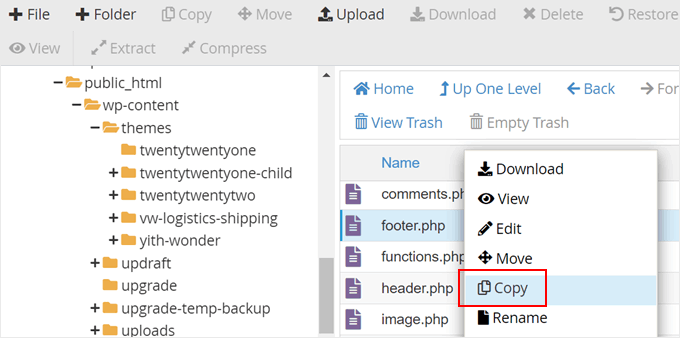
How to Edit and Optimize WordPress Child Theme Template Files and Features (Detailed Tutorial)
Our tutorial in this installment is still about child themes. We talked earlier about how to create a child theme. Now, let's see how to edit the template files of a child theme, how to add new features to a child theme and how to fix some WordPress child theme issues. How to edit a child theme's...

How to Automatically Watermark Images in WordPress
Why add watermarks to images in WordPress? Watermarks are semi-transparent logos, text, or patterns that cover an image. Watermarks are designed to be obvious but subtle so that users are not disturbed when viewing photos, but cannot download and use the files without purchasing...

Common WordPress Gutenberg Editor Issues and Their Solutions
WordPress replaced the old classic editor with a new content editor called Gutenberg in 2019. This editor uses blocks to create content in WordPress, so it's often called the "block editor". What is the WordPress Block Editor? WordPress...
How to Add a Different Sidebar for Each WordPress Page or Post
Adding custom sidebars to different pages or posts in WordPress can help improve the flexibility and user experience of your website. By configuring exclusive sidebars for different types of content, you can display more relevant information such as customized widgets, recommended content, ads, etc...
How to Update WordPress Themes Without Losing Customizations
One of the great things about WordPress is the ease of customization. However, there is a downside, and that is that when updating a theme, there is a high risk of losing some of the customization settings that have been changed. In this tutorial, we'll show how to easily update a WordPress theme without losing customizations. WordPre...

Pagoda Panel WordPress Blog Blocking Mainland IPs
This guide details how to block mainland China IPs using Nginx and Pagoda Panel to secure cross-border e-commerce websites and comply with regional website access policies. Learn how to set up IP blacklists, customize HTTP response status codes (e.g. 403 Forbidden) to prevent unwanted regional...
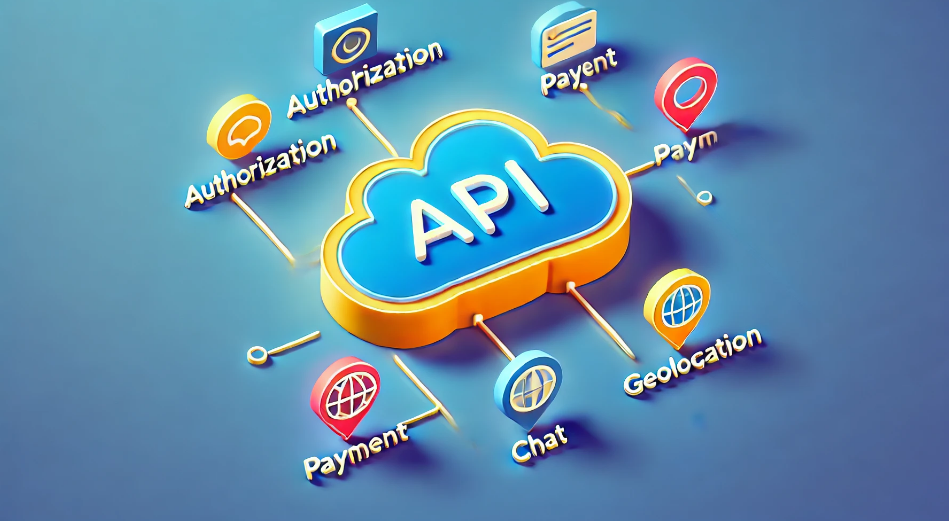
Seamless Third-Party API Integration: A Detailed Guide to Enhancing the Functionality of Your WordPress Website
A third-party API (Application Programming Interface) is a set of protocols, routines, and tools provided by external services or platforms that enable your WordPress website to interact with these external systems. This functionality allows a website to access and utilize the functionality or data of an external service without...

WordPress Security Tip: Adding Google Authenticator Two-Step Verification
Relying on passwords alone to protect your website is hard enough to keep out hackers and those unauthorized users. But the good news is that if you use Google Authenticator's two-step verification feature, you can add an extra layer of shielding to make your website more secure...
2024: Which should I choose, Shopify or WordPress to build my website?
Hello everyone! A lot of friends have left comments about wanting to start building their own independent website. Many friends around me say that Shopify and WordPress are better. However, I am not familiar with these two platforms. So, in today's article, I will start from Shopify and WordPress descriptive features...
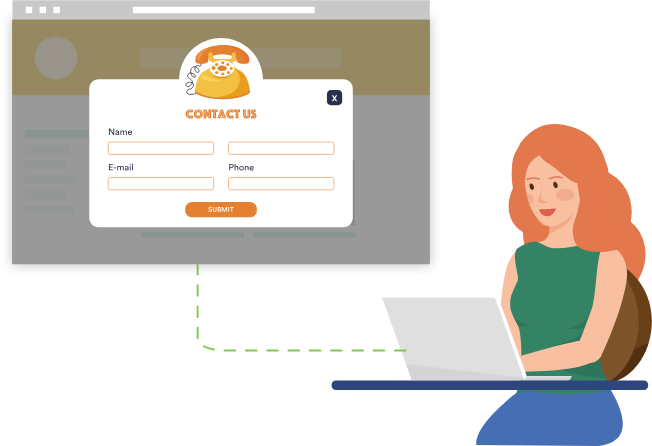
How to Add a Popup Form in WordPress
Popup forms are effective in grabbing users' attention and directing them to perform specific actions, such as signing up for a newsletter or completing a purchase, by displaying a popup window at the right time and place. In this detailed tutorial, we will guide you step-by-step on how to use WordPres...
How do I clear the cache in WordPress?
Recently, I received a private message from a reader. He is just learning WordPress and asked us how to clear the cache in WordPress. All, today a tutorial dedicated to talk about "how to clear the cache in WordPress". What is the WordPress cache?...

How to install and setup WP Super Cache for newbies?
A website that can be accessed quickly allows for an enhanced customer experience. It also facilitates SEO and improves the ranking of the website, Google search engine now makes the website speed as an important ranking factor. WP Super Cache is a popular plugin that...

How to Fix Facebook and Instagram oEmbed Issues in WordPress
The default oEmbed or Embed block in WordPress doesn't work anymore. If this block was previously used to add Facebook or Instagram content to WordPress, it may cause errors and missing content on your WordPress site. Don't worry, we will...

WordPress Accelerated Website Images to webp format
Many times, our WordPress open speed is very slow, is due to too many pictures in the web page, the server's bandwidth itself is not enough to cause this situation, and then a check, the web page in the picture is too big, each picture is a large hundreds of K, or even 1-2M, open the web page to the site to load this...
Enhancing WordPress Security: A Guide to Changing Database Table Prefixes
By default, WordPress assigns a prefix to all tables in the database during installation: wp_. While this may seem like a small, inconsequential detail, this default prefix may actually make your site more vulnerable to attacks. In this article, we'll dive into...
Customizing the WordPress Admin Dashboard: a comprehensive guide to enhancing the website management experience
In order to improve administrative efficiency and user experience, it is important to customize your WordPress admin dashboard. By hiding unnecessary items, adjusting the admin screen layout, and optimizing the color scheme, you can create a more organized and efficient workspace. This guide will detail how to customize...
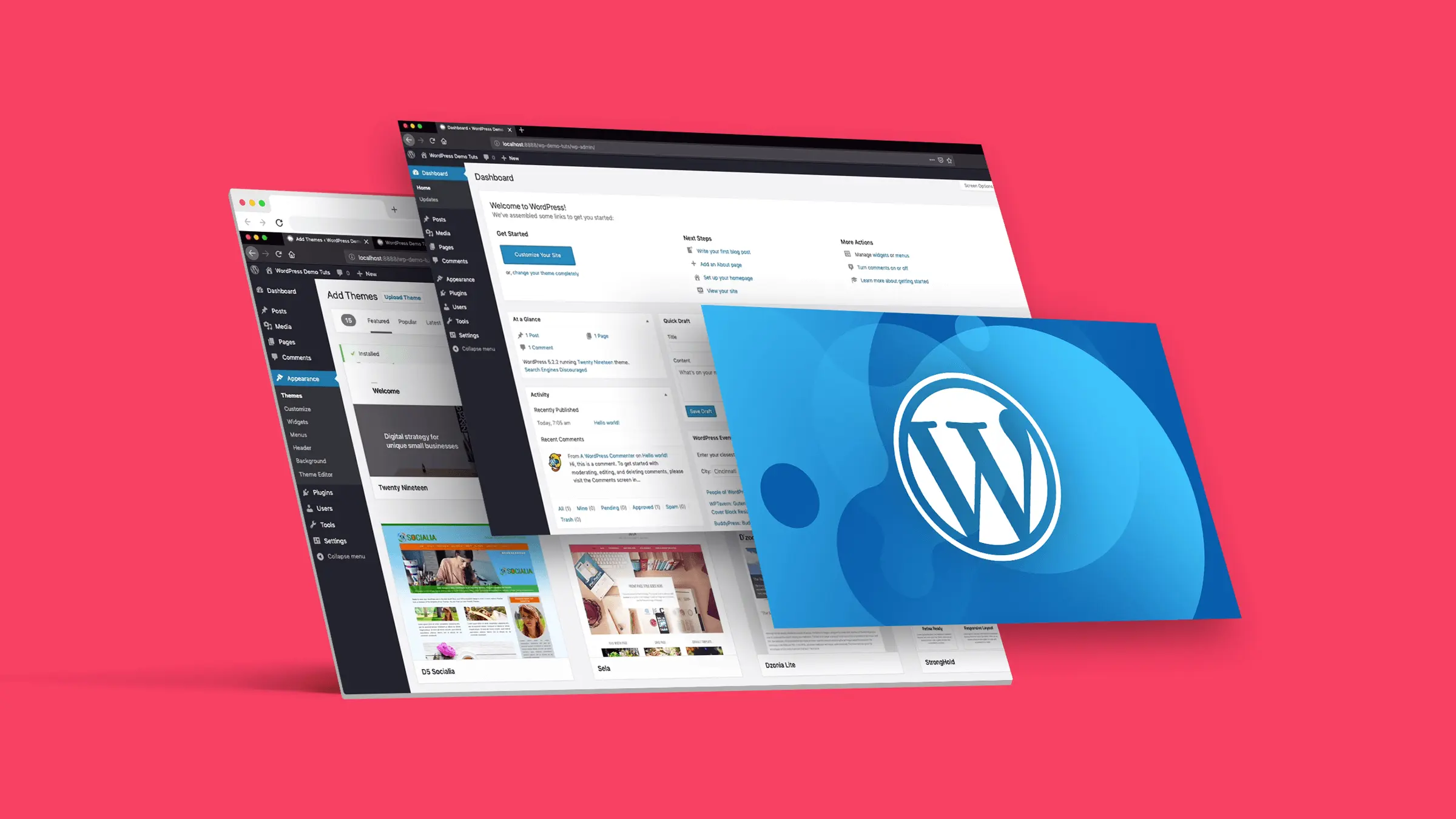
How to Customize the Background Color of WordPress Block Editor (Gutenberg)
Want to change the Gutenberg editor background color in WordPress to match the site branding colors and showcase the site culture. Detailed tutorial today it's here! Why should I change the background color of the block editor in WordPress? Want to change the background color of...

How do I customize the colors of my WordPress website?
What are WordPress themes? Can I change the theme colors? WordPress themes control the appearance of a website and the visual experience users have while using it. A typical WordPress theme is a set of pre-designed templates that can be installed on a website to change its...
How to Add Title Attribute to WordPress Navigation Menu
In website design, the navigation menu is one of the main ways for users to interact with the website. To enhance the user experience, we can provide users with more background information about the menu items by adding a title attribute to the WordPress navigation menu. This not only helps users to better ge...
Best WordPress CRM Plugin Recommendations and Reviews: essential tools to enhance customer management and business growth
Customer Relationship Management (CRM) Whether it's following up on leads, increasing sales, and managing interactions with customers, WordPress CRM plugins can help you streamline these tasks. In this article, we dive into 8 recommended WordPress CRM plugins to help you optimize customer...
How to Fix "The Link You Followed is Expired" Error in WordPress
What causes the "The link you follow has expired" error? When trying to upload a WordPress theme or plugin that is larger than the file size limit set by the server WordPress is running on, it is common to get a "The link you follow is outdated" error. The message is shown below...
4 Ways to Add WordPress Anchor Links to Improve User Experience and SEO
Anchor links are very useful in web design. Not only do they help users quickly navigate to specific parts of a page, but they can also enhance the overall user experience and even have a positive impact on SEO. With anchor links, visitors can be directed to jump from one part of the page to another...

How to Check and Fix WordPress Plugin Conflicts: A Beginner's Guide
After so many years of doing WordPress, we've encountered a lot of errors, many of which are due to plugin conflicts. Plugin conflicts can cause all sorts of problems with a website, from minor issues to complete crashes are common. Today's tutorial on how to check for WordPress plugin conflicts,...
How to Easily Add Custom Code in WordPress Without Breaking Your Site
In WordPress web development, custom code is an important tool for enhancing functionality and optimizing site performance. However, many WordPress users feel uneasy about directly modifying their theme's functions.php file or creating site-specific plugins because even a small mistake...
How to Disable JSON REST API in WordPress for Better Security
The advent of the JSON REST API in Wordpress has provided developers with more functionality to easily interact with website data through the API. This is undoubtedly a powerful tool for developers, but for some website owners, it may bring no...

How to Implement Advanced Design Features in Gutenberg with Elementor Blocks
Gutenberg is a block editor for WordPress that allows users to create and edit content in the form of blocks. In order to allow users to utilize the power of Elementor in Gutenberg, Elementor has developed a program called 'Elementor Blocks for Gutenberg'...

WordPress directory generated temp-write-test * and other 0 byte file solution
Suddenly found WordPress wp-content directory generated a lot of temp-write-test* 0 byte file, although 0 bytes do not take up hard disk capacity, but the number is too large, sometimes up to hundreds of thousands of files, very much affecting the operation of the site, this article will describe how to prohibit the generation of this ...

How to Create Professional Coming Soon and Maintenance Pages with WordPress Plugins
What is a WordPress Coming Soon page? A WordPress Coming Soon page ("Coming Soon" page) is a page that is displayed when a website is not yet fully built or is undergoing maintenance. Such a page serves several main purposes: Informational notification: to inform visitors...

How to Change WordPress Link Settings (4 Easy Ways)
WordPress addresses and website addresses (or URLs) are very important for websites. They are like your website's door number on the web, telling us how to find your website files and admin pages. Want to change your WordPress URL; for example, if you change to a new domain name, want to put...

 简体中文
简体中文  English
  日本語
日本語  Français
  Español



