




WP self-taught website builder Page 9
At Photon Academy, we specialize in providing high quality WordPress instruction to help you master every aspect of WordPress from basic to advanced. Our courses are designed to allow students to get hands-on and understand the power of WordPress, whether it's building a personal blog or a business website.
arrange in order
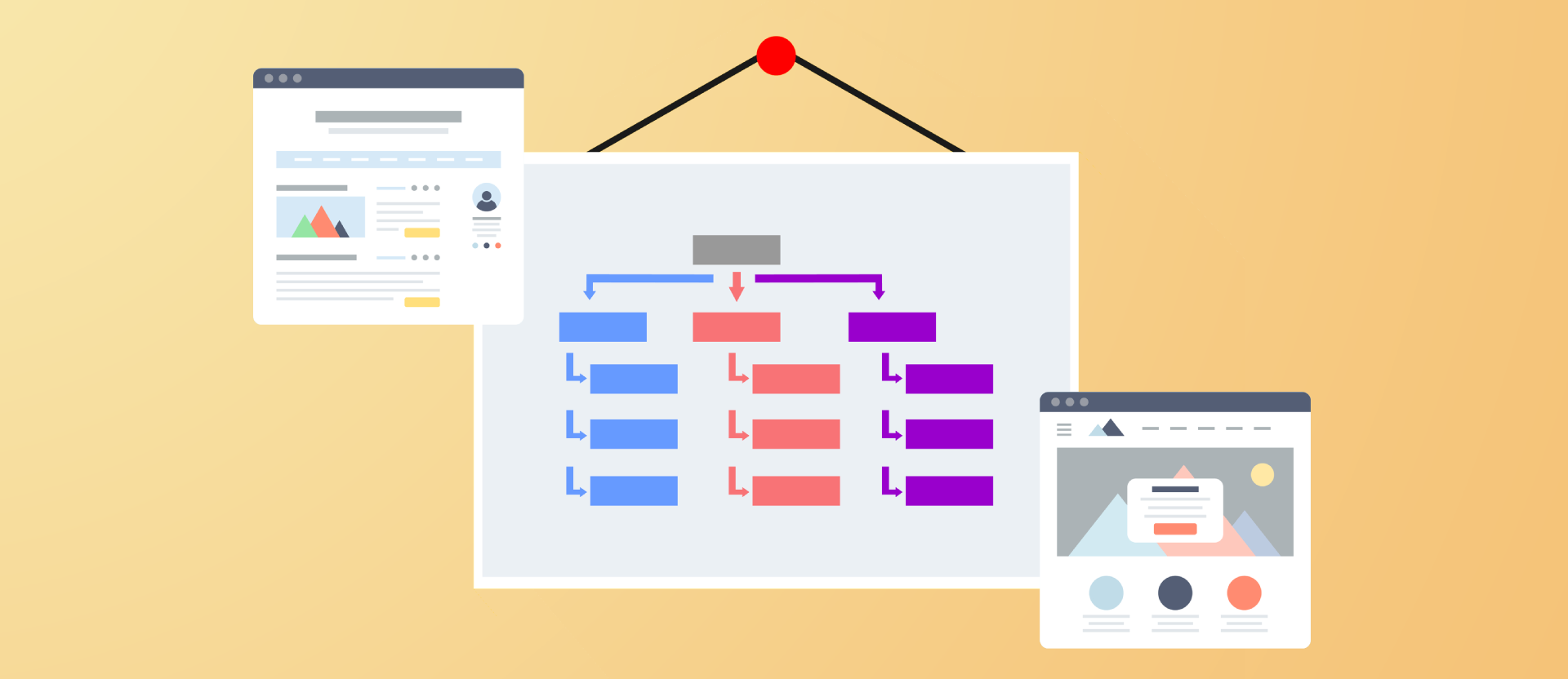
Improving Crawl Efficiency Across the Board: A Guide to Configuring WordPress XML Sitemaps
Comprehensively introduce how to generate, configure and submit XML sitemaps for WordPress websites, improve crawling efficiency and indexing performance, and adapt Rank Math and Yoast SEO.

What is the difference between Error 521 and Error 520, 522? In a single article
Comprehensively analyze the difference between Error 521, 520 and 522, bring you to understand the common causes and the direction of troubleshooting, and quickly locate and fix website problems.
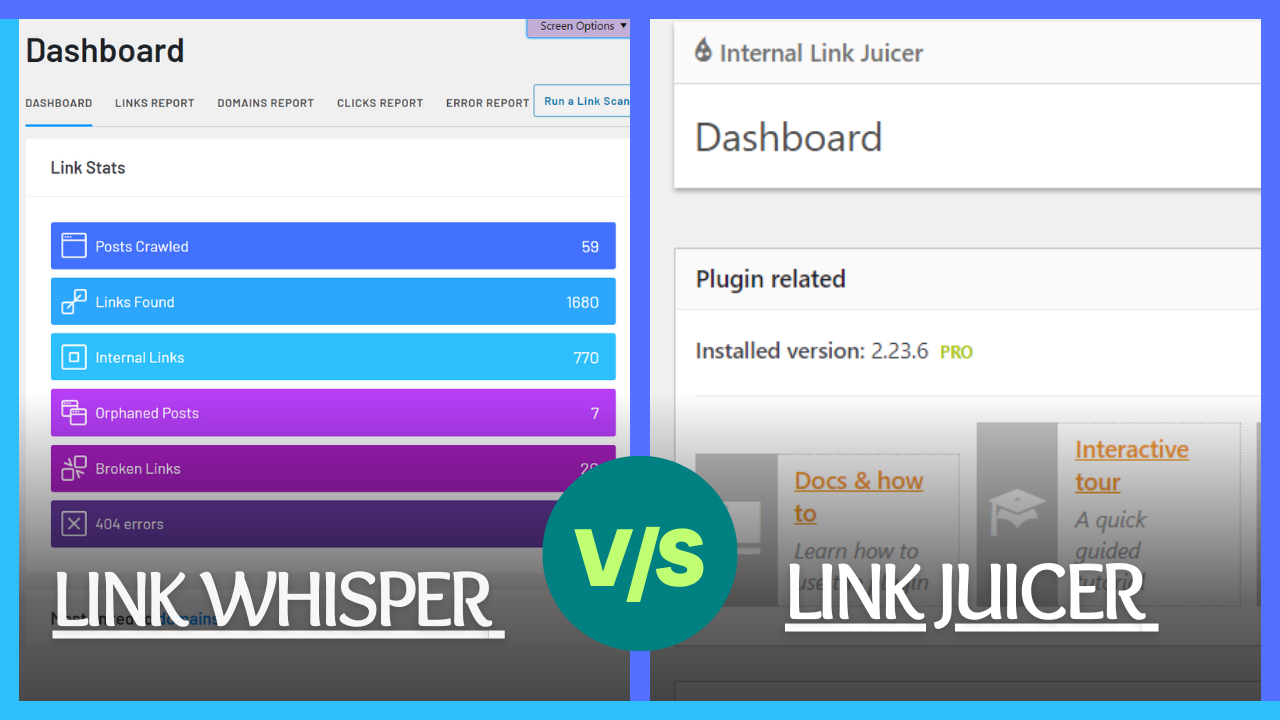
Link Whisper vs Internal Link Juicer: 2025 Internal Link Plugin Showdown
2025's Top Internal Linking Plugin Comparison Guide. In-depth analysis of Link Whisper and Internal Link Juicer's core features, use cases, and SEO advantages to help websites select the ideal tool.

What is WPML field translation? Scenarios, Principles and Best Practices
Comprehensively analyzes the concepts, application scenarios and working principles of WPML field translation, and provides the translation process, setup tips and best practices for multi-language sites, helping WordPress multi-language construction.
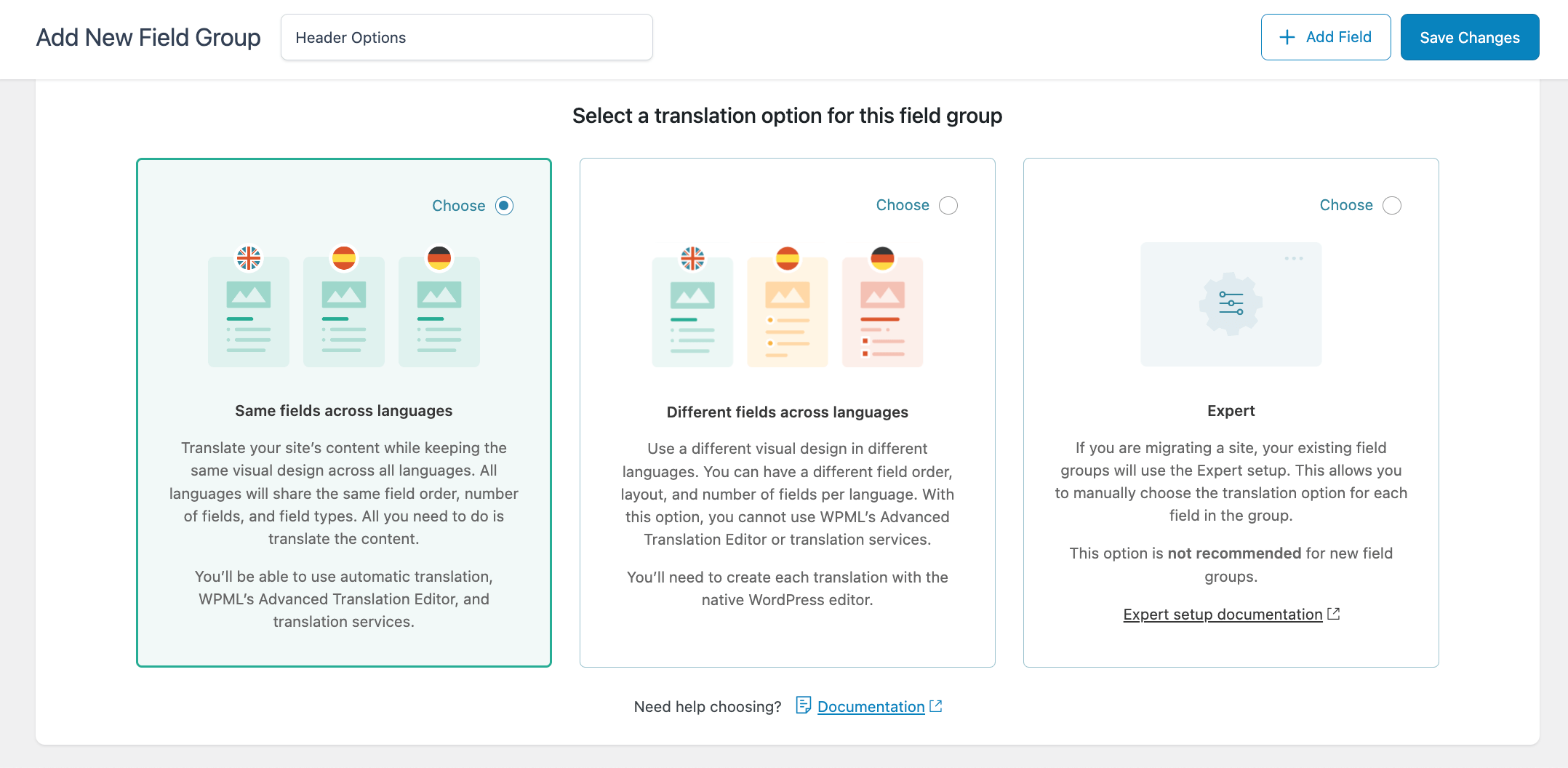
The Complete Guide to Translating ACF Fields: Achieving Perfect Synchronization for Multilingual Websites with WPML
A comprehensive guide to translating ACF fields using WPML, covering installation and setup steps, key ACFML configuration points, and troubleshooting tips for common pitfalls. Ideal for users building multilingual WordPress sites.
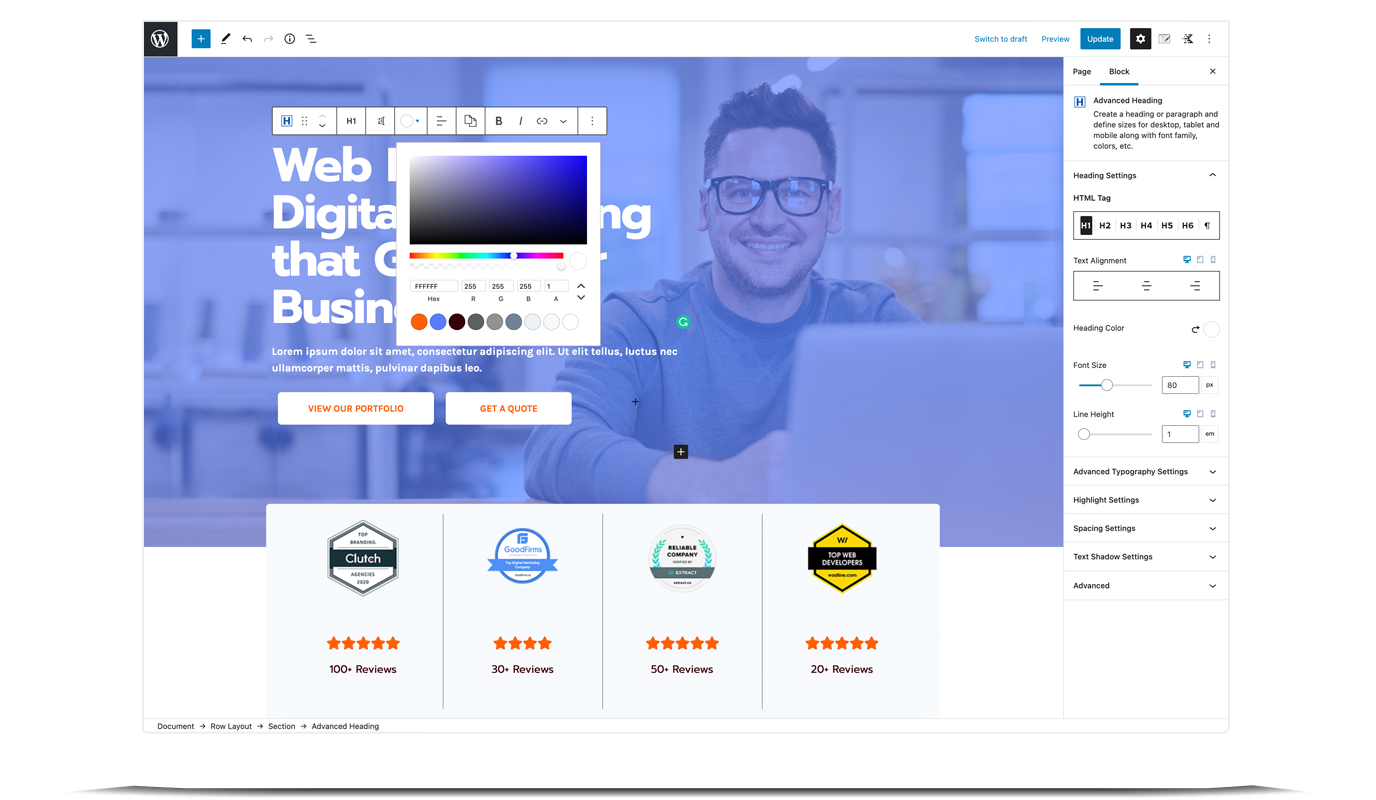
Building High-Conversion Pages: How Kadence Blocks Animations Keep Users Engaged Longer?
Want to make your pages truly come to life? Kadence Blocks (PRO)'s fade-in, slide, zoom, and scroll-triggered animations instantly elevate the quality. This guide walks you through setting up rhythm, offset, and delay to transform flat pages into dynamic ones—keeping visitors scrolling!

Subscription + Coupon Causing Amount to Become 0? Order Anomalies and Tax Calculation Fix Guide (Free Plugin Example)
WooCommerce Subscription Products: Amount Becomes Zero, Tax Calculations Erratic, Checkout Fails After Applying Coupons? This article demonstrates setup steps and troubleshooting sequence using the free plugin Subscriptions for WooCommerce to quickly fix order and tax calculation anomalies.

2026 the most worthwhile to get the WordPress theme recommendations: speed, value and SEO at a time to see the
2026 Noteworthy WordPress Theme Recommendations, a quick look at the speed, value and SEO performance of Astra, GeneratePress, Kadence, Blocksy and Hello Elementor.

WordPress Beginner's Guide: How to Create a Blog Post
If you have a WordPress site but haven't started blogging with it yet, you may be missing out on some benefits. In fact, companies with blogs get 67% more leads than companies without blogs, and blogging can also dramatically improve a site's SEO performance. The good news is that in WordPress...

How to create a Baidu and Google compatible sitemap for WordPress (Sitemap)
WordPress is a great open source platform for Baidu and Google SEO optimization, and creating a sitemap is one of the most important tools for improving the SEO of your WordPress website. A sitemap helps visitors and search engines better understand your website structure. Understanding sitemaps is important for into...

How to fix high usage of admin-ajax.php in WordPress
Asynchronous JavaScript and XML (AJAX) is a set of web development technologies that enhance the user experience and interactivity of websites. WordPress theme and plugin developers often use AJAX to create dynamic and interactive features. In addition, AJAX allows site visitors to ...

What are filters in WordPress? How to use WordPress add_filter ?
What is a WordPress filter? A WordPress filter is a hook that modifies data before it is returned to the database and displayed to the user. As a result, you can customize the functionality of a plugin, theme, or website without changing the core WordPress files. For example...

How to Hide WordPress Admin Bar for Different Users
WordPress admin bar is a useful tool, but some web developers hide it to preserve the website design, some may also disable it to prevent other users from accessing the WordPress dashboard, here to know what are some ways to hide WordPress admin bar? If...

How to Configure SSL and HTTPS on WordPress: How-to Guide and Problem Solving
What SSL is (and when you should use it) Secure Sockets Layer (SSL) is a technology that creates a secure connection between a Web site and a browser. Websites that use SSL have "certificates" that tell you that your private information is secure every time it is transmitted. For your own...

How to fix WordPress website "Err Too Many Redirects" error?
When using WordPress to build a website, you may sometimes encounter the error "Err Too Many Redirects". This error is because the site is caught in a cycle of non-stop redirects, resulting in the page can not be loaded properly. This may be due to some plugins or settings out of the problem...

How to Choose and Optimize the Best Video Format for Your WordPress Website
Factors to Consider When Choosing a WordPress Video Format Compatibility Your WordPress website may be accessed by a variety of devices, so it is necessary to choose a video format that will play properly on a variety of browsers and devices to ensure that all visitors will be able to view your...

How to Effectively Solve WordPress Theme Editing Problems
"Unable to edit theme in WordPress" means that you can't access or modify the WordPress theme files or customize the appearance of your website using the theme editor. This may happen due to the following reasons: Lack of WordPress Appearance Editor Theme Editor...

WordPress reset password in many ways, prevent you forget the backend password
Forgetting your password is something that happens to everyone. If you haven't logged into your WordPress site for a long time, as an administrator, you may accidentally forget your password. The good news is that there are several ways to retrieve or reset your WordPress user password. 1. Through other admin...

Explore WebP image format compatibility
When optimizing the performance of a website, the choice of image format is a key factor, and WebP image format has become an ideal choice for speeding up many websites due to its excellent compression performance and rich features. In this article, we will discuss in detail the compatibility of WebP image format and how to optimize it on different platforms...
Common Errors Encountered During WordPress Password Reset and Their Solutions
Forgetting a password or needing to reset it is a common problem when managing a WordPress website. Sometimes the password reset process may encounter various errors that prevent users from logging in successfully. Together, we will explore the common errors and their solutions during WordPress password reset to help fast...

Common Problems and Solutions after WordPress Website Migration
When migrating a website, you may encounter a number of issues, common ones being, for example, mixed media errors (after migrating from http:// to https://), or missing images and other data. This guide will help you resolve these issues and ensure that your website works properly after migration. Solving...

How to Perform Multilingual SEO on Your WordPress Website
Appealing to a global audience starts with having a website that supports multiple languages, both for content and search. Learn how to do multilingual SEO (Search Engine Optimization) on your WordPress website and make sure it's visible to users around the world. Simply translating your website...
Creating AI-Generated Knowledge Bases on WordPress with BetterDocs "Write With AI"
By using the free "BetterDocs" Write With AI" feature, experience the perfect combination of simplicity and effectiveness to differentiate your knowledge base while efficiently focusing on customer experience and support. This blog will guide you through the configuration process, showing how to leverage AI's...
Common WordPress Errors and How to Fix Them
WordPress is widely used all over the world, but there are many problems that often arise. Let's take a look at some of the issues that come up often and how to fix them! Important note: It's still a cliché that before any changes are made to a website, data preparation must be...
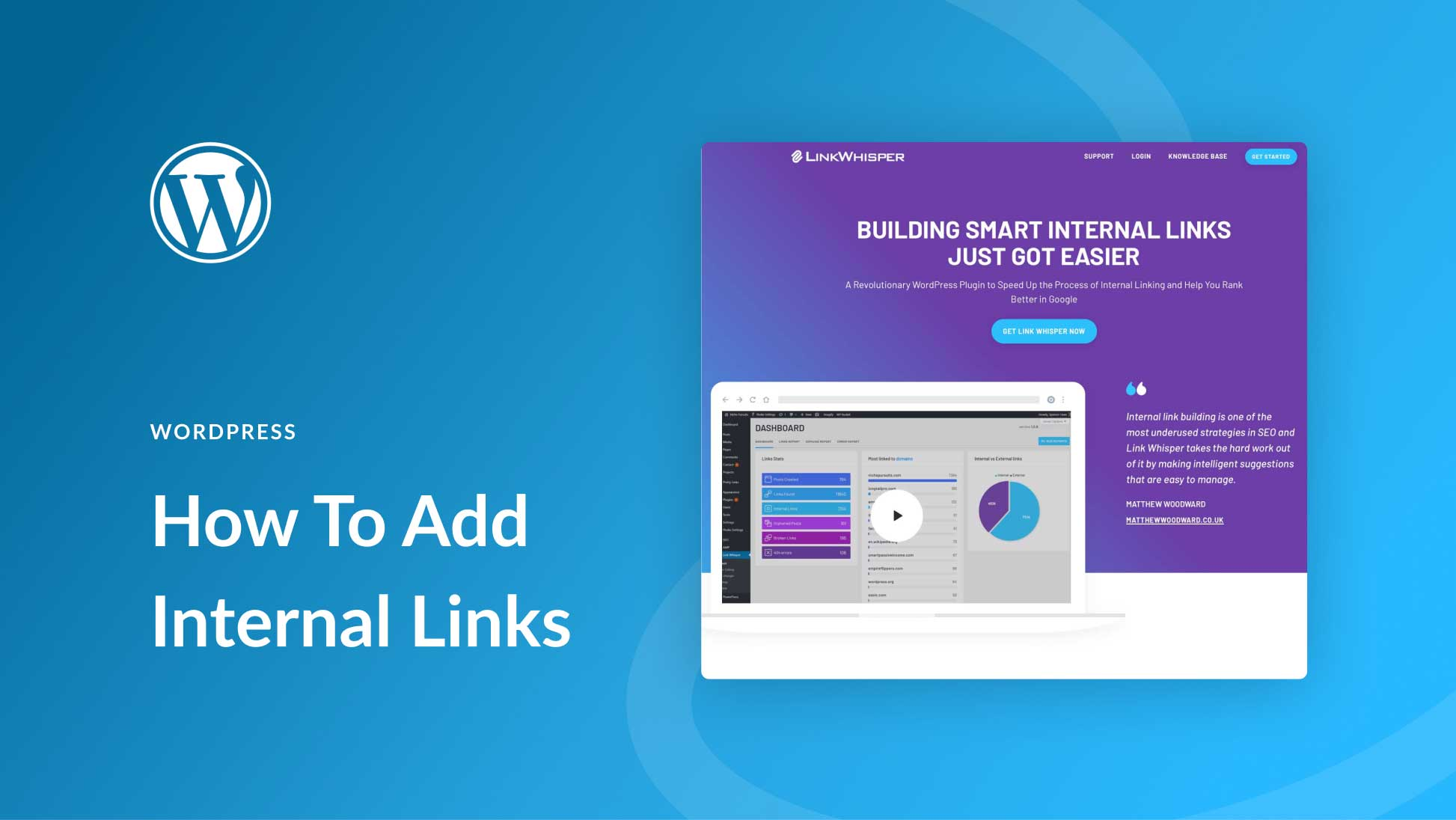
How to Add and Manage Internal Links in WordPress: A Comprehensive Guide
Adding and managing internal links in WordPress is a crucial step in improving your website's SEO and user experience. Not only do internal links help improve the accessibility of your website, but they also enhance the relevance of pages to each other, which in turn improves search engine rankings. In this article, we will delve...
How to Fix "Missing Temporary Folder" Error in WordPress
The "Missing Temporary Folder" error in WordPress is also a serious error that prevents administrators from uploading images, updating themes and plugins, or even updating the WordPress core, which can seriously hamper the functionality of a website. But don't panic, this error can be fixed...

How to fix "Your connection is not a private connection" error
The "Your connection is not a private connection" error is displayed when the browser is unable to determine the security of the website it is trying to access. The message displayed varies slightly depending on the browser used, which can make troubleshooting a bit difficult for novices. Let's take a look at what's going on...

How do I change the sidebar in WordPress?
When to Change the Default Sidebar in WordPress A sidebar is a column on a WordPress website, usually located to the left or right of the main content area. In classic WordPress themes, this sidebar is essentially a widget area in which wor...

Advanced Tip: Creating Full Screen Slideshows and Content Overlays in WordPress
In WordPress, full-screen slideshows can not only dramatically improve the visual appeal of a website, but also enhance the user interaction experience. Combined with content overlay technology, it can further improve the display effect and provide visitors with more information or interactive opportunities. This article will detail how to use E...

How to use Rank Math breadcrumb feature to display all category levels
Rank Math is a powerful WordPress SEO plugin with breadcrumbs to help users understand where they are in the site and improve the user experience. Especially for WordPress websites with multiple category levels, enabling Rank Math breadcrumbs and displaying...

 简体中文
简体中文  English
  日本語
日本語  Français
  Español



