



WooCommerce Plugin Page 11
arrange in order
Optimization SEO: How WordPress Products with Multiple Specifications and Attributes Affect Search Rankings
Improve search engine rankings by optimizing WordPress products for multiple specifications and attributes. Learn how to improve SEO results by setting up proper URL structures, using structured data, optimizing metadata, and more.

Zero code to quickly modify the WooCommerce front-end language: complete graphic tutorials, easy and efficient to get started!
Graphic explanation of how to change the language of the WooCommerce front-end, covering the installation of language packs, translation of residual English, troubleshooting and multi-language switching settings.

How to Add and Manage Variable Products in WooCommerce in Detail
The Variable Products feature is very useful in WooCommerce. It allows you to set up multiple variants of the same product, such as different sizes (e.g. large, medium and small) or colors. For each variant, you can set the price, inventory and display image independently. This way, when the sales...

How to test payments with a WooPayments test account and upgrade to a full account
Learn how to use a WooPayments test account to simulate the payment process without real money or personal information. Also learn how to upgrade your test account to a full account to start receiving real payments.
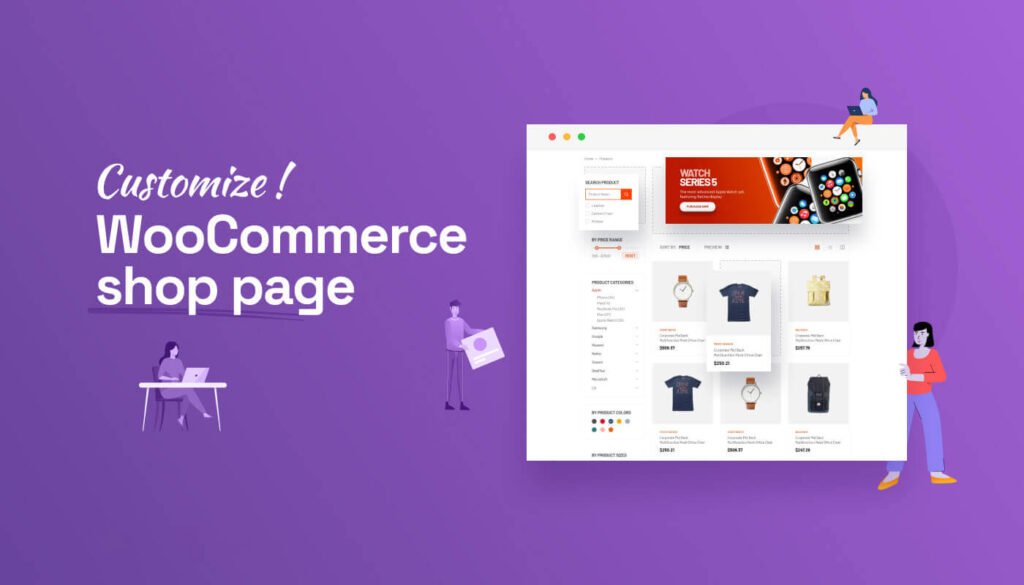
How to Customize Store Pages after WooCommerce Activation
Want to make your WooCommerce store page more beautiful and personalized? This article explains in detail how to customize your store page layout and functionality through theme settings, Elementor, Gutenberg, and shortcodes, etc., to improve user experience and conversion rate overall.

Five Best Plugins for Bulk Editing WooCommerce Products
Several other Woo extensions and WordPress plugins can be used to bulk edit products. Here are some of the best WooCommerce bulk product editor plugins available in the market. 1. Product Bulk Editor for WooCommerce With this extension, one can simultaneously...
How to activate and set up custom tags and metadata with WooCommerce: a practical guide to accurately optimize product information
This article details how to activate and set up custom tags and metadata in WooCommerce, including using ACF plugin to add product fields, set up SEO titles and descriptions, front-end display methods and batch management techniques, to help you optimize your product information and improve search rankings and user experience ...

Comprehensive Guide: How to Enable and Manage Product Reviews in WooCommerce
Product reviews are an important tool to help consumers make purchasing decisions and promote a trusting relationship with merchants when shopping online. With WooCommerce, customers can easily rate and leave reviews for purchased products, and merchants can easily manage these reviews and respond to customers in a timely...

How to Sort WooCommerce Products
Modifying WooCommerce product sorting can make popular or high-margin products more eye-catching, which is very helpful for boosting sales and conversions. It also allows better management of ads and inventory. Want to know how to modify WooCommerce product sorting? This article will introduce you to three...

How to Convert Your WooCommerce Store to Multi-Language
Want to expand your WooCommerce store to the global market and attract more international customers? It's a task that requires careful planning and execution. With multi-language support, you can attract more customers globally and dramatically increase sales. In this article, we'll take a deeper look at how...
Eight Powerful WooCommerce Extension Plugins Recommended: Make Your E-Commerce Site More Powerful
This article recommends eight of the most useful WooCommerce extension plugins to help enhance the shopping experience, optimize the checkout process, increase sales, and ensure smooth store operations. Suitable for all WooCommerce merchants, they offer a wide range of solutions from customized checkout pages to step pricing...
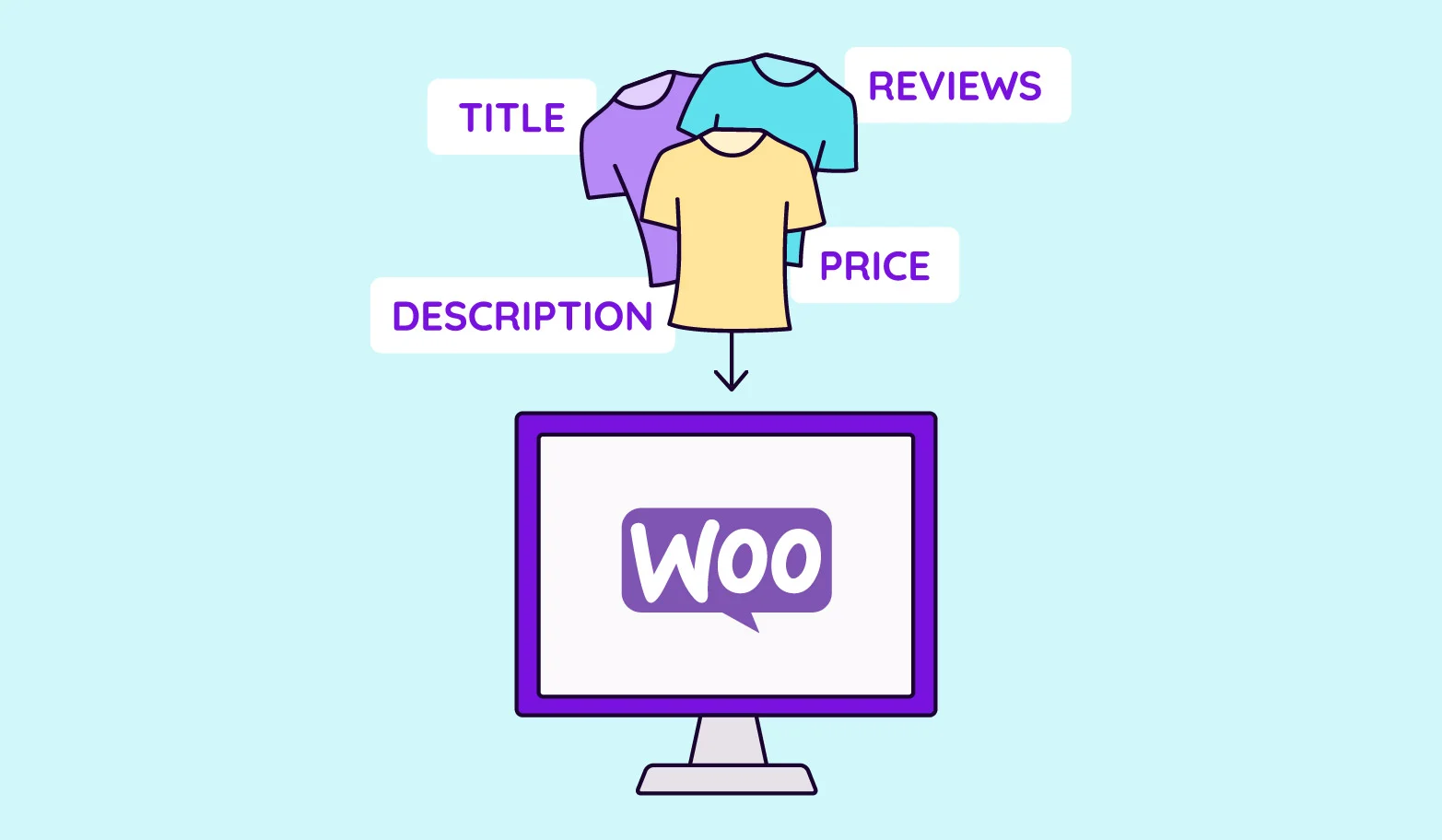
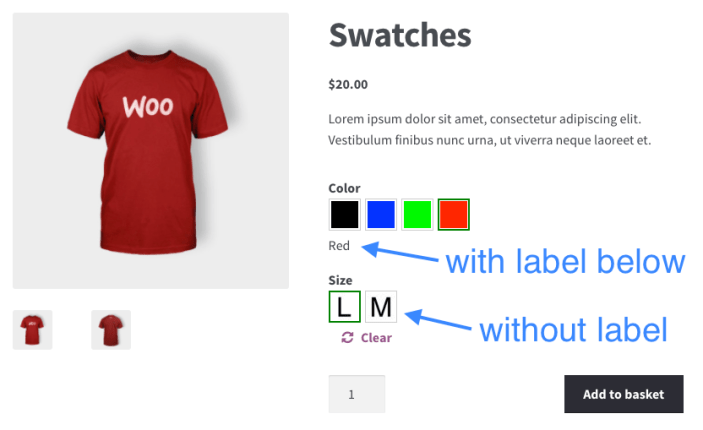
How to activate WooCommerce and set up product variants (e.g. colors, sizes): full tutorial
The detailed tutorial teaches you how to enable product variants in WooCommerce, including the creation of color, size and other attributes, variant combination generation, stock and price configuration and front-end display optimization.
How to Activate Membership Rewards System through WooCommerce: An Effective Strategy to Create User Loyalty
Learn how to enable membership points system through WooCommerce, configure points acquisition and redemption rules with the help of professional plug-ins, enhance user loyalty and repurchase rate, and create an efficient e-commerce membership incentive mechanism.
How to Ensure Product Multi-Specification Plugin Security and Compatibility in WordPress E-commerce Platforms
When building a WordPress e-commerce platform, it is crucial to choose and maintain a product multi-specification plugin. This article analyzes in detail how to ensure the security and compatibility of plug-ins to help the site run stably and improve user experience.

How to Get Store Statistics via WooCommerce API
Through the WooCommerce API to get sales, orders, customer number and other statistics, to realize the automated management of store data and multi-dimensional analysis, easy to dock the ERP and BI systems, to improve the efficiency of e-commerce operations.

How to Activate WooCommerce and Enable Social Login: The Complete Guide
This tutorial explains how to activate WooCommerce and enable social login, support Facebook, Google and other third-party accounts with one-click login, improve conversion rate and user experience, compatible with Elementor page builder.

How to activate and set up customer support features (e.g. chat plugin) for WooCommerce: Creating an Efficient Communication Ecommerce Experience
Learn how to activate and set up customer support features in the WooCommerce store, including live chat, work order systems, and AI customer service plugins. With this tutorial, it's easy to build an efficient and professional customer communication system to increase user satisfaction and conversion rates.

WooPayments Integrates with Google Pay: Enabling a Fast, Secure Checkout Experience for All
Learn to turn on Google Pay in WooPayments, mastering the steps to enable it, button customization, testing methods and compatibility for a smoother, more secure checkout that works for stores worldwide.

How to Avoid Pricing Mistakes: Tips for Setting Up the Multi-Price Feature for WordPress Products
Learn how to avoid common pricing mistakes and improve product sales performance by properly configuring WordPress' multi-price feature. This article describes multi-price setup tips and plugin usage to help e-commerce merchants improve conversion rates and customer satisfaction.

How to Set Up Sales Tax with WooCommerce on a WordPress Site
How to set up sales tax in WooCommerce. First, it's important to know the correct tax rate and understand how to set it up manually. Then, we'll cover some WooCommerce extensions that can be used to simplify the process. Use the default WooCommerce tax settings Default...

WooCommerce 8 Best Inventory Management Plugin Options
Why do you need a WooCommerce Inventory Management Plugin? AUTOMATIC INVENTORY UPDATES: Most WooCommerce inventory management plugins automatically update inventory in real-time and accurately. This automatic control of inventory levels helps minimize inventory discrepancies (i.e. between actual inventory and recorded inventory...

How to Improve the Efficiency of Your Shopping Cart and Checkout Process with WooCommerce Product Plugins
Learn how to optimize the shopping cart and checkout process with WordPress plugins to improve the customer experience and reduce cart abandonment, thereby increasing conversions and sales on your e-commerce site.
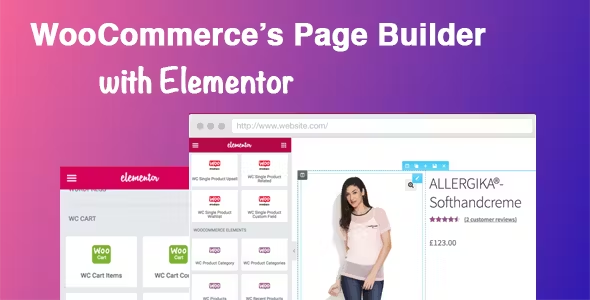
Easily Build Highly Customizable Online Stores with WooCommerce and Elementor: The Complete Guide
Building an online store with WordPress is easy with the powerful eCommerce features of WooCommerce and the flexible, no-code design of Elementor. This guide will take you through how to use WooCommerce with Elementor, starting with installation and customization...

WooThumbs plugin introduction: How to improve WooCommerce product image display?
WooCommerce's default image functionality is basic, affecting user experience and conversion rates.The WooThumbs plugin provides HD zoom, sliding thumbnail, lightbox mode and video support to optimize product presentation and boost sales. Learn how to install and configure WooThumbs to build a more...

15 Useful Tips to Boost WooCommerce Site Speed
If your WooCommerce store is slow to load, it could make customers impatient and ultimately affect your sales. When shopping online, people expect everything to load quickly - even a small delay could cause them to abandon their purchase and move on to your competitors. Pass...
WooCommerce 10.4 Officially Released: Comprehensive Upgrades in Performance, Architecture, and Extensibility
WooCommerce 10.4 was released in December 2025, featuring major upgrades to the Mini Cart architecture, REST API performance, HPOS caching, and the block system. It serves as a reference for upgrades for medium to large-scale and headless e-commerce sites.

WooCommerce translation plugin how to choose? WPML, Polylang, TranslatePress Applicable scenarios
WooCommerce Translation Plugin Options: Compare WPML Multilingual SEO, Polylang & TranslatePress Visual Translations, Getting Started Is Faster & Less Hassle.

Comprehensive Guide: How to Set Up and Manage Multiple Currency Options in WooCommerce
Currency Settings WooCommerce offers several different currency options for you to choose from when creating your store. Setting the Store's Base Currency Each WooCommerce store can be set up with a base currency. This currency will be displayed throughout the store and is also the currency in which payments for goods are made. Press...
How to customize woocommerce product page (3 ways)
A comprehensive look at the key components, customization methods, and optimization techniques for WooCommerce product pages, including ways to use plugins, CSS, and code to create a better shopping experience for users and increase sales conversions.

Getting Started with WooCommerce: Installation Steps and Benefits of Airwallex Integration Explained
In this article, we'll take a closer look at WooCommerce's features, supported payment methods, and delve into the benefits of integrating with Airwallex. The World's Top Online Store Platform - WooCommerce By installing the WooCommerce plugin, it's easy to transform your WordPress website into...

 简体中文
简体中文  English
  日本語
日本語  Français
  Español



