



WooCommerce Plugin Page 15
arrange in order
How to Limit Comment Length in WordPress (Detailed Tutorial)
Reduce comment spam and improve discussion quality and user experience by setting maximum and minimum character limits for WordPress comments. This tutorial details how to easily implement comment length limits using plugins or code to help optimize your WordPress site.

How to Improve WooCommerce Performance: 11 Optimization Tips to Improve Website Speed and User Experience
Many of our readers who use WordPress websites for online retailing have left comments in the community wondering what they can do to improve WooCommerce performance. So, this tutorial summarizes some of our team's experience in optimizing WooCommerce performance. Why is WooCommerce speed important? Wo...
How to Manage Inventory Effectively in WooCommerce
Learn about WooCommerce's inventory management features, inventory settings from individual to variable products, bulk inventory management tips, and five recommendations for efficient inventory management plugins to help store owners easily control inventory, avoid stock outs, and improve store management efficiency.
How to Fix WooCommerce Not Sending Order Emails
What causes WooCommerce emails not to be sent? Being an online store, then emails can be used to help the business run smoothly. For example, if a customer hasn't paid after they have already added to their cart, you can send an email to remind them of the order, etc. Use email to welcome new customers. Send ...

How to Create and Manage WooCommerce Product Categories
WooCommerce Overview WooCommerce's product management interface is very similar to WordPress' post and page management, making the product management process more intuitive. Once you're in WooCommerce, you can access products from the Products menu. If you are a new user, the menu...

How to Add Real-Time Inventory and Shipping Information to WooCommerce Product Detail Pages
Showing real-time inventory and delivery information to your customers in your WooCommerce website not only improves the user experience, but also increases the conversion rate of your products. In this article, we will detail how to add real-time inventory and delivery information to the product detail page to help you optimize the functionality of your online store. 1. ...

WooCommerce REST API Manual: Comprehensive Explanation and Real-World Case Studies
Managing an online store is usually costly and often involves dealing with a bunch of tedious manual processes. But the good news is that the advent of the WooCommerce REST API simplifies it all. It's like a smart assistant that allows you to programmatically control the e...

Some of the most frequently asked questions about bulk editing in WooCommerce
We often come across some of the most common questions when using WooCommerce bulk editing, which we'll look at below. What is the best way to bulk edit WooCommerce products? The best way to bulk update products in WooCommerce is to use the plugin's...
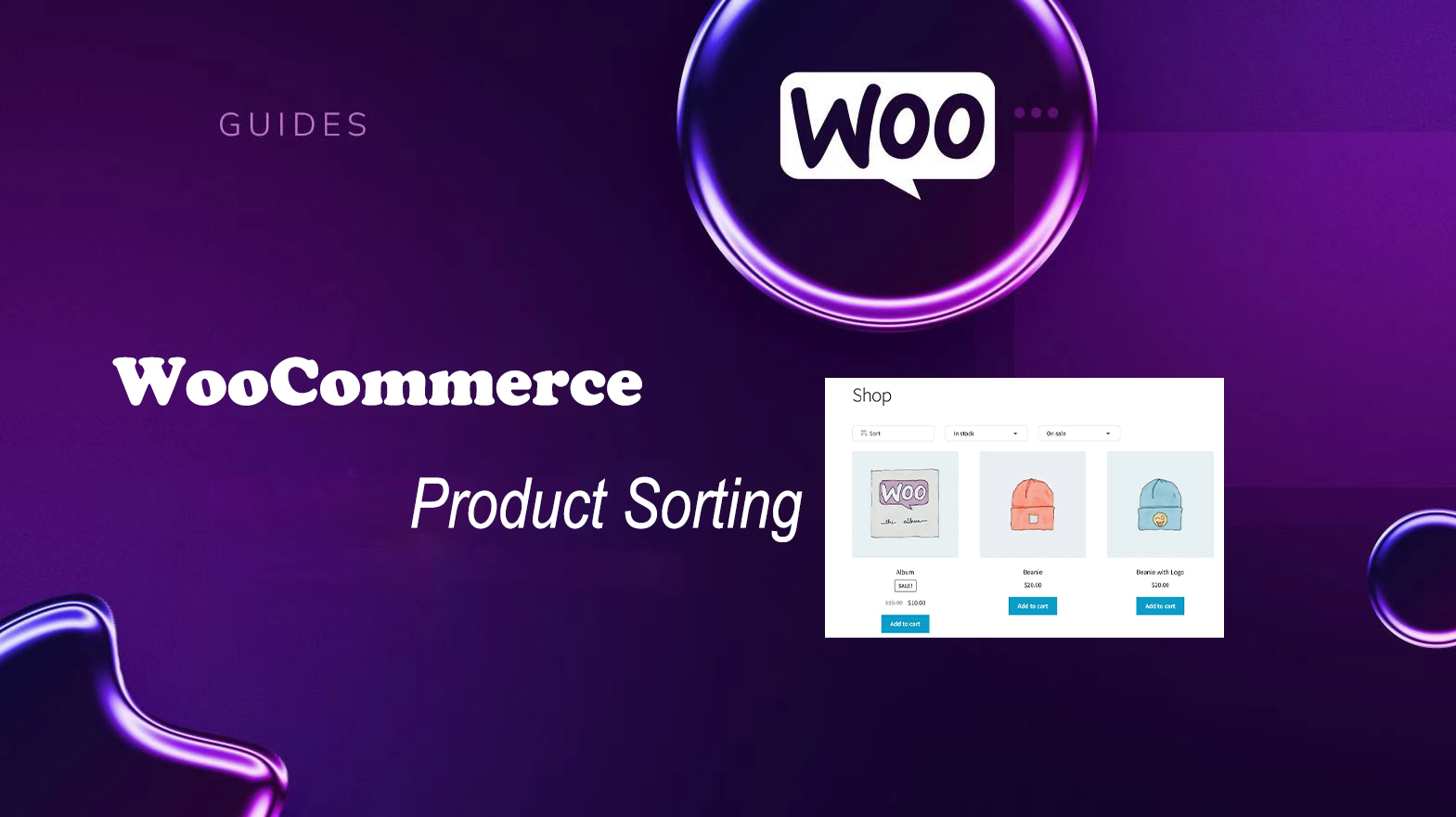
Improving User Experience and Conversion: A Comprehensive Analysis of WooCommerce Product Sorting Optimization Tips
In WooCommerce, more advanced sorting can be achieved through the built-in sorting options, manually adjusting the order of your products, or using a plugin. Why is WooCommerce product sorting important? Effective product sorting helps customers quickly find the items they need, which increases...
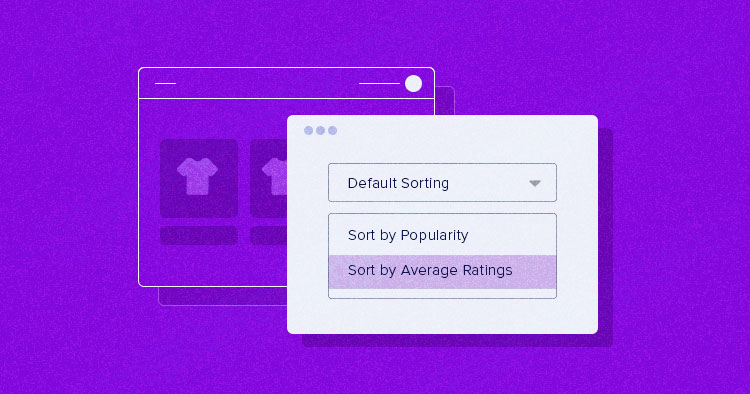
How to Setup and Optimize Product Sorting in WooCommerce to Enhance User Experience
WooCommerce comes with some common product sorting options for various types of product display. The following are some of the sorting options provided by WooCommerce by default: Default Sort (Custom Sort + Rank): This is the default sorting option in WooCommerce, combining...

How to Achieve Efficient Inventory Management with WooCommerce and Attribute Stock Plugin
WooCommerce provides a basic set of inventory management tools to track product availability and avoid overselling or running out of stock. For stores with complex inventory needs, WooCommerce's built-in functionality may not be fully sufficient. In this article, we'll detail how Woo...

In-depth analysis of WooCommerce settings options: all-round optimization of your WordPress e-commerce site
Previously, we briefly talked about some of the settings of WooCommerce, now, we will explain step by step the settings available in WooCommerce. When going to WooCommerce > Settings, you will see tabs with different types of settings on the page.The settings included in the WooCommerce plugin...

10 Practical Ways to Optimize WooCommerce for Higher Conversion Rates
Optimizing for WooCommerce requires a combination of marketing and internet expertise to create the ideal storefront for your customers. Here are 10 simple ways, backed by data, to increase conversions. WooCommerce Conversion Rate Optimization (CRO) is a way to improve the success of your eCommerce...

How to Password Protect Posts, Pages and WooCommerce Products
If you want to password protect individual posts, pages, or WooCommerce products, WordPress actually includes a built-in feature to help you set it up via its Visibility settings. The visibility settings will be found in the WordPress editor, so you can use them for our above...

How to Create an Efficient WooCommerce Product Catalog: Practical Tips and Optimization Solutions
Learn how to plan and optimize your WooCommerce product catalog with a complete tutorial on how to improve user experience and conversion rates, from catalog structure to product presentation tips.
How to Customize WooCommerce Emails
WooCommerce emails help customers get information about the status of their orders, delivery times, and more. Why customize WooCommerce emails? When running a WooCommerce store, customers receive different transactional emails. These emails help them...
Total Optimization: Dramatically Improve E-Commerce Efficiency with WooCommerce Automation
Taking full advantage of the features and applications available on WooCommerce can save you significant time. In this article, we'll explore the best ways to automate WooCommerce and clear your schedule. 1. Customer Communication Automation Contacting customers individually can be very time-consuming.WooCommerce e...

WooCommerce Updated to Address Cross-Site Scripting Vulnerability
The official team at Woo has deployed a critical update for WooCommerce. The update addresses a vulnerability that previously allowed malicious actors to inject malicious content into the browser.The official Woo team has also contacted WooCommerce merchants whose stores may be vulnerable. ...

What are the general settings for WooCommerce?
Do C-end friends know that WooCommerce is an open source e-commerce plugin designed specifically for WordPress. We have introduced the advanced settings of WooCommerce, you can see "WooCommerce Advanced Settings Guide: Optimizing Shopping Cart, Checkout and API Set...

WooCommerce 10.0 RC2 Main Update Highlights
WooCommerce 10.0 RC2 was released on June 30th, bringing optimizations to performance, security and user experience. Learn how to test the RC2 release, get an early taste of the new features and get ready.

WooCommerce 10.0 Release Update Preview and Schedule
WooCommerce version 10.0 has entered a feature freeze and is expected to be released on 7/7/2025. Updates include front-end accessibility enhancements, shareable checkout URLs, CSV product importer support for rich text content, coupon improvements, and more.

WooCommerce 10.2 Update Preview: A Look at the New Features and Improvements
WooCommerce 10.2 will be released on September 16, 2025, with the addition of product collection rotation, faster shopping carts, cross-selling optimization, filtering extensions and mobile build experience enhancements.

How to Switch to WooPayments from Other Payment Gateways: A Complete Guide
Learn how to make a smooth switch from other payment gateways to WooPayments, minimizing the impact on your website and customers. Detailed steps cover installation, disabling old payment methods, subscription migration and more to help make the transition easy.

Multi-Price Management: How to Implement Dynamic Pricing in WordPress Products
Learn how to implement dynamic pricing on WordPress using the WooCommerce plugin to flexibly adjust pricing strategies, boost sales and inventory turnover, and enhance market competitiveness.

 简体中文
简体中文  English
  日本語
日本語  Français
  Español



