



Elementor Page 6
arrange in order

Uncover Hello Biz: Why it's a must-have e-commerce site builder for WordPress users, pros and cons at a glance!
Want to boost your e-commerce website conversion rate? Learn how Hello Biz combines WordPress and Elementor to create an extremely fast-loading, highly customizable e-commerce platform with a zero-burden quick launch that helps performance soar!

What's the Difference Between Archive Templates and Single Templates? Common Pitfalls for Elementor Beginners
Many beginners start off using Archive and Single templates incorrectly in Elementor, leading to messy category pages and broken SEO. This article thoroughly explains the differences between the two—from page logic and use cases to actual outcomes—helping you avoid these pitfalls once and for all.

A Complete Guide on How to Add, Remove and Customize Sidebars in WordPress
What is a WordPress Sidebar A WordPress sidebar (Sidebar) is an area of a website layout that is usually located on the left or right side of a page, but can also be located at the top or bottom of a page. The main function of a sidebar is to display additional content, provide navigation, enhance user...
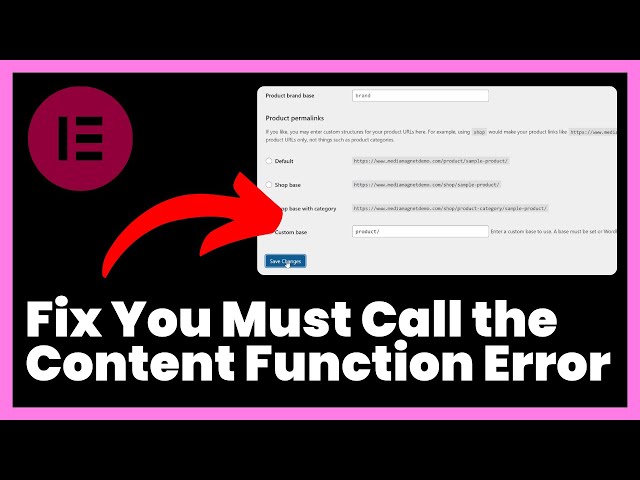
How to fix Elementor "You Must Call the Content Function" error?
Learn how to resolve the Elementor 'You Must Call the Content Function' error and quickly fix content function issues in custom templates.
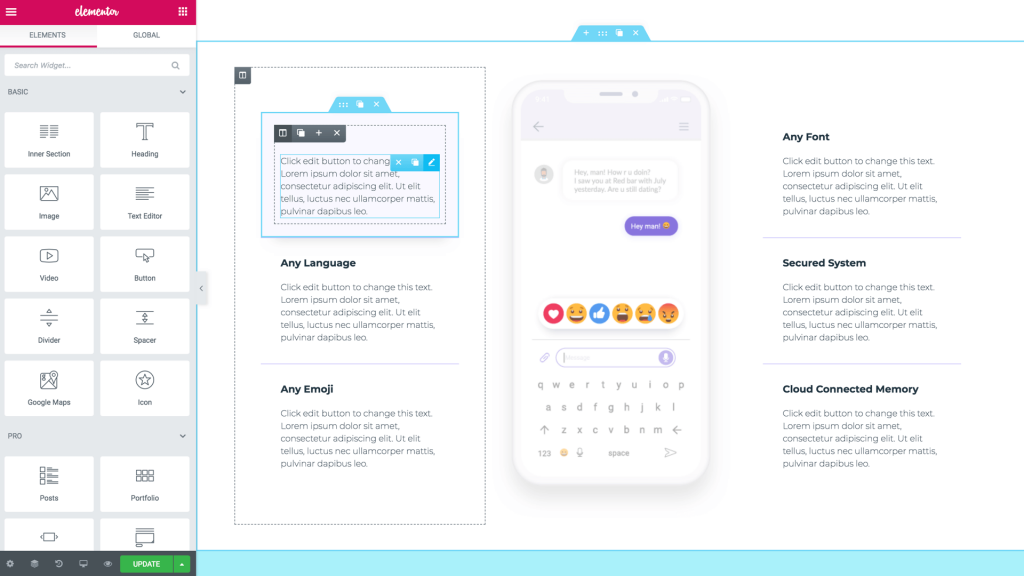
Improve SEO: Optimize Page Structure with the Elementor Plug-in Template Plugin
Use Elementor plugin to unify the page structure, clarify the title hierarchy and content order, improve the efficiency of search engine understanding, and establish a stable and sustainable SEO foundation for WordPress websites.

Will I be blocked by my host if I use a cracked version of Elementor Pro? An in-depth analysis of the risks and consequences
An in-depth discussion on how Cracking Elementor Pro Plugin works, its security risks and whether it can cause a hosting block, as well as a suitable alternative solution.

Elementor Pro Cracked Don't use it again! It ruins not only your website, but your rankings and security!
Cracking Elementor Pro may seem like a money saver, but it's a risky business. This article takes you to see the real gap between the original version and the cracked version to avoid stepping into the pit.

How to make more professional Elementor forms? A complete guide to optimization, from color schemes to borders
Comprehensive analysis of professional Elementor form how to achieve uniform color scheme, border details and responsive optimization, to help improve readability and overall design quality, suitable for all kinds of websites.

How to create a responsive website design with Elementor?
Learn how to use Elementor to create responsive website design that adapts to different devices, and master the skills of optimizing page layout, adjusting element styles, and improving performance, so that your website renders perfectly on all devices.
Common Types of Malicious Code in Elementor Pro Cracked and How to Prevent It
Cracked Elementor Pro plugins often contain backdoors and ad scripts that pose security risks. Understand the types of risks and protection methods to keep your website running safely.
Elementor free templates vs. Pro templates: which features are worth investing in?
Learn the difference between Elementor Free Edition and Pro Edition templates, and explore the functional advantages of Pro Edition, including full site templates, block templates and dynamic templates. Depending on your needs, choose the version that best suits your website construction, improving design efficiency and website professionalism.

How to Create, Save and Import Export Templates with Elementor
Elementor tools make designing beautiful pages, articles and entire websites a breeze. How to safely apply new Elementor templates Elementor templates are pre-designed layouts for individual pages or specific user interface (UI) elements. Although they sound like WordPres...

Adding the_content() correctly to a custom PHP template eliminates Elementor errors.
Add the_content() function to custom PHP templates to resolve page blanks and loading failures and allow Elementor content to render properly.

A comprehensive guide to using the Elementor editor to improve the navigation menu of foreign trade independent websites
When working on a foreign trade standalone site, we often need to add more menu functionality, which allows the various pages of the site to link more closely to each other. While we usually think of the main navigation menu at the top, some people use in-page anchor text for page jumps. However,...

Choosing the Best Elementor Plugin Templates: Feature Comparison and Recommendations
When building a WordPress website, choosing the right Elementor plugin template can significantly boost design efficiency. This article compares several leading plugins on the market and offers practical recommendations to help you quickly find the best fit.

Elementor templates vs. custom designs: which is better for your project?
Learn about the pros and cons of Elementor templates vs. custom designs to help you choose the most appropriate website building solution for your project needs, budget and time. Whether you're looking for a quick start or a unique design, this article provides you with detailed comparisons and advice.

How Elementor Intuitively Customizes and Edits WooCommerce Product Page Templates
Elementor allows you to design individual product pages with ease. With a simple drag-and-drop operation, you can customize the design by adjusting various elements on the page to your liking. In the past, customizing the design of WooCommerce pages usually required writing large...

Elementor error resolution: add the_content function correctly
Explain how to correctly call the_content function in custom templates to solve the common error problem of Elementor not being able to load content.

How to Use Multilingual Features in Elementor with Polylang
Want to build a WordPress multilingual website? This article teaches you how to use Elementor with Polylang plugin, to create language-independent pages and menus, and quickly realize multi-language switching and content translation, the whole process does not need to pay for plug-ins, suitable for beginners and enterprise website use.

Still having trouble with Elementor errors? These 5 Ways Can Save Your Site Right Now!
Are you suffering from Elementor errors - blank Post Content widgets, invalid shortcodes, 404 previews - these 5 solutions will save you!
Elementor Tables vs Traditional HTML Tables: Which Should Beginners Choose?
Elementor tables and traditional HTML tables each have their own advantages and disadvantages. This article compares and analyzes both table solutions across dimensions such as setup complexity, styling adjustments, responsive performance, and post-launch maintenance, helping website beginners choose the approach that best suits their needs.

Elementor fonts not showing up on mobile? Tips to troubleshoot the 6 key points
Troubleshooting Elementor mobile fonts not displaying, from font loading to responsive settings, teaching you step-by-step to troubleshoot the 6 most common causes.

ElementsKit and SEO: How plugins can help with website optimization
Explore the role of ElementsKit in SEO optimization with this WordPress plugin that helps improve site structure, speed and ranking performance.

Elementor Loop Grid Guide: A Complete Explanation of Content Presentation and Performance Optimization
This guide provides a comprehensive explanation of Elementor Loop Grid configuration and optimization techniques, covering dynamic content binding, multi-type display template settings, advanced query parameter tuning, as well as lazy loading and caching strategies to improve loading speed, helping you to create professional-grade content display solutions.

Most Popular Elementor Templates: Best of 2026
Explore the most popular Elementor templates for 2026 covering multiple industries such as digital marketing, architectural design, e-commerce platforms, hotels resorts and more to help you create professional websites efficiently and improve your website design and user experience.

Elementor Tables Complete Tutorial: Building Beautiful and Usable Data Tables from Scratch
Systematically explains the process of building Elementor forms, from basic settings to style optimization, responsive layout and data presentation skills, helping to quickly create beautiful and practical web data forms.

Elementor Loop Grid will make your pages more efficient!
Discover how Elementor Loop Grid can provide efficient content display solutions for e-commerce, news sites, etc. with an intelligent template system that improves user experience and SEO performance

Elementor Multilingual SEO: TranslatePress teaches you to match URLs and maps!
Want to make Elementor pages truly "visible to search" with TranslatePress? This article will teach you how to build a good URL architecture, write the right hreflang, link Sitemap, with a troubleshooting checklist and release process, a configuration of the whole site to take off!
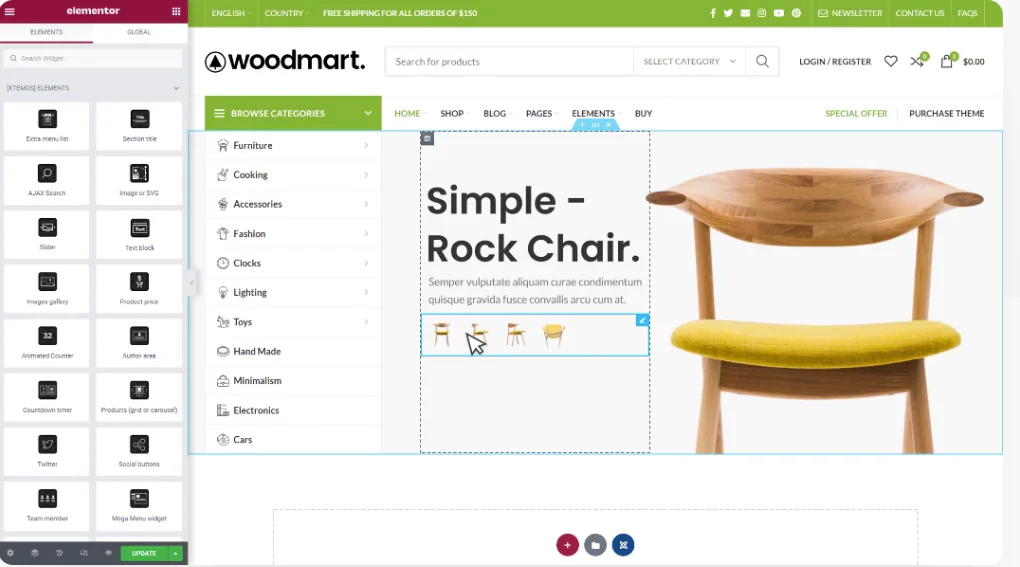
WoodMart and Elementor Tutorials for Building High Converting Landing Pages
The full tutorial teaches you how to use WoodMart with Elementor to build high converting landing pages, including structure building, component layout and publishing settings and other hands-on steps.

Reasons and solutions for not being able to edit with Elementor
When editing with Elementor, you sometimes encounter problems such as: displaying a blank page called "White Screen of Death"; displaying a gray page that loads indefinitely; and widget panels that are grayed out or load endlessly. When clicking "Edit with Elementor"...

 简体中文
简体中文  English
  日本語
日本語  Français
  Español



