


 Harry.



Making the Complicated Simple





Solution for slow loading of Elementor editor
We are having slow loading while editing a wordPress page using Elementor editor. What causes this problem and is there any good solution for it? With this question, let's take a look: Solution Here are some Elementor editor...

How to Password Protect Parts of a WordPress Post
Today! Let's look at the most specific way to password protect a portion of a public WordPress post. To set this up, you can use the free Passster plugin available on WordPress.org. After installing and activating the plugin, go to Settings → Passster Generate for...

Recommended Google SEO Optimization Tools for Cross-Border WordPress Websites
Nowadays, more and more foreign trade websites choose to use WordPress to build, but to get a good ranking on Google, SEO optimization is especially important. And to do a good job of SEO, you can not do without some practical tools. These tools can help us easily analyze the website's key...

How to activate Elementor's experimental features
Elementor gives users the voluntary option to participate in testing and helping to refine new features before they are released. These new features are still in the experimental stage; that's why they are also called experimental features, so let's take a look at them together and how to activate them. How to use Elementor features 1. Turn...

JavaScript coding standards in WordPress
The WordPress coding standards also provide guidelines for formatting and styling the JavaScript code of themes and plugins. In addition, these standards help promote code consistency with core PHP, HTML, and CSS code. The WordPress JavaScript coding standards are built on the j...

How to Build a WordPress Web Application Using Microservices Architecture
WordPress is a powerful Content Management System (CMS) that lays the foundation for different types of websites and applications. It uses a typical 'monolithic architecture', but as a website grows, this may not be the most appropriate architecture. This is where the 'microservices architecture ' of...

How to Use WordPress as a Headless CMS for Next.js
Understanding Headless WordPress Headless WordPress refers to using only the back-end functionality of WordPress (managing and storing content) and using a separate system (such as Next.js) to present the front-end. The advantage of this development model is that one can continue to use WordPress that...

A Comprehensive Guide to Creating Effective Navigation Menus with WordPress
A website's navigation menu allows users to quickly jump to different parts of the site. Menu items usually link to the most important pages, such as the home page, contact us, blog, etc. WordPress itself comes with its own menu functionality, which can be created through the WordPress dashboard. Of course...

How to Create, Manage and Optimize Menus in WordPress: A Detailed How-to Guide
Creating menus is a WordPress feature. It is possible to use your theme to display menus. Let's go down the list together! Creating a menu In these order: 1. Log in to the WordPress dashboard. 2. Go to Appearance > Menus. Display the Menu page. 3.Enter a menu name...

How to install and activate Elementor Pro
Elementor Pro is an extension for the free plugin Elementor Core. If you haven't downloaded Elementor Core yet, you can refer to the "Tutorial for Elementor Core (Core) Installation and Activation" for information on adding Elementor Pro to your WordPress site before the ph...

Automated Testing and Continuous Integration in WordPress Development
Why WordPress development should move from manual to automated testing? Gone are the days when manual testing was the norm in software development, including the WordPress space. The shift from manual to automated testing is a result of the demand for software developers over time...

How to Build WordPress Themes with React
Creating a Basic WordPress Theme Structure Creating a basic WordPress theme structure involves setting up a series of files and directories that WordPress uses to apply the theme's styling, functionality, and layout to your WordPress site. 1. In your website runtime loop...

How to implement forms in a static website
Websites vary in design, purpose and complexity, but are generally categorized as static or dynamic. Static websites are pre-rendered and offer the same content to all visitors. They have a simple structure, are usually easy to manage and load quickly. On the other hand, dynamic websites use server-side coding...

Creating an Advanced Reporting App for WooCommerce Stores
The WooCommerce plugin for WordPress allows you to efficiently create and manage an eCommerce platform and provides built-in notifications that alert you to new or completed orders, low inventory, and successful payments. These features are important, but for WooCommerce to collect...

How to Add JavaScript to WordPress Pages and Posts
JavaScript is a programming language that adds interactive functionality to websites. Learning how to use JavaScript on a WordPress website, including specific sections, can help you utilize the code more effectively. There are multiple ways to add WordPress pages and posts...

What are the common problems and solutions for Elementor not loading etc?
Elementor is a visual page builder plugin designed for WordPress websites, which is like a super simple "building block" editor. It's like a super simple "building block" editor. It's easy to create beautiful web pages with drag and drop without writing complex code. The plugin offers ...

How to Set Up Different Themes and Plugins for Multi-domain Sites in WordPress
WordPress is a powerful and flexible Content Management System (CMS) that can be used to create and manage multiple websites. If you have multiple domains and want to set up different themes and plugins for each of them, we will detail how to accomplish this below. First, pre...

Can YouTube Shorts Make Money? Detailed Explanation and How to Make Money
YouTube Shorts is a short-form video service that YouTube is launching in 2020 to compete with platforms like TikTok and Instagram Reels.YouTube Shorts provides a platform for creators to upload short videos up to 60 seconds in length. So...

How to Optimize Images in WordPress to Improve Site Loading Speed
Images are essential elements in web design. However, the size of image files often affects the loading speed of web pages. If images are not optimized, they will not only slow down the website, but also affect user experience and search engine ranking.Optimizing images in WordPress can...

Elementor preview can not be loaded error how to solve ah!
Recently, a lot of people have left comments on our website; when using Elementor editor to edit pages, they often encounter the problem of "Preview cannot be loaded error". Is there any good solution? Don't worry, let's take a look below. Elementor cannot load can...

How to fix Elementor stuck on loading screen
When friends are using Elementor to edit WordPress pages, they encounter that Elementor gets stuck and displays a gray page. How to solve this situation? Don't worry, let's continue to look down; first of all, you need to troubleshoot the cause and solve it with the appropriate method. Possible causes and solutions...

How to fix Elementor won't load error
With Elementor, you can replace the block editor with a more intuitive page builder. If you are an Elementor user, you need to load the editor every time you create or edit a page. However, sometimes it may fail to load Elementor due to an error.There are several ways to...

How to troubleshoot and fix Elementor Pro update errors?
Updating Elementor may cause specific errors in different situations. Possible causes and solutions Update: Unable to copy files This error occurs in the following cases: Using Elementor Pro from the local host and any Windows server. To resolve this...

What if I get a fatal error after updating or installing Elementor?
After updating or installing Elementor or Elementor Pro, the website goes down with a fatal error and you cannot access the WP admin backend. How to solve this situation? Don't worry, let's take a look at it together! Gain access to the website Login using the email link Check your...

SiteGround Refund Tutorial: How to Get a 30-Day No Excuse Refund Service
SiteGround is a cloud server provider that is highly favored by users and has won wide acclaim for its quality service and stable performance. If you are not satisfied with the service during the process, SiteGround offers a 30-day no-excuses refund policy, which is a great convenience for users....
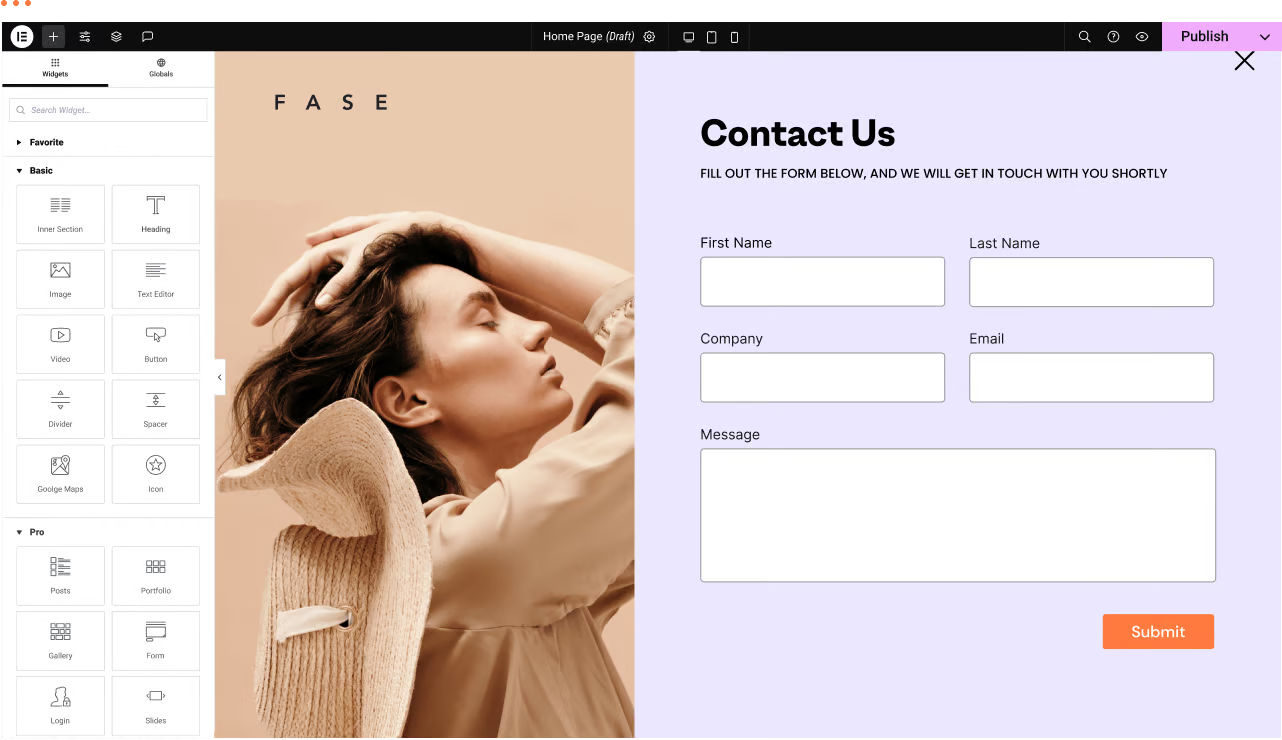
WordPress Troubleshooting: Page Not Found or 404 Page Error
We have a WordPress website with the Elementor editor. Sometimes there are malfunctions, for example: a page not found or 404 page error when trying to navigate to a certain page. Let's analyze the reasons and how to fix it! Possible reasons ...

WebP, PNG and JPEG: Choosing the Best Image Format for Your WordPress Website
Images can add life to the content and make the WordPress website more attractive and look less monotonous. However, choosing the right file format is important for performance. If images take a long time to load, then the website will not provide a good user experience. Next...

WordPress Tags, Categories and Sorting Manager - AI Autotagger
With axoPress, it is possible to create and manage tags, categories and all WordPress taxonomy terms.TaxoPress helps to manage everything in WordPress, from adding tags and categories to pages, to managing WooCommerce product categories and bbPress theme tags. T...

How to Edit and Customize WooCommerce Checkout Page
Why Build Custom WooCommerce Checkout Pages? Ensuring that the checkout process is smooth and hassle-free is essential to enhancing the shopper experience. One simple and straightforward way to do this is to streamline the checkout process so that shoppers can complete their orders quickly. Not only that, but customizing WooCommerce checkout...

How to Optimize Your WordPress Website Title and Meta Description
Optimizing the title and meta description of your WordPress website is important for improving search engine rankings and attracting user clicks. Title and meta-description is the first user in the search engine results page (SERP) to see the content, directly affecting the click-through rate and site traffic. First, the title (Titl...

 简体中文
简体中文  English
  日本語
日本語  Français
  Español



