


 lit. a thief will have the guts of a rat



Why didn't you surrender earlier?



Why are many users looking for an unofficial version of Elementor Pro? An in-depth look at the reasons behind
Why are many users eagerly looking for a cracked version of Elementor Pro? This article provides an in-depth look at the reasons and risks, and offers safe and compliant alternatives.

Best Practices for Pointing Multiple Domains to the Same WordPress Website
How to point multiple domain names to the same WordPress website correctly? This article explains 301 redirects, primary domain settings and SEO-friendly operations to help you operate steadily.

How to Install WP-CLI on Linux
This article describes in detail how to install WP-CLI on a Linux system, covering the process of downloading the Phar build file, checking the file for executability, turning it into an executable, and testing the installation process, allowing you to manage your WordPress website more efficiently from the command line.
Recommended methods and plug-in combinations for free implementation of common Elementor Pro features
This article describes how to replace the common features of Elementor Pro with a free version of Elementor and a combination of plugins. The recommended free plugins can help you implement advanced features such as price lists, sliders, forms, dynamic content, and other features to create professional websites with ease.

Building an Internationalized WordPress Website with Different Domains and Subdomains
This article describes in detail how to build an internationalized WordPress website with different domain names and sub-domains, including the advantages and disadvantages, implementation, applicable scenarios and SEO optimization suggestions to help enterprises expand the global market.

How to Reset WordPress Password with WP-CLI
Learn how to quickly reset your WordPress password using WP-CLI for VPS environments. Manage WordPress from the command line to increase efficiency and save time.
Five Risks of Using Illegal Versions of Elementor Pro, a Web Security Issue That Can't Be Ignored
Using an illegal version of Elementor Pro poses multiple risks such as security breaches, lagging updates, missing features, etc. Be aware of these potential hazards to ensure your website's security.

SSL Certificate Management in WordPress Multi-Domain Configuration
Learn how to properly manage SSL certificates in WordPress multi-domain configurations to secure your website, improve SEO rankings, and simplify the certificate renewal and management process.

Complete Guide to Installing WordPress Plugins with WP-CLI
This tutorial explains how to install, enable and manage WordPress plugins using WP-CLI. Learn how to simplify the plugin installation process via the command line for developers.

WooCommerce 10.0 Release Update Preview and Schedule
WooCommerce version 10.0 has entered a feature freeze and is expected to be released on 7/7/2025. Updates include front-end accessibility enhancements, shareable checkout URLs, CSV product importer support for rich text content, coupon improvements, and more.

Gutenberg 21.1.0 Update Information
Gutenberg version 21.1.0 RC1 has been released, bringing several new features and enhancements, including an improved interactive API, block library updates, social link customization support, and performance optimizations.
How to install a theme using WP-CLI
Explains the whole process of installing WordPress themes using WP-CLI, from preparing the environment, finding themes, to installing and enabling them, suitable for both developers and efficient operation and maintenance scenarios.
Replace common widgets (forms, slideshows, action responses) with a combination of these plugins for the Elementor Pro version
Introducing a portfolio of free plugins to replace Elementor Pro's forms, slideshows, and dynamic effects modules for web projects on a budget.

WooCommerce 10.0 RC2 Main Update Highlights
WooCommerce 10.0 RC2 was released on June 30th, bringing optimizations to performance, security and user experience. Learn how to test the RC2 release, get an early taste of the new features and get ready.

WordPress configuration for sharing content and data across multiple domains
Learn how to share content and data across multiple domains in WordPress. This article details multisite configuration, data synchronization, SEO optimization and security configuration to help you manage multiple sites efficiently.

WordPress Local Installation Detailed Tutorial: Server Deployment
Detailed explanation of how to choose and configure a server for WordPress station building, using Tencent Cloud as an example, from real-name authentication to the deployment of WordPress mirrors step by step.

How to Downgrade WordPress Version with WP-CLI
If you encounter errors after updating WordPress, you can use WP-CLI to downgrade WordPress to a specific version. This article explains how to downgrade WordPress version using WP-CLI with complete steps and notes.

From Hacked to Built: How Developers Can Replicate Pro Features in Code
This article describes how to write custom code to reproduce the Pro plugin functionality, avoiding the security risks associated with cracking, while providing greater customization, helping developers save costs and improve their technical skills.

How to Enable Multi-Language Support with WordPress Multi-Domains
This article describes the steps to implement multi-language support in WordPress by using multiple domain names, including purchasing a domain name, enabling multiple sites, configuring multi-language plugins, etc., to help you personalize your experience for users of different languages.

How to Install WordPress with WP-CLI
Installing WordPress through WP-CLI makes the process of building a website more efficient. This article details the steps to install WordPress using WP-CLI, including folder creation, WordPress download, configuring wp-config.php and the final installation process.

WordPress Local Installation Detailed Tutorial: Domain Name Purchase and Binding Domain Name to Server
This article details how to bind a purchased domain name to Tencent Cloud Light Application Server, including steps to buy a domain name, add A records, configure DNS, etc., to help you access your website via an easy-to-remember URL.

How to Optimize WordPress Ecommerce Website User Experience with Multi-Domain Settings
Learn how to optimize your WordPress e-commerce site with a multi-domain setup to boost load speed, optimize SEO performance, and provide a localized shopping experience for users in different regions to help your site stand out in the global marketplace.

Can "Elementor Pro Hack" really save you money? What do you know about the hidden costs?
Using a cracked version of Elementor Pro may seem to save you money, but the security hazards, legal risks, and compatibility issues that come with it could cost you more. Learn about the advantages of genuine Elementor Pro and avoid unnecessary hassles.

What is 1Panel Panel? A modern server O&M tool
Learn about the core features of 1Panel panel: one-click deployment of websites, database management, Docker control, resource monitoring and timed tasks, making server operation and maintenance easier and more efficient.

Quickly Build a WordPress Multisite with WP-CLI (Multisite)
Introduces how to use WP-CLI to quickly enable WordPress multisite functionality, covering the command line operation, rewrite rule settings and backend management and other complete steps.

WordPress Local Installation Tutorial: Installing 1Panel Panel on Server
Graphic tutorials detailing how to install 1Panel panel on the server, suitable for newcomers to quickly set up a website and visualize the operation and maintenance environment.

Recommended Free WordPress Beautification Themes for Beginners
Featured 5 free WordPress beautification themes for newbies that support personalized design and help to quickly build blogs and official business websites.

WordPress website building budget full analysis: from domain name to the total cost of online?
Comprehensive analysis of WordPress website building costs, covering domain names, hosting, themes, plugins and development services, helping to accurately control the website budget.

WooCommerce Order Payment Guide: Process and Customer Verification Details
A comprehensive introduction to WooCommerce's order payment methods and customer validation mechanisms, covering order payments, email links, account operations and developer options.
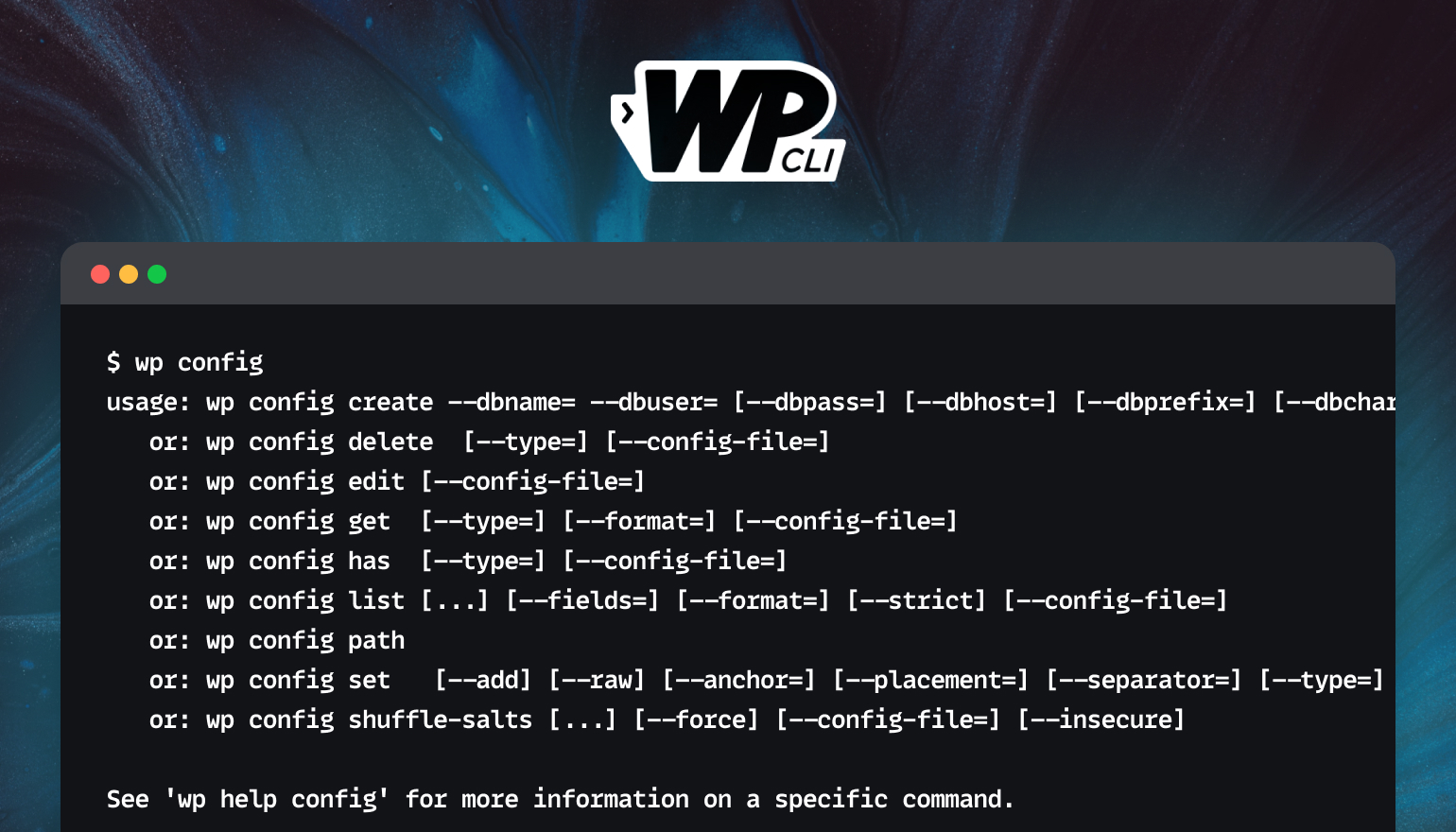
Full tutorial on installing plugins and theme zip files using WP-CLI
This tutorial describes how to use WP-CLI to install plugins and theme ZIP files from third parties to improve WordPress development efficiency for developers and VPS users.

 简体中文
简体中文  English
  日本語
日本語  Français
  Español



