




WP self-taught website builder Page 14
At Photon Academy, we specialize in providing high quality WordPress instruction to help you master every aspect of WordPress from basic to advanced. Our courses are designed to allow students to get hands-on and understand the power of WordPress, whether it's building a personal blog or a business website.
arrange in order

The Secret Weapon for Improving WordPress Email Delivery: An In-Depth Analysis of the Site Mailer Plugin
Site Mailer plugin helps WordPress websites improve email deliverability and streamline email management. With support for SPF, DKIM and DMARC authentication, it ensures that emails are not marked as spam and provides detailed email logging and email tracking. Whether you're a business...

Avada Theme Essentials for 2025: Five Popular Plugins to Help Upgrade Your Website
Learn about the top five must-have hot plugins for Avada themes in 2025, including Fusion Builder, Slider Revolution, LayerSlider, Advanced Custom Fields PRO, and Imagify.Enhance website functionality, optimize loading speed and user experience, and make your site more...

FluentCRM Free Edition Features Explained: How to Make the Most of Free CRM Plugins for Marketing Automation
Detailed description of FluentCRM free version of the installation, contact import, email campaigns, automation processes and other features to help you achieve efficient email marketing management on WordPress.

Kadence Tutorial: Getting Up to Speed on Kadence Design Library Features
A comprehensive introduction to the Kadence Design Library, including block and full-page template import, AI design mode switching, custom libraries, color settings, and Cloud Library cloud connectivity for efficiently building WordPress website pages.

Astra Theme Tutorial: How to Add Breadcrumb Navigation on Astra Theme
Detailed tutorial explains how to enable and set up breadcrumb navigation in Astra theme, including display position, style adjustment and integration with Yoast SEO and Rank Math plugins to improve website navigation structure and SEO performance.
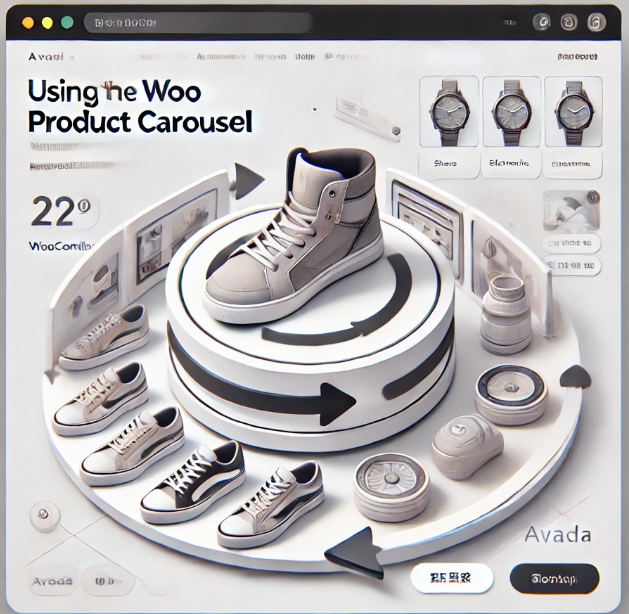
Avada Theme Tutorial: Avada Woo Product Rotation Element Usage Guide to Increase Website Conversion Rate
With Avada Woo product rotation elements, create beautiful and smooth product display modules, support autoplay and customized layouts, help WooCommerce website to improve the conversion rate and sense of professionalism.

Avada Theme Tutorial: How to Use Avada's Google Maps Elements for Geo-targeting to Enhance Brand Trust
Learn how to use Google Maps elements in your Avada theme, configure API keys and choose the right type of sitemap. This article explains how to set map size, address, zoom level, and other options to help you provide accurate geolocation and interactive mapping features for your website.
How to Add Icons to Your WordPress Website Navigation Menu: Improving Usability and Visualization
Learn how to add icons to your website's navigation menu with the Menu Icons plugin, Font Awesome icons, or custom graphics. This article provides detailed steps to help you improve the usability and visual appeal of your website and optimize the user experience.

How to Add a Floating WhatsApp Chat Button to a WordPress Website (Free Version)
Learn how to quickly add a floating WhatsApp chat button to your WordPress website using the WP Chat App plugin. With simple installation and configuration, visitors can communicate with you in real-time via WhatsApp, increasing the efficiency of customer interaction and support. Suitable for all WordPre...

Astra Pro Footer Widgets Module and Footer Fixation Setup Tutorial
Detailed explanation of Astra Pro footer widget module layout and style settings, and provide CSS methods to make the footer fixed at the bottom of the page, suitable for blogs, e-commerce or corporate official web page design.

Astra Add-to-Cart Trigger Action Feature to Improve Ecommerce Conversion Efficiency
In-depth analysis of Astra theme add-to-cart action settings, covering the store page and product page operation process, to help e-commerce sites to improve the efficiency of the shopping process and order conversion.

WooCommerce Page Enhancement Tips: Default Comments Tab and Empty Cart Display Products
When building a WooCommerce store with Astra theme, you can optimize the page performance and enhance customer interaction by setting "Reviews" as the default tab and enabling the display of selected products with empty cart. This article provides detailed settings and code reference.

How to Quickly Build a NFT Website Using Templately Templates on a WordPress Website
Quickly learn how to build an NFT website with zero code using the WordPress block editor and Templately templates with support for integrating the OpenSea API to showcase your on-chain collections.

New choice for fast website building: Blocksy Starter Sites and control panel analysis
Blocksy provides professionally designed Starter Sites and an intuitive control panel to help you quickly complete the WordPress website building. This article describes in detail the functions and operation procedures of each module.

Blocksy Theme Blog Page Design & Functionality : Enhancing Blog Page Design & Functionality
Explore the powerful blog page customization features of Blocksy theme and learn how to customize the blog structure, card styles, pagination settings and dynamic effects to enhance the appearance and user experience of your blog pages.

How to use the product branding feature in Blocksy 2 for e-commerce customization
Learn how to enable and use the product branding feature in Blocksy 2 to efficiently manage and display brand information with simple settings to enhance product categorization and presentation on e-commerce websites. For Blocksy Pro users, better customization options are available.

How to use the Product Size Guide feature in Blocksy 2
Learn how to enable and configure the Size Guide feature in Blocksy 2 to help customers quickly select the right size and improve shopping efficiency. Provide e-commerce sites with intuitive sizing information to reduce returns and exchanges.

Image Aspect Ratio Settings in Blocksy 2: Maintaining Image Consistency and Aesthetics
Learn how to set image aspect ratios in Blocksy theme to optimize image display on product pages, blog pages and individual product galleries. Ensure consistent size of uploaded images to enhance the overall beauty and design of your website.

Creating an advanced navigation menu: blocksy advanced menu full tutorial
Full Description blocksy advanced menu features, including graphic mixing, category headings, icon settings and badge additions, help you create more attractive multi-column navigation menus.

Blocksy Multilingual Tutorial: How to Translate Content Strings in a Website
Learn how to use the WPML plugin to translate content strings in Blocksy themes, including buttons, menus, placeholders, and more, to create complete and consistent multilingual WordPress sites.

Blocksy Tutorial: Using MetaBox to Create and Beautify Custom Post Types (CPT)
The tutorial explains how to use MetaBox to create WordPress custom post types and combine it with Blocksy theme custom archive and one-page styles to easily create well-structured content modules.

Adding Multi-Language Support to WordPress Websites with WPML (for Blocksy Theme)
Learn how to combine the WPML plugin and Blocksy theme to implement multilingual support for your WordPress site, including instructions for installation, translation setup, and advanced language switching.
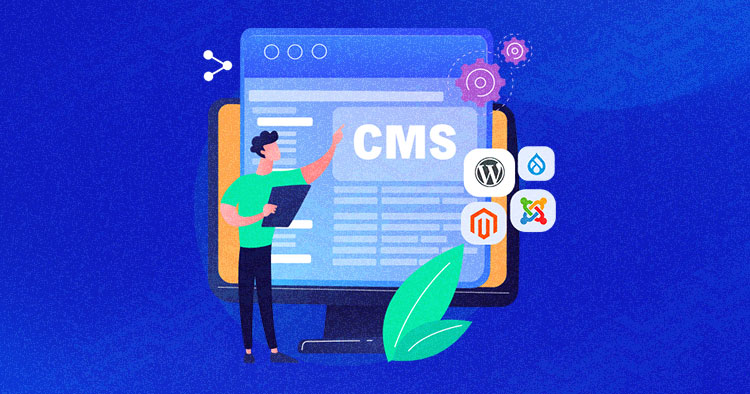
Comparison of the five major open source CMS platform: which best suits your site needs?
Comparison of mainstream open source CMS such as WordPress, Drupal, Joomla, etc., to help you choose the most appropriate platform according to the goal of building a website, and efficiently build a website.
Fixing the "You Must Call the Content Function" error in Elementor
Detailed analysis of Elementor error "You Must Call the Content Function" causes, and provides four effective solutions to quickly restore page editing functionality.
Elementor vs. Gutenberg editors: which one is better for you?
This article compares the advantages and disadvantages of the two major WordPress editors, Elementor and Gutenberg, from design freedom, ease of use, performance to the applicable scenarios, to help blog writers choose the most appropriate content creation tool.
WordPress Website Backup Guide: Protect and Restore Your Website in One Click with the WPvivid Plugin
Use the WPvivid plugin to quickly backup and restore your WordPress site and prevent data loss issues caused by plugin failures or misuse.
Three practical ways to change fonts in WordPress!
Want to quickly change your WordPress website fonts? This tutorial shares three simple and practical ways for newbies to easily spruce up the look of your website, including theme settings, font plugins, and custom CSS.

WordPress multi-domain configuration guide: multiple domain names pointing to the same site setup method
Introduces how to configure multiple domain names to point to the same website in WordPress, including DNS settings, server configuration, WordPress domain name binding and SSL certificate management to help realize multi-domain access.

Elementor Pro Tutorial: Editing Header and Paragraph Widgets and Applying Global Styles
Comprehensively explains how to set up title and text widgets in Elementor Pro, and introduces techniques for applying global fonts and colors.

Add Sticky Social Icons to WoodMart Theme
Instruction on how to enable sticky social icons in WoodMart theme and insert social buttons with Elementor or WPBakery.

 简体中文
简体中文  English
  日本語
日本語  Français
  Español



