


WP self-taught website builderTotal 1624 articles
At Photon Academy, we specialize in providing high quality WordPress instruction to help you master every aspect of WordPress from basic to advanced. Our courses are designed to allow students to get hands-on and understand the power of WordPress, whether it's building a personal blog or a business website.
arrange in order

How to Use the WordPress Block Editor (Gutenberg Tutorial)
The block editor in WordPress is the default tool we now use to write content and edit sites. It was launched in 2019 and is affectionately known as "Gutenberg". This new editor replaces the old classic editor that came before it. The block editor works...

Free or Paid? How to Choose a WordPress Theme Without Stepping on Pitfalls
How to choose between free themes and paid themes? This article centers on how to choose a WordPress theme, combining Blocksy, OceanWP, Astra three popular themes, to help you determine which one is more suitable for different scenarios, less detour.

Elementor Tables Complete Tutorial: Building Beautiful and Usable Data Tables from Scratch
Systematically explains the process of building Elementor forms, from basic settings to style optimization, responsive layout and data presentation skills, helping to quickly create beautiful and practical web data forms.

What is WebP? Why are more and more websites starting to use it?
What is WebP? This article tells you in simple terms what WebP does, its benefits, and why more and more websites are starting to use it to speed up their web pages.

2026 the most worthwhile to get the WordPress theme recommendations: speed, value and SEO at a time to see the
2026 Noteworthy WordPress Theme Recommendations, a quick look at the speed, value and SEO performance of Astra, GeneratePress, Kadence, Blocksy and Hello Elementor.

Is Nexter Blocks good: what page scenarios are they good for (with common conflicts)?
The nexter blocks are suitable for landing pages, service pages and article enhancement modules; common conflicts arise from JS delays/merges, theme style overrides and multi-block suite overlays.

woodmart multilingual how-to: structure, switching, SEO signals sorted out at once
woodmart Multi-language how to do? This article rationalizes URL structure, language switching and SEO signals like hreflang/canonical/sitemap, and gives a list of common conflicts and fixes.
Gutenberg vs Elementor: Stop picking blind!
Who to choose between Gutenberg vs Elementor? Speaking clearly from speed, SEO, maintenance cost and usage scenarios, with 10 questions for quick self-test, no more redoing pages.

SEO Ranking Optimization Tools Top 8: A Guide to Boosting Your Google Ranking Fast
We recommend 8 practical SEO ranking optimization tools, including Ahrefs, SEMrush and Search Console, to help webmasters discover keyword opportunities, optimize content structure and improve Google search rankings.

Why does your WoodMart screening always fail? Price, Color, Size Complete Pitfall Avoidance Solution
WoodMart's filtering not working well? The problem is not the number of controls, but in the data and properties. In this article, hands-on hands-on price, color, size screening configuration, a clear common pitfalls and correct practices, newcomers can also be directly applied.

WoodMart Filter Advanced Play Exposed: Multi-Criteria Filtering That Really Converts!
WoodMart multi-criteria filter always "not effective"? In fact, it is not a plug-in problem, but the logic is in the wrong order. In this article, from the real use of the scene, disassemble WoodMart Filter AND / OR combination of logic, classification and attribute linkage, to teach you to build out a really good, can improve ...
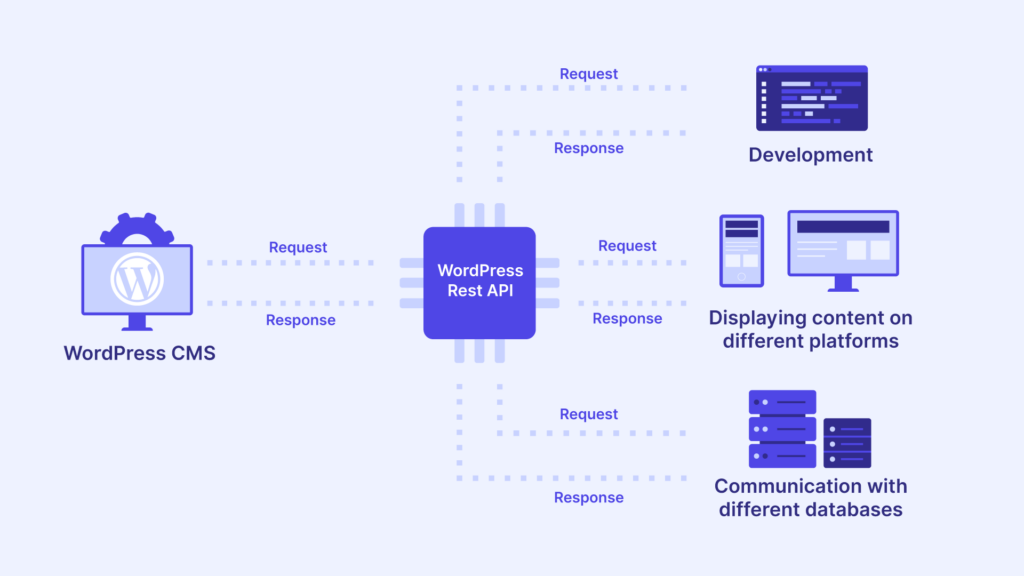
WordPress appears temp-write-test: permissions/caching/security plugin how to find out
WordPress temp-write-test occurs mostly due to permission ownership, cache directory unwritable or security tamper blocking. Locate and fix it according to the 10-minute checklist.

Elementor editor loads very slowly: sequential troubleshooting from plugin conflicts to server performance (Elementor editor loads very slowly)
What to do if Elementor editor loads very slowly? Troubleshooting in order: safe mode to locate conflicts, turn off JS delay and merge, check wp-json vs admin-ajax, then PHP/database/server performance.

DISALLOW_FILE_EDIT where to put the most correct? wp-config.php write and notes (including the list of troubleshooting)
Obviously turned on DISALLOW_FILE_EDIT is still being plugged into the code? 90% is not a switch problem! This one pulls out path errors, multisite overrides, MU plugins, OPcache, BOM and permission pits in one bite.

Do Elementor users need to enable DISALLOW_FILE_EDIT? Will it affect visual editing?
Elementor users should open DISALLOW_FILE_EDIT or not, it does not affect the visual editing, but also can significantly reduce the risk of code insertion in the background! One article explains the difference, scenarios and reinforcement list.
DISALLOW_FILE_EDIT Enabled but still being tampered with? The most common causes of permissions and vulnerabilities + detailed troubleshooting and hardening scenarios
DISALLOW_FILE_EDIT is still being inserted into the code? Don't panic! 9 high-risk entrances + stop bleeding clear backdoor + repair permissions + prohibit uploads execution, a set of processes to completely cut off repeated infections.

SEO Ranking Optimization Tools Comparison: Free Version vs Paid Version, Which Type of Website is Worth More?
Free and paid SEO ranking optimization tool difference? In this article, according to the e-commerce, content station, local service station, the new station cold start disassembles the selection logic, gives "1 main + 1 special" to buy ideas and self-test list, less detour.
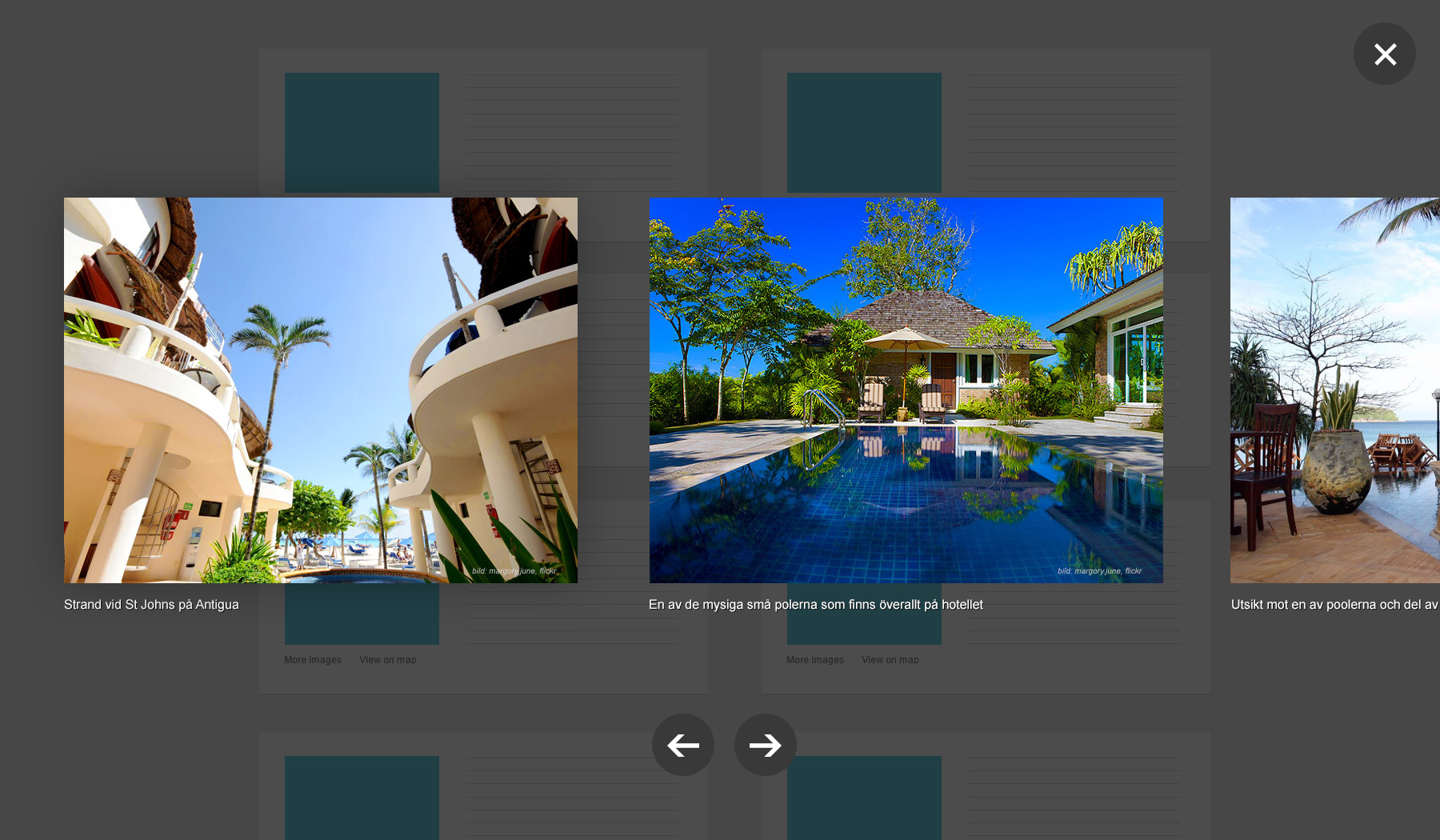
Elementor Free Edition vs Pro Edition: Lightbox Feature Differences Comparison
This article systematically compares the real difference between Elementor free version and Pro version in terms of Lightbox features, from the principle of implementation, setup method to the actual use of the scenario, a detailed analysis of whether it is necessary to upgrade to Pro for Lightbox, suitable for WordPress newcomers and advanced users to refer to ...
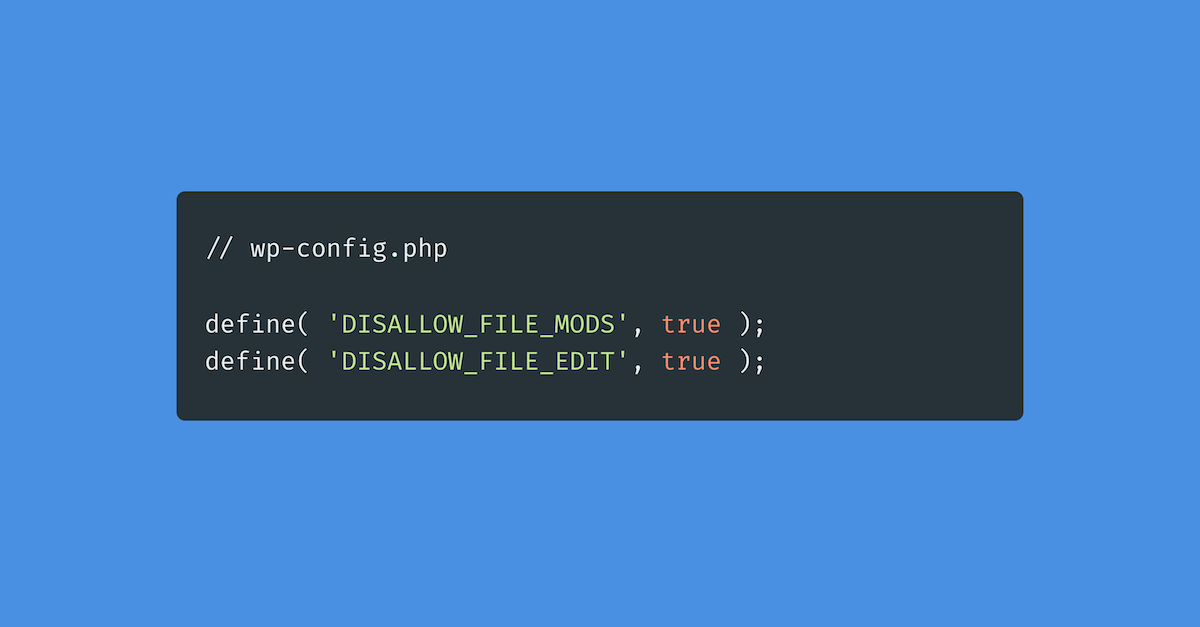
Disallow_file_edit is turned on by mistake and you can't modify the code? Quick Troubleshooting and Recovery
WordPress Theme/Plugin Editor Suddenly Disappeared? Don't panic! An article to teach you to locate DISALLOW_FILE_EDIT / DISALLOW_FILE_MODS misopen cause, step by step troubleshooting wp-config.php, security plug-ins, 1Panel / Pagoda restrictions, and quickly restore the background code editing,...

WordPress Default Editor (Gutenberg) vs Elementor: which is better?
Which is better, Gutenberg or Elementor? This article compares Gutenberg and Elementor in terms of ease of use, page freedom, speed, maintenance costs and scenarios, and gives practical advice on choosing between a content site and a marketing page.

What is disallow_file_edit? Disable WordPress backend file editing with one line of code
Is your website really safe? Many stations are not safe, but have not been targeted! Background "theme/plugin file editor" once utilized, a few seconds to plug the backdoor. This article teaches you to use DISALLOW_FILE_EDIT in wp-config.php add a line of code, directly off the background of the online ...
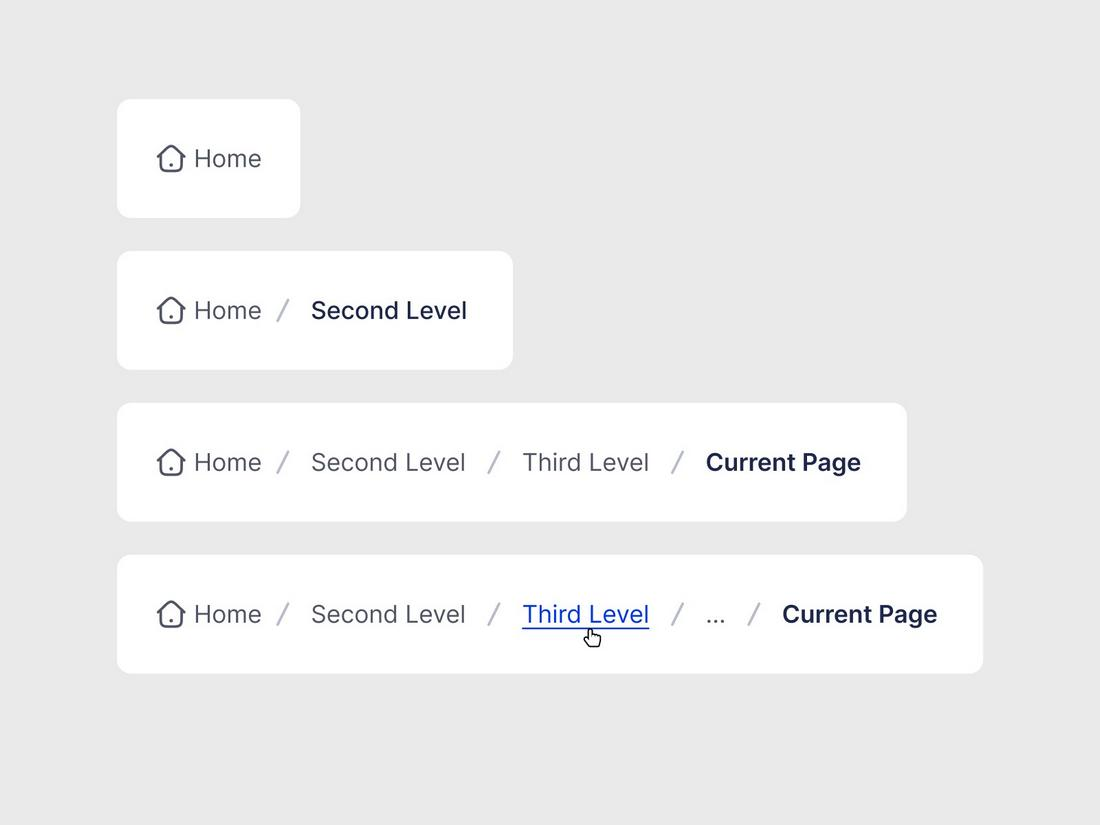
WooCommerce with Rank Math Breadcrumbs: Category Hierarchy, Product Page Path, Breadcrumb SEO Optimization Solution
Enable breadcrumbs in WooCommerce with Rank Math, organize category hierarchies, set product main categories and fixed link paths, and output BreadcrumbList structured data to improve navigation and inclusion performance.

Rank Math Breadcrumb Structured Data Parsing: How BreadcrumbList Works in Google
Rank Math Why aren't breadcrumbs showing up? This guide shows you how to check BreadcrumbList's JSON-LD, avoid theme conflicts, and quickly validate with Rich Results Test.

WordPress vs Drupal How to choose a newbie website? Comparison Guide
Comparison of WordPress vs Drupal in terms of functionality, cost, maintenance difficulty of the differences between the novice site quickly determine which one is more worry-free, with simple steps to get started.

How to choose a WordPress backup recovery plugin? A comparison and pitfall avoidance checklist that even a novice can understand
Newbies can also understand the WordPress backup recovery plugin shopping guide: free and paid differences, must-see indicators, UpdraftPlus/WPvivid recommendations, timed backup + cloud backup + retention number setting steps, with a list of common pitfalls.

How to make Polylang work seamlessly with SEO plugins to improve multilingual site ranking?
Learn how the Polylang plugin works seamlessly with the Yoast SEO or Rank Math plugins to optimize your multilingual site, boost SEO rankings, and attract more global users.
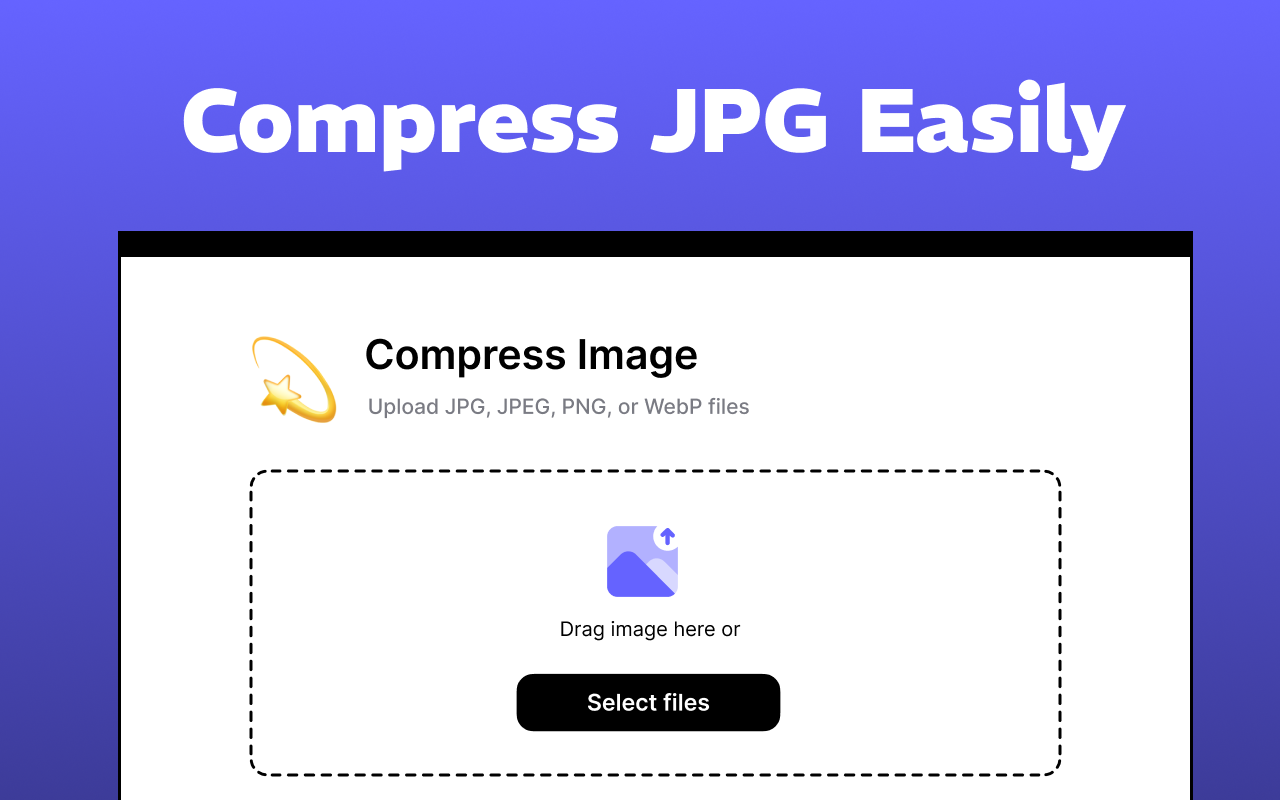
Quickly boost website speed & protect copyrights! Choose the most powerful WordPress image compression and watermarking plugin!
Want to make your website load on the fly and protect image copyrights? Choose the most powerful WordPress image compression and watermarking plugin to improve user experience, beat slow loading problems and boost SEO rankings!
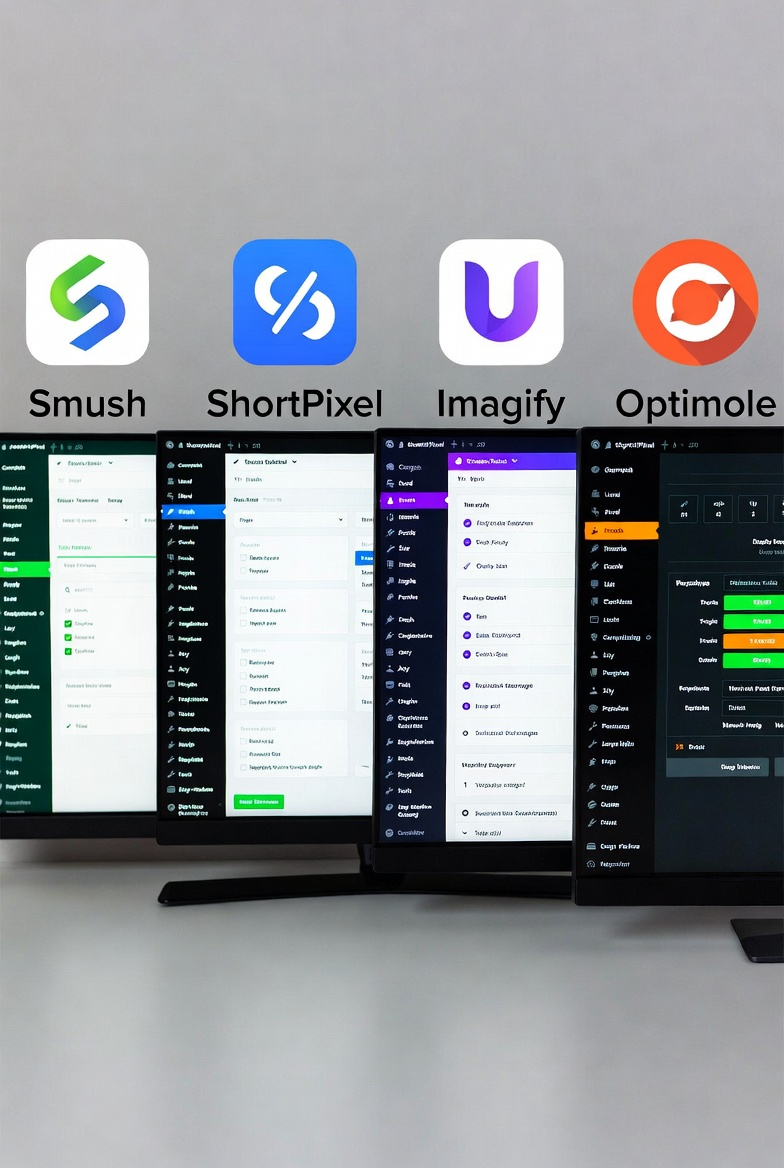
A Practical Guide to WordPress Image Compression Plugin to Easily Improve Website Loading Speed
Detailed explanation of the role of WordPress image compression plug-ins and settings, covering plug-in selection, automatic compression, size control and batch processing techniques to help reduce the size of the site images, improve page load performance, suitable for novice webmasters to quickly get started using.
The Best Comparison: Free vs. Paid WordPress Image Compression & Watermarking Plugins, Which is Better for You?
Explore common free and paid image compression and watermarking plugins for WordPress, including Smush, EWWW Image Optimizer, WP Rocket, Imagify, and more, to help you optimize your images, increase site speed, and protect original content.
90% of people buying the wrong Elementor Pro: is the free version actually good enough?
Is Elementor Pro worth buying? This article compares the core differences between the free version and Pro, and explains the real uses of Theme Builder, forms, pop-ups, and e-commerce page transformations.
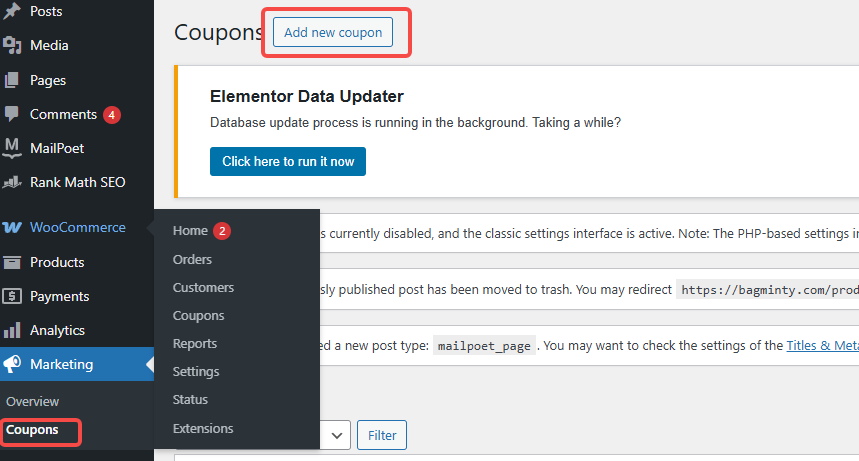
Coupon not working? Check These 5 Places First (WooCommerce General)
In WooCommerce, coupons that don't work can affect sales and customer experience. This article describes five common checkpoints to help merchants solve the problem of coupons not working and improve the effectiveness of promotions.

 简体中文
简体中文  English
  日本語
日本語  Français
  Español



