





introductory
Menu icons are design elements that enhance the website navigation experience, but improper implementation can significantly slow down a website. This article takes an in-depth look at icon fonts,SVGand images and the performance of different technical solutions, and provides a complete set of optimization solutions from selection to implementation, helping to maintain visual appeal while ensuring that website loading speed is not compromised.
I. The importance of icon performance
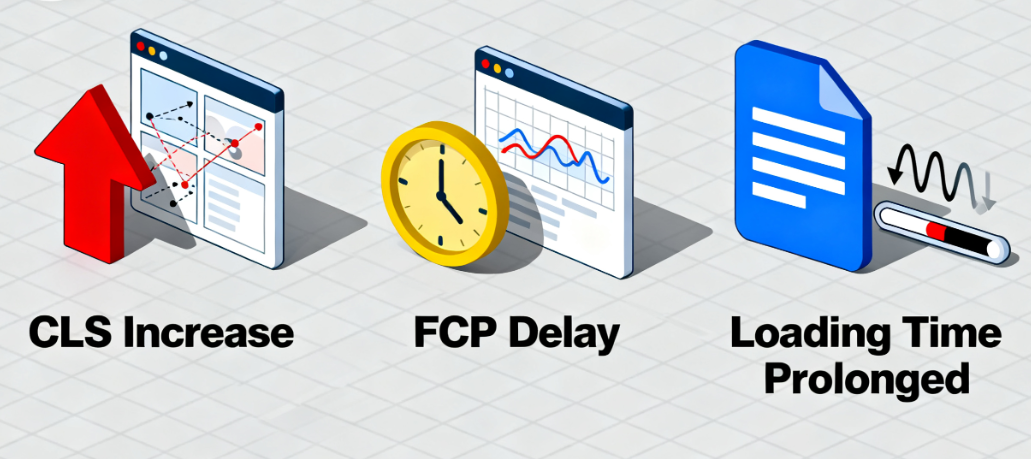
existWordPressIcons, though small, have a direct and significant impact on core user experience metrics in website design. A slow loading icon gallery can cause the following problems:
- Cumulative layout offset increase(CLS): Icons take up space when loaded, causing sudden movement of page content.
- Delay in first content mapping(FCD): The browser needs to wait for the icon resource to download before it can finish rendering some of the content.
- Increased overall loading time(TTI): Hundreds of kilobytes of icon font files can block the critical rendering path.
Optimizing icon implementation not only enhances visual aesthetics, but also directly improves the core Web metrics of the site, which is critical to user experience and search engine rankings.
II. Analysis of icon technology selection
Choosing the right technology solution is the first step in achieving performance optimization. The following is a detailed comparison of the characteristics of the three mainstream solutions.
2.1 Performance analysis of icon fonts
Icon Fonts packages multiple icons into a font file via theCSSis called with the font-family attribute of the
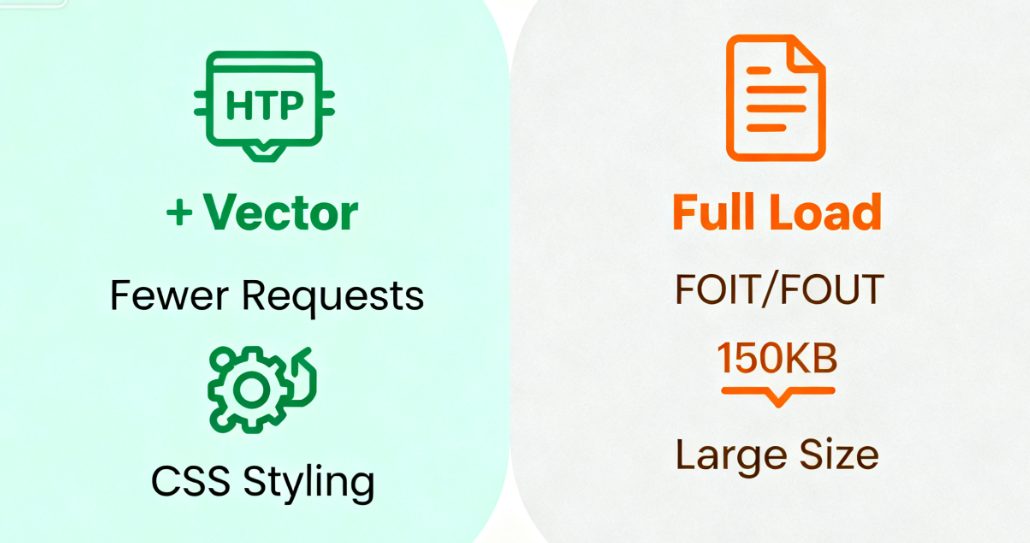
- Performance Advantages::
- Vector format, scaling without distortion
- Single file contains all icons, reducing HTTP requests
- Easy color and size control via CSS
- inferior performance::
- Even if the user only uses a few of the icons, the full font file still needs to be loaded
- May produce FOIT (Flickering Invisible Text) or FOUT (Flickering Unstyled Text)
- Font files are usually large (e.g. Font Awesome 6 Free is about 150KB)
2.2 Performance Characteristics of SVG Icons
SVG is Scalable Vector Graphics with excellent performance as a modern icon solution.
- Performance Advantages::
- File sizes are usually smaller than icon fonts
- Precise control over the loading of each icon
- Supports on-demand loading to avoid wasting resources
- Native vector support for high rendering quality
- inferior performance::
- Multiple SVG icons may generate multiple HTTP requests (can be optimized with Sprite charts)
- Complex SVG paths may affect rendering performance

2.3 Scenarios for Traditional Bitmap Formats
Bitmap formats such as PNG, JPG, WebP, etc. still have their value in some specific scenarios.
- Application::
- Extremely complex graphics or photos
- Requires support for older browsers
- Simple 1-2 icons without frequent changes
- Performance Considerations::
- Need to provide multiple sizes to fit different screens
- Full compression optimization must be performed
- Modern formats such as WebP are recommended
Third, the best realization of SVG icon solution
SVG provides a better balance between performance and flexibility. The following are specific optimization implementations.
3.1 Inline SVG Implementation Methods
Embedding SVG code directly into HTML eliminates additional HTTP requests altogether.
Example of implementation::
<a href="/en/services/" class="menu-item">
    <svg width="16" height="16" viewbox="0 0 16 16" aria-hidden="true">
        <path d="M8 0a8 8 0 1 1 0 16A8 8 0 0 1 8 0zm0 1a7 7 0 1 0 0 14A7 7 0 0 0 8 1zm0 2.5a.5.5 0 0 1 .5.5v4a.5.5 0 0 1-1 0V4a.5.5 0 0 1 .5-.5zM8 11a1 1 0 1 1 0 2 1 1 0 0 1 0-2z" fill="currentColor"/>
    </svg>
    Our Services
</a>
Optimization points::
- increase
aria-hidden="true"Avoid repeated readings by screen readers - utilization
fill="currentColor"Make icons inherit text colors - Removing unnecessary XML namespaces and metadata
3.2 SVG Sprite Technology
Merge multiple SVG icons into a single file via the<use>Elemental references.
Creating a Sprite Map File (sprite.svg)::
</symbol


    </symbol
References in the menu::
<a href="/en/profile/" class="menu-item">
    <svg width="16" height="16" aria-hidden="true">
        <use xlink:href="/path/to/sprite.svg#icon-user"></use>
    </svg>
    personal profile
</a>
Fourth, the icon font loading optimization scheme
If you choose to use icon fonts, the following options minimize the performance impact.
4.1 Subsetting Font Files
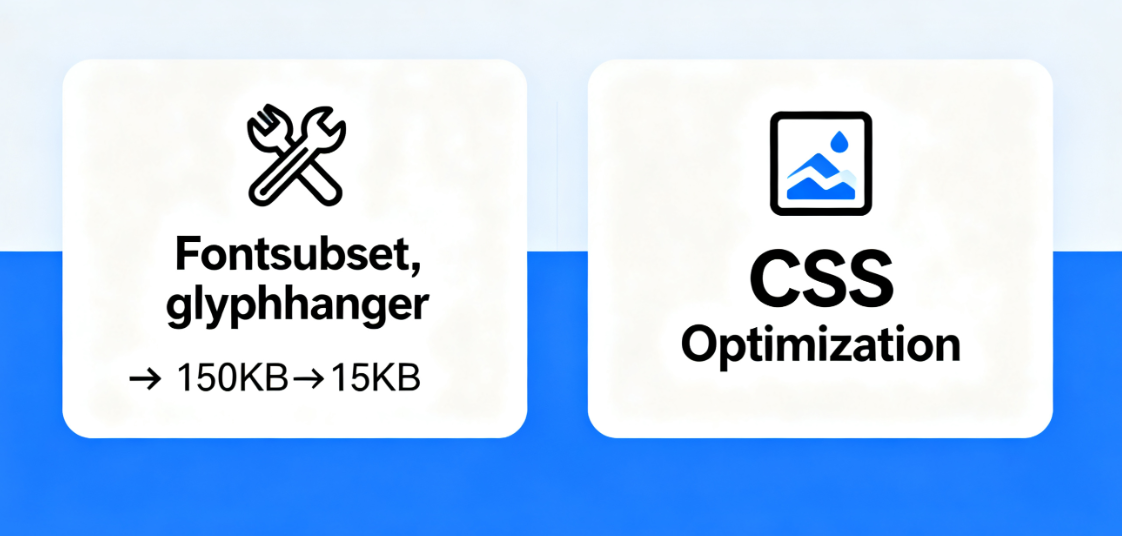
Dramatically reduce file size by extracting only the actual icon characters used with the tool.
- Use of tools::
- Fontsubset: online generation of subsetized fonts
- glyphhanger: command line tool to automate extraction of required characters
- intended effect::
- Full Font Awesome: about 150KB
- After subsetting (20 icons): about 15KB
- Volume reduction of approximately 90%
4.2 Font Loading Performance Optimization
Optimize font loading behavior with modern CSS techniques.
Optimize CSS code::
/* Define the font */
@font-face {
    font-family: 'IconFont'.
    src: url('iconfont.woff2') format('woff2'),

    font-display: swap; /* Prioritize display of fallback text, replace when font is loaded */
    font-weight: normal;
    font-style: normal;
}

/* Icon base style */
.menu-icon {
    font-family: 'IconFont'; }

    speak: never; /* Avoid screen readers trying to read aloud */
    font-style: normal;
    white-space: nowrap;
    text-transform: none;
}
V. Performance Monitoring and Testing Methods
Optimizations need to be validated for effectiveness to ensure that the improvements actually improve performance.
5.1 Core Performance Indicator Monitoring
- gauge::
- Lighthouse: Comprehensive performance audit
- WebPageTest: Detailed load time analysis
- Chrome DevTools PerformancePanel: Rendering Performance Analysis
- Key indicators::
- Load time for icon resources
- Impact of icon loading on LCP (maximum content drawing)
- Changes in the value of the layout offset
Use specialized tools to measure the impact of icon loading on performance.
![Image [1] - Solving WordPress Menu Icon Loading Performance Issues](https://www.361sale.com/wp-content/uploads/2025/10/20251031174942240-image.png)
5.2 Real User Experience Monitoring
Verify the optimization effect by real user data.
- Surveillance Solutions::
- Using Google Search Console Core Web Metrics Reporting
- Deploying real user monitoring tools
- Analyzing loading performance under different network conditions
VI. Establishing an icon performance optimization process
Icon performance optimization is not a one-time task, but should be an ongoing workflow.
Recommended Optimization Process::
- Assessment of needs: Analyze the number and complexity of icons actually needed
- Selection of technology: Select SVG or subsetized icon fonts according to project requirements
- Implementation optimization: Adoption of best practices such as inline, Sprite charts, etc.
- continuous monitoring: Establish performance benchmarks and check them regularly
- Iterative improvement: Continuous optimization based on monitoring data
With a systematic approach, it is entirely possible to maintain visual design standards while ensuring that the loading performance of a website is not compromised. The best icon solution is one where the user barely notices its presence - it just flows and naturally becomes part of the interface without causing any disruption to the experience of using it.

Link to this article:https://www.361sale.com/en/79566The article is copyrighted and must be reproduced with attribution.




















![Emoji[wozuimei]-Photonflux.com | Professional WordPress repair service, worldwide, rapid response](https://www.361sale.com/wp-content/themes/zibll/img/smilies/wozuimei.gif)

![Emoticon[baoquan] - Photon Wave Network | Professional WordPress Repair Services, Worldwide Coverage, Rapid Response](https://www.361sale.com/wp-content/themes/zibll/img/smilies/baoquan.gif)


 简体中文
简体中文  English
  日本語
日本語  Français
  Español


No comments