





introductory
When you encounter "502 Bad Gateway" error, this usually means that there has been a failure in the internal communications of the web server. ForWordPressAs far as users are concerned, websites mostly run onNginxmaybeApacheenvironment. While both can have 502 errors, the root cause and troubleshooting methods vary. This article will serve as an accurate diagnostic guide to troubleshooting based on the server software used to quickly restore access to your website.
Chapter 1: Understanding the Common Nature of 502 Errors
Before we delve into the differences, we must first establish a uniform perception: what is a 502 Bad Gateway error?
By its very nature, a 502 error is aHTTPA status code which indicates that the server acting as a gateway or proxy (i.e., the web server that is directly facing the user) received an invalid response from the upstream server (i.e., the backend service that actually handles the application logic). Simply put, when a user visits your WordPress site, the request first arrives at Nginx or Apache.
Subsequently, this web server needs to pass the request to the process that handles PHP (most commonly PHP-FPM) to execute the code for WordPress core, themes and plugins. If this pass-through process fails, or if PHP-FPM does not return any valid content, the web server throws a 502 error to the user.
So, whether it's Nginx or Apache, they both play the same role:Intermediary for communicationsThe problem is that this "middleman" is not the same as the back-end "worker" (the "worker"). The problem is that this "middleman" and the back-end "worker" (PHP-FPM) The dialog is different.
Chapter 2: Troubleshooting Error 502 in an Nginx Environment
Nginx is known for its high performance and event-driven architecture. When communicating with PHP-FPM, it usually does so through a specific protocol (FastCGI) to carry out. Understanding this is the key to successful troubleshooting.
2.1 Examining the Nginx Error Log to Locate Initial Clues
The Nginx error log is the starting point for investigation. The location of the logs varies from system to system, with common paths being /var/log/nginx/error.log. Looking at that file, especially records near the point in time when the error occurred, is a crucial first step.
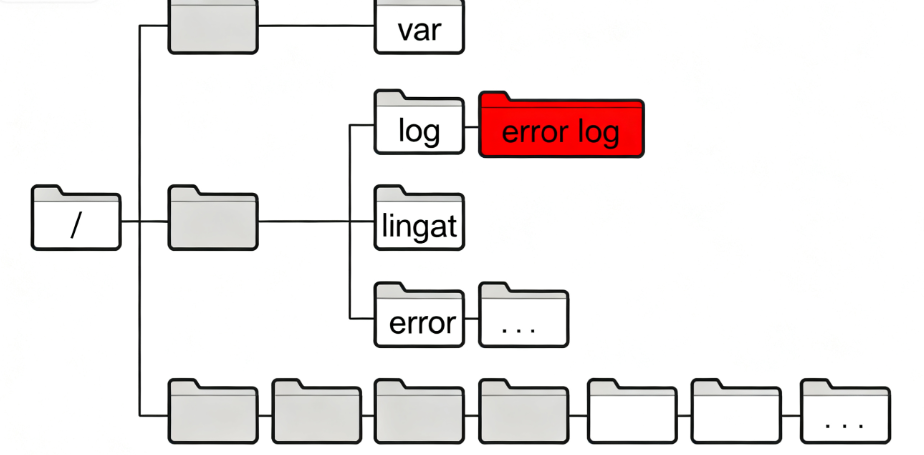
The most common entries in Nginx's logs related to 502 errors include:
connect()failed: This indicates that Nginx was unable to connect to the PHP-FPM process pool specified in the configuration.Primary script unknown: This means that Nginx was unable to find or execute the specified PHP script (such as theindex.php).
2.2 An in-depth investigation of "connect() failed".
When the logs show connection failure errors, the core of the problem is that the physical connection between Nginx and PHP-FPM failed to be established.
2.2.1 Verifying PHP-FPM Process Pool Status
The PHP-FPM service may not be running or may have crashed. Its status can be checked using the following command:
sudo systemctl status php-fpm # For systems using systemctl
# or
sudo service php-fpm status
If the service is not running, try starting it:sudo systemctl start php-fpm. If the startup fails, or if the service repeatedly crashes, you need to check the configuration and logs of PHP-FPM itself.
2.2.2 Confirmation of communication methods and authority
Nginx and PHP-FPM can communicate in two main ways:Unix Socket maybe TCP/IP SocketThe
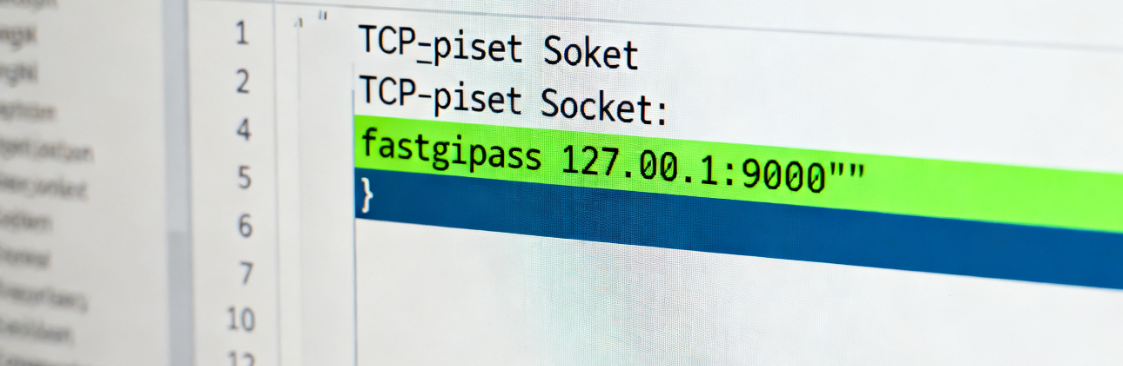
- Unix Socket Check: If your Nginx configuration uses something like the
fastcgi_pass unix:/var/run/php/php-fpm.sock;of instructions that need to be checked:- Whether this socket file exists:
ls -l /var/run/php/php-fpm.sock - The user running the Nginx process (usually the
www-datamaybenginx) whether it has permission to read and write to the socket file. Permission errors are a common cause of connection failure.
- Whether this socket file exists:
- TCP/IP Socket Check: If configured as
fastcgi_pass 127.0.0.1:9000;, needs to be checked:- Whether PHP-FPM is listening on the port:
netstat -tulpn | grep 9000 - Whether the system's firewall is blocking communication on this port at the local loopback address (127.0.0.1).
- Whether PHP-FPM is listening on the port:
2.3 Resource exhaustion and process blocking
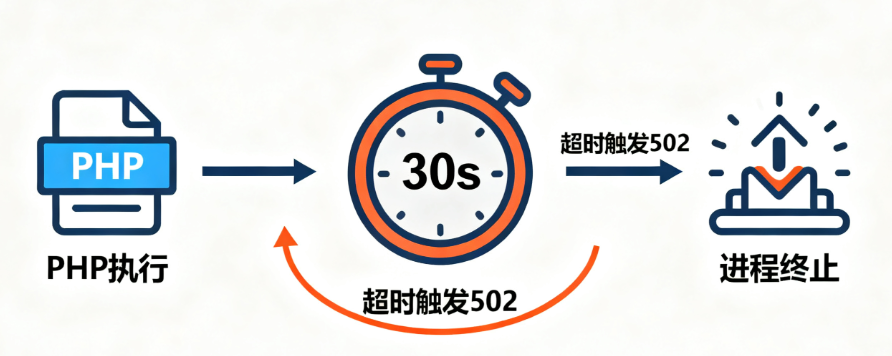
Another common reason for Nginx to return 502 is that the PHP-FPM child process times out while processing the request or terminates due to lack of resources.
- Check PHP-FPM resource settings: Edit the PHP-FPM process pool configuration file (usually located in the
/etc/php/7.x/fpm/pool.d/www.conf, the version number may be different), pay attention to the following parameters:pm.max_children: If the number of concurrent requests exceeds this value, new requests will be rejected, resulting in a 502.request_terminate_timeout: If the processing time of a single PHP request exceeds this timeout setting, the process will be forced to terminate, most likely resulting in a 502 error. It is possible to increase this value appropriately, but it is more important to optimize scripts or queries that take too long to execute.
Chapter 3: Apache environment 502 error troubleshooting
Apache typically usesmod_phpmodule or through themod_proxy_fcgicombined with PHP-FPM to handle PHP requests. The latter (Apache + PHP-FPM) is becoming more and more common in modern deployments, and our troubleshooting will focus on that as well.
3.1 Analyzing Apache Error Logs
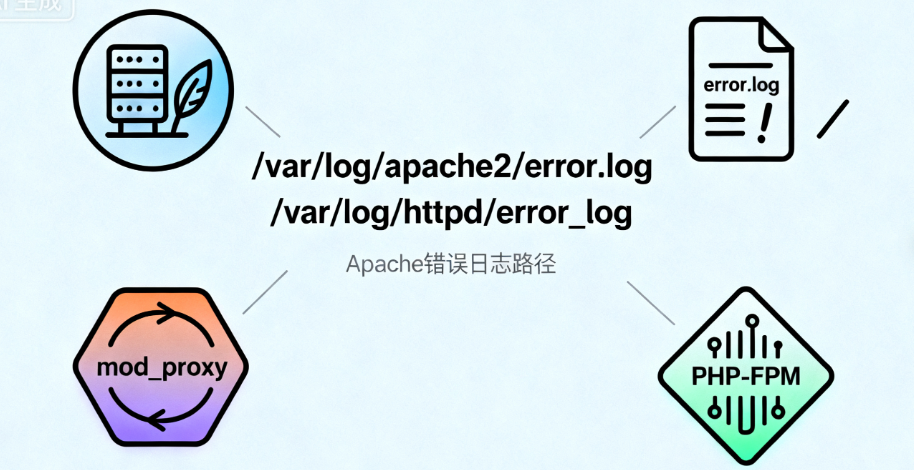
Similar to Nginx, Apache's error log is the primary source of information. Its common paths are /var/log/apache2/error.log maybe /var/log/httpd/error_logThe
In Apache's logs, you may see entries about proxy errors, as they are usually logged via themod_proxymodule communicates with PHP-FPM.
3.2 Proxy Module Configuration and Permission Issues
When Apache is used as a proxy to communicate with PHP-FPM, the configuration is significantly different from Nginx.
3.2.1 Verifying the mod_proxy and mod_proxy_fcgi Modules
Make sure that these necessary Apache modules are enabled. This can be checked using the following command:
sudo a2enmod proxy_fcgi # on Debian/Ubuntu systems
# or view httpd -M output
3.2.2 Review of virtual host configuration
Apache usually defines how to proxy PHP requests to PHP-FPM in its web hosting configuration file. a typical configuration snippet might look like this:
SetHandler "proxy:fcgi://127.0.0.1:9000"
    # or use Unix Socket: SetHandler "proxy:unix:/var/run/php/php-fpm.sock|fcgi://localhost"
</FilesMatch
Confirmation is required:
SetHandlerThe path of the directive (either the IP:Port or Unix Socket path) is exactly the same as the actual listening address of PHP-FPM.- If using a Unix socket, the Apache runtime user (usually the
www-datamaybeapache) must have read and write permissions to that socket file.
3.3 Module Conflicts and Resource Constraints
Module conflicts are an issue that requires special attention in the Apache environment.
- Avoid module handler conflicts: If both loaded
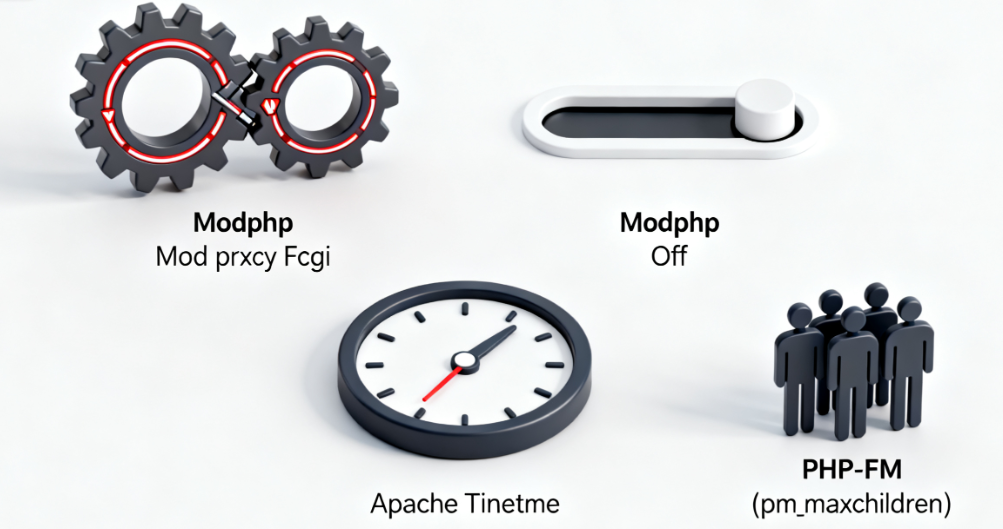
mod_php(old-fashioned treatment) andmod_proxy_fcgi(modern processing), and improperly configured, they may compete for processing rights over PHP files, leading to unpredictable behavior, including 502 errors. After configuring PHP-FPM, you should usually disable themod_phpor ensure that it does not interfere with the new agent configuration. - Adjust Apache and PHP resource limits: Apache
Timeoutdirective and PHP'smax_execution_timedirectives can all affect long-running scripts. Similarly, PHP-FPM's resource settings (such as thepm.max_children) also applies to this environment and needs to be rationalized based on server load.
Chapter 4: Generic troubleshooting and preventive measures across platforms
Although Nginx and Apache are configured differently, there are some troubleshooting steps that are universally applicable because they target a common upstream - PHP-FPM and WordPress itself.
4.1 Diagnosing PHP-FPM Health Status
The state of PHP-FPM is decisive regardless of the type of web server on the front end.
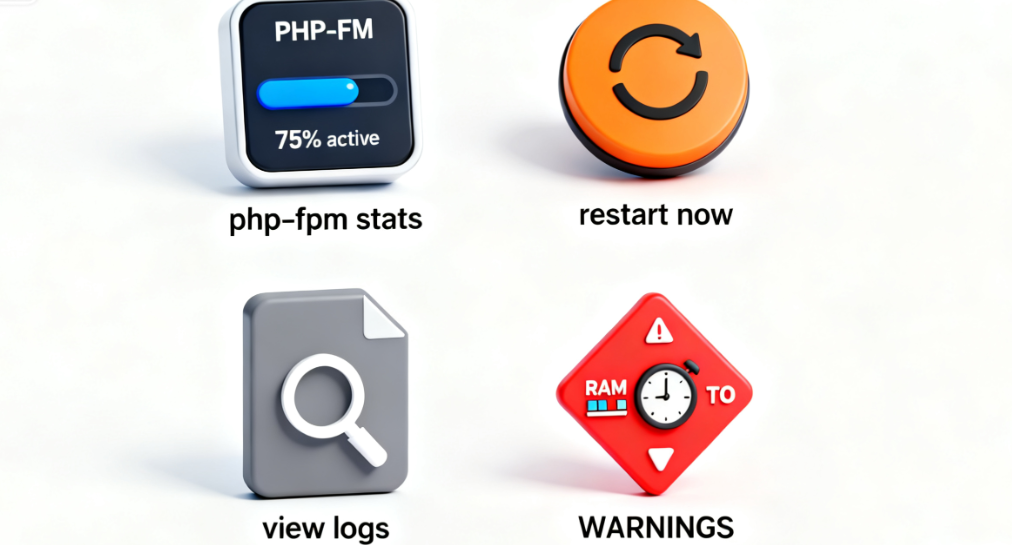
- Restart the PHP-FPM service: As a quick means of recovery, restarting PHP-FPM can clear up any dead processes or memory leaks that may exist. Commands such as:
sudo systemctl restart php-fpmThe - Analyze PHP-FPM logs: PHP-FPM has its own separate log file (in the pool configuration file)
catch_workers_outputrespond in singingphp_admin_flag[log_errors]Settings). Viewing these logs can yield valuable information about exactly why a PHP script failed, such as memory exhaustion, execution timeout, or fatal error.
4.2 Troubleshooting WordPress Plugin and Theme Conflicts
Defective WordPress plugins or themes are a common culprit in crashing the PHP process.
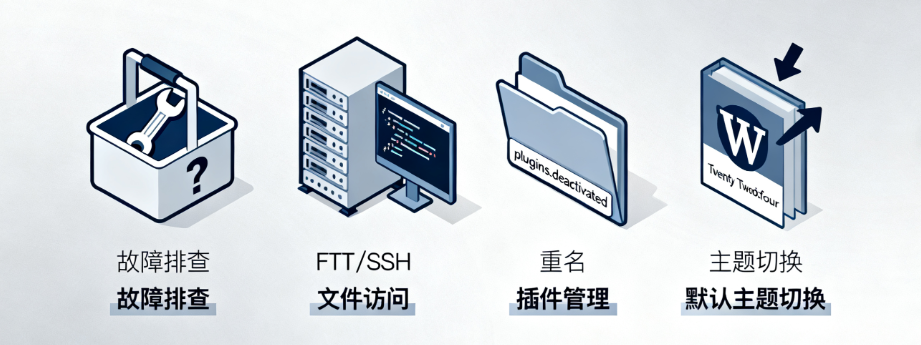
- Enter troubleshooting mode: Access your website files via FTP or SSH.
- Rename the plugin directory: commander-in-chief (military)
wp-content/pluginsRename the directory toplugins.deactivated. All plugins will be disabled at this point. - Check the website: Refresh your site frontend. If the 502 error disappears, it means that the problem is caused by one of the plugins. You can reactivate the plugins one by one until you find the one causing the problem.
- Toggle topic: If the problem is not with the plugin, try switching the active theme to the WordPress default theme (e.g. Twenty Twenty-Four) to rule out theme compatibility issues.
summarize
The 502 Bad Gateway error, while annoying, is not untraceable. For Nginx users, troubleshooting should focus on FastCGI connections to PHP-FPM, socket file permissions, and process resource limits. For Apache users, a closer look is needed.mod_proxy_fcgiagent configuration, module conflict issues, and associated file permissions.
Mastering this targeted diagnostic process will enable you to remain calm the next time you face a 502 error, pinpointing the lesions and implementing fixes like an experienced system doctor, ultimately restoring your WordPress site to health and vitality.

Link to this article:https://www.361sale.com/en/79935The article is copyrighted and must be reproduced with attribution.



















![Emoji[wozuimei]-Photonflux.com | Professional WordPress repair service, worldwide, rapid response](https://www.361sale.com/wp-content/themes/zibll/img/smilies/wozuimei.gif)

![Emoticon[baoquan] - Photon Wave Network | Professional WordPress Repair Services, Worldwide Coverage, Rapid Response](https://www.361sale.com/wp-content/themes/zibll/img/smilies/baoquan.gif)


 简体中文
简体中文  English
  日本語
日本語  Français
  Español


No comments