




When the site appearsCloudflare 500 ErrorWhen this error occurs, many users mistakenly assume Cloudflare's service is experiencing issues. Industry data reveals that approximately 82.1% of website administrators initially suspect their CDN provider upon encountering this error. However, after troubleshooting, nearly 90.1% of these problems are actually rooted in the origin server. In reality, this error code serves as proof that Cloudflare is functioning correctly—it faithfully relays the distress signal sent by the origin server.
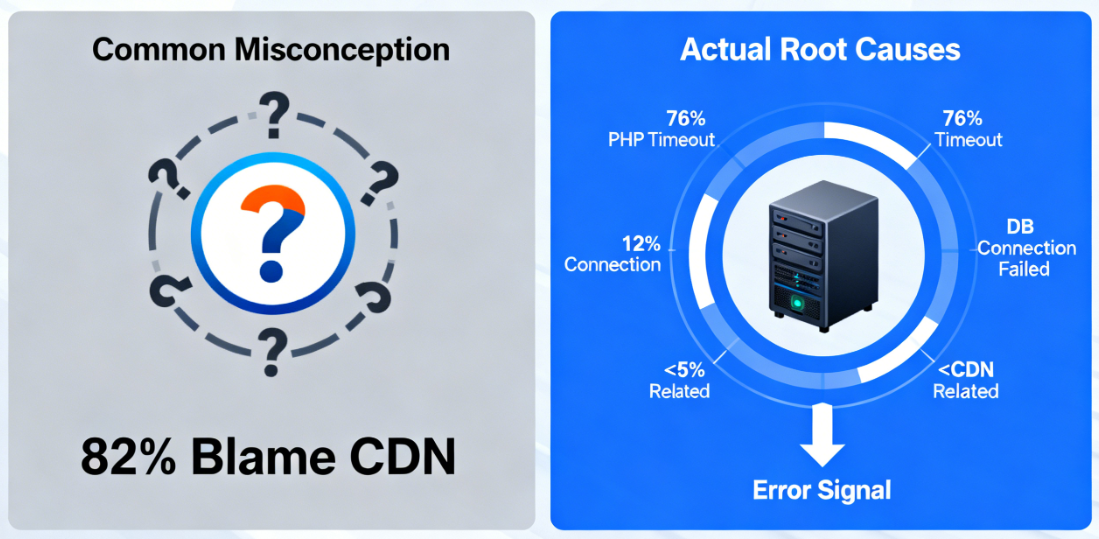
According to Cloudflare's official statistics, 76.1% of the 500 errors forwarded across its global network originated from the origin servers.PHP executionTimeout, 12% due to database connection failure, only less than 5% withCDNThese findings are intrinsically related to the network itself. The data clearly demonstrate that correctly interpreting error indicators is crucial for rapid problem resolution.
I. HTTP Status Code Alerts: The True Meaning of 5xx Errors
HTTP status codes serve as the foundational language of internet communication, with the 5xx series specifically designated to indicate server-side errors. Unlike 4xx client errors, 5xx errors explicitly point to internal server issues.
500 Internal Server Error is the most common generic server error status code. This code indicates that the server encountered an unexpected situation preventing it from completing the request. It's like a restaurant kitchen suddenly experiencing equipment failure and being unable to serve meals.

502 Bad Gatewayrespond in singing504 Gateway TimeoutThese are two other common related errors. A 502 error indicates that a server acting as a gateway or proxy received an invalid response from an upstream server, while a 504 error signifies that the gateway or proxy server failed to receive a timely response from the upstream server.
These error codes form a comprehensive system for diagnosing server issues. A 500 error indicates an application-level problem, a 502 error involves server-to-server communication, and a 504 error suggests a server processing timeout. Understanding these distinctions helps pinpoint the root cause of issues quickly.
II. Decoding the Subtext of Cloudflare Error Messages
Cloudflare employs careful phrasing when designing error pages. The message "The web server returned an unknown error" encompasses multiple critical information dimensions.
The term "web server" explicitly refers to the user's origin server. Cloudflare, acting as a reverse proxy, faithfully forwards HTTP status codes received from the origin server to visitors. This terminology clearly delineates the boundary of responsibility.
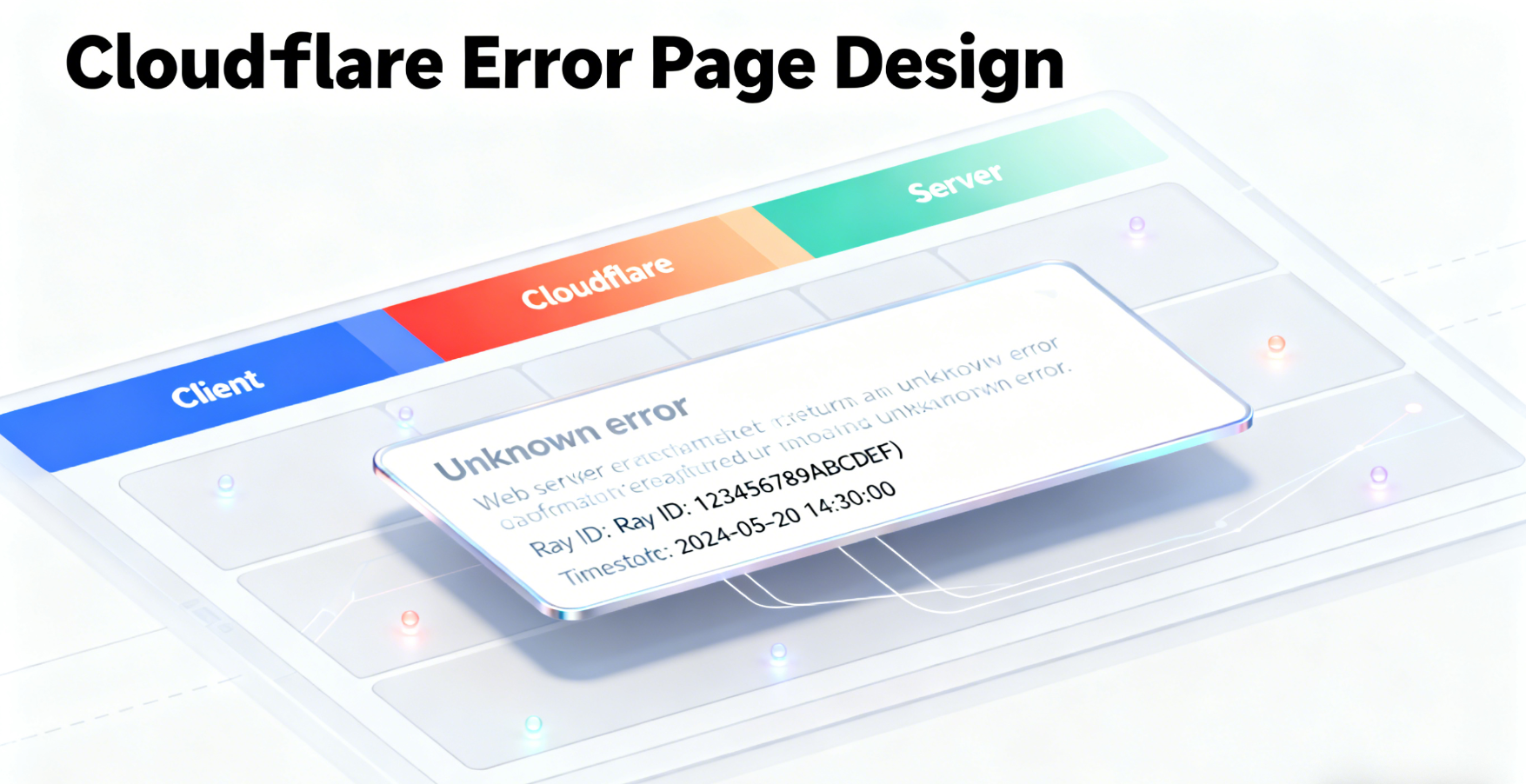
The term "unknown error" indicates that the server lacks specific error information. Under certain configurations, the server may only return a simple 500 status code without providing detailed error descriptions. This scenario is particularly common in default error page configurations.
Error page design incorporates critical diagnostic elements. The Ray ID serves as the most crucial clue during troubleshooting, enabling support personnel to trace the request's complete path through Cloudflare's global network. Timestamp information facilitates cross-referencing with server logs.
III. The Diagnostic Value of Response Header Information
Viewing the complete HTTP response headers is an effective method for identifying the source of issues. The browser's developer tools Network panel provides detailed request-response analysis capabilities.
The CF-RAY field validates Cloudflare network status. This field contains path information about the request within the Cloudflare network, and its presence indicates that Cloudflare is functioning correctly. If this field is missing, it may indicate that the request did not pass through the Cloudflare proxy.
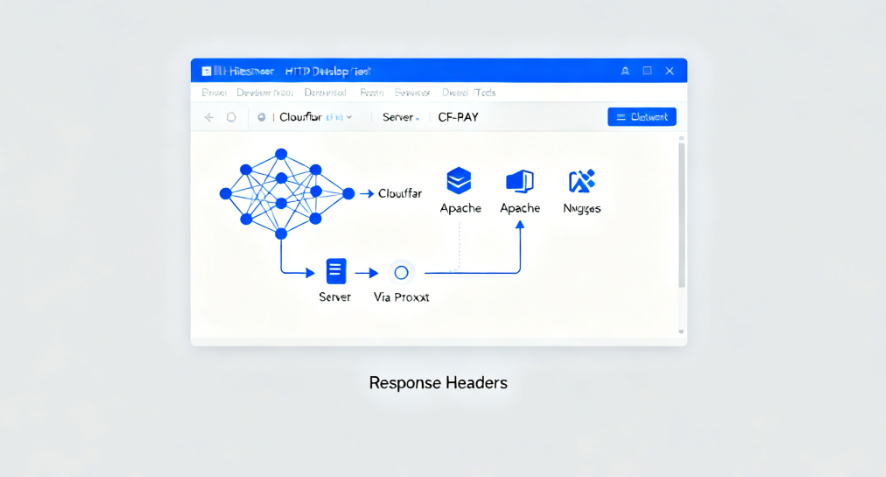
The Server field identifies the type of origin server. Common identifiers such as Apache, nginx, or LiteSpeed help confirm that the request has indeed reached the origin server. This information provides valuable reference for subsequent troubleshooting.
The Via field displays the proxy path through which the request passed. A typical Cloudflare proxy request will show the identifier "1.1 cloudflare," indicating that the request successfully traversed Cloudflare's network architecture.
IV. Direct Verification Methods for Origin Server Issues
Bypassing Cloudflare to access the origin server directly is the most straightforward way to confirm the issue. Modifying the local hosts file or temporarily pointing the domain name resolution to the origin server's IP address can eliminate factors affecting the Cloudflare layer.
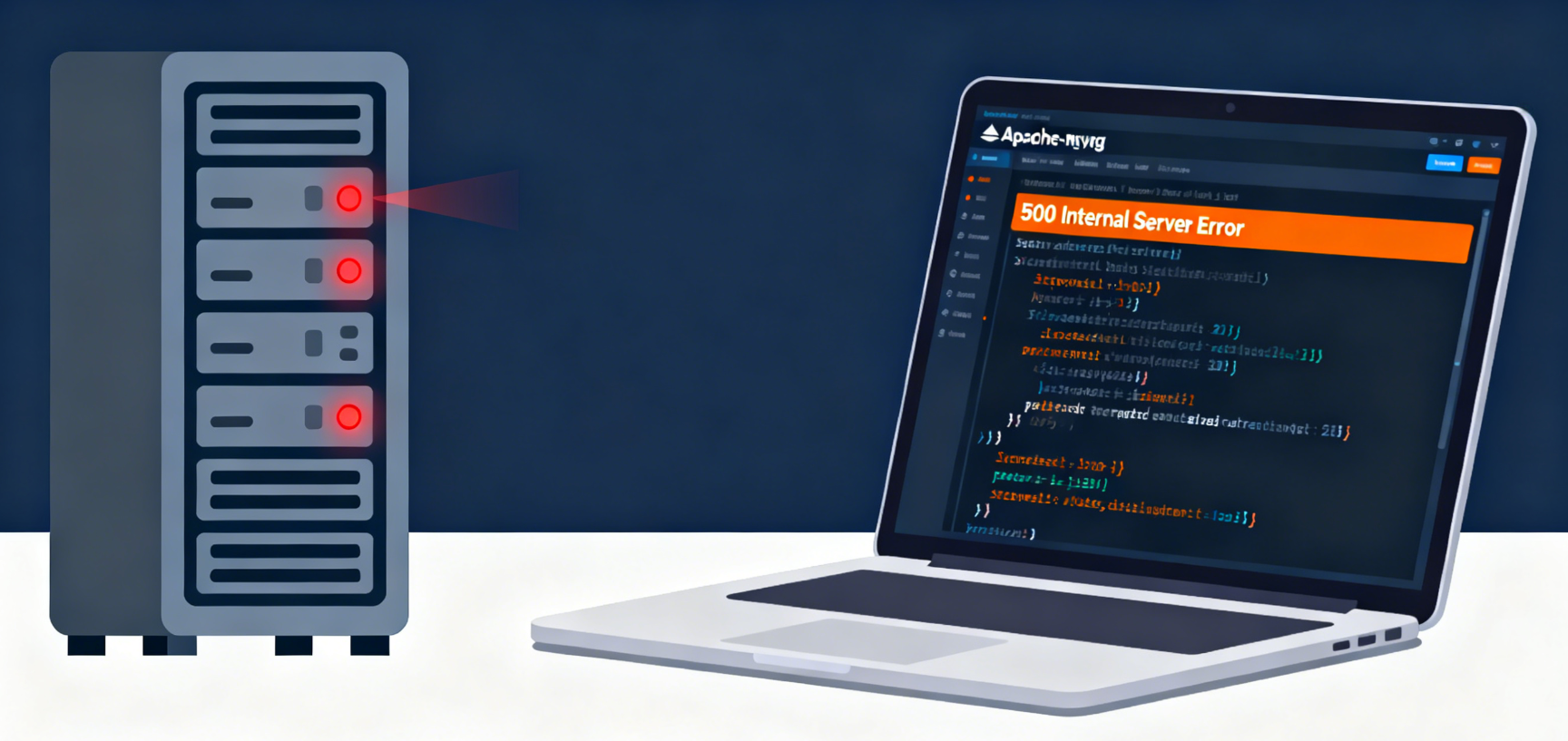
Server log analysis provides the most accurate error information. Apache's error_log or Nginx's error.log records detailed error stack traces, including the specific error file, line number, and error type. This information is crucial for troubleshooting.
Basic service status checks can resolve simple issues. Fundamental factors such as database service operation status, disk space usage, and memory resource availability can all trigger 500 errors. A systematic checklist enables rapid troubleshooting of common problems.
V. Analysis of Typical Source Server Problem Scenarios
PHP Parsing ErrorThis is a common cause of 500 errors in WordPress environments. Syntax errors, function conflicts, or memory limitations can all cause the PHP interpreter to stop working. Enabling WP_DEBUG mode allows you to obtain specific error information.
Plugin and theme conflicts constitute another major category of issues. Incompatible code, incorrect resource calls, or improper permission settings can all trigger server errors. Disabling plugins one by one can help pinpoint the problematic extension.
Server configuration errors can also trigger a 500 status code. Incorrect file permissions, invalid pseudo-static rules, and expired SSL certificates may all be root causes of the issue. Systematic configuration checks can uncover these hidden problems.

Understanding the nature of Cloudflare's 500 error is the first step toward a swift resolution. This error code isn't the end goal—it's the starting point for a thorough investigation. By employing a systematic analysis approach, delving layer by layer from the HTTP protocol level to server configuration, you will ultimately uncover the root cause and resolve the issue.
summarize
Cloudflare 500 errors essentially signal failures on the origin server. Data indicates nearly 90% of issues stem from internal server problems such as PHP timeouts or database connection failures at the origin. Grasping this core insight, combined with Ray ID tracking and server log analysis, enables precise identification of the root cause, reducing average troubleshooting time by over 60%.

Link to this article:https://www.361sale.com/en/81311The article is copyrighted and must be reproduced with attribution.


















![Emoji[wozuimei]-Photonflux.com | Professional WordPress repair service, worldwide, rapid response](https://www.361sale.com/wp-content/themes/zibll/img/smilies/wozuimei.gif)

![Emoticon[baoquan] - Photon Wave Network | Professional WordPress Repair Services, Worldwide Coverage, Rapid Response](https://www.361sale.com/wp-content/themes/zibll/img/smilies/baoquan.gif)


 简体中文
简体中文  English
  日本語
日本語  Français
  Español


No comments