




Cloudflare 521 error, also known as the "Origin Web Server is Down" error, is one of the most challenging issues website administrators may encounter.Data indicates that such origin-side outages account for approximately 15% of all Cloudflare 5XX errors, with an average diagnosis and recovery time exceeding 45 minutes. This error does not originate from Cloudflare's own network but explicitly indicates that your hosting server has failed to respond to Cloudflare's connection requests.
When a visitor attempts to access your website, the request first reaches Cloudflare's edge network. Cloudflare then attempts to contact the origin server to retrieve content within a preset 100-second timeout window. If your server is completely unresponsive during this period—due to process crashes, resource exhaustion, or hardware failure—Cloudflare cannot retrieve any data and will display a521 ErrorPage.
Monitoring indicates that a 30-minute outage of this nature could result in small business websites losing over 71 potential daily visitors. This situation directly leads to complete website unavailability, meaning business disruption, customer attrition, and potential revenue loss. Mastering a systematic and efficient diagnostic and repair process is crucial for keeping the average recovery time under 15 minutes and minimizing downtime.
I. Preliminary Diagnosis: Confirming the Scope of the Problem and Conducting Basic Checks
Before undertaking complex server operations, performing a series of quick basic checks can eliminate simple external factors and precisely pinpoint the fault boundary.
1.1 Accessing the Cloudflare Status Page and Third-Party Monitoring Tools
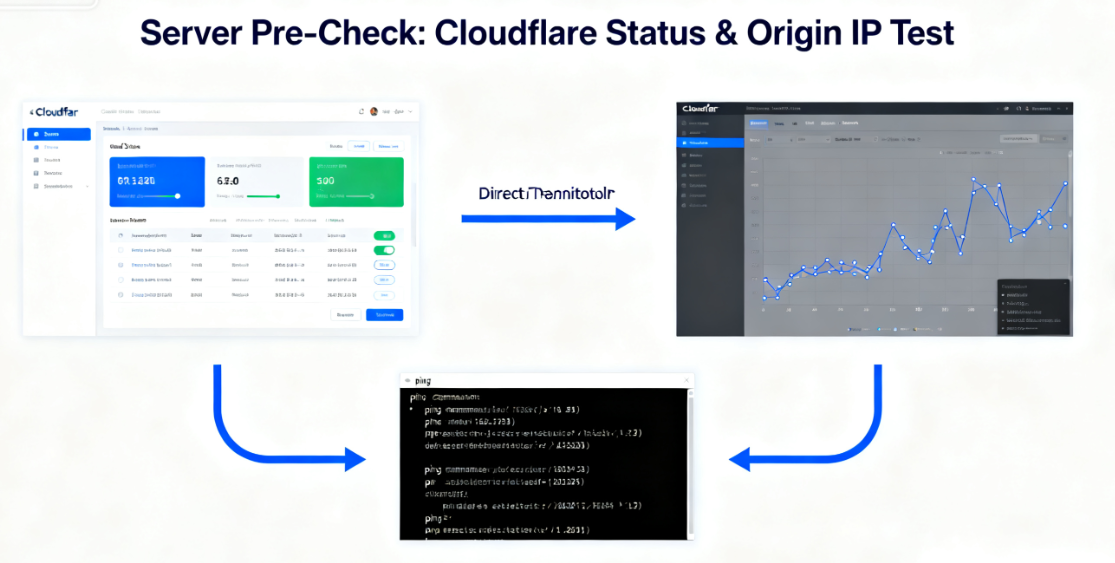
First, visit Cloudflare's official status page to rule out the extremely low possibility of a regional outage on the Cloudflare platform itself. Next, use globally distributed third-party website monitoring tools (such asUptimeRobot,StatusCakeOr simply use your phone to switch to mobile data and access the site. Try opening your website. These tools can detect site accessibility from multiple geographic locations, confirm whether the issue is widespread or localized, and verify that the error page is indeed served by Cloudflare (typically bearing specific Cloudflare branding) rather than a "connection failed" page provided by your hosting provider.
1.2 Directly Test IP Connectivity to the Origin Server
Since a 521 error indicates Cloudflare cannot connect to your origin server, bypassing Cloudflare to directly test the server status is a crucial step. In the "DNS" settings of your Cloudflare dashboard, locate the A record or AAAA record pointing to your server's origin IP address. Then, execute the following command in your computer's command line:ping [Your source server IP]Command. If you receive a "Request Timed Out" or "Unable to Access Target Host" response, this strongly indicates the server's network layer is offline. Conversely, if the ping succeeds, the issue likely resides at the web service software layer.
1.3 Verifying Cloudflare's Proxy Status
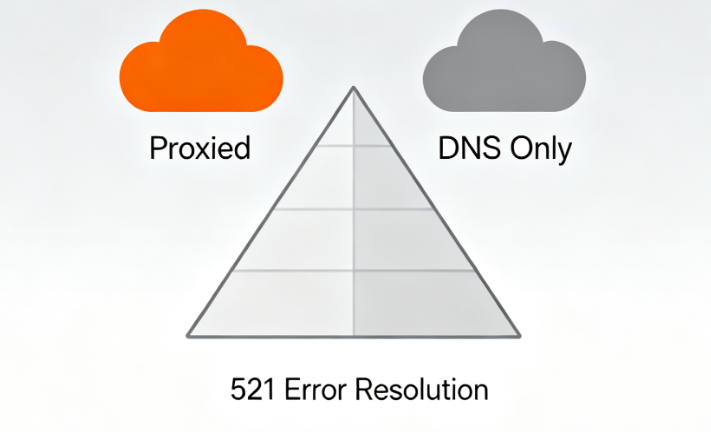
Check whether the domain records causing the 521 error in Cloudflare DNS settings have the orange cloud icon enabled (indicating a "Proxied" status). This signifies Cloudflare's intervention in traffic management.A common oversight occurs when records are mistakenly set to "DNS Only" (gray cloud) without properly configuring the server, followed by manually enabling other Cloudflare services requiring proxying (such as Firewall or Caching rules). This leads to inconsistent connection behavior.
II. Server-Side Deep Inspection and Repair Operations
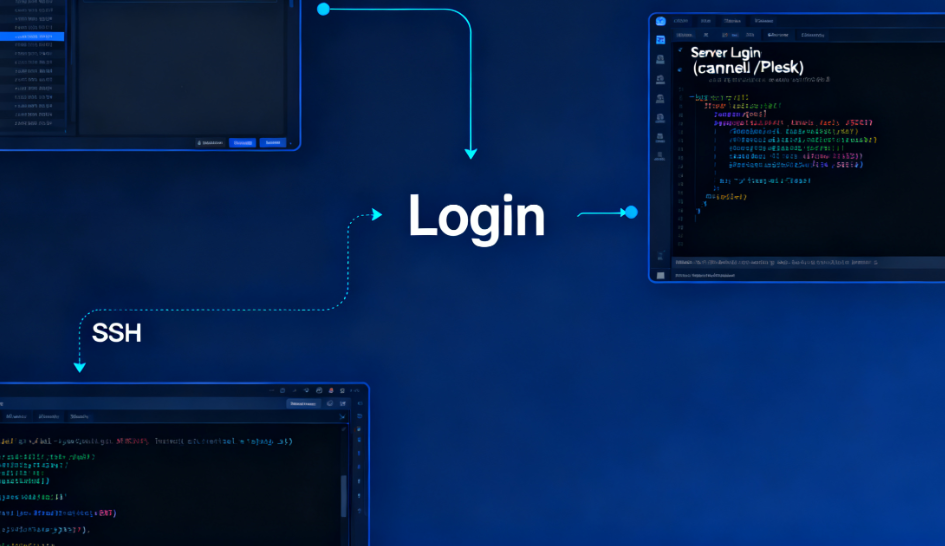
Once the preliminary diagnosis confirms the issue originates from your server, you should log in immediately.Server Management Interface(e.g.cPanel• Plesk Panel, or via direct SSH access) for in-depth troubleshooting. Follow a troubleshooting sequence from simple to complex, and from software to hardware.
2.1 Check the Status of the Web Service Process
Web service software on the server (such asApacheWeb servers (such as Apache, Nginx) may stop running due to resource exhaustion, configuration errors, or crashes.
- For hosting services using control panels such as cPanel/PleskIn the service management or restart service section, locate and attempt to restart the "HTTP Server" or "Web Server" service.
- For Linux servers accessed via SSHUse system service management commands for inspection. For example, on systemd-based systems, execute:
systemctl status nginxmaybesystemctl status apache2Check the service status. If the service isinactive (dead)Status, Usesystemctl start [service name]Attempt to start the command. Checking the service log typically provides the cause of the crash. Commands such as:journalctl -u nginx --since todayThe
2.2 Review Resource Usage
Server resource exhaustion (memory, CPU, disk space) is a common cause of service crashes.
- Check disk space: Run
df-hCommand. If the root partition or critical partition reaches 100% utilization, the web service will be unable to write logs or temporary files, leading to failure. Temporary files, logs, or redundant data must be purged. - Check memory and CPU: Run
topmaybehtopCommand. Monitor whether any processes are consuming abnormally high amounts of memory or CPU. Memory exhaustion may trigger the system killer to terminate critical processes, including web services.
2.3 Troubleshooting Firewall and Port Configuration
The server's firewall may be incorrectly blocking Cloudflare's inbound connections. Cloudflare connects to the origin server using specific IP ranges.
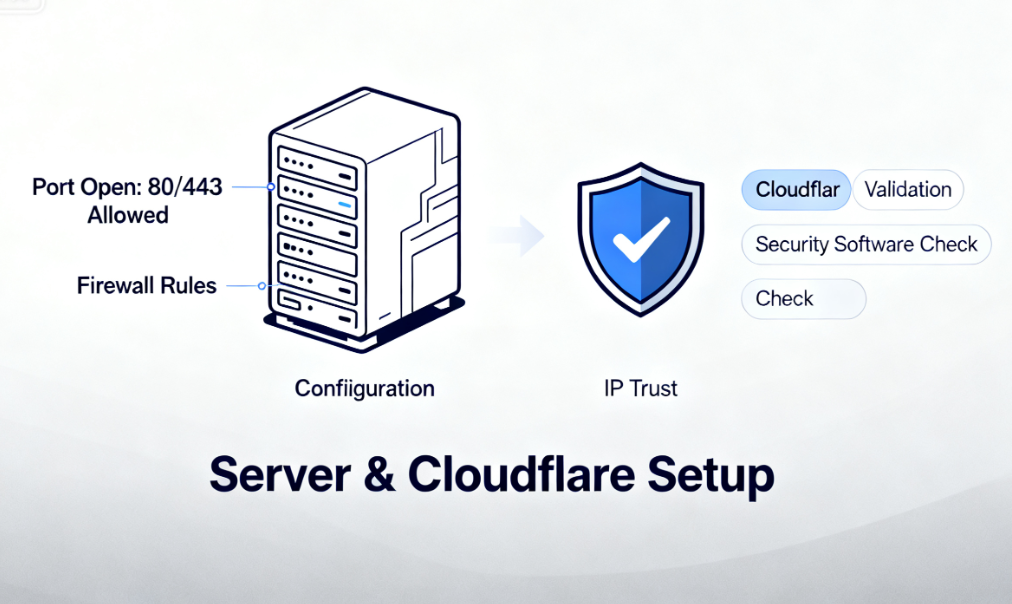
- Verify port is openEnsure your server firewall (such as iptables, firewalld, or your cloud provider's security groups) permits inbound connections to HTTP (port 80) and HTTPS (port 443) from any IP address (or at least from Cloudflare's IP range). You may temporarily configure firewall rules to allow all IPs to access ports 80/443 for testing purposes.
- Verify Cloudflare IP WhitelistAlthough modern best practices recommend that origin servers should trust certificates presented via HTTP headers (such as
CF-Connecting-IPThe actual visitor IP is transmitted, not directly whitelisted Cloudflare IPs. However, certain outdated or specially configured security software still requires this setting. Ensure that server-level firewalls or web application firewalls (such as ModSecurity) are not blocking Cloudflare's IPs.
III. Contacting Hosting Service Providers and Advanced Measures
If the issue persists after completing the internal server checks and operations described above, the problem may involve deeper infrastructure layers and require intervention from your hosting provider.
3.1 Prepare information and submit a support ticket
When contacting your hosting provider's support team, providing detailed information accelerates the resolution process. Your support ticket should include: your domain name, server IP address, the exact time the issue occurred, all diagnostic steps you've already attempted (e.g., "Tried restarting the Apache service, checked disk space availability, and confirmed ports 80/443 are open in the firewall"), and any relevant error messages extracted from server logs. A clear description helps the support team pinpoint the core issue immediately.
3.2 Potential Root Causes Involving the Hosting Provider
The support team of your hosting provider will investigate infrastructure layers beyond your scope of control. Common causes include:
- Physical hardware failureThe physical node hosting the server has encountered a power supply, network hardware, or memory failure.
- Network outageData center-level network routing issues or upstream supplier failures.
- Virtualization Platform IssuesFor VPS or cloud hosting, the host server may experience failures or require maintenance.
- Resource Constraints and Forced SuspensionDue to exceeding resource usage limits (such as prolonged high CPU usage or traffic overages), your hosting provider may have suspended your server.

3.3 Temporary Emergency Measures and Long-Term Prevention
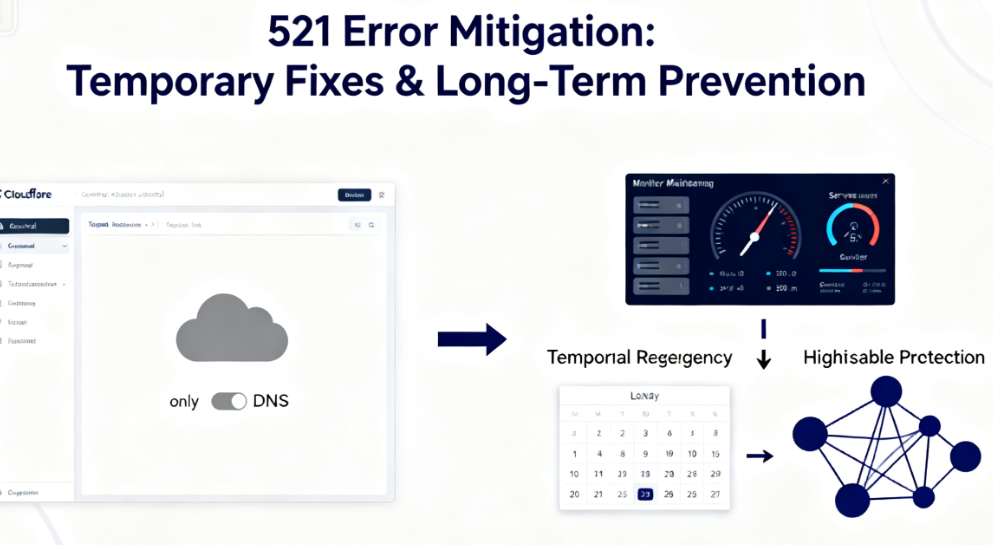
While awaiting the hosting provider's response, if business continuity demands are extremely high, consider temporarily setting the Cloudflare proxy status for critical domains to "DNS Only" (gray cloud icon). This redirects traffic to bypass Cloudflare and access the origin server directly (provided the origin server IP is directly accessible and secure). However, this will forfeit Cloudflare's protection and acceleration.Long-term, establishing monitoring alerts (for server resources and HTTP response status codes), performing regular maintenance and updates, selecting reliable hosting services, and considering the implementation of a high-availability architecture are fundamental methods to prevent recurrence of the 521 error.
Conclusion: A Systemic Approach from Reactive Repair to Proactive Prevention
The Cloudflare 521 error is a clear indicator of an availability gap in the origin server infrastructure. The troubleshooting process follows a logical hierarchy: starting with external verification that the issue points to the origin server, progressing to internal checks of web services, resources, and configurations, and ultimately extending to the hosting infrastructure itself.Mastering this systematic diagnostic process—spanning from the network layer to the application layer, and from software to hardware—empowers website administrators or developers to shift from passively and blindly seeking assistance to proactively and purposefully resolving issues, significantly reducing the average time to recovery. Each successful troubleshooting effort not only restores service but also provides a deep examination of server health, laying the foundation for building more robust and resilient online operations.

Link to this article:https://www.361sale.com/en/81826The article is copyrighted and must be reproduced with attribution.


















![Emoji[wozuimei]-Photonflux.com | Professional WordPress repair service, worldwide, rapid response](https://www.361sale.com/wp-content/themes/zibll/img/smilies/wozuimei.gif)

![Emoticon[baoquan] - Photon Wave Network | Professional WordPress Repair Services, Worldwide Coverage, Rapid Response](https://www.361sale.com/wp-content/themes/zibll/img/smilies/baoquan.gif)


 简体中文
简体中文  English
  日本語
日本語  Français
  Español


No comments