





Cloudflare 522Connection timeout) and 523 (Source not accessibleError 522/523 falls under the category of connection timeout failures. Its root cause is Cloudflare's edge network failing to establish a valid connection with the origin server within the allotted timeframe. Unlike the direct connection refusal indicated by error 521, errors 522/523 paint a more complex picture: the server is online, but either its response is delayed or the connection path is obstructed.
Monitoring data indicates that such timeout errors account for approximately 25% of all failures reported by Cloudflare, with over 70% of cases involving multiple overlapping factors.The root cause is rarely a single factor, but rather a complex interplay of server resource bottlenecks (e.g., slow database queries in 40% of cases), network infrastructure flaws (such as routing issues or misconfigured firewalls in 35% of cases), security policy conflicts, or external traffic pressure (including unmitigatedDDoS attack).
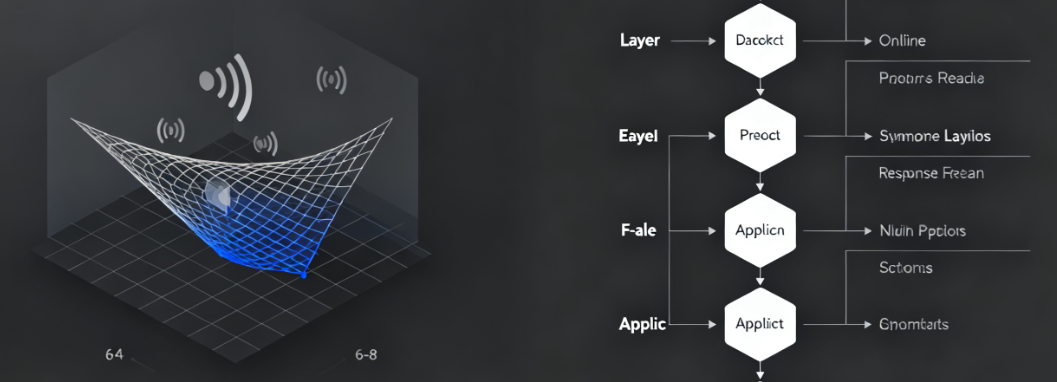
Investigations indicate that standard procedures such as "restarting services" can only resolve persistent timeouts under 15%, often providing temporary relief without addressing the root cause. Understanding and resolving these errors requires administrators to adopt a systematic network and performance analysis approach, conducting layer-by-layer troubleshooting from the protocol layer to the application layer. On average, 6 to 8 distinct potential failure points must be examined to pinpoint the core cause.
I. Network Layer Diagnostics: Routing, Firewalls, and Infrastructure
Connection timeout primarily indicates a failure in the network communication link. Issues at this level typically occur outside the server operating system and involve the entire path of packet transmission.
1.1 Verify Network Paths and Routing Policies
When Cloudflare attempts to connect to the origin server, data packets may traverse complex public networks or internal data center routing. Network congestion or erroneous routing policies are common contributing factors.
- Execute Trace Routing AnalysisFrom the origin server, execute to a public IP address (such as 8.8.8.8).
traceroutemaybemtrMonitor packet loss or sudden spikes in latency at specific network nodes. High packet loss rates or timeouts after a certain number of hops may indicate issues with the server's network interface, the hosting provider's internal network, or the upstream Internet Service Provider.
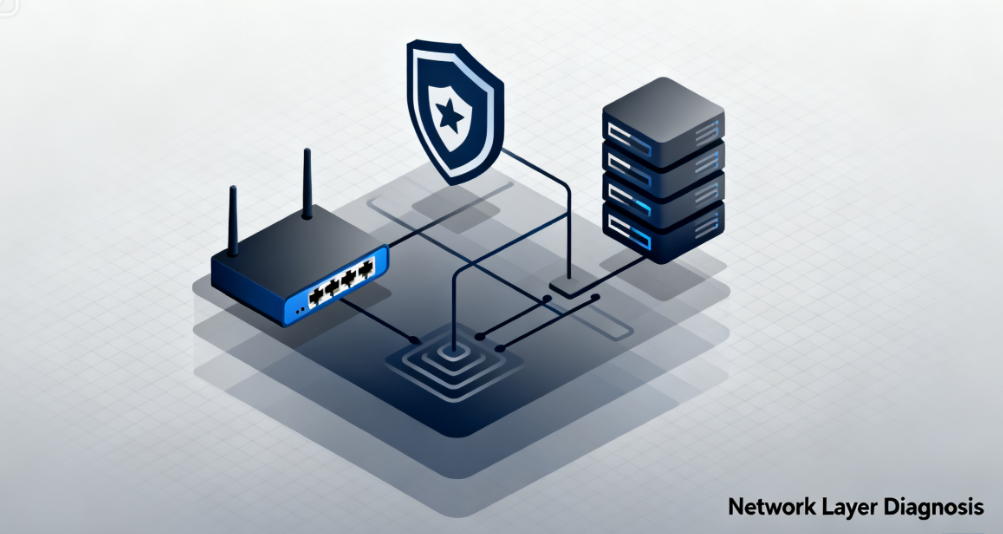
- Check reverse routingConfirm the path for Cloudflare packets returning from the server. Asymmetric routing (where the outbound and return paths differ) may cause issues under certain firewall configurations. Use a solution with continuous monitoring capabilities.
mtrTool for bidirectional testing of connection quality to either edge node of Cloudflare.
1.2 Fine-Tuning Firewall and Security Group Rules
Improper configuration of server firewall or cloud platform security group rules may silently drop SYN or SYN-ACK handshake packets, causing connections to fail before they are fully established.
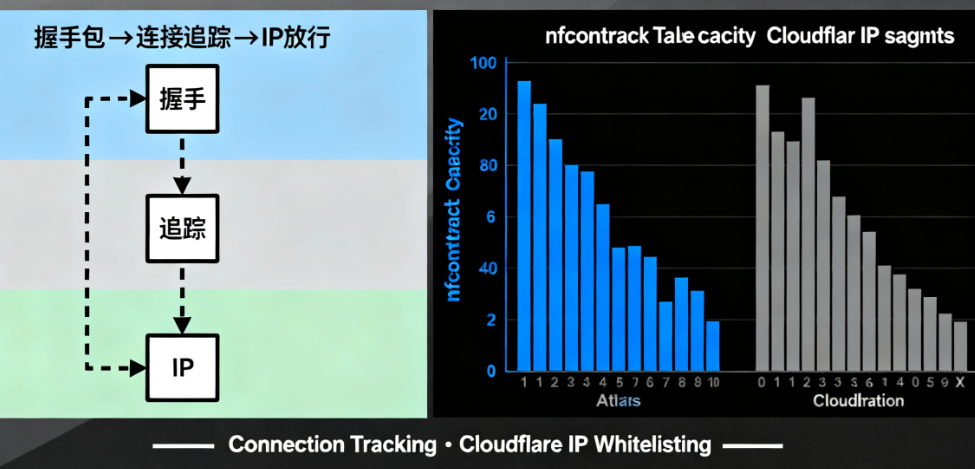
- Review connection tracing settingsStateful firewalls (such as iptables and firewalld) rely on connection tracking tables. High-concurrency connection requests may exhaust these resources.
nf_conntrackTable capacity, causing new connections to be discarded. Check the current table size (sysctl net.netfilter.nf_conntrack_count) and maximum value (sysctl net.netfilter.nf_conntrack_maxOn servers with higher workloads, the latter requires a corresponding increase. - recognizeCloudflare IP RangeClearanceAlthough Cloudflare recommends that origin servers trust
CF-Connecting-IPHowever, server-level firewalls must still permit inbound connections from all Cloudflare IP ranges to the origin server ports (80/443). Any omissions may result in timeouts for Cloudflare nodes in certain geographic regions.
II. Server Performance and Resource Bottleneck Analysis
Once network connectivity is confirmed, attention should shift to the server itself. The server may fail to complete the TCP handshake or begin processing HTTP requests within Cloudflare's default 100-second timeout window due to resource exhaustion.
2.1 Identify and Mitigate Resource Depletion
CPU, memory, I/O, or process saturation is the direct cause of slow response times.
- In-depth Analysis of System Load: Use
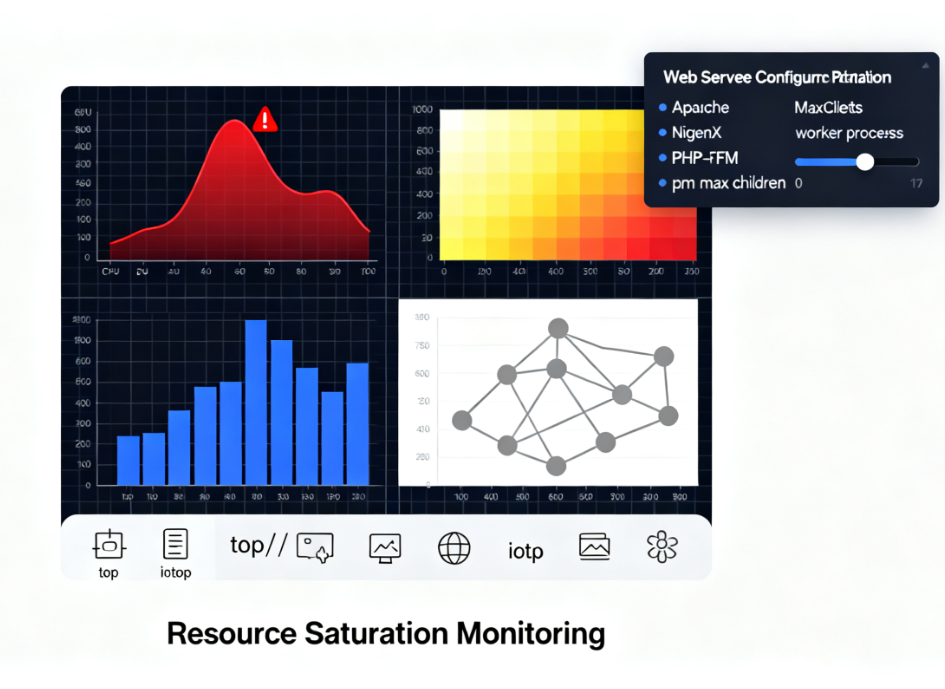
top,htop,iotopUse tools like Sysstat for real-time analysis. Monitor whether the load average consistently exceeds the number of CPU cores.%wa(I/O wait) values are excessively high, and whether memory swap usage is frequent. Inefficient database queries are a common cause of high I/O wait. - Optimize Web Server and PHP Process Pool ConfigurationFor Apache, check
MaxRequestWorkersFor Nginx, checkworker_processestogether withworker_connectionsFor PHP-FPM, checkpm.max_childrenParameters such as these. If set too low, they can cause all worker processes to be occupied during peak traffic periods, resulting in new connection queues piling up until they time out. Adjustments should be based on scientific calculations considering the server's actual memory capacity.
2.2 Adjusting Operating System and Web Server Timeout Parameters
Issues may arise if the server's own timeout settings are shorter than Cloudflare's timeout window, or if process handling times become abnormal.
- Coordinate TCP and HTTP Timeout SettingsEnsure the serverTCPStack
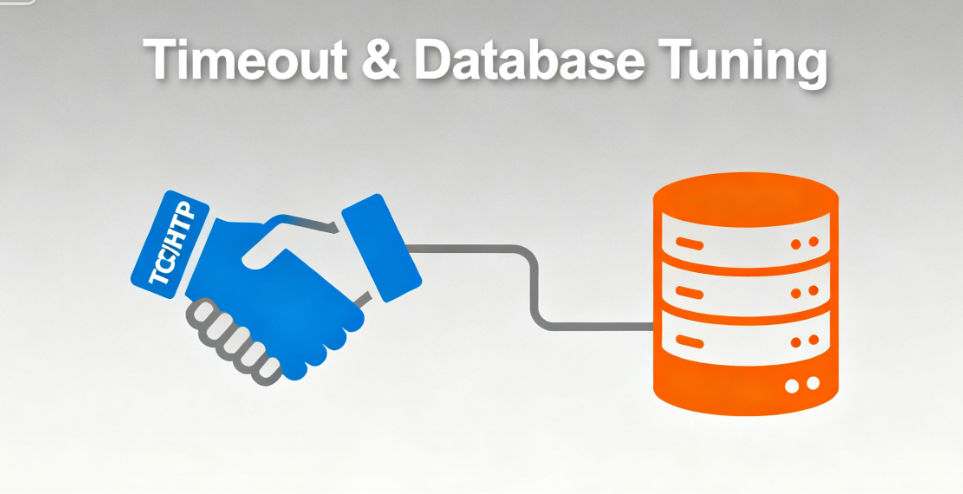
SYN_RECVEnsure reasonable timeout settings for idle states. In web server configurations, appropriately increaseproxy_read_timeout(When using Nginx as a reverse proxy)fastcgi_read_timeout(PHP-FPM) orRequestReadTimeout(Apache) and other directives, allowing it to accommodate slower application responses. - Database Connection OptimizationDynamic website timeouts often stem from database issues. Check database connection pool settings and slow query logs, and add indexes to frequently queried fields. A single unoptimized complex query can consume several seconds of execution time, blocking the entire web process.
III. External Factors and Advanced Protection Strategies
Certain timeout errors are triggered by external active actions or specific network environments, requiring targeted protection and configuration strategies.
3.1 Handling Distributed Denial of Service Attack Traffic
Even residual attack traffic mitigated by Cloudflare can still cause service outages and 522 errors if it exceeds the processing capacity of the origin server.
- Enable Cloudflare Rate Limiting and Challenge RulesConfigure granular rate limiting rules within the Cloudflare firewall to challenge or block potentially malicious, high-frequency requests before they reach the origin server.
- Deploy origin server-level DDoS mitigationConsider deploying a lightweight application layer firewall (such as ModSecurity with OWASP CRS) in front of the server or utilizing the DDoS protection service provided by your hosting provider as a second line of defense behind Cloudflare's protection.
3.2 Resolving 523 Errors Caused by SSL/TLS Handshake Issues
Error 523 specifically indicates an SSL/TLS negotiation failure. This commonly occurs on the origin server.SSL ConfigurationWhen errors or performance issues occur.
- Comprehensive SSL Configuration AuditScan the origin server using SSL Labs' SSL Server Test tool. Ensure the certificate is valid, the protocol version is correct (disable insecure SSLv2/v3, prioritize TLS 1.2/1.3), cipher suites are properly configured, and forward secrecy is supported.
- Reduce SSL computational overheadFor high-traffic sites, enable session tickets or session resumption to reduce redundant full handshakes. Consider using more efficient cryptographic libraries (such as newer versions of OpenSSL) or performing SSL termination on dedicated hardware or at the edge (though this requires security model trade-offs).
Conclusion: Building a Resilient Connectivity Architecture
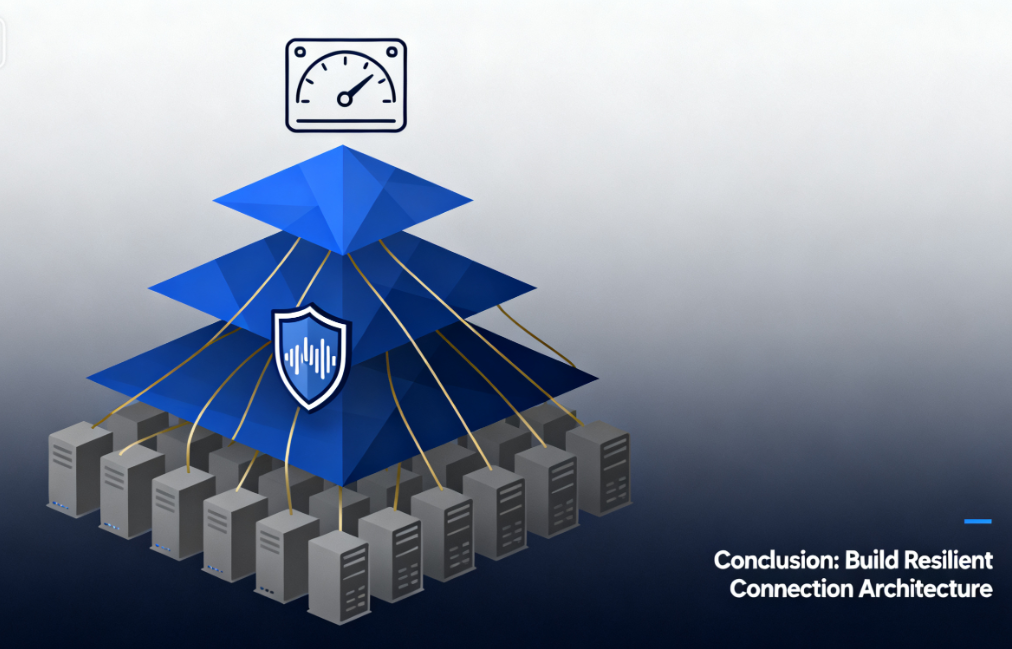
Resolving Cloudflare 522 and 523 errors is a process of transitioning from passive response to actively building resilient architecture. It requires administrators not only to master network diagnostic commands and server optimization techniques, but also to understand the complete lifecycle of traffic from the edge to the origin server.
Effective solutions are always multi-layered: ensuring the robustness of network infrastructure, fine-tuning server resource allocation and timeout parameters, and pre-configuring safeguards against abnormal traffic. Conducting regular stress tests and monitoring alerts to establish performance baselines enables the identification of potential bottlenecks before they impact users. Ultimately, a deep understanding and systematic resolution of connection timeout issues directly translates into higher website availability, stronger resilience under load, and a more reliable technical foundation.

Link to this article:https://www.361sale.com/en/81897The article is copyrighted and must be reproduced with attribution.


















![Emoji[wozuimei]-Photonflux.com | Professional WordPress repair service, worldwide, rapid response](https://www.361sale.com/wp-content/themes/zibll/img/smilies/wozuimei.gif)

![Emoticon[baoquan] - Photon Wave Network | Professional WordPress Repair Services, Worldwide Coverage, Rapid Response](https://www.361sale.com/wp-content/themes/zibll/img/smilies/baoquan.gif)


 简体中文
简体中文  English
  日本語
日本語  Français
  Español


No comments