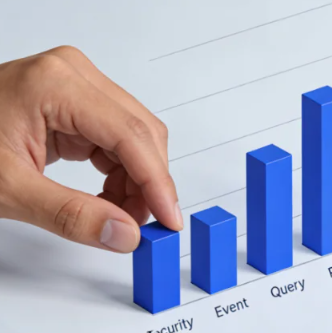





CloudflareThe web application firewall and rate-limiting rules provide a critical layer of protection for websites, with its hosted rule sets analyzing over 10 billion threats daily. These automated security mechanisms, based on rule matching and behavioral analysis, exhibit a false positive rate of approximately 1-21%, which may result in the blocking of legitimate traffic.Cloudflare 1020 Error(WAF Rule Interception) andError 1015(Rate limiting) is a typical example, accounting for approximately 15% of security interception events.

When normal access is interrupted, the average number of user access attempts drops by over 70%, directly leading to degraded user experience and business loss. Understanding the triggering logic and mastering the diagnostic process are crucial for balancing security and availability.
I. In-Depth Analysis: Trigger Mechanisms of Errors 1020 and 1015
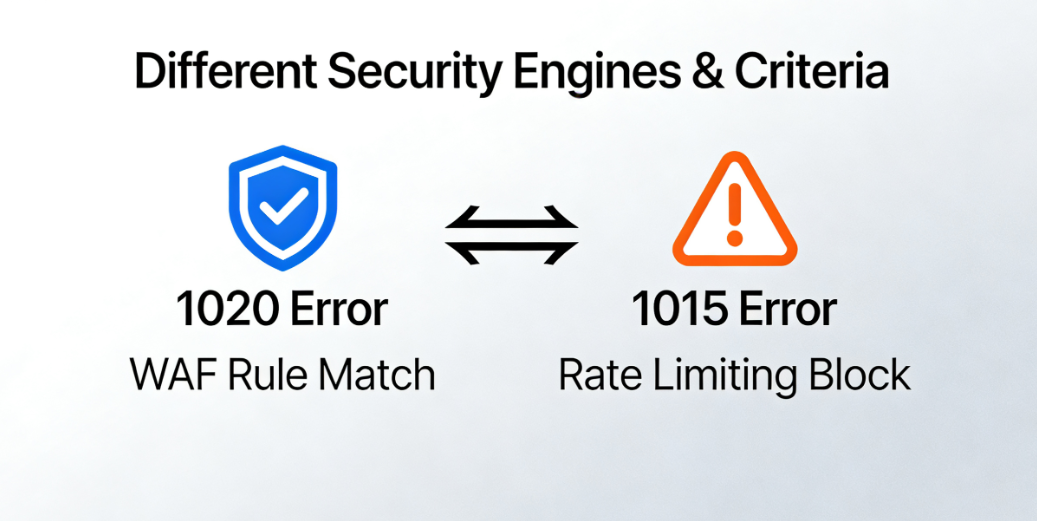
Both types of errors stem from Cloudflare security products' proactive blocking, but the underlying rule engines and judgment criteria exhibit distinct differences.
1.1 Cloudflare 1020 Error: Web Application Firewall Rule Match
Error code 1020 indicates that the characteristics of this HTTP request matched one or more interception rules enabled in the Cloudflare firewall. This does not necessarily indicate a malicious attack; more often, the request content or header information triggered the matching conditions of the rules.
- Hosted Rule Set TriggerCloudflare maintains and updates multiple hosted services.WAF RulesRule sets (such as the OWASP ModSecurity Core Rule Set) contain numerous signatures targeting common attack patterns like SQL injection and cross-site scripting. Certain legitimate user inputs or specific operational patterns—such as search queries containing certain special characters or complex API request structures—may incidentally match these signatures in form, resulting in blocked requests.
- Custom firewall rules triggeredWeb administrators may have configured custom rules within the Cloudflare firewall, such as blocking access from specific countries or regions, intercepting requests containing certain keywords, or implementing IP address blocking for particular paths. Inaccurate rule logic or failure to test rules promptly after updates can inadvertently intercept legitimate traffic.
1.2 Cloudflare 1015 Error: Rate Limiting Rule Activated
Error 1015 explicitly indicates "user rate limiting." This means that a single visitor (typically identified by IP address, session, orAPI Key IdentifierThe website received an excessive number of requests within a short period of time, exceeding the preset threshold.
- Threshold Configuration and Time WindowRate limiting rules require setting two core parameters: the maximum number of requests permitted within a specified time window, and the penalty applied upon triggering (such as blocking, interrogation, or simulated deceleration). A rule configured too strictly, or users performing high-frequency normal operations within a short timeframe (e.g., rapidly browsing multiple product pages, frequently refreshing forms, or using automated tools to sequentially collect publicly available data), may trigger the restriction.
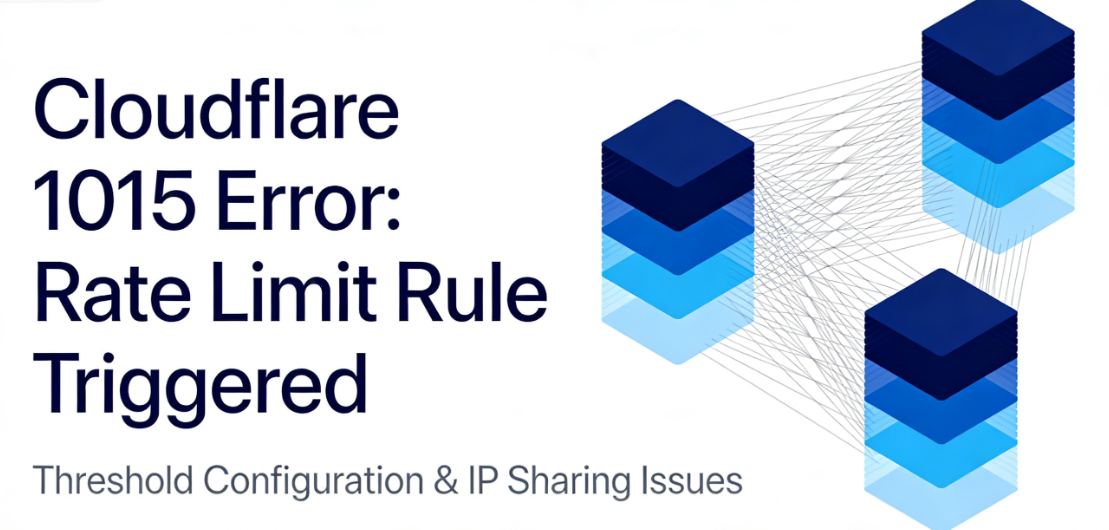
- IP Address Sharing IssuesIn corporate networks, public Wi-Fi (such as airports and cafes), or large mobile carrier networks, numerous users may share the same exit IP address. When one user's abnormal behavior triggers rate limiting, the rule applies to all users sharing that IP, resulting in innocent users being unable to access the network.
II. Self-Diagnosis: Identifying Interception Causes and Gathering Critical Information
After being intercepted, blindly trying or waiting is not the best strategy. Systematically gathering information is the first step toward resolving the issue.
2.1 Analyzing Cloudflare's Interception of Page Content
The error page generated by Cloudflare itself contains valuable information and should be read carefully.
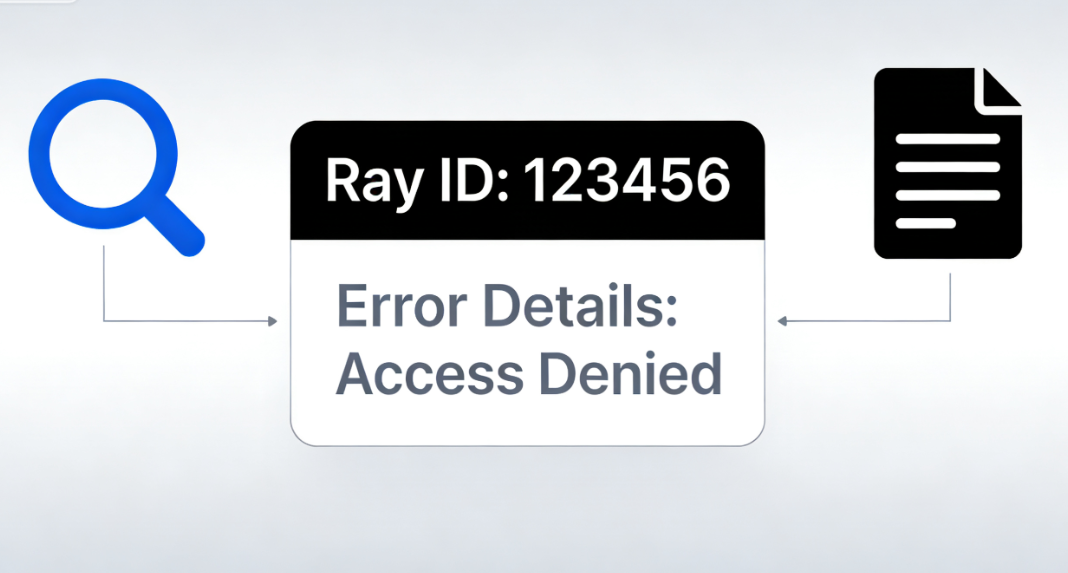
- Ray ID: Page displayedRay IDThis is a unique tracking code. It is the most critical piece of information when seeking assistance from Cloudflare Support or community forums. Cloudflare engineers can use this ID to look up the detailed reason for the request being blocked and the specific rule ID that matched it within internal logs.
- Error Details and Rule IDSome interception pages provide more detailed error messages, such as "You have been blocked from accessing this page" or directly display the triggering firewall rule ID (e.g., CF-RAY rule ID or OWASP rule ID). Recording this information is crucial for subsequent rule adjustments.
2.2 Check Cloudflare Firewall Event Logs
Administrators with a Cloudflare account for their website can log in to the dashboard for further investigation.
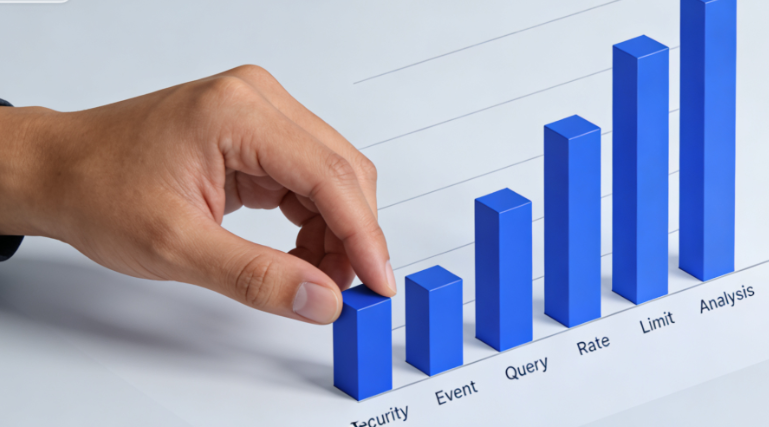
- Security Incident InquiryUnder "Security" > "Events" or "Security" > "Analytics," you can filter by time, domain, IP address, or action (such as "Blocked"). Locate event logs that correspond to the interception time. Logs typically display the triggering IP address, the rule ID that was triggered, the matched fields (such as URI, user agent, request parameters), and the action taken.
- Rate Limiting AnalysisFor error 1015, you can view the configured rules and their logs under "Security" > "WAF" > "Rate Limiting Rules". Identify which rule was triggered and evaluate whether its threshold settings are appropriate for the current website's normal traffic patterns.
III. Solutions and Preventive Measures: Unblocking and Rule Optimization
Based on the diagnostic findings, implement targeted measures to restore access and prevent recurrence in the future.
3.1 Temporary Unlocking and Rule Adjustments
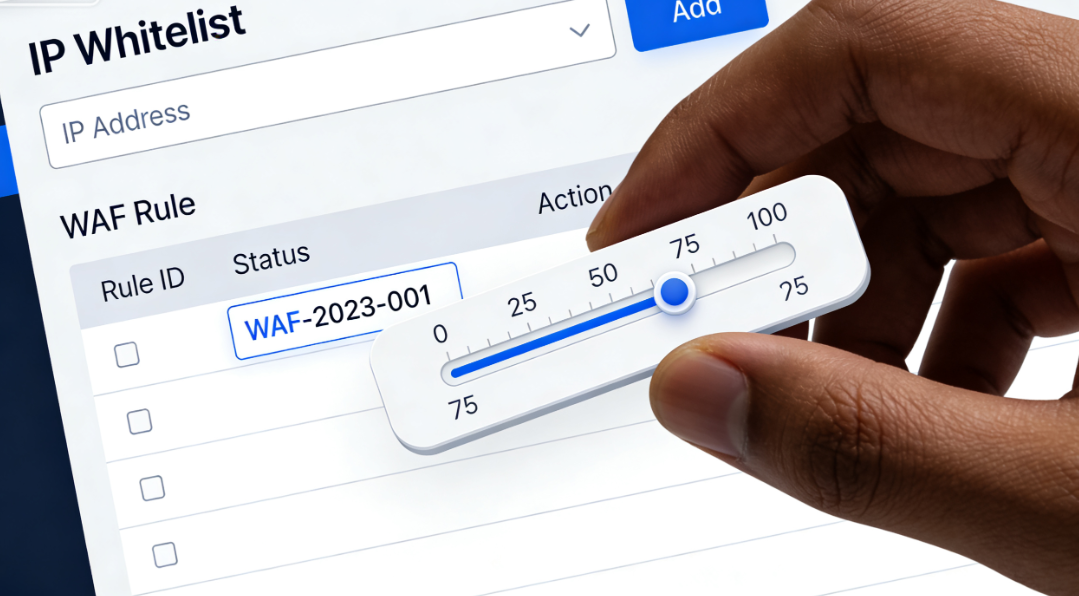
- Add IP address to whitelistIf you confirm that a specific IP address (such as your own office IP or a trusted service IP) is being mistakenly blocked, you can create an "Allow" rule for that IP address in Cloudflare's firewall under Tools > IP Access Rules. Exercise caution with this action, as it should only be applied to highly trusted IPs.
- Disable or modify trigger rulesIn the WAF rule list, locate the triggering rule ID shown in the logs. If you are certain this rule is causing a high number of false positives, you can temporarily change its operation mode from "Block" to "Simulate" or "Disable" to observe the impact. For custom firewall rules or rate limiting rules, directly edit their conditions or relax the thresholds to better align with the actual business scenario.
3.2 Submitting Unblocking Requests and Long-Term Optimization
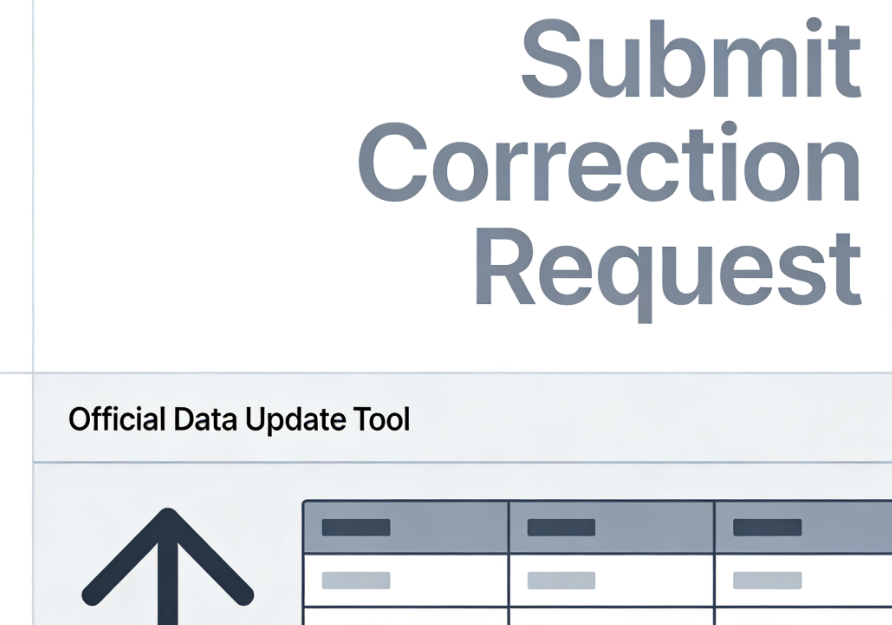
- Use the official data update toolCloudflare offers a "Data Update" feature. If a block is caused by inaccurate IP address geolocation information (e.g., incorrectly flagging an IP range belonging to a cloud service provider as high-risk), you can submit a correction request through this tool.
- Implement more granular security policiesTo avoid collateral damage, rigid "one-size-fits-all" rules should be replaced with more intelligent strategies. For instance, implement strict rate limiting and IP whitelisting for administrative backend paths, while applying more lenient restrictions to publicly accessible blog or product catalog pages. Utilize the "exceptions" feature of the WAF to add exclusion rules for known legitimate traffic patterns, such as specific API paths or references from partner domains.
- Monitoring and IterationSecurity configurations are not set-and-forget. Regularly review firewall and rate-limiting logs, paying close attention to false positives in "blocked" operations, and continuously fine-tune rules accordingly. Before implementing new strict rules, run them in "simulation" mode for a period to assess their impact on normal traffic.
Conclusion: Building an intelligent and precise security defense system
Cloudflare 1020 and 1015 errors reveal the modernCybersecurityA core issue: Automated protection must strike a delicate balance between security and availability. As website administrators, the goal should not be to simply disable all protections, but to deeply understand how security tools operate and configure them as intelligent barriers that precisely filter threats rather than blocking legitimate traffic. This requires a shift in mindset—moving from passively handling interception complaints to proactively analyzing traffic patterns, fine-tuning configuration rules, and establishing processes for continuous monitoring and optimization.
When visitors are inadvertently blocked by security rules, a clear and concise error page, a traceable Ray ID, and the administrator's ability to diagnose and adjust efficiently and accurately collectively form the most professional response to "false positives." Ultimately, a mature security posture means decisively blocking malicious attacks while ensuring seamless access for every legitimate user.

Link to this article:https://www.361sale.com/en/81973The article is copyrighted and must be reproduced with attribution.


















![Emoji[wozuimei]-Photonflux.com | Professional WordPress repair service, worldwide, rapid response](https://www.361sale.com/wp-content/themes/zibll/img/smilies/wozuimei.gif)

![Emoticon[baoquan] - Photon Wave Network | Professional WordPress Repair Services, Worldwide Coverage, Rapid Response](https://www.361sale.com/wp-content/themes/zibll/img/smilies/baoquan.gif)


 简体中文
简体中文  English
  日本語
日本語  Français
  Español


No comments