





Website deploymentSSL certificateDuring the process, users frequently encounter a perplexing scenario: the certificate installation procedure reports failure, yet the error message points to DNS resolution issues. Statistics indicate that approximately 281 out of 3T Let's Encrypt certificates fail to issue directly due to DNS resolution problems.DNS ConfigurationThe issue lies in the inextricable link between the strict domain name verification mechanisms of SSL certificate authorities and DNS configuration. Understanding this relationship is key to resolving certificate deployment obstacles and preventing service interruptions.
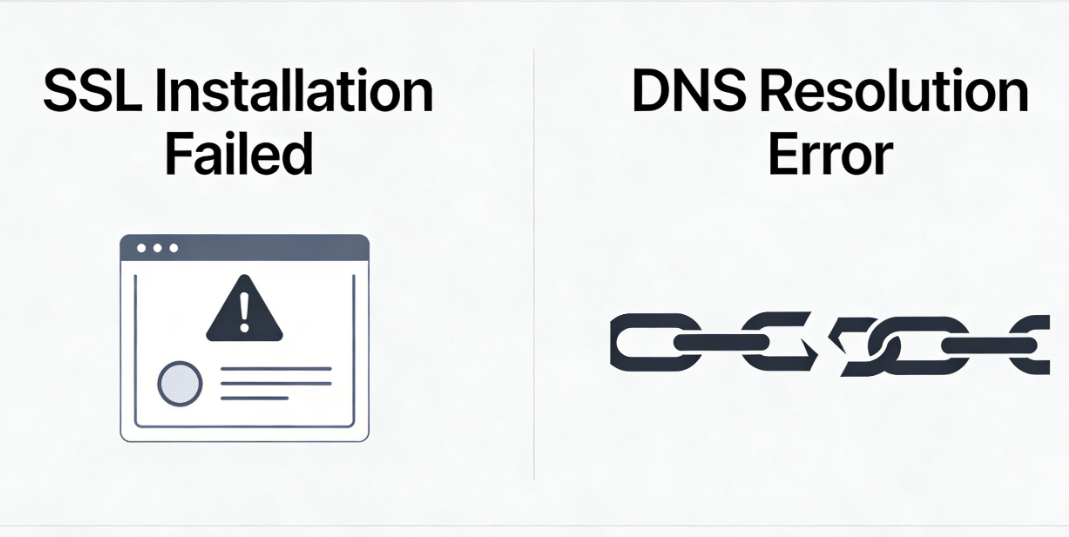
Chapter 1: Mandatory Handshake for SSL Certificate Issuance and Domain Name Verification
The issuance of SSL certificates is not merely a simple file delivery process, but rather a verification procedure conducted by an authoritative body to confirm that the applicant possesses control over the specified domain name. This verification process heavily relies on the proper functioning of the DNS system.
1.1 Core Methods for Domain Name Verification
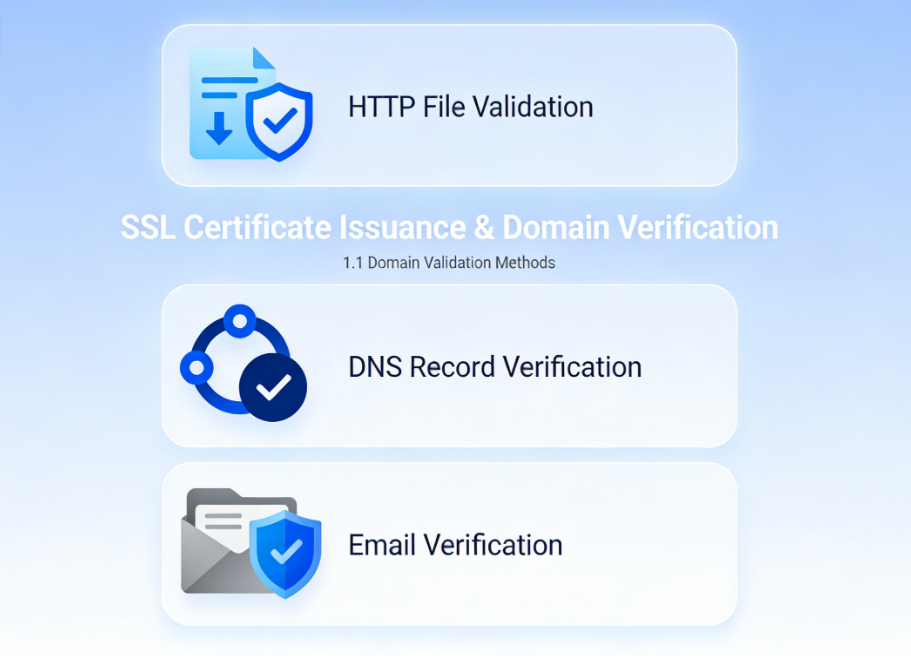
Certificate authorities primarily employ three verification methods, two of which are directly related to DNS:
- HTTP File ValidationRequire placing a specific verification file in the website's root directory, which the CA accesses via HTTP. This method requires the domain name to resolve correctly to the server being verified.
- DNS Record VerificationRequire adding a specific TXT record to the domain's DNS configuration. The CA directly queries the DNS system to verify the record's existence and accuracy. This is the most commonly used automated verification method.
- Email VerificationSend a verification email to the domain's registered administrator email address. This method is indirectly related to MX records in DNS.
1.2 Automation Challenges with Let's Encrypt and the ACME Protocol
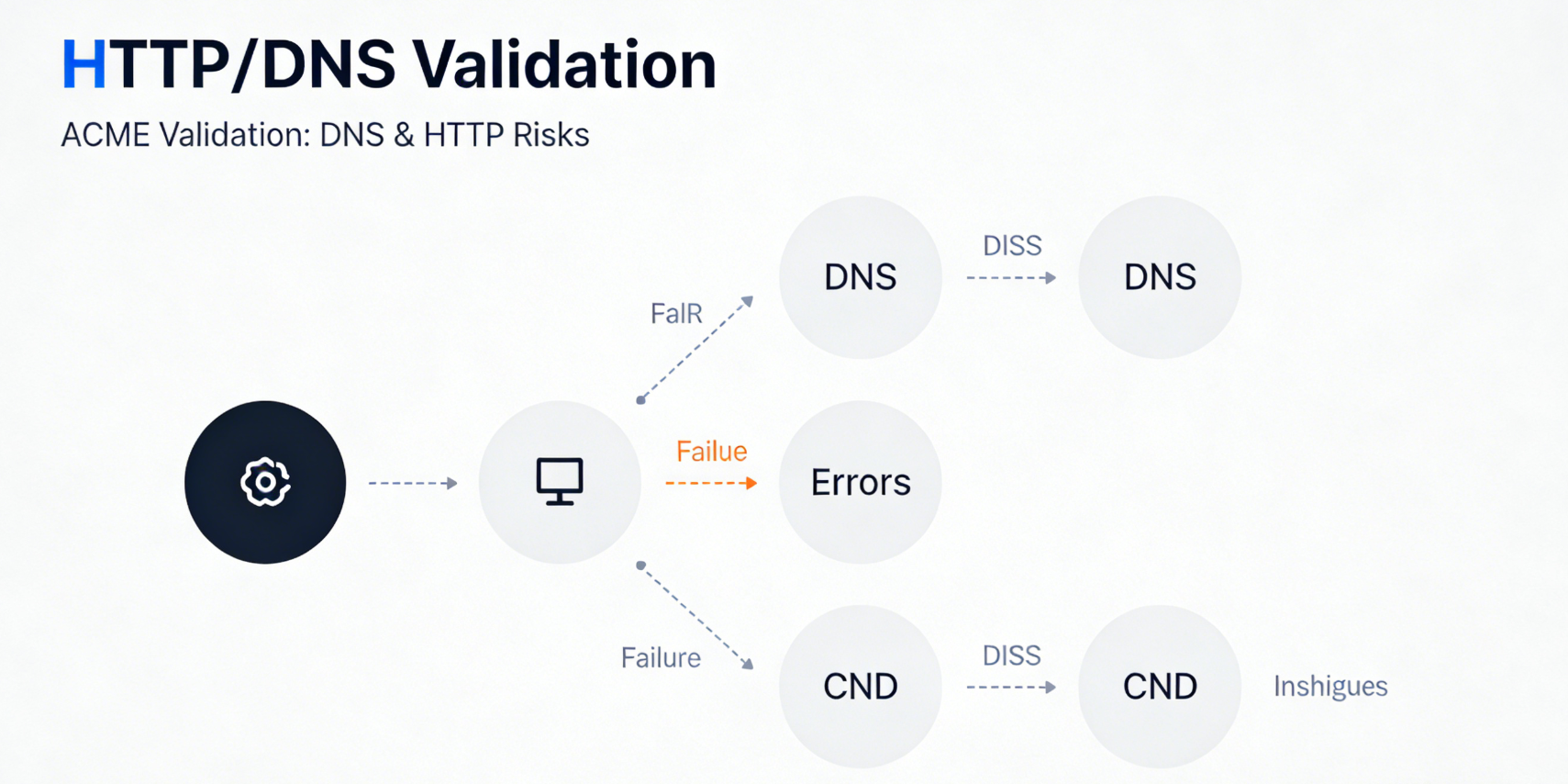
Free, automated certificate issuance services such as Let's Encrypt commonly employACME ProtocolThis protocol heavily relies on HTTP or DNS verification methods.When automated clients request certificates, they trigger real-time validation requests to the CA. If domain resolution issues exist at this moment—whether due to incorrect A records, incomplete DNS propagation, or misconfigured CDNs—the validation request will either fail to reach the intended origin server or be unable to locate the specified TXT record. This immediately interrupts the entire certificate issuance process and may return error messages containing prompts like "DNS problem," "connection refused," or "origin DNS error."
Chapter 2: Analysis of Typical Cross-Fault Scenarios
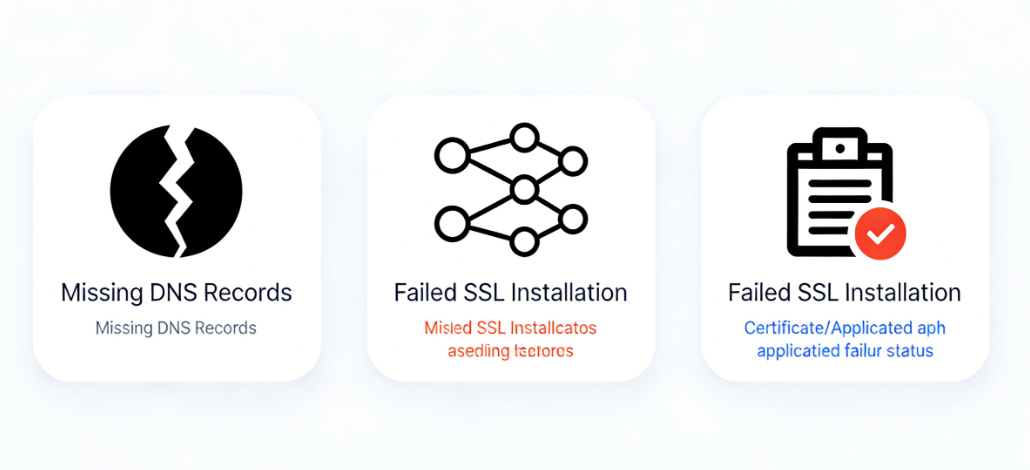
SSL certificate installation failures accompanied by DNS errors typically stem from the following configuration gaps.
2.1 Scenario A: Missing or Incorrect Basic DNS Records
This is the root cause. The domain name applied for in the certificate, or its specific subdomain used for verification, lacks a properly configured A record or CNAME record in the public DNS. Consequently, it cannot resolve to any valid server IP address.
- Fault SymptomsCertificate clients (such as Certbot) or hosting panels fail immediately during the application process, with errors explicitly stating that the domain name cannot be resolved or that the connection to the verification server failed. The CA's verification request cannot be issued because the target IP cannot be found.
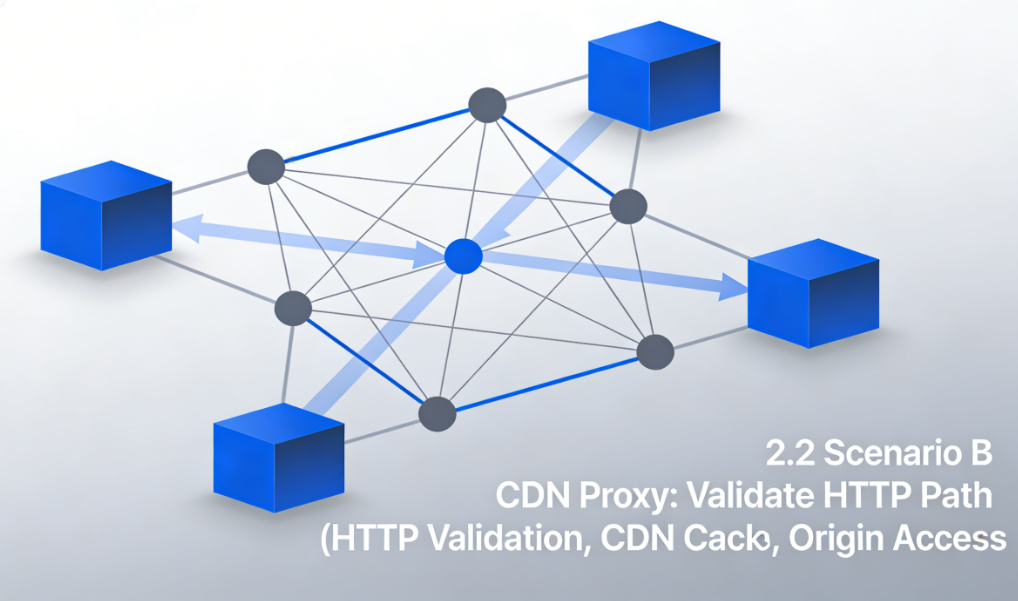
2.2 Scenario B: Conflict Between CDN Proxy Status and Verification Path
The website has enabled CDNs such as Cloudflare, and all traffic is proxied, but certificate verification is improperly configured.
- Details of the ConflictIf HTTP file verification is used, and the domain's A record points to a CDN with proxy enabled (Orange Cloud), the CA's verification request will be received by the CDN edge node. If this node has not cached the verification file and its configuration for fetching from the origin server is incorrect, the CA will still be unable to obtain the verification file. This simulates a DNS error where the origin server is unreachable.
- cruxWhen performing HTTP authentication, it is essential to ensure that the CA can access the verification files on the origin server directly or via a properly configured CDN backend.
2.3 Scenario C: TXT Record Configuration Errors in DNS Validation
When selecting a DNS verification method, the automation tool will provide a unique string that must be added as a specific domain name (e.g., acme-challenge.example.comThe TXT record value.
- common errorThe TXT record was incorrectly added under the wrong domain name; The record value contains extra quotation marks or formatting errors; Verification was initiated before DNS propagation was complete after adding the record; The authoritative DNS server for the domain containing the TXT record has response issues.
- ConsequencesWhen CA queries this TXT record, it receives an empty response or an error value, resulting in verification failure. Error messages may include "DNS query timed out" or "invalid TXT record".
2.4 Scenario D: Source Server Network Isolation or Firewall Blocking
Although DNS resolution is correct, the network environment where the origin server resides is blocking inbound connections from the certificate authority's validation server.
- analyzeThe CA's verification server IP range may be inadvertently blocked by the origin server's firewall rules, the cloud provider's security group, or the hosting provider's network policy. This causes verification requests to be rejected at the TCP/IP layer, presenting symptoms similar to the server being unable to resolve or connect via DNS.
Chapter 3: DNS Health Check Checklist Before SSL Certificate Deployment
Before clicking the "Install SSL Certificate" button, performing the following systematic checks can significantly increase the success rate.
3.1 Verifying Basic Domain Name Resolution
Perform a deep inspection using command-line tools.
- Execute A record queryRun in the terminal
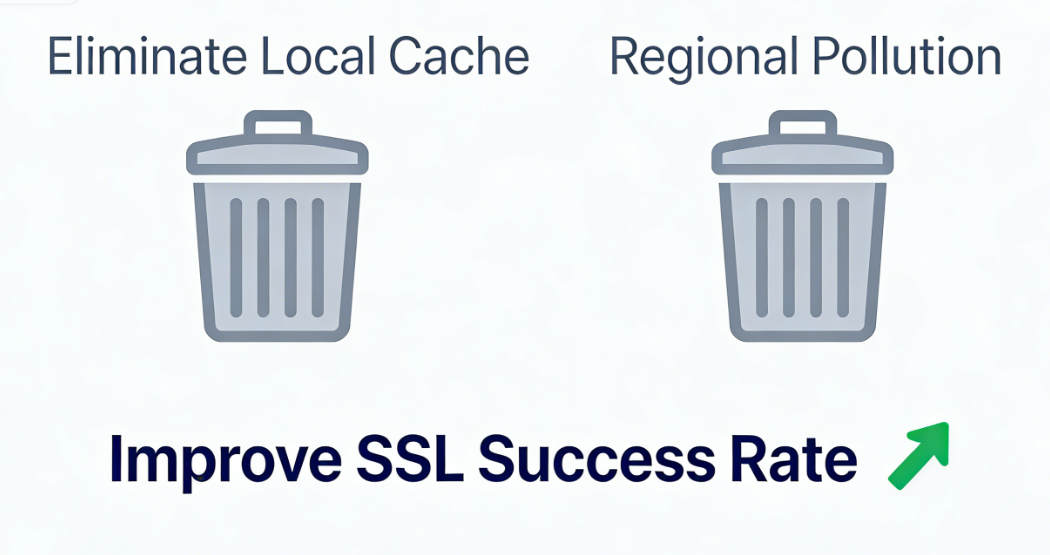
dig A yourdomain.com @8.8.8.8Verify that the returned IP address matches your origin server's IP. - Perform global resolution checksUse an online DNS lookup tool to enter your domain name and verify whether the IP addresses resolved from multiple global nodes are consistent and accurate. This can rule out local issues.DNS Cacheor regional DNS pollution issues.
3.2 Review CDN Configuration
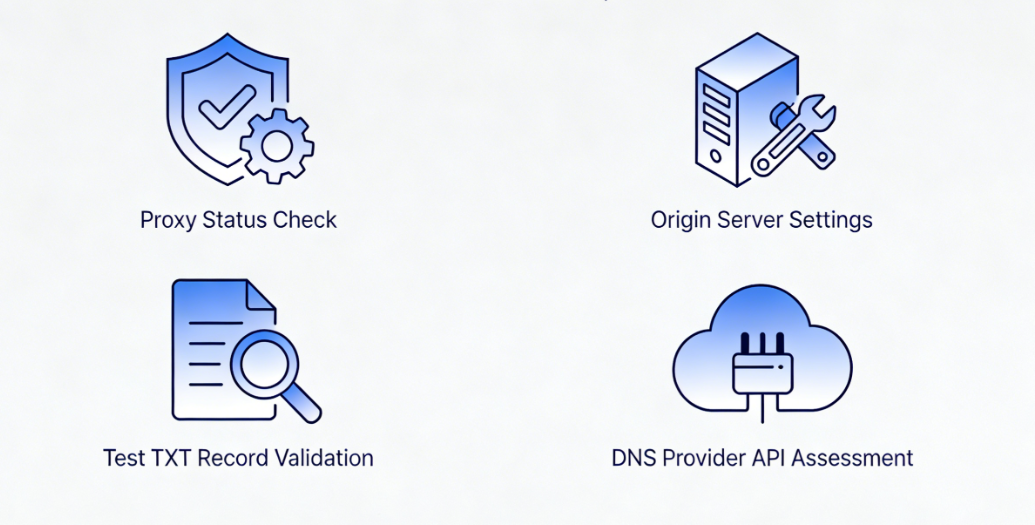
If using a CDN, log in to the control panel and complete the following verification:
- Confirm proxy statusFor subdomains intended for verification, consider temporarily setting their proxy status to "DNS Only" (gray cloud) to allow CA verification requests to reach the origin server directly, avoiding complexity introduced by the CDN layer. Proxy settings can be restored after verification is complete.
- Check the backend settingsEnsure that the origin server hostname or IP address specified in the CDN configuration is accurate and that the origin server address itself can be publicly resolved and accessed.
3.3 Preconfiguration and Testing of DNS Verification Records
If you plan to use DNS verification, you can manually pre-run the verification process.
- Add test TXT records in advanceIn the DNS panel, add a TXT record for a test subdomain using a simple value. Wait a few minutes, then use
dig TXT test.yourdomain.comCommand query, confirming the record value is now globally visible. - Evaluating DNS Provider APIsIf using automated tools, verify whether your DNS provider supports API-based automatic updates for TXT records. If not supported, prepare to manually add the records.
3.4 Check Network and Firewall Rules
Contact your hosting provider or check your server configuration yourself:
- Verify that ports 80 and 443 are open.Ensure that ports 80 and 443 on the origin server are open to the public network and are not restricted by firewall rules from accessing specific IP ranges.
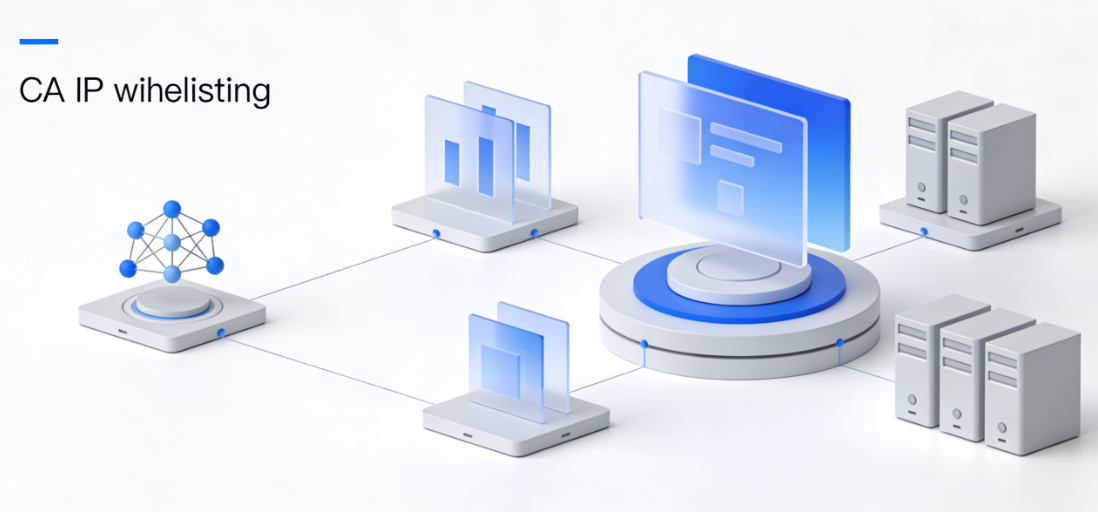
- Identify the CA's IP rangeReview the documentation of the selected certificate authority to understand the IP address ranges that its validation servers may use, and ensure these ranges are not included in the firewall's blocklist.
Chapter 4: Cross-Troubleshooting Paths After a Failure Occurs
When SSL installation fails and reports DNS-related errors, troubleshoot using this path.
4.1 Interpreting Error Messages
Carefully review the error logs returned by the client or panel. Keywords such as "NXDOMAIN" indicate a missing record; "Connection refused" indicates the server rejected the connection; "Timeout" may indicate network or firewall issues.
4.2 Stepwise Isolation Problem
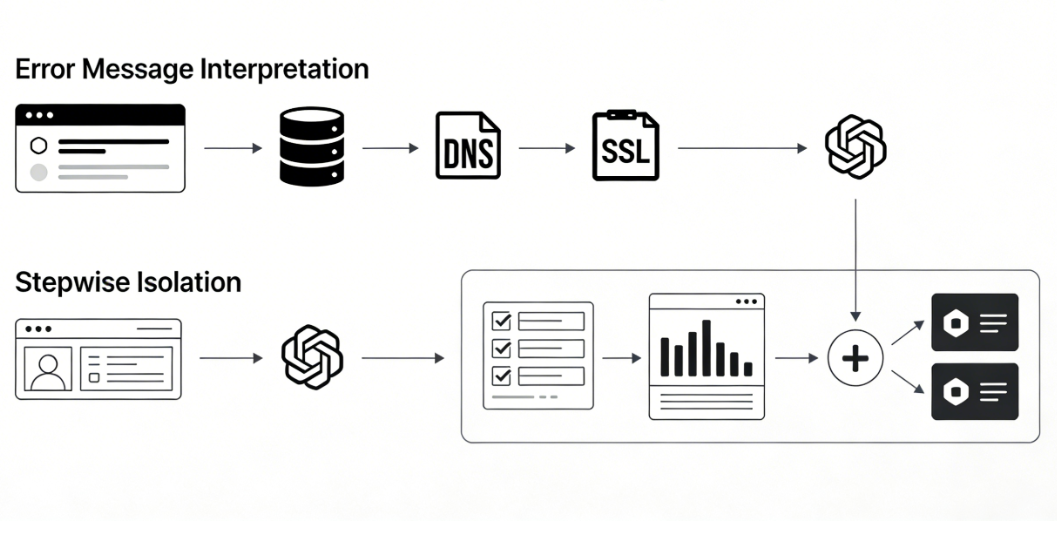
- initial stepTemporarily disable the CDN proxy to eliminate CDN interference.
- second stepUse the simplest HTTP authentication method: manually place a test file in the root directory of the origin server. Attempt to access the file's full URL directly via a browser from an external network to test its accessibility.
- third stepIf using DNS validation, use a third-party tool to query the required TXT record and confirm that it exists and its value matches exactly.
4.3 Execution Verification Simulation
Before the certificate application process begins, many automated tools provide --dry-run or test mode option. This mode performs all validation steps except actual issuance, serving as a secure and efficient pre-check method.
summarize
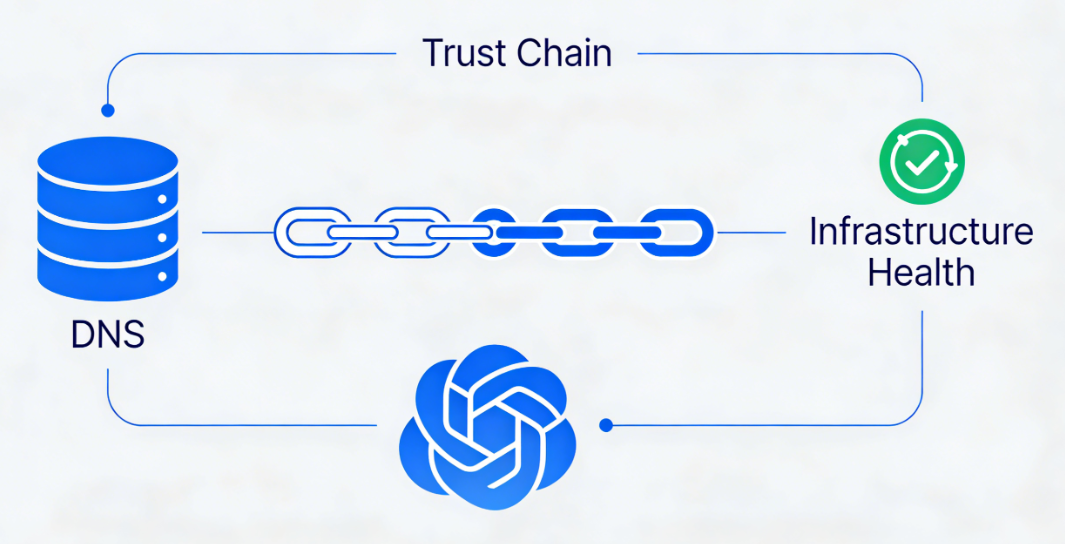
The Origin DNS Error encountered during SSL certificate installation is essentially a mandatory health check of infrastructure integrity within the internet trust chain establishment mechanism. It exposes vulnerabilities in any configuration point—from domain name resolution and CDN proxy rules to server network policies.
To resolve such issues, one must transcend the narrow confines of "SSL" or "DNS" and adopt a systemic perspective: prior to deployment, treat DNS resolution health, CDN configuration clarity, and network policy openness as a trinity of verification standards; during failures, follow a progressive diagnostic logic—from interpreting error logs to isolating methods of verification, then meticulously cross-referencing each configuration item.This cross-domain troubleshooting capability not only ensures successful security certificate deployment but fundamentally enhances the robustness and reliability of the website's entire infrastructure.

Link to this article:https://www.361sale.com/en/82248The article is copyrighted and must be reproduced with attribution.


















![Emoji[wozuimei]-Photonflux.com | Professional WordPress repair service, worldwide, rapid response](https://www.361sale.com/wp-content/themes/zibll/img/smilies/wozuimei.gif)

![Emoticon[baoquan] - Photon Wave Network | Professional WordPress Repair Services, Worldwide Coverage, Rapid Response](https://www.361sale.com/wp-content/themes/zibll/img/smilies/baoquan.gif)


 简体中文
简体中文  English
  日本語
日本語  Français
  Español


No comments