



WordPress Page 12
arrange in order
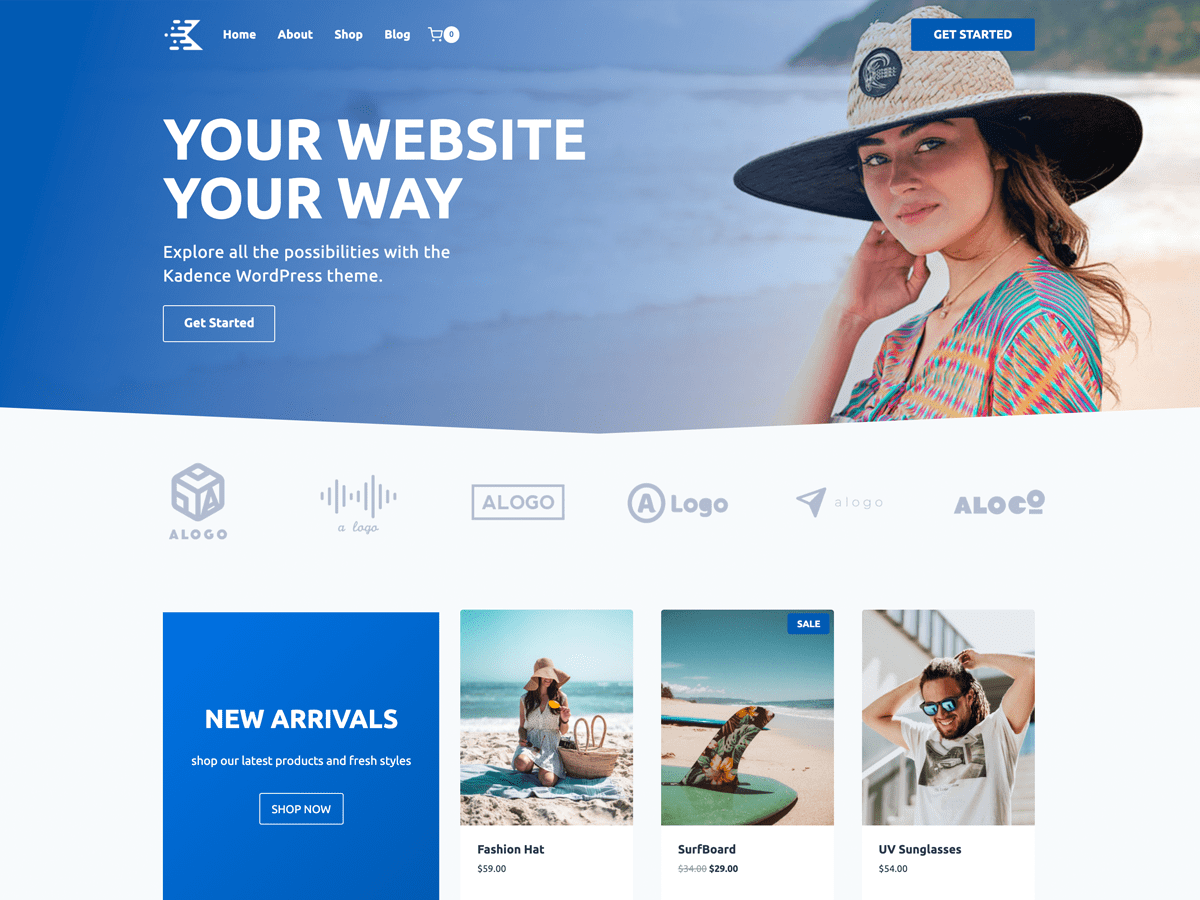
Speed up your website with Kadence Theme: Create a blazing fast online experience!
Learn how to build fast-loading websites with Kadence Theme to enhance the online service experience by optimizing performance, SEO, delayed loading, and other techniques that will help you improve user retention and website speed for an efficient and responsive online platform.
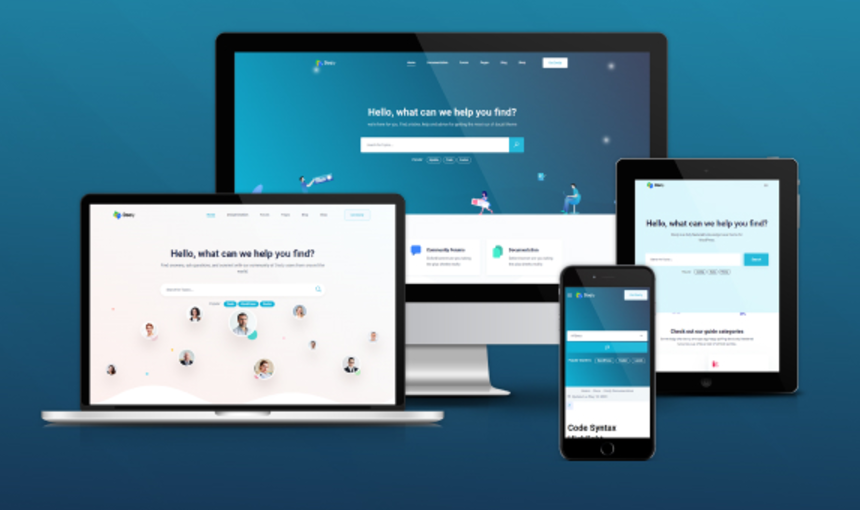
Best WordPress Knowledge Base Themes: How to Choose the Right Support Platform for You
Learn how to choose the right WordPress Knowledge Base theme to optimize user experience and improve customer support efficiency. Build an efficient knowledge base platform with powerful search functionality, SEO optimization, responsive design and multi-language support.
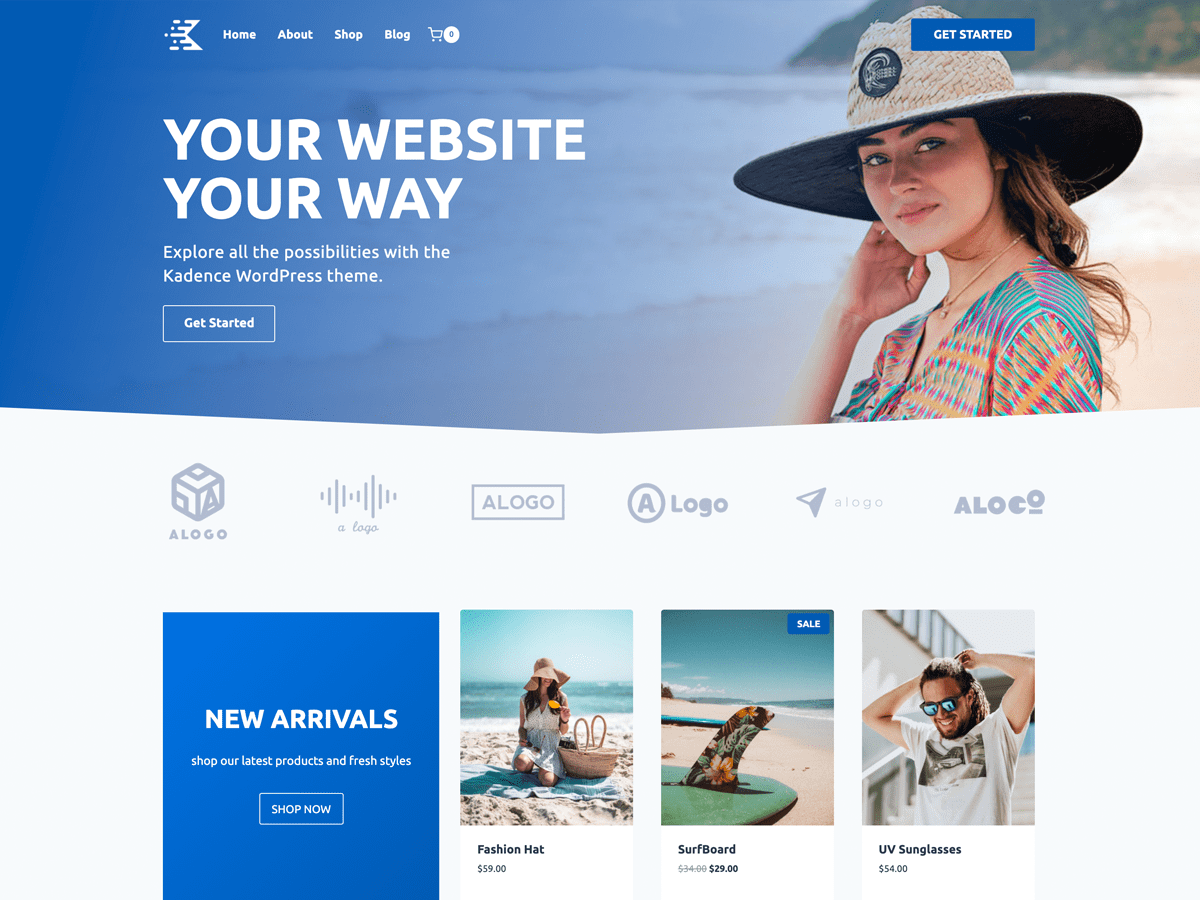
Why choose Kadence Theme as the first choice for enterprise website building? Features and Benefits
Discover how Kadence Theme is the best choice for building websites for businesses. From extremely fast loading and SEO optimization to powerful WooCommerce support and responsive design, Kadence provides businesses with an efficient and flexible website building solution that helps brands build professional websites.
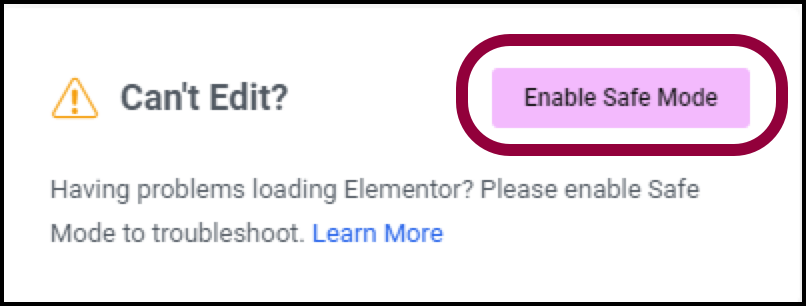
Why using Elementor Safe Mode speeds up website debugging
Learn how to speed up the website debugging process by enabling Elementor Safe Mode. This article describes how Safe Mode can be used to isolate plugin conflicts, optimize page load speeds, and reduce cache interference to improve the efficiency of Elementor page builds and troubleshooting.

How to Troubleshoot and Fix WordPress 500 Errors: Common Causes and Solutions
This article describes in detail the common causes of 500 errors in WordPress, such as plugin conflicts, theme issues, memory limitations, and provide step-by-step troubleshooting and repair methods.

How to Choose the Right WordPress Hosting for Your Website: from Shared Hosting to VPS
Learn how to choose the right WordPress hosting for your website. This article details the pros and cons of shared hosting, VPS, dedicated servers and cloud hosting to help you make an informed hosting choice and improve your website's performance and security.
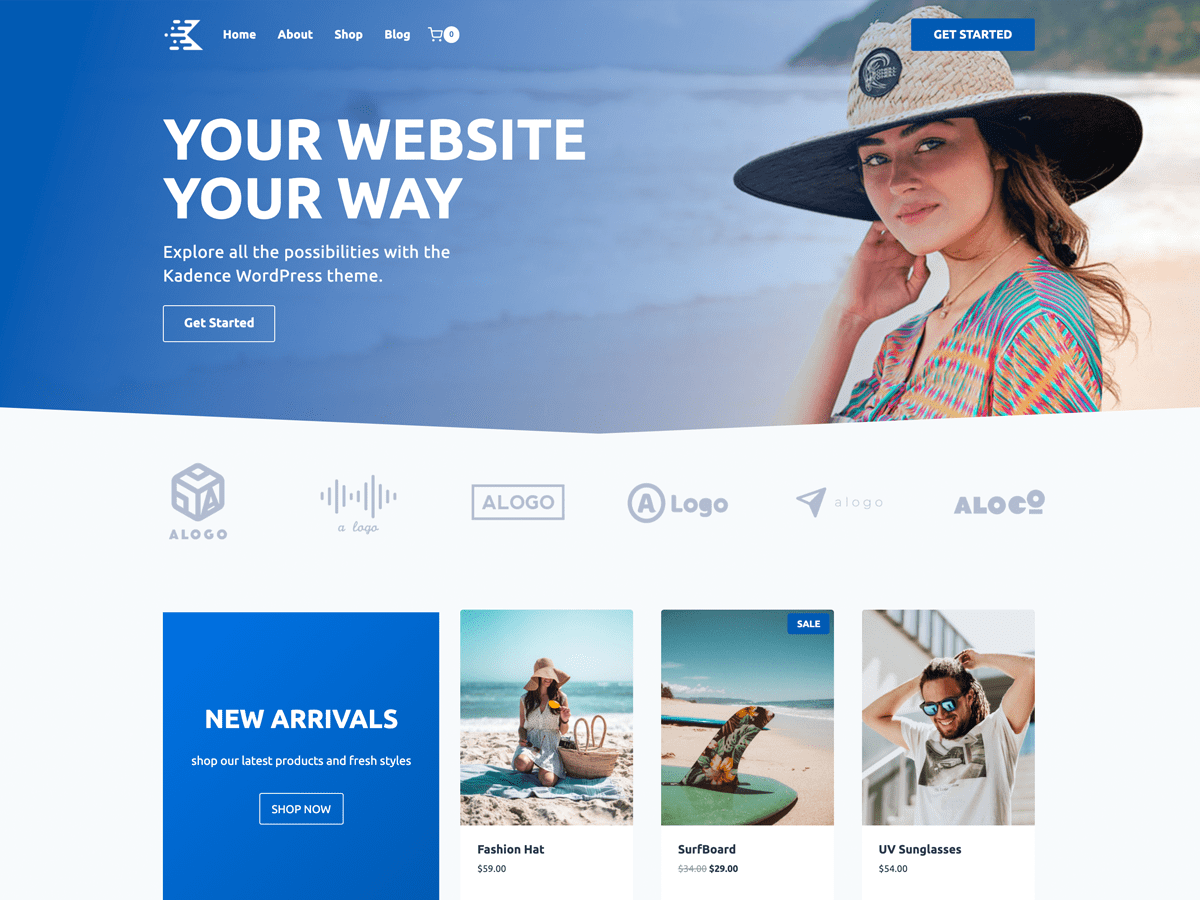
Kadence Theme Overview and Installation Tutorial
Learn how to install and setup the Kadence theme and learn about the theme's powerful customization features, responsive design options, and perfect compatibility with WooCommerce to help you build high-performance WordPress websites with ease.
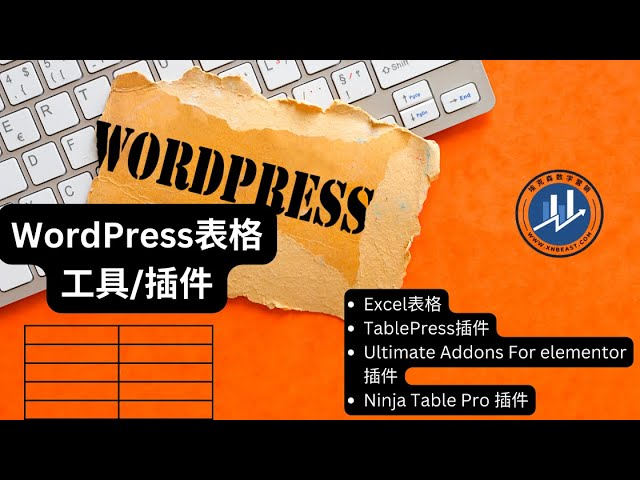
Using Elementor Forms Plugin: Recommended Best Plugins and Tools
Choose the right Elementor table plugin to enhance table functionality and design. We recommend TablePress, WP Table Builder and other best plugins to help you easily create interactive, responsive and beautiful tables for different needs.
Advanced Methods for Solving the_content Error in Elementor
Encountered Elementor page does not display content or the_content error? This article explains in detail the role of the_content function, common causes of errors and advanced repair techniques to help you completely solve the content loading problems in Elementor, improve site performance and compatibility ...

WordPress default avatar is too monotonous? Teach you to change to a personalized avatar in one click
With WP Swiss Toolkit plugin, you can easily set up customized avatars in your WordPress website, support avatar upload, SVG image upload, enhance file upload size and other functions, which can comprehensively improve the efficiency of website management and user experience.

Simple Settings for Powerful Image Zooming on Your WordPress Website
Learn how to add image zoom in WordPress using the WP Image Zoom plugin, which allows users to view image details more clearly and improve the interactivity and user experience of your website. Easily add powerful image zoom effects to your WordPress website with simple settings.

How to Customize Login Page in WordPress (Complete Guide)
Learn how to customize your WordPress login page with simple steps to adjust Logo, background, form styles and more to enhance brand image and user experience. Easily modify the login page design with the plugin to optimize your membership site or online store.

How to Change Passwords and Usernames in WordPress (Full Tutorial)
Learn how to change passwords and usernames in WordPress, learn simple steps to solve the problem of forgotten passwords without creating a new user, and improve account security. Easily change usernames with the Swiss Toolkit plugin.

Why Add Alt Text to Website Images and How to Quickly Generate It with AI
Find out why adding Alt Text to your website images is crucial and learn how to use AI tools to quickly generate SEO-friendly Alt Text that improves accessibility, search rankings, and user experience.
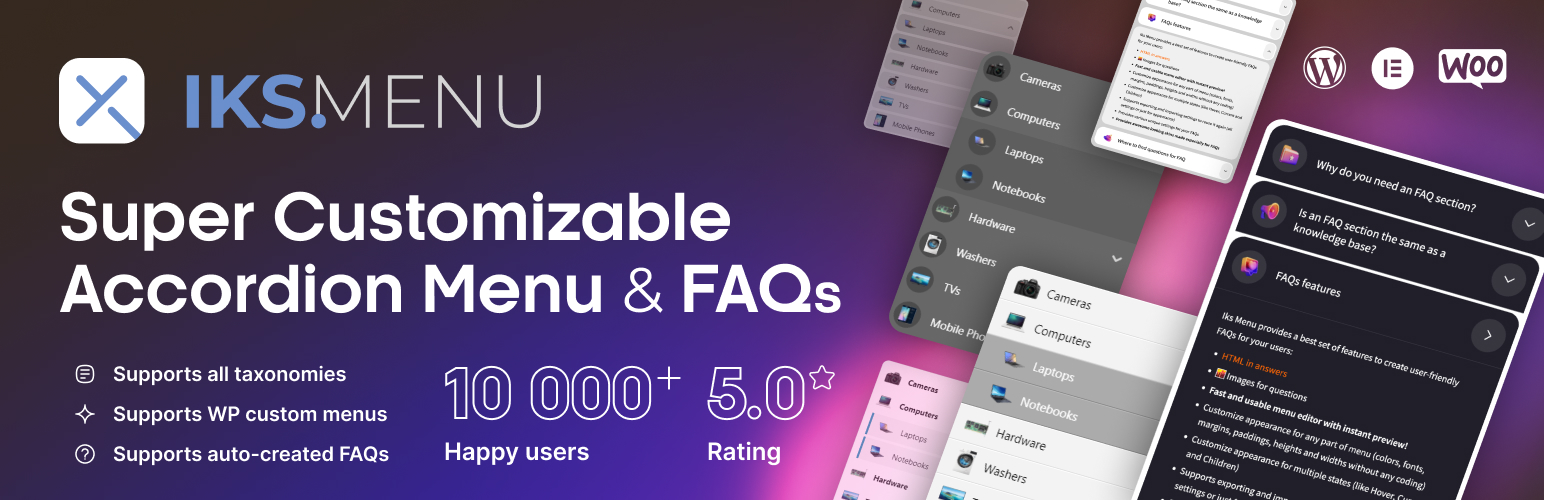
Create dynamic WordPress accordion menus with IKS Menu plugin
Learn how to create dynamic accordion menus on WordPress using the KS Menu plugin to enhance user experience and optimize site navigation. Detailed installation, customization and responsive design setup steps are provided.

WordPress Website Slowdown? 6 Solutions to Help You Boost Your Speed
Discover why your WordPress site is slowing down and take effective measures. Improve website loading speed, user experience, and SEO rankings by enabling caching, optimizing images, streamlining plugins, using CDN, and other 6 optimization strategies

Avada integrates seamlessly with the Events Calendar plug-in to create event calendars with ease!
Learn how to use Events Calendar plugin in Avada theme to manage and display website events. Go through the detailed installation and configuration steps and learn how to create regular events, event series, customize event pages, and use the Events Calendar Pro version to provide...

How to Build a Multilingual Website with Kadence
Learn how to use Kadence themes with WPML or Polylang plugins to create multilingual websites, improve user experience and optimize search engine rankings for global websites.

How to Use Chat Plugin with WooCommerce: Live Customer Support for Ecommerce Websites
Learn how to integrate chat plugins with WooCommerce to boost customer support and conversions on your e-commerce site. Optimize the shopping experience by providing customers with instant help through live chat, automated responses, and multi-channel support.

What type of e-commerce website is Woodmart theme suitable for? Read about its advantages and adaptability scenarios
Wondering what type of e-commerce website the Woodmart theme is suitable for? This article comprehensively analyzes five typical adaptation scenarios to bring you to understand whether this high-performance WordPress e-commerce theme is suitable for your business.

How to change "Add to Cart" button text in WooCommerce
Learn how to modify the Add to Cart button text in WooCommerce with the Loco Translate plugin and custom CSS. This article provides detailed steps to help customize the button text and style according to your needs, enhancing the personalization and user experience of your website.

Free WordPress Knowledge Base Theme Download: Build the Perfect Self-Service Platform
Discover how to create a powerful self-service platform with a free WordPress knowledge base theme. This article provides detailed theme recommendations, installation tutorials and optimization tips to help you easily build an effective knowledge base website.
WordPress 6.8 Plugin Compatibility Issues: Causes and Solutions
Experiencing WordPress 6.8 plugin compatibility issues? This article analyzes in detail the common causes of plugin compatibility issues and provides practical solutions, such as updating plugins, fixing code, and cleaning cache, to help you ensure your website runs smoothly.
How to Fix 500 Internal Server Error in WordPress: A Detailed Step-by-Step Guide
Solve 500 Internal Server Error in WordPress with detailed step-by-step instructions on how to fix .htaccess files, increase PHP memory limit, deactivate plugins, switch themes, and re-upload WordPress core files. With these methods, quickly restore your website to normal operation...

How to Use WebP Images in WordPress
Learn how to use WebP images in WordPress to boost site performance, reduce file size, speed up page loads, and improve SEO rankings by installing a plugin or uploading them manually. Optimize images with the WebP format to improve user experience and load speed on mobile.
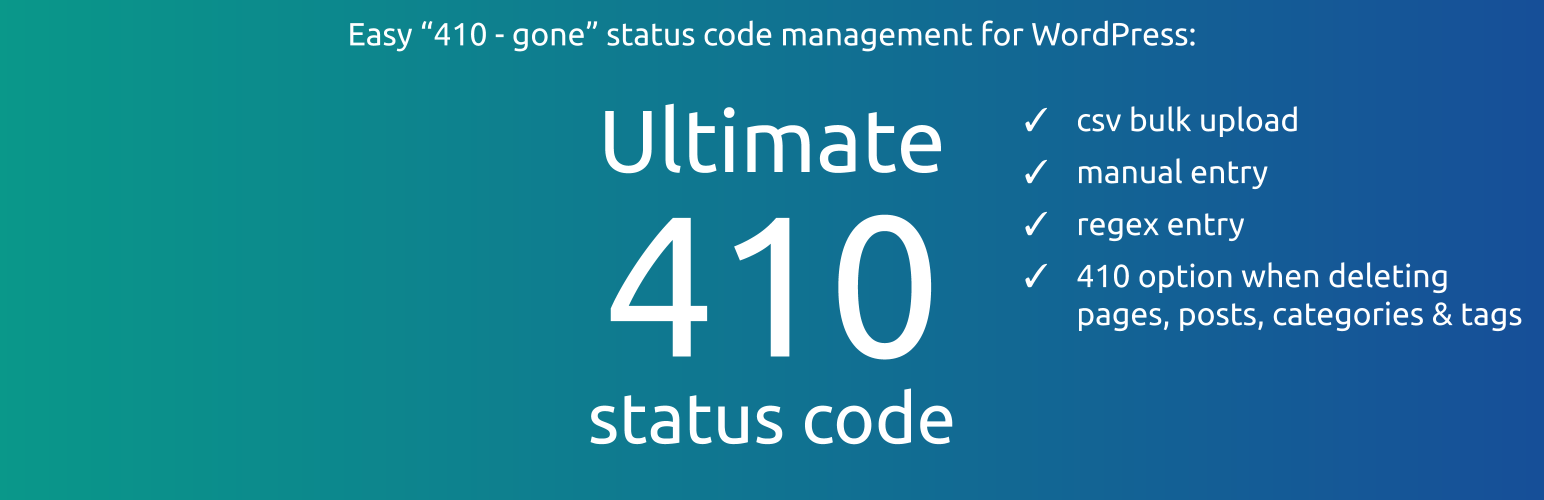
How to Manage Deleted Pages and Improve SEO with WordPress 410 Plugin
Learn how to speed up search engine updates, boost SEO performance, improve user experience, and simplify site maintenance management by using the 410 plugin for WordPress. Ideal for sites that need to permanently remove pages to help optimize overall site performance.
Common Problems and Solutions for reCAPTCHA Not Displayed in Elementor
Learn how to fix reCAPTCHA not showing up in Elementor, including checking for Google API keys, JavaScript, caching issues, plugin conflicts, and other common causes, to help you successfully fix the reCAPTCHA feature in Elementor forms.

Yoast SEO WooCommerce Tutorial: How to Boost Your Online Store Search Engine Rankings
Learn how to optimize your WooCommerce store with the Yoast SEO plugin to improve search engine rankings for product pages and category pages. This article will cover Yoast SEO installation, configuration and advanced SEO optimization tips to help you increase website traffic and boost sales.

How to Build a Personal Website with WordPress: A Detailed Guide
Comprehensive understanding of how to use WordPress to build a personal website, from domain hosting options, theme plugin installation to content optimization and SEO settings, zero basis can also create a high-quality personal brand website.
Cleaning Up Your WordPress Media Library: How to Optimize and Manage Media Files
Learn how to clean up and optimize your WordPress media library to improve site performance and user experience. This article provides detailed manual cleanup methods and plugin recommendations to help you effectively manage images, videos, and other media files. This setup helps search engines accurately recognize post topics...

 简体中文
简体中文  English
  日本語
日本語  Français
  Español



