





introductory
existWordPressSecurity field, in wp-config.php Setting in the file define('DISALLOW_FILE_EDIT', true); This is a basic security measure. Its core value lies in disabling theme and plugin editors, effectively preventing attackers from directly tampering with a site's code through stolen administrator privileges. However, relying on a single line of defense is a big no-no in security. True security stems from building a multi-layered, interoperable defense in depth. In this article, we'll dive into five security hardening strategies that will help your WordPress site in disallow_file_edit The foundation of a more fortified defensive position.

I. Understanding defense in depth: a shift in thinking from a gate to a fortress
At the core of the concept of security defense in depth is the idea of not relying on any single security measure. It requires us to build a series of overlapping layers of protection, so that even if one layer is breached, subsequent layers can still provide protection, buying valuable time for detection and response.
commander-in-chief (military) disallow_file_edit Think of it as a strong lock on the innermost door of this fortress. Its role is critical, but we cannot expect it to block all types of intrusions. Attackers may enter our systems through other paths, such as vulnerable plug-ins, weak passwords, or misconfigurations. Therefore, we need to deploy additional lines of defense on the perimeter.
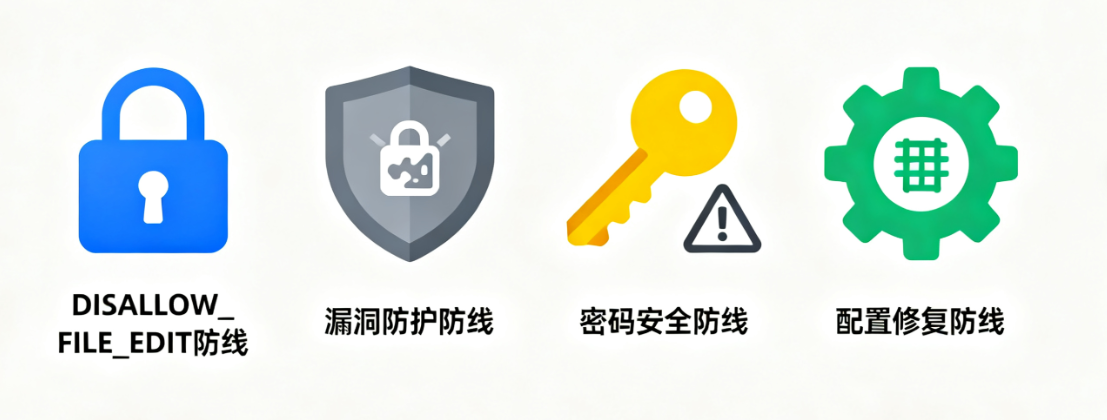
Second, the five core security reinforcement strategy
The following five strategies are related to disallow_file_edit Working together, they form a three-dimensional defense network.
2.1 Enhanced identity portal
Authentication is the first gateway to a website, and a failure here can often mean disastrous consequences.
2.1.1 Implementation of strong passwords and two-factor authentication (2FA)
Force all users, especially administrators, to use complex passwords generated by a password manager. Go a step further and enable two-factor authentication for all administrator accounts. This requires that another dynamic verification code from a mobile app or hardware key be provided in addition to the password entered. Even if the password is stolen, an attacker can't easily log in.

2.1.2 Change default login address
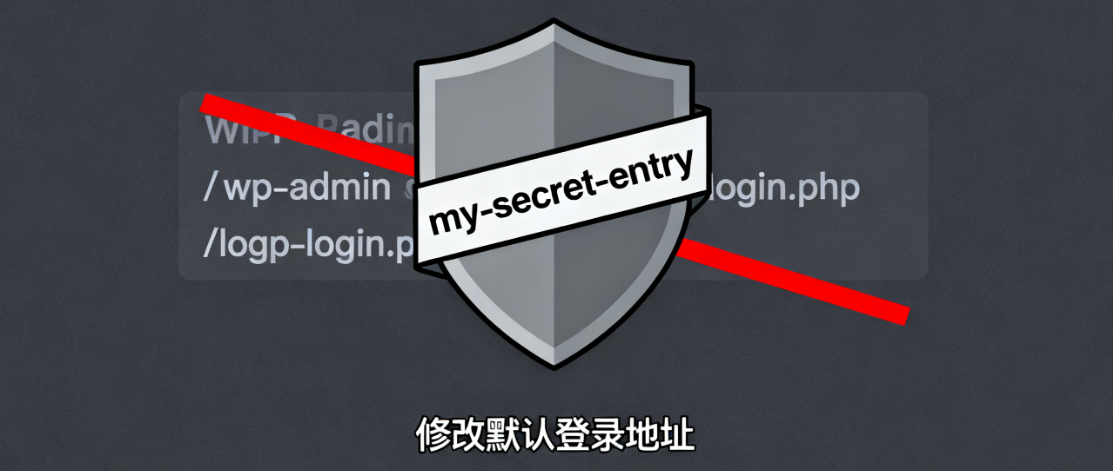
WordPress default login page /wp-admin respond in singing /wp-login.php is a regular target for automated attack tools. Change the login address to a unique custom URL via a security plugin or code modification, such as /my-secret-entry. This effectively circumvents a large number of brute-force breaking attacks against generic addresses.
2.1.3 Limit the number of login attempts
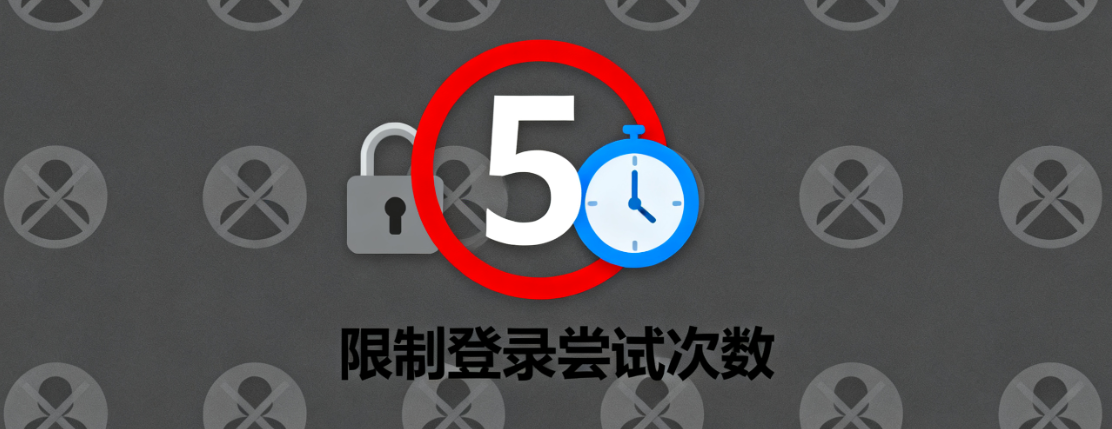
By default, an attacker can make unlimited attempts to guess a password. Use the plugin to set a cap on login attempts, e.g. after 5 failed attempts, lock the IP address or username for a period of time. This can greatly increase the difficulty of brute force cracking.
2.2 Strict control of file and directory permissions
Incorrect file permissions are like leaving your house keys under the rug, leaving the door open for an attacker.
2.2.1 Adherence to the principle of least privilege
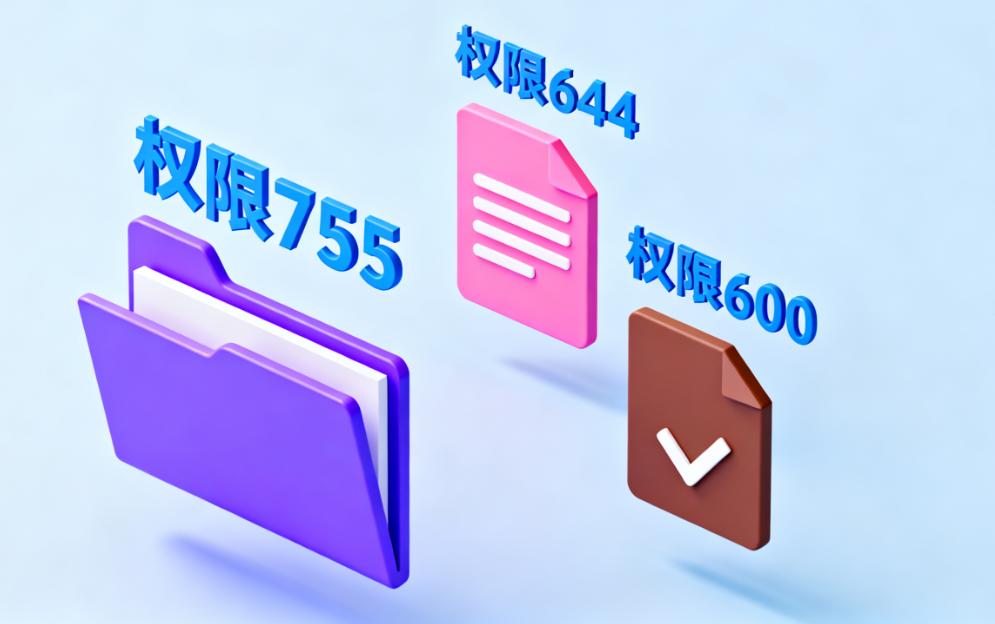
All file and directory permissions should be set to the "least privilege" principle, i.e., only the minimum permissions necessary for operation should be granted. Typically, folders should be set to 755 and files to 644. key configuration files wp-config.php The permissions should be stricter and can be set to 600 or 440 to prevent other user accounts from reading sensitive information such as database passwords contained therein.
2.2.2 Protection of root directory files
assure robots.txt,xmlrpc.php and other documents are adequately protected.xmlrpc.php It may be misused to launch brute-force cracking attacks; if not necessary, consider disabling it via server rules or security plug-ins.
2.3 Implementation of continuous monitoring and auditing
An undetectable intrusion is the most dangerous. Establishing an effective monitoring mechanism is equivalent to installing security cameras in a fortress.
2.3.1 Deploying the security audit plug-in
Install a professional security plugin for logging all critical activities on your website. This includes user logins, plugin installations and updates, post modifications, file changes, etc. Regular review of these logs will allow for timely detection of unusual behavior, such as administrator logins from unfamiliar IPs during non-business hours.

2.3.2 Setting up file integrity monitoring
Some security plugins provide file integrity monitoring. They create checksums for all core files and alert you when files are added, deleted or modified. This helps to quickly detect implanted malicious code, such as web backdoors.
2.4 Build web application firewall barriers
Web application firewalls act as "foreground security" for websites, filtering malicious traffic before it reaches the site.
2.4.1 Utilizing cloud-based WAF services
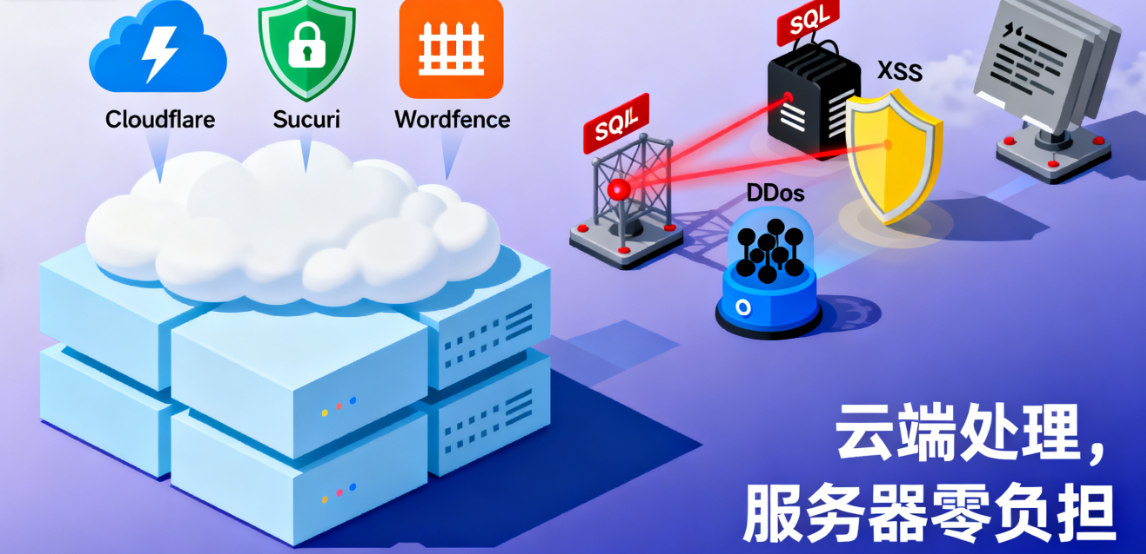
Consider using a tool such as Cloudflare,Sucuri maybe Wordfence and others provide cloud-based WAF services. These services are able to recognize and block common patterns of cyberattacks such as SQL injection, cross-site scripting, etc., and can even mitigate large-scaleDDoSAttacks. These operations are done in the cloud and do not consume your server's resources.
2.4.2 Configuring a server-level firewall
At the server level, configuration such as fail2ban A tool of this sort. It automatically analyzes server logs and when it detects multiple failed login attempts from the same IP, it temporarily blacklists that IP and blocks its connection from the operating system level.
2.5 Establishment of a systematic updating and back-up mechanism
The strongest fortresses need regular maintenance and disaster recovery plans.
2.5.1 Implementation of a regular update strategy
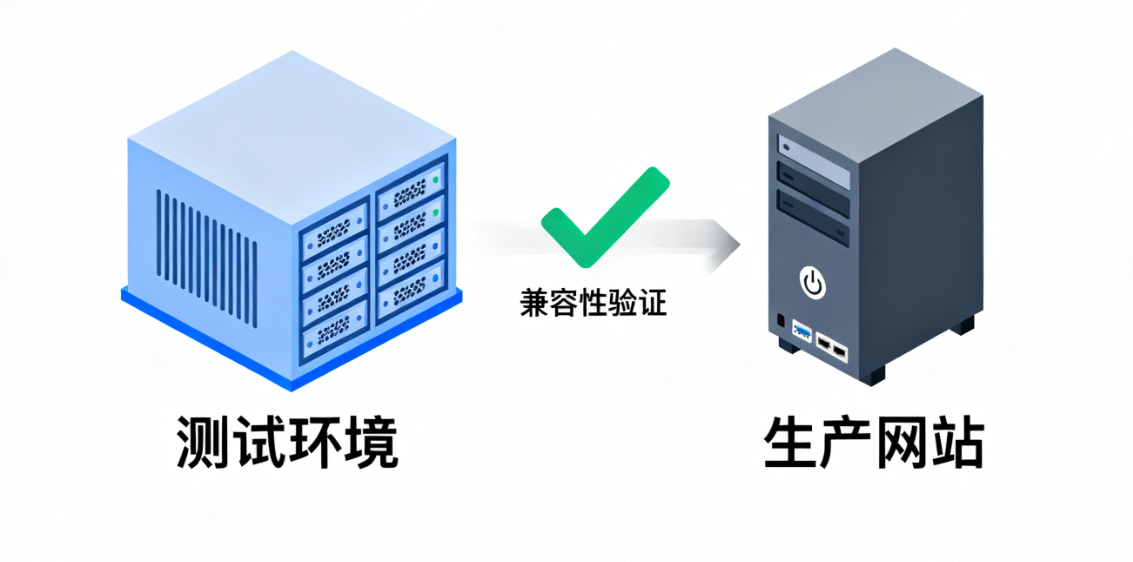
Outdated versions of WordPress core, themes and plugins are the biggest source of security risk. Establish a rigorous process for applying all security updates in a timely manner. Balance security with stability by first verifying update compatibility in a test environment before deploying to production sites.
2.5.2 Implementation of a reliable off-site backup solution
Backups are the last line of defense for security. Fully automated, regular full website backups must be implemented, including files, databases and code. Backup copies should be stored in an off-site location physically separate from the main server, such as a cloud storage service. And regular recovery drills should be performed to ensure that in the event of a security incident, the website can be quickly and completely restored to a healthy state.
III. Building a collaborative defense: from strategy to system
The five strategies mentioned above do not exist in isolation; they are related to the disallow_file_edit Interrelated and layered. Strong authentication and WAF form the outer line of defense, file permissions and monitoring systems guard the internal systems, and updates and backups provide the underlying resilience.

(coll.) fail (a student) disallow_file_edit When this "inner door" is under pressure due to the failure of other lines of defense, the outer monitoring system may have already recorded the attacker's whereabouts, file integrity checks may have alerted the police, and reliable backups ensure business continuity in the worst-case scenario.
reach a verdict
WordPress site security managers need to establish a defense-in-depth mindset, viewing security as a dynamic, multi-layered system. Through the systematic implementation of authentication enhancement, privilege control, continuous monitoring, firewall deployment, as well as strict updating and backup strategy, we can build an impenetrable barrier for attackers, for the site's core assets and data to provide a real sense of solid protection.

Link to this article:https://www.361sale.com/en/80054The article is copyrighted and must be reproduced with attribution.



















![Emoji[wozuimei]-Photonflux.com | Professional WordPress repair service, worldwide, rapid response](https://www.361sale.com/wp-content/themes/zibll/img/smilies/wozuimei.gif)

![Emoticon[baoquan] - Photon Wave Network | Professional WordPress Repair Services, Worldwide Coverage, Rapid Response](https://www.361sale.com/wp-content/themes/zibll/img/smilies/baoquan.gif)


 简体中文
简体中文  English
  日本語
日本語  Français
  Español


No comments