


WordPress Tutorial Page 96
The "WordPress Tutorials" feature takes you in-depth understanding of WordPress, from the basic installation, theme and plug-in configuration, to SEO optimization and site security, covering all aspects of the core knowledge and practical skills needed to build a site. Whether you are a novice or an experienced developer, you can find the appropriate tutorials to help you easily master the use of WordPress and advanced operations.
arrange in order

How to Fix WordPress Stuck in Maintenance Mode
WordPress sites stuck in maintenance mode can be a headache; especially when the site is being updated or has a lot of traffic. Maintenance mode can be caused by a variety of factors, from simple file corruption to more complex plugin conflicts or existing .maintenance files. Fixing stuck in maintenance...

What are the general settings for WooCommerce?
Do C-end friends know that WooCommerce is an open source e-commerce plugin designed specifically for WordPress. We have introduced the advanced settings of WooCommerce, you can see "WooCommerce Advanced Settings Guide: Optimizing Shopping Cart, Checkout and API Set...

How to Get Started with Elementor Popup Windows
If you use Elementor editor to build your web pages, then the built-in pop-up windows is a feature to know about. This powerful feature can help you grab users' attention, provide important information or offers, and it doesn't require any additional plugins to be installed at all...

WebP, PNG and JPEG: Choosing the Best Image Format for Your WordPress Website
Images can add life to the content and make the WordPress website more attractive and look less monotonous. However, choosing the right file format is important for performance. If images take a long time to load, then the website will not provide a good user experience. Next...

How to Improve the Performance of Your WordPress Website with a CDN
For WordPress websites, using a Content Delivery Network (CDN) is an effective way to dramatically improve site loading speed and security. In this article, we'll go over how CDNs work, their benefits, and recommendations for some of the top WordPress CDN services. What is a CDN? CDN...
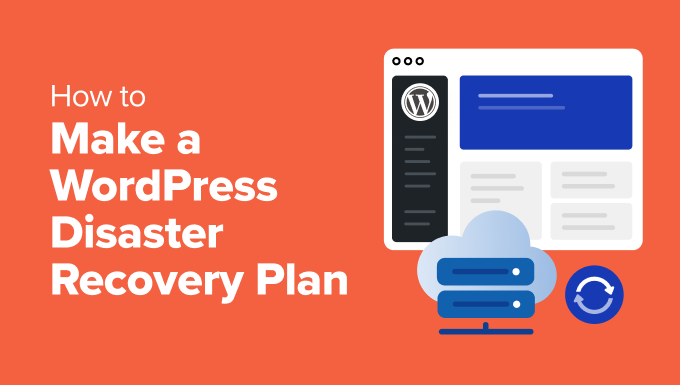
Why Websites Need a WordPress Disaster Recovery Plan and Its Critical Steps
Why is it so important to have a WordPress recovery plan. It's like insurance for your website and can help you recover quickly from any unexpected event. Here are the key steps to developing a WordPress Disaster Recovery Plan:Why do you need a WordPress Disaster Recovery Plan? ...

How to Fix WordPress Constantly Quitting
Our site's "Q&A Community" has a user message, the content is: his recent WordPress site constantly logged out of the administration area, it just so happens that we have encountered before. Therefore, today to give you a tutorial to fix, I hope to help you. Why is WordPress constantly ...

How to Effectively Delete and Manage WordPress Archived Pages to Improve SEO Performance
Why delete archive pages? In some cases, deleting archive pages is necessary for website optimization and management. Here are some common reasons: Duplicate Content Issues: Archived pages typically display excerpts of existing content from a single WordPress post that may be searched...
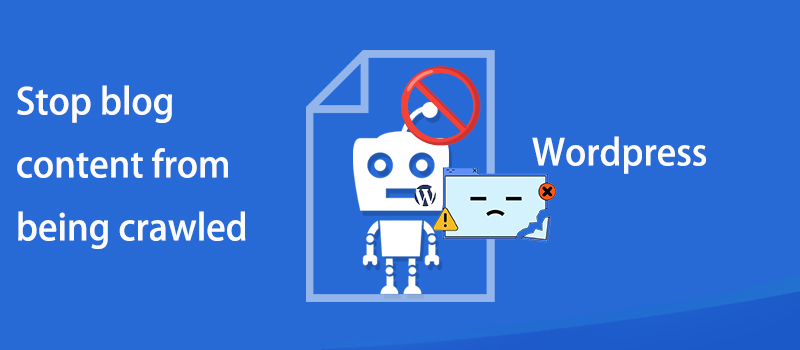
How to prevent WordPress blog content from being crawled: practical tips for protecting original content
Learn how to effectively prevent WordPress blog content from being crawled, including using copyright protection, disabling Trackback and Pingback, limiting RSS feeds, blocking crawlers from accessing your site, and other tactics that will help you protect your original content and improve your site's SEO ranking.

WordPress Sitemaps Explained: How to Easily Create and Optimize Your Sitemaps
What is a WordPress sitemap? A WordPress sitemap is an XML file that contains a list of all the pages in your website. This file is primarily designed for search engines, such as Google and Bing, to help them index and crawl your site's content more efficiently....

How to Create and Optimize Mobile Menus for WordPress Websites
After building a WordPress website, because whether it's a blog site or a store site; most of the users are from mobile. That's why it's important to add a cell phone menu on your WordPress website. Why should your website menu be dropped? When building a WordPres...
How to Create Convertible Squeeze Pages in WordPress
In website operations, Squeeze Page is an important tool to increase the conversion rate of leads and subscribers. By using the WordPress plugin SeedProd, it is easy to create efficient squeeze pages. This article will detail how to use SeedProd to create squeeze...
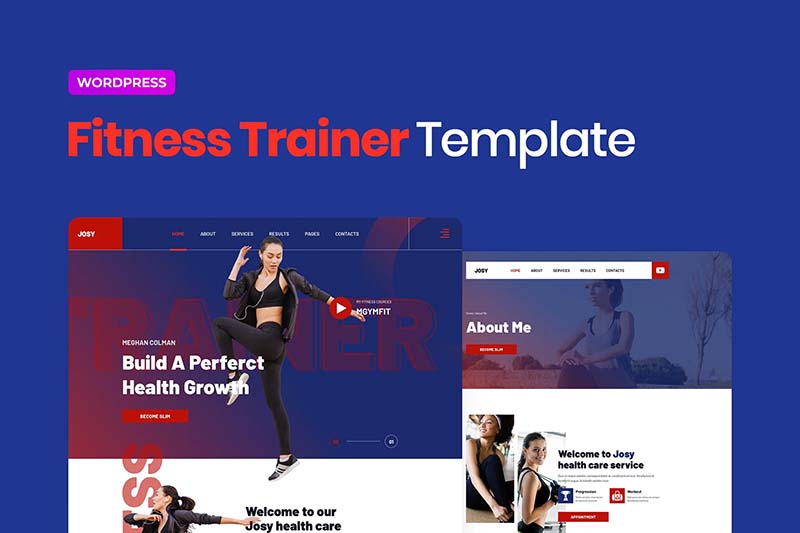
Josy - Sports & Fitness Elementor Template Kit
Josy Template Features Includes Global Theme Styles 58 Elementor Templates Pixel-Level Design 100% Responsive Layout Simple and Easy-to-Use Styles Easy to Use and Customize Supports All Major Browsers (Chrome, Firefox, Safari, Edge, Opera) Uses Free G...

Boosting Website Engagement: Innovative Uses of Elementor Dynamic Content
Increasing user engagement increases the time users spend on a website, improves the user experience, and ultimately drives conversions. To achieve this goal, many web designers and developers have begun to utilize dynamic content to engage users, and the Elementor plugin is a powerful way to achieve this...
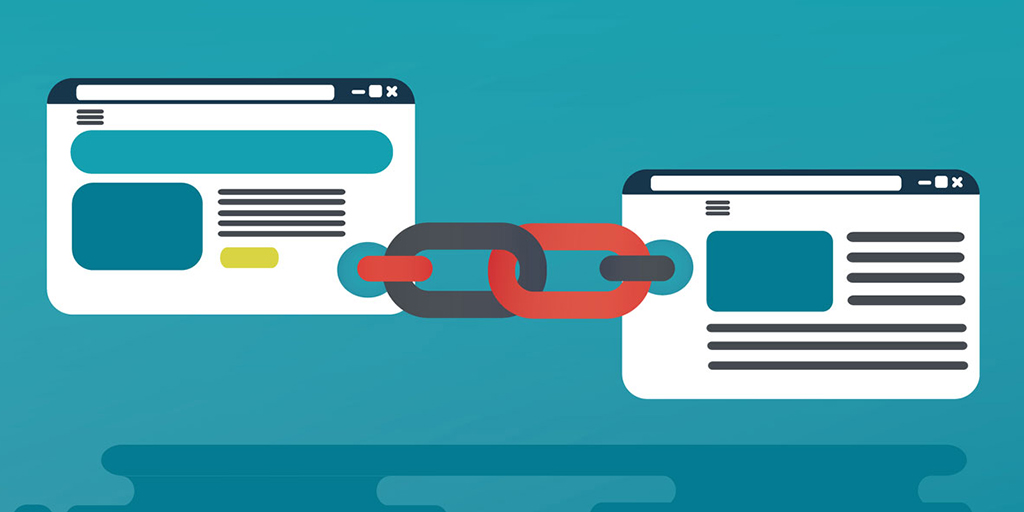
12 Best Practices for Optimizing Internal WordPress Links: boost traffic and SEO results
What Internal Links Do Internal links are vital in WordPress for several reasons. Studies have shown that internal links can help increase traffic by up to 401 TP3 T. In addition to this, internal links in WordPress can: Help visitors navigate your site easily Improve the structure of your site ...

Unlocking the SEO Traffic Potential of Mega Menu: A Guide to Proper Use and Pitfall Avoidance
WordPress Mega Menu optimizes navigation, but can hurt SEO.This article provides an in-depth analysis of its technical risks and benefits, and a set of best practices to help you build mega menus that are both user-friendly and search engine friendly.
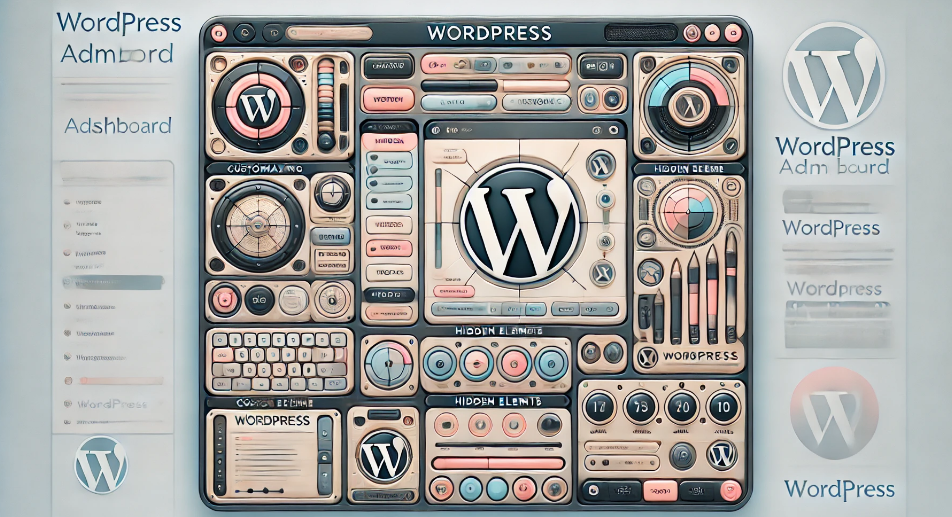
Customizing the WordPress Admin Dashboard: a comprehensive guide to enhancing the website management experience
In order to improve administrative efficiency and user experience, it is important to customize your WordPress admin dashboard. By hiding unnecessary items, adjusting the admin screen layout, and optimizing the color scheme, you can create a more organized and efficient workspace. This guide will detail how to customize...

A Comprehensive Guide to Securing Your Business WordPress Website
For organizations that use WordPress, it's critical to keep customer information safe and protect digital systems from online threats. At a corporate and organizational level, it's important to secure multiple WordPress sites. This is not just a small task, but requires careful planning, thorough...

In-Depth Website Editor Comparison: Core Differences Between Elementor and Gutenberg
An in-depth look at the core differences between Elementor and Gutenberg, from design freedom and performance to future directions, to help you choose the best editor for your next WordPress project.

How to Fix the "Another Update is Currently in Progress" Error in WordPress
I don't know if you guys have ever gotten stuck with a WordPress update that won't work. "Another update is currently in progress" error. We've dealt with this error countless times on our own site. In this guide, we've put together our own guide to dealing with the "Currently working on another...

Astra template with default editor for article template reuse
Learn how Astra incorporates Gutenberg's default editor to enable quick reuse of article templates, maintain typographic consistency, and improve content creation efficiency and site management practices.
Complete Guide to Implementing Local Hosting of Fonts in GeneratePress Themes
This article describes in detail the steps to implement local hosting of fonts in GeneratePress theme, covering font download, upload permission opening, CSS adding and editor configuration, which helps to improve the loading speed of the site and privacy protection.
WP-CLI Chinese Getting Started Tutorial: WordPress Command Line Operation Guide
WP-CLI is the official command line tool of WordPress, which can be used to install plugins, create posts, export database and other operations, suitable for batch processing and automated maintenance. This article provides a complete introduction to teaching and common command examples.

How to Add Custom Fonts to Elementor and Elementor pro
A comprehensive explanation of adding custom fonts to Elementor and Elementor Pro, covering plug-ins, Pro features, and code methods for novices.
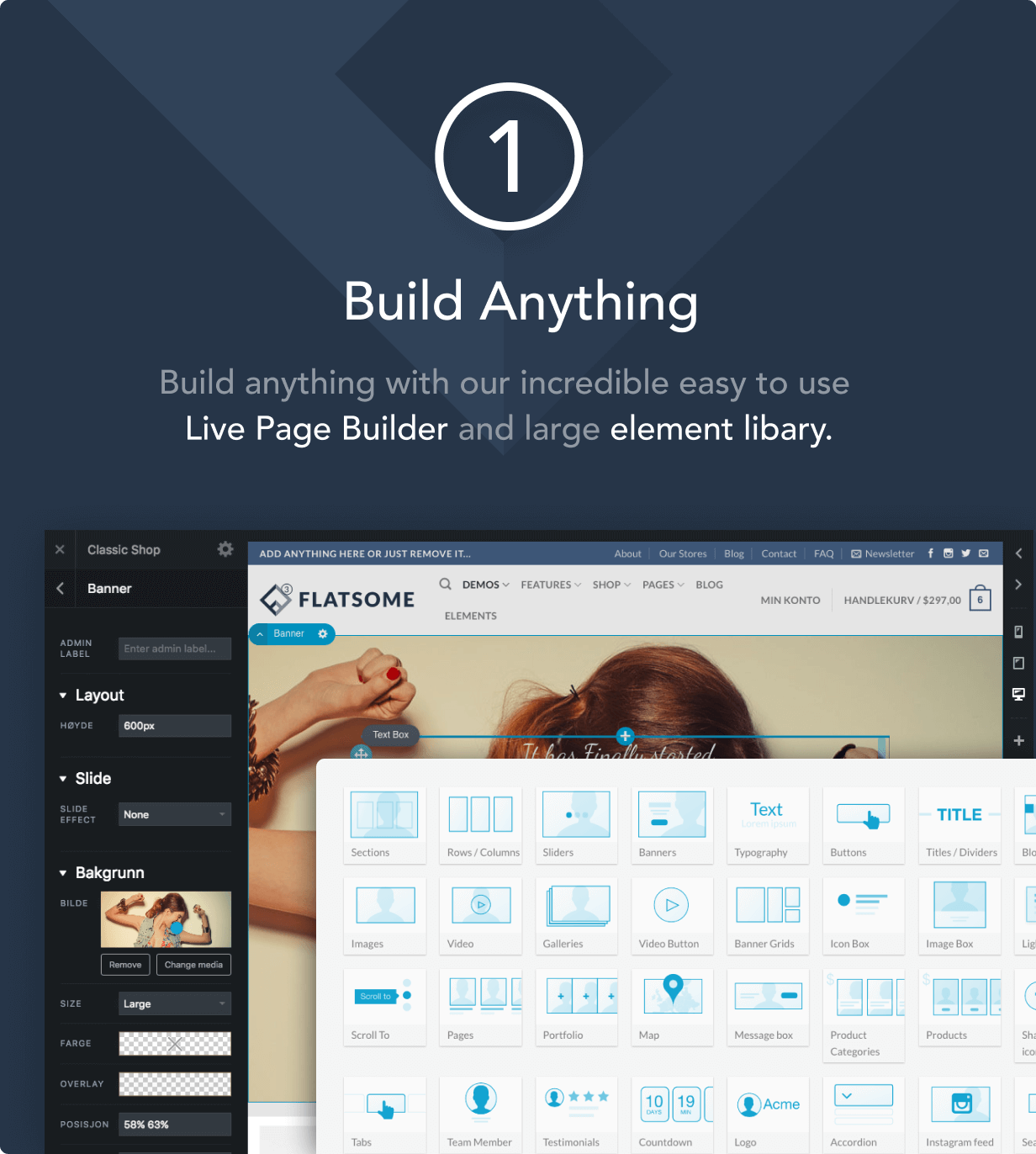
How to Improve Website Loading Speed with Fatsome Theme
Learn how to use Fatsome theme to improve website loading speed and master optimization techniques such as image compression, cache configuration, delayed loading, etc. to improve website performance, user experience and SEO ranking.
WordPress temp-write-test file appears? Causes and Solutions
Detailed analysis of WordPress temp-write-test file sources, risks and deletion methods to help webmasters quickly solve the residual problem.

Building an Internationalized WordPress Website with Different Domains and Subdomains
This article describes in detail how to build an internationalized WordPress website with different domain names and sub-domains, including the advantages and disadvantages, implementation, applicable scenarios and SEO optimization suggestions to help enterprises expand the global market.

How to Reset WordPress Password with WP-CLI
Learn how to quickly reset your WordPress password using WP-CLI for VPS environments. Manage WordPress from the command line to increase efficiency and save time.

How to Manage SEO Permissions and Content Consistency for Multi-Author Blogs with Rank Math
Learn to use Rank Math to assign SEO permissions to WordPress multi-author blogs, standardize title and Schema settings, and maintain a consistent content structure across the site.

What is the difference between website weight and Baidu weight?
In-depth analysis of the core difference between website weight and Baidu weight, to understand their sources, role and practical significance, to avoid detours in SEO.

 简体中文
简体中文  English
  日本語
日本語  Français
  Español



