




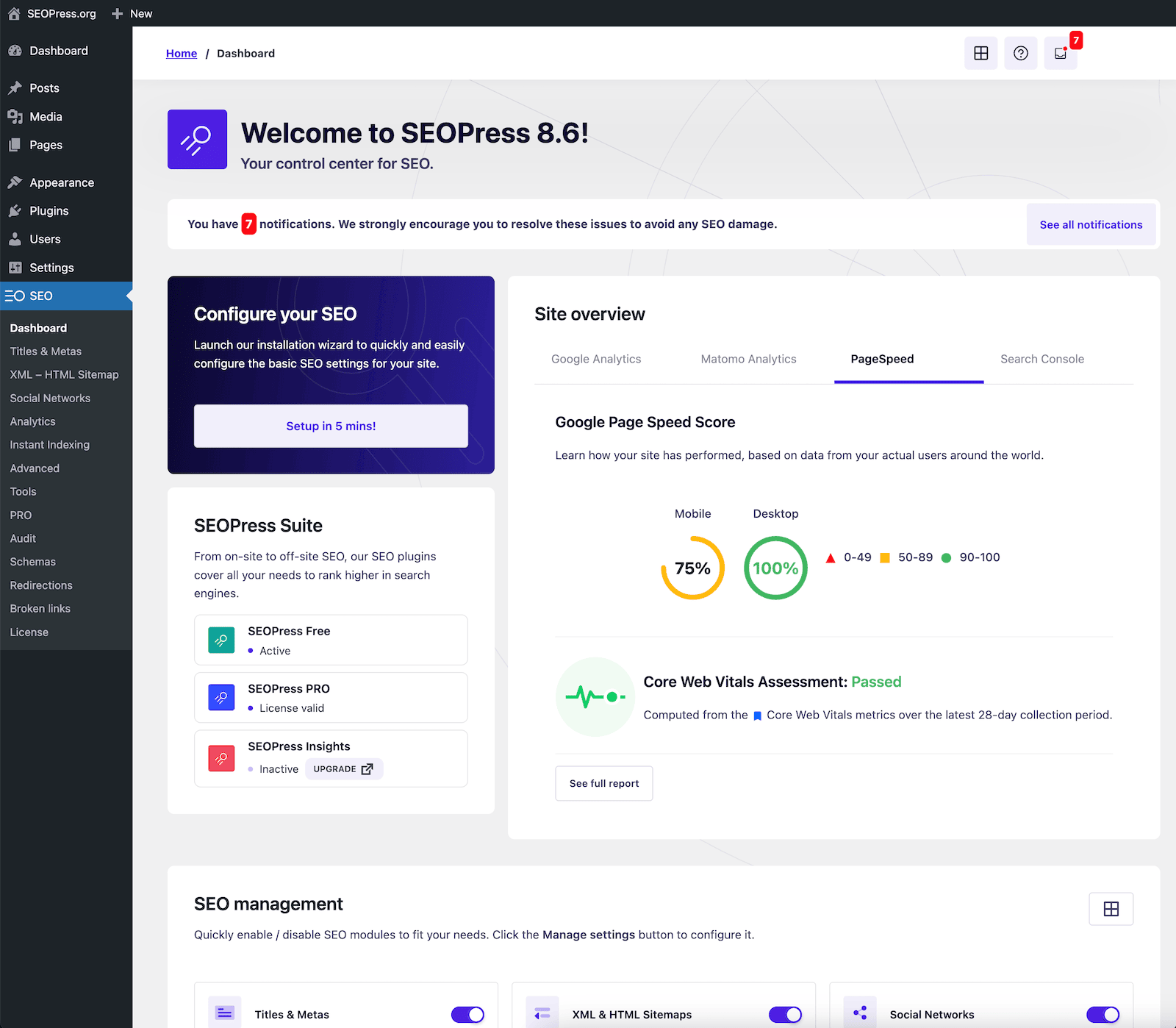
Many people say WordPress is SEO-friendlyYet it's hard to pinpoint exactly where the "friendliness" lies. In reality, it's not any particular SEO plugin that makes the difference, but rather WordPress as a platform.The Underlying Structure of Open-Source CMSA clear content model, controllable URLs, excellent crawlability, and a highly scalable theme and plugin ecosystem. This article will dissect why WordPress is SEO-friendly from a structural perspective and pinpoint the areas truly worth your optimization efforts.
![Image[1] - WordPress SEO Ultimate Guide: Quickly Boost Performance from the Open-Source CMS Structure](https://www.361sale.com/wp-content/uploads/2025/12/20251230101020370-ChatGPT-Image-Dec-30-2025-10_09_56-AM.png)
1. Why is WordPress SEO-friendly? Starting with its open-source CMS structure
WordPress is often considered "SEO-friendly" not because of some magic button, but because it is open-source. CMS The underlying architecture: a clear content model, controllable URLs, extensible theme and plugin mechanisms, and a suite of default features supporting site crawlability. Understanding these structures enables you to know where to make changes and how to do so most effectively.
![Image[2] - WordPress SEO Ultimate Guide: Quickly Boost Performance from the Open-Source CMS Structure](https://www.361sale.com/wp-content/uploads/2025/12/20251218190035271-wp-header-logo.png)
2. What Exactly Is Open-Source CMS?
Open-source CMS can be understood as: a content management system that makes its core code publicly available, allowing anyone to view, use, modify, and redistribute it (provided they comply with its licensing agreement). For webmasters, it offers three direct benefits:
- Auditable: Functional implementation is transparent, making security and performance issues easier for the community to identify and fix.
- Extensible: Customize your site to suit your business needs through plugins, themes, and interfaces.
- Portable: Data and content structures are more standardized, making it less prone to being locked into a single platform.
What is the relationship between open source and SEO?
The core of SEO is making it easier for search engines to understand your content and want to display it. The advantage of open-source CMS lies in your ability to control critical details such as URL structure, heading hierarchy, sitemaps, structured data, performance caching, and image loading strategies. Greater control translates to more room for sustainable optimization.
3. WordPress's Position Among Open-Source CMS Solutions
WordPress functions more like a "universal foundation for content-driven websites." It separates content (posts, pages, categories, tags, authors) from presentation (themes), then uses plugins to assemble capabilities. You can use it to build blogs, corporate sites, knowledge bases, magazine sites, and even e-commerce and membership systems.
![Image [3] - WordPress SEO Ultimate Guide: Quickly Boost Performance from the Open-Source CMS Structure](https://www.361sale.com/wp-content/uploads/2025/12/20251220181708861-wordpress-editor-1-1024x542-1.png)
In terms of "scale of adoption," it also possesses significant ecosystem advantages. According to W3Techs statistics as of December 18, 2025, WordPress powers approximately 43.01% of all websites and accounts for about 60.21% of websites using identifiable CMS platforms. This scale translates to a more mature theme and plugin ecosystem, as well as richer SEO best practices and a greater abundance of reusable solutions.
4. Why is WordPress's structure inherently SEO-friendly?
4.1 Clear Content Structure: Heading Hierarchy and Semantic Tags
Search engines favor structured content. WordPress's block editor naturally builds semantic structure using blocks like "headings, paragraphs, lists, and quotes," making it clearer than cramming everything into one big paragraph. Just stick to two rules:
- Each article should retain only one main heading, with the rest expanded using subheadings.
- Use bullet points or numbered lists whenever possible to make information scannable.
![Image[4] - WordPress SEO Ultimate Guide: Quickly Boost Performance from the Open-Source CMS Structure](https://www.361sale.com/wp-content/uploads/2025/12/20251230101526163-screenshot-20251230-101451.png)
4.2 URL Control: Categories, Tags, Permalinks, and Breadcrumbs
SEO-friendly URL Typically short, clear, and predictable. WordPress permalinks allow you to organize paths using formats like "post-name" or "category/post-name". Recommended priority:
- Article: /topic/keyword/ or /keyword/ (depending on site scale)
- Classification: Organize by content themes in layers; avoid overloading with synonymous categories.
- Tags: More like "indexes"; keep their quantity in check to avoid creating thin content pages.
![Image [5] - WordPress SEO Ultimate Guide: Quickly Boost Performance from the Open-Source CMS Structure](https://www.361sale.com/wp-content/uploads/2025/12/20251230102026208-screenshot-20251230-102005.png)
4.3 Crawlability: Synergy Between Sitemaps and Robots.txt
Crawlers must first locate your page. WordPress has introduced at the core level XML Sitemap capability: Sitemaps are exposed by default (starting from version 5.5). Sitemaps help crawlers discover URLs on your site more quickly and understand the scope of updates.
![Image [6] - WordPress SEO Ultimate Guide: Quickly Boost Performance from the Open-Source CMS Structure](https://www.361sale.com/wp-content/uploads/2025/12/20251220181741353-sitemaps.png)
Hands-on advice:
- First, verify that the sitemap URL can be opened normally in a browser.
- Submit the sitemap in the search engine webmaster tools.
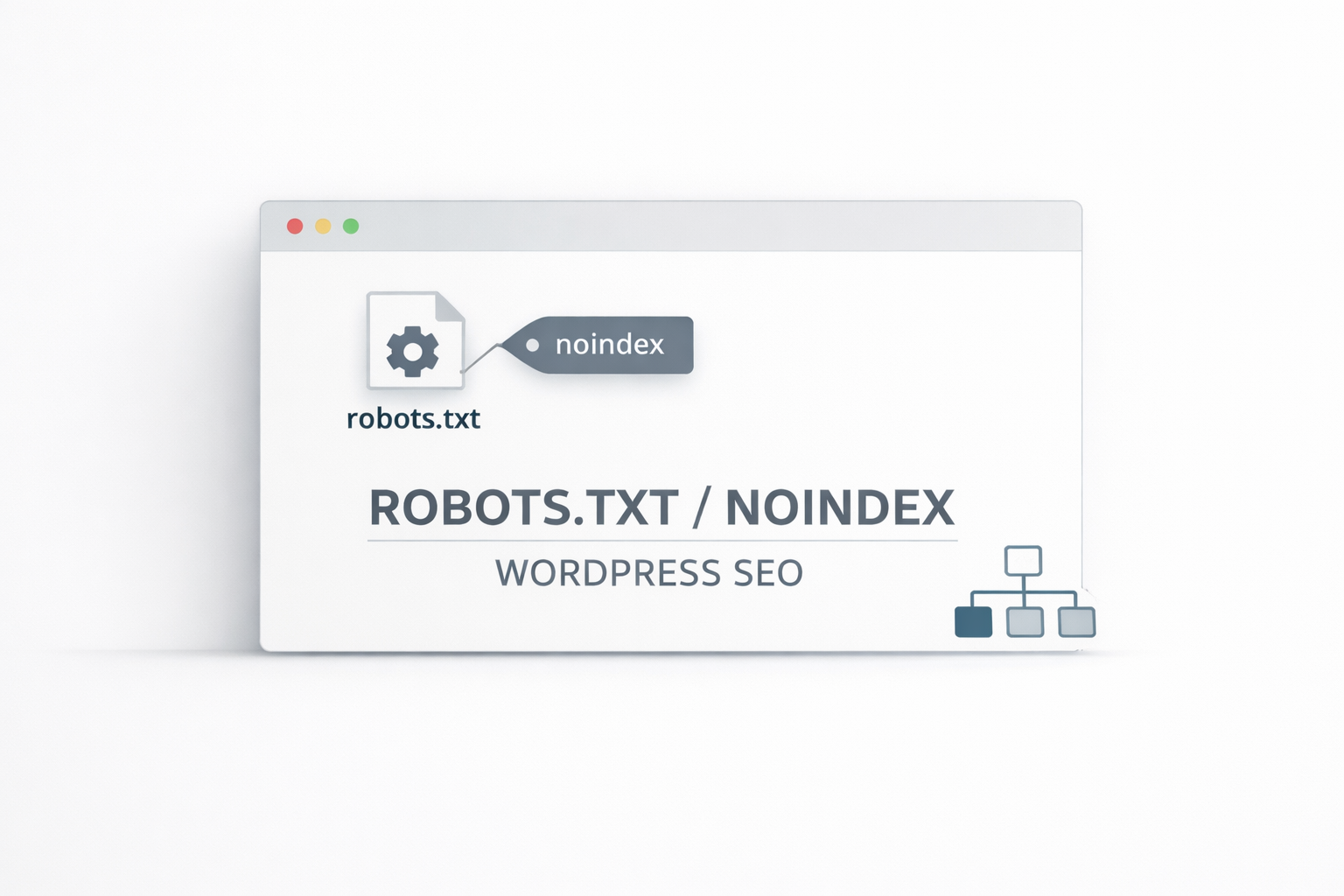
- robots.txt should not mistakenly block public content;robots Primarily used for crawl control; does not equate to prohibiting indexing.
4.4 Media and Images: Editable, Replaceable, and Controllable Alt Text
Image search and page accessibility both rely on alt text. WordPress's image block supports replacing images, adding alt text, and including captions. Writing alt text is straightforward:
- First describe "what this image is."
- Also add "How does it relate to the content of this paragraph?"
- Avoid keyword stuffing; it should read like natural Chinese.
![Image [7] - WordPress SEO Ultimate Guide: Quickly Boost Performance from the Open-Source CMS Structure](https://www.361sale.com/wp-content/uploads/2025/12/20251230102402473-screenshot-20251230-102350.png)
If you insist on using externally linked images, keep in mind this risk: images inserted via URL won't be added to the media library. Should the external link ever break, your post will display blank images or display errors. A more reliable approach is to upload images to the media library or use the "Replace" feature to swap external links with local images.
![Image[8] - WordPress SEO Ultimate Guide: Quickly Boost Performance from the Open-Source CMS Structure](https://www.361sale.com/wp-content/uploads/2025/12/20251220181810177-Screen-Shot-2020-04-23-at-11.19.54-AM.png)
4.5 Structured and Extensible: Themes, Plugins, Fields, and Templates
When you upgrade from "writing articles" to "building a content system," you'll need stronger structuring capabilities, such as: unified templates for similar content, fielded information, pagination, and aggregate pages. WordPress's approach to expansion is quite straightforward:
- Theme Presentation: Layout, Templates, Block Styles
- Plugin Capabilities: Caching, Enhanced Sitemaps, Structured Data, Redirects, Image Compression
- Custom Fields Structure: Transforming Content Beyond Plain Text
![Image[9] - WordPress SEO Ultimate Guide: Quickly Boost Performance from the Open-Source CMS Structure](https://www.361sale.com/wp-content/uploads/2025/12/20251230102706994-screenshot-20251230-102625.png)
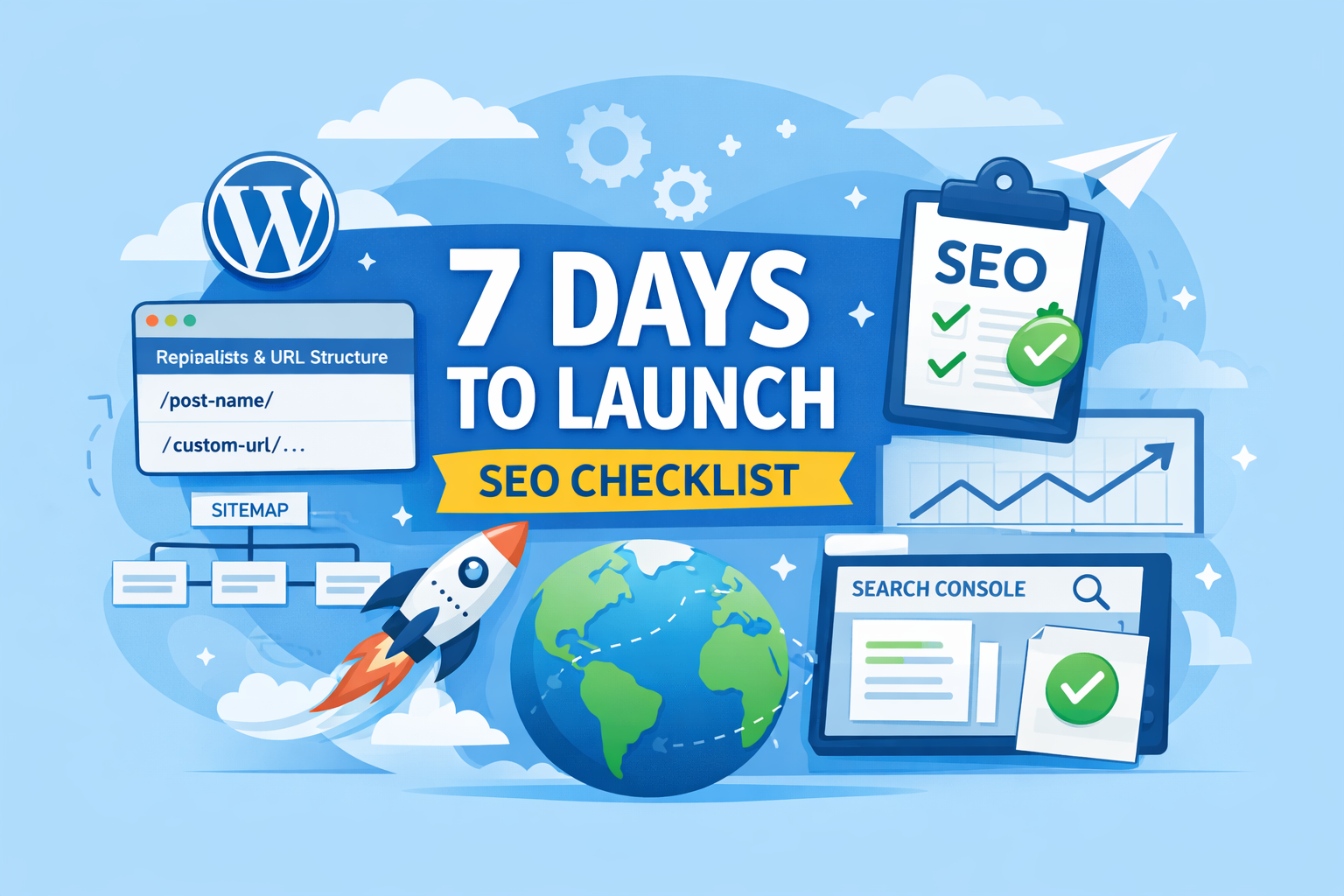
5. A Ready-to-Implement WordPress SEO Checklist
Use this checklist for a pre-publication self-check to avoid situations where content "appears complete but actually hinders indexing":
- Are the heading levels correct? Are the paragraphs broken down into short sentences?
- Is the URL short and readable? Does it contain meaningless parameters?
- At least one main image has clear alt text, and all key images include descriptions.
- Is the sitemap accessible and submitted to Search Console?
- Is the page loading too slowly? Is the above-the-fold area being slowed down by large images?
- Are there numerous tabs with thin content? Merge them when necessary. noindex
6. Common Misconception: Why Your SEO Settings Aren't Working
- Keyword stuffing: Headlines resemble slogans, while the body lacks verifiable information and actionable steps.
- Excessive use of category tags: Generates numerous duplicate or thin archive pages, diluting the site's quality signals.
- External image instability: Failed image loading compromises reading experience and page integrity.
- Neglecting information architecture: Content lacks cohesion, internal links are sparse, and crawlers struggle to locate key pages.
![Image[10] - WordPress SEO Ultimate Guide: Quickly Boost Performance from the Open-Source CMS Structure](https://www.361sale.com/wp-content/uploads/2025/12/20251220181847281-sitemap_shortcode.webp)
7. Conclusion: SEO-Friendly Design Is a Structural Capability
WordPress's SEO-friendliness fundamentally stems from the structured capabilities and extensibility of its open-source CMS. You can use blocks to write clearer content while leveraging themes and plugins to build your site into a long-term asset that "search engines can understand and users can navigate." Laying a solid structural foundation before refining details typically yields more stable results.

Link to this article:https://www.361sale.com/en/83436The article is copyrighted and must be reproduced with attribution.
















![Emoji[wozuimei]-Photonflux.com | Professional WordPress repair service, worldwide, rapid response](https://www.361sale.com/wp-content/themes/zibll/img/smilies/wozuimei.gif)

![Emoticon[baoquan] - Photon Wave Network | Professional WordPress Repair Services, Worldwide Coverage, Rapid Response](https://www.361sale.com/wp-content/themes/zibll/img/smilies/baoquan.gif)


 简体中文
简体中文  English
  日本語
日本語  Français
  Español


No comments