




The most straightforward way to get your topic selection and keyword research done faster and closer to real search expressions is to browse as you go alongKeyword ResearchIn this article, we are going to talk about a set of practical procedures. In this article, we mainly talk about a set of practical procedures: using Keywords Everywhere to browse Google, YouTube, Amazon and other pages, collect candidate words, complete screening, grouping and landing page planning.

1. Why is "keyword research while browsing" more suitable for daily practice?
1.1 It captures "words in the context of the current page".
Keyword ToolThe common problem is that "the data is very complete, but the selection is far from the page". While browsing while doing keyword research is to extract candidate words from real pages, it is easier to match how users will ask, how to compare, how to choose.
1.2 It is suitable for quick drafts and rapid thesaurus building
The core value of Keywords Everywhere is to display metrics such as search volume, CPC, and competition directly on the page or in a side component, allowing browsing and judgment to be merged into the same action.The extension description in the Chrome Web Store also emphasizesIt displays search volume, CPC and competition data across multiple sites.

2. What information does Keywords Everywhere provide when browsing?
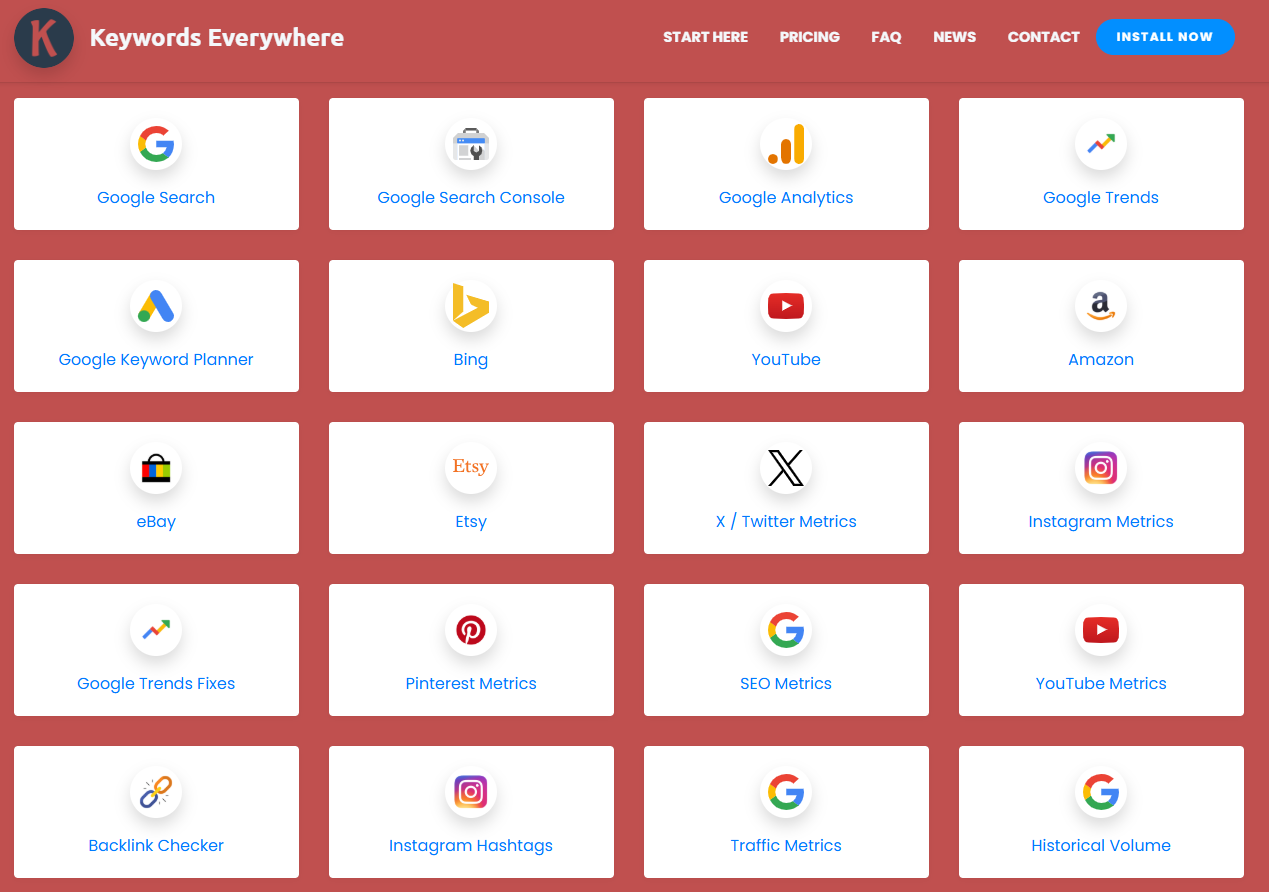
Keywords Everywhere's official websiteThe introduction mentions that it focuses on "gaining passive SEO insights while browsing" and covers platforms such as Google, YouTube, Bing, Amazon, and more.
Additionally, it is available on the Google search page to display information such as monthly search volume, CPC, Competitiveness & Trends components, and more.
To avoid spreading the information too thin, when doing keyword research while browsing, it is recommended to simplify the information you are looking at into the following four categories.
| Type of information | What do you use it for? | More suitable movements |
|---|---|---|
| Search volume (Volume) | Does the need exist and is it worth writing | prioritize |
| CPC | Strong commercial intent | Decide whether to do a product/conversion page |
| Competition | Is there much paid competition (on the ad side) | Decide whether to segment the long tail |
| SEO Difficulty (if you enable such metrics) | Are results pages harder to grab | Decide which type of page to do first |
3. Practical process: using Keywords Everywhere to do while browsingKeyword Research
3.1 The first step: fix the "collection scene", reduce the bias
When doing side-by-side browsing for keyword research, fix two things first:
- Your main platform for collection: Google or YouTube, or e-commerce platforms
- Types of pages you'll be writing: tutorial pages, comparison pages, product pages, collection pages
The advantage of this is that the words collected later are more likely to fall directly into the structure.
3.2 Step 2: Rapid expansion of candidate words with "problem sentences"
While browsing through the search results page, the candidate terms were patched together in three categories of question templates:
- How to: fit tutorials and troubleshooting
- Which is better: for comparison and choice
- Who it's for: for scenarios and people
The goal of this step is to move the keyword research while browsing from "looking at data" to "being able to write headlines".
3.3 Step 3: Create "Enforceable Filtering Rules"
Many people collect a bunch of words but end up not knowing which one to write first. It is recommended to use a simple rule that divides the words into three classes.
| filter | Adoption of standards (example) | Common reasons for failure |
|---|---|---|
| clarity of intent | Read the words to know what the page is trying to solve | Too general, not down to specifics |
| writable | Ability to write steps, comparison dimensions or judgment criteria | You can only repeat the definition, not write deep |
| groundable | Clearly corresponds to a page type | Need strong brand endorsement to do |
As long as the rules are fixed, browsing and doing keyword research will continue to produce a "writeable list" rather than a "word list inventory".
4. Time-saving technique: turning candidate terms directly into page structure
4.1 Use "one core word + three types of supporting words" as the landing point of the paragraph.
In order for the essay to be neither a pile of words nor scattered, it is advisable to cover the same topic around the same topic at the same time:
- long-tailed expression: more specific sub-issues
- Expression of the problem: direct questions as subheadings
- Conversational expressions: more natural spoken questions, used at the beginning of a paragraph or in FAQs
This style of writing makes it easier to convert the results of keyword research while browsing into a "readable article structure".
4.2 Taking up comparisons and choices with tables
When you write "XX vs XX" or "how to choose", try to use a table to fix the dimensions, the reader can get the conclusion at a glance, but also more conducive to the page stay and click.
Summary:
The value of Keywords Everywhere is not in replacing all the tools, but in letting you do it while you browse!Keyword ResearchThe keyword production line can be completed more quickly when "discovering, filtering, grouping, and landing". As long as you fix the collection scenarios, expand with question sentences, denoise with filtering rules, and then map the words to the page structure, you can turn daily browsing into a stable keyword production line.

Link to this article:https://www.361sale.com/en/86030The article is copyrighted and must be reproduced with attribution.






















![Emoji[wozuimei]-Photonflux.com | Professional WordPress repair service, worldwide, rapid response](https://www.361sale.com/wp-content/themes/zibll/img/smilies/wozuimei.gif)

![Emoticon[baoquan] - Photon Wave Network | Professional WordPress Repair Services, Worldwide Coverage, Rapid Response](https://www.361sale.com/wp-content/themes/zibll/img/smilies/baoquan.gif)


 简体中文
简体中文  English
  日本語
日本語  Français
  Español


No comments