


Wordpress Operations Page 4
Provides systematic knowledge from brand promotion to independent site operation, helping users to expand brand awareness using social media, and optimize site performance, improve user experience, and attract more potential customers. This series of tutorials covers SEO optimization, content strategy, traffic acquisition and other aspects, providing all-round guidance for building a successful brand website.
arrange in order

Don't want your posts to be moved around? Hands-on guide to blocking text copy and paste in WordPress
Want to stop posts from being copied and moved? This comprehensive guide to WordPress copy-banning and content protection makes it easy to boost original security with plugins, CSS and JS, so plagiarizers can't do anything about it.
Cross-border e-commerce batch management revolution: breaking through the bottleneck of multi-language and multi-currency operations
This paper analyzes the batch management solutions for cross-border e-commerce in terms of multi-language content, localized pricing, international logistics, etc., which help enterprises to improve the efficiency of globalization operation.

2025 Must Favorites for Content People! A list of the most powerful E-E-A-T tools to make article rankings take off straight away
Want your content to stand out in 2025? This superb list summarizes the most worthwhile E-E-A-T tools, covering everything from originality detection to authority boosting, to help content creators quickly increase their professionalism, credibility and search rankings, and is a must-have for improving SEO performance...

EEAT Practical Approach: A Step-by-Step Analysis of Improving Website Authority and Trust
Want to rank your site more consistently and higher? This EEAT in-depth analysis teaches you to quickly boost trust with real experience, professional content & authority signals to make your site stand out from the competition. Missing out equals losing!
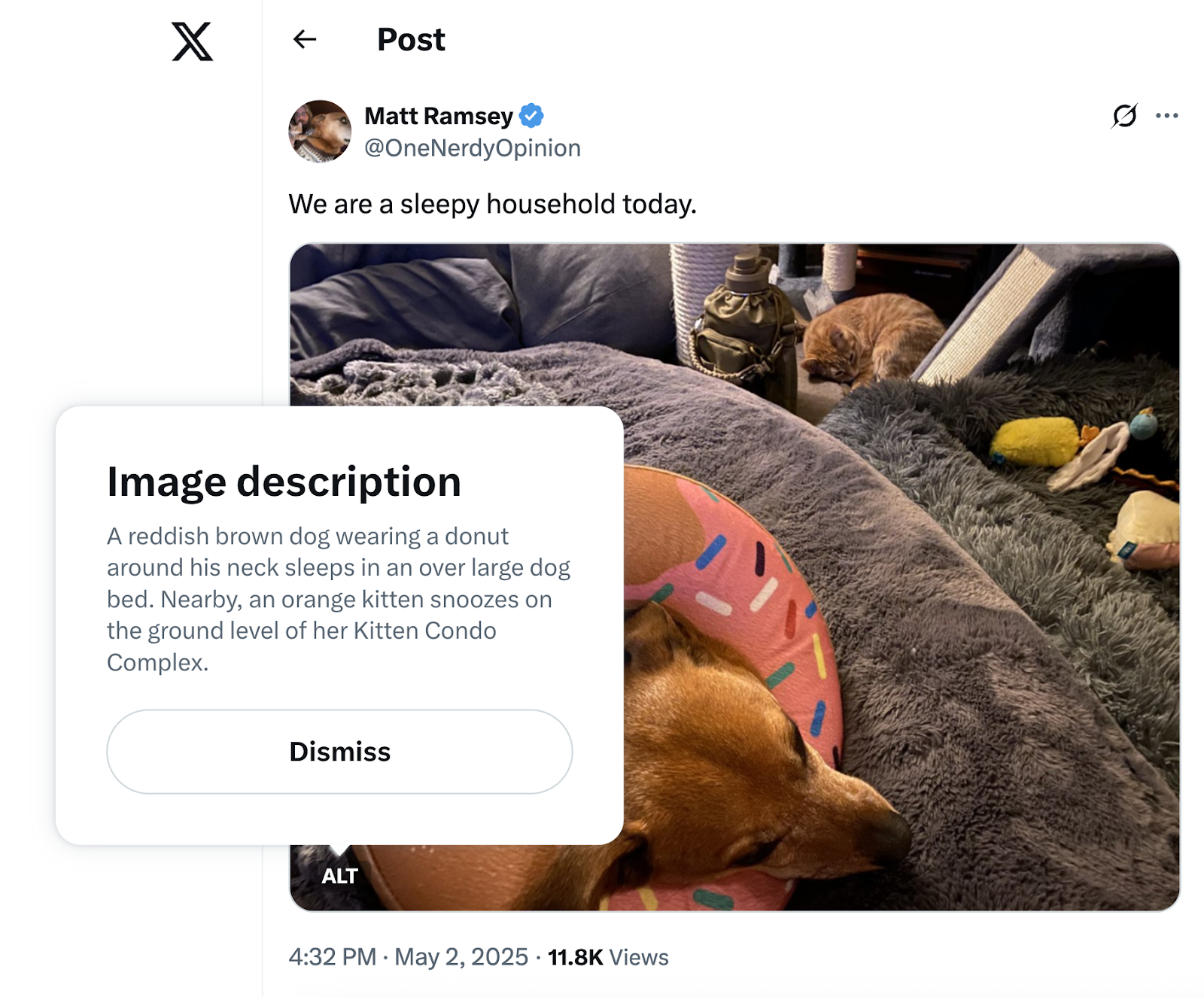
The relationship between Alt Text and SEO: why is it essential for image optimization?
How much of an SEO boost can Alt Text really bring? This in-depth analysis shows you how to use images instead of text to boost rankings, amplify image search traffic, and skyrocket content exposure.

Image Optimizer on SEO's core impact analysis!
Will your website rankings drop if you don't optimize your images? Reveal the truth that Google prefers "lightweight images", and show you how Image Optimizer can improve loading speed and SEO weight.

What to Do When DA Query Values Plunge? A Guide to Quickly Restore Original Weight
Don't panic when your DA score suddenly plummets. This practical guide will help you troubleshoot backlinks, content, and technical issues to uncover the real cause of the drop. Follow these steps to stabilize and restore your website's authority.

Does using Image Optimizer with a CDN double the effectiveness?
Is image compression or CDN alone really enough? Real-world testing shows how Image Optimizer + CDN doubles website speed, accelerates first-screen loading, and stabilizes SEO—a must-see acceleration solution for beginners.

How many times should keywords appear in Alt Text? How can you avoid over-optimization?
Is Alt Text Mistakes a Waste of Optimization Efforts? Uncover the Safe Threshold for Keyword Frequency, Learn to Avoid Over-Optimization Pitfalls, Boost Image Rankings Steadily, And Craft Alt Text That Search Engines Truly "Love."

WordPress Admin Panel Missing Feedback Section? Troubleshooting the 8 Most Common Causes
When the Feedback section disappears from your WordPress admin dashboard, it's often due to plugin conflicts, permission changes, hidden menus, or multisite settings. This article outlines 8 common causes and their corresponding troubleshooting steps to help you quickly restore the Feedback section and resume normal use.

What's the Difference Between Archive Templates and Single Templates? Common Pitfalls for Elementor Beginners
Many beginners start off using Archive and Single templates incorrectly in Elementor, leading to messy category pages and broken SEO. This article thoroughly explains the differences between the two—from page logic and use cases to actual outcomes—helping you avoid these pitfalls once and for all.
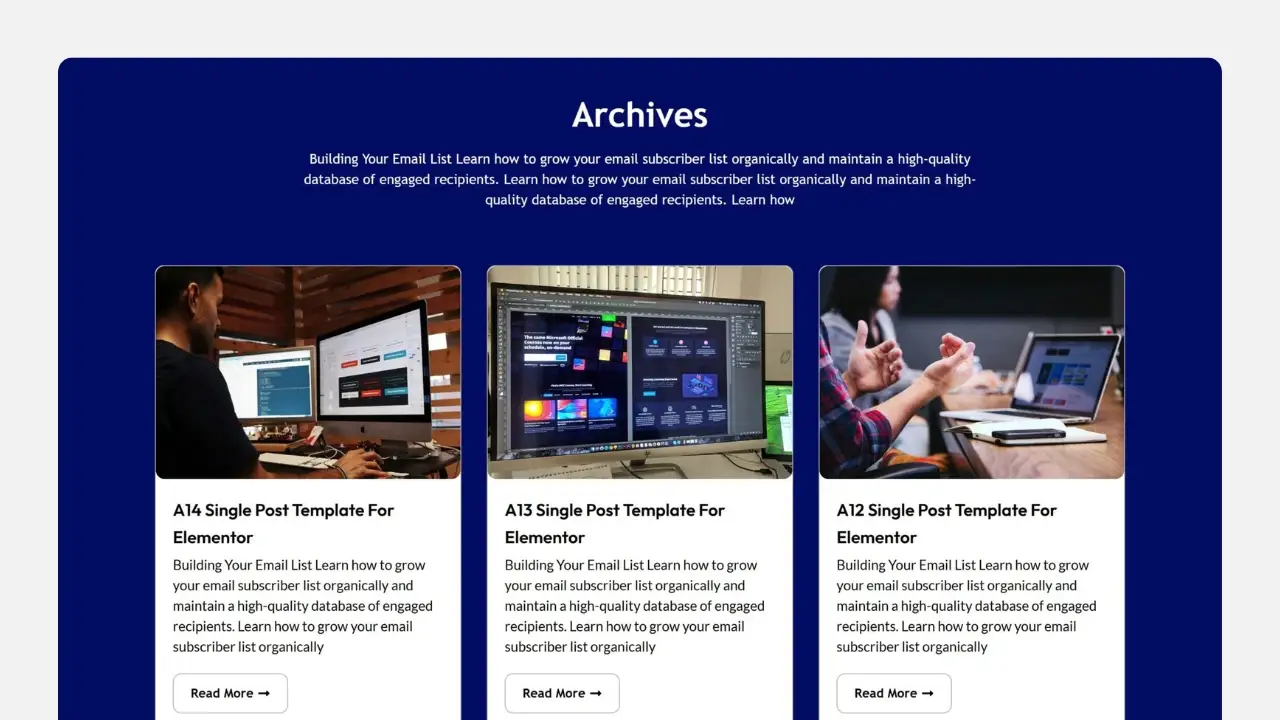
Why isn't your Elementor Archive template working? 90% users are stuck on these 5 issues.
Archive template created but no changes at all? This isn't an Elementor bug—it's caused by 5 hidden settings. We'll break down display conditions, theme priority, page types, and caching issues all at once, so even beginners can fix it quickly.

How to determine whether a keyword has commercial value?
Systematically explains how to determine whether keywords possess commercial value, helping you precisely select monetizable keywords by evaluating multiple dimensions such as search intent, conversion potential, and competitive landscape.
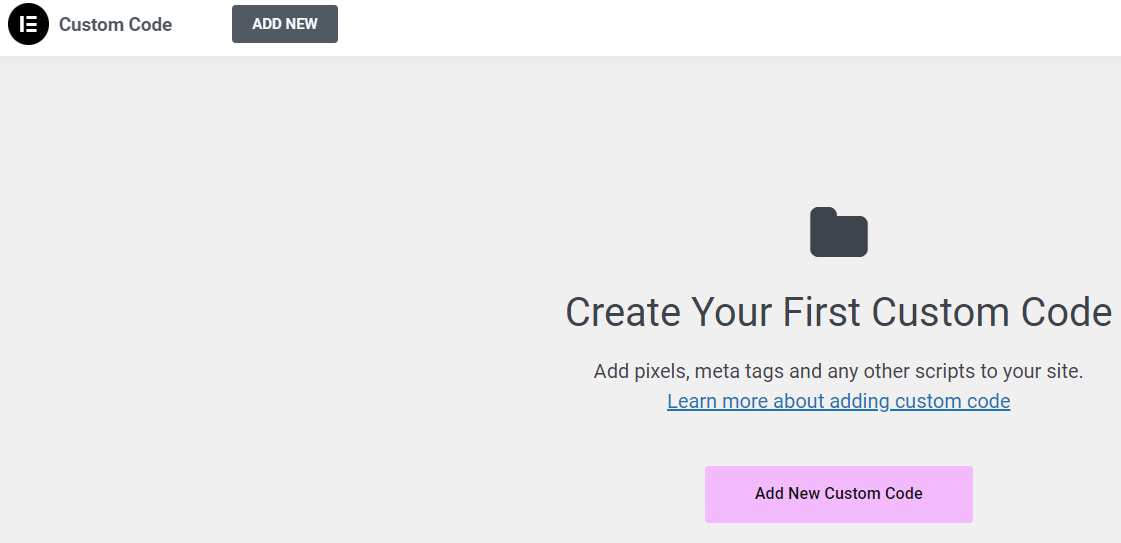
90% used the code in the wrong location: Elementor Custom Code instead of functions.php
Where should code go? Misusing Custom Code can cause chaos, while errors in functions.php lead to blank screens. This article clearly defines the true boundaries between Elementor Custom Code and functions.php, helping you avoid pitfalls and maintain your site more easily.

The folks at 90% are using the wrong Loop Grid: that's not how Archive templates are built!
Many people use Elementor to build Archive template directly drag Loop Grid, the result is that the classification page more and more chaotic, SEO weight dispersion. This article explains the correct positioning and practical usage of Loop Grid in Archive.

How to find accurate search terms for e-commerce product pages?
Details how to find accurate search terms for e-commerce product pages, from user intent, page structure to keyword filtering, to help product pages get more stable and convertible search traffic.

In-Depth Analysis: How to Choose Between Perfmatters and WP Rocket?
Perfmatters vs WP Rocket: An In-Depth Analysis A comprehensive comparison of these two WordPress acceleration plugins, examining their caching mechanisms, performance optimization methods, and use cases to help you choose the solution best suited for your website.

What Exactly Is a CMS? And How Does It Relate to WordPress?
How to Choose an Open-Source CMS? This article clarifies the value of content management systems, key points of open-source licenses, and analyzes the ecosystem and positioning of WordPress as an open-source CMS, providing a practical checklist.

Archive Templates and Dynamic Tags: Many WordPress Sites Actually Use Them Wrong from the Start
Many WordPress sites have Archive pages that appear normal at first glance, but their structure is fundamentally flawed from the start. Mixing Archive templates with dynamic tags leads to unstable SEO and skyrocketing maintenance costs. This article explains once and for all how Archive pages should truly be implemented.
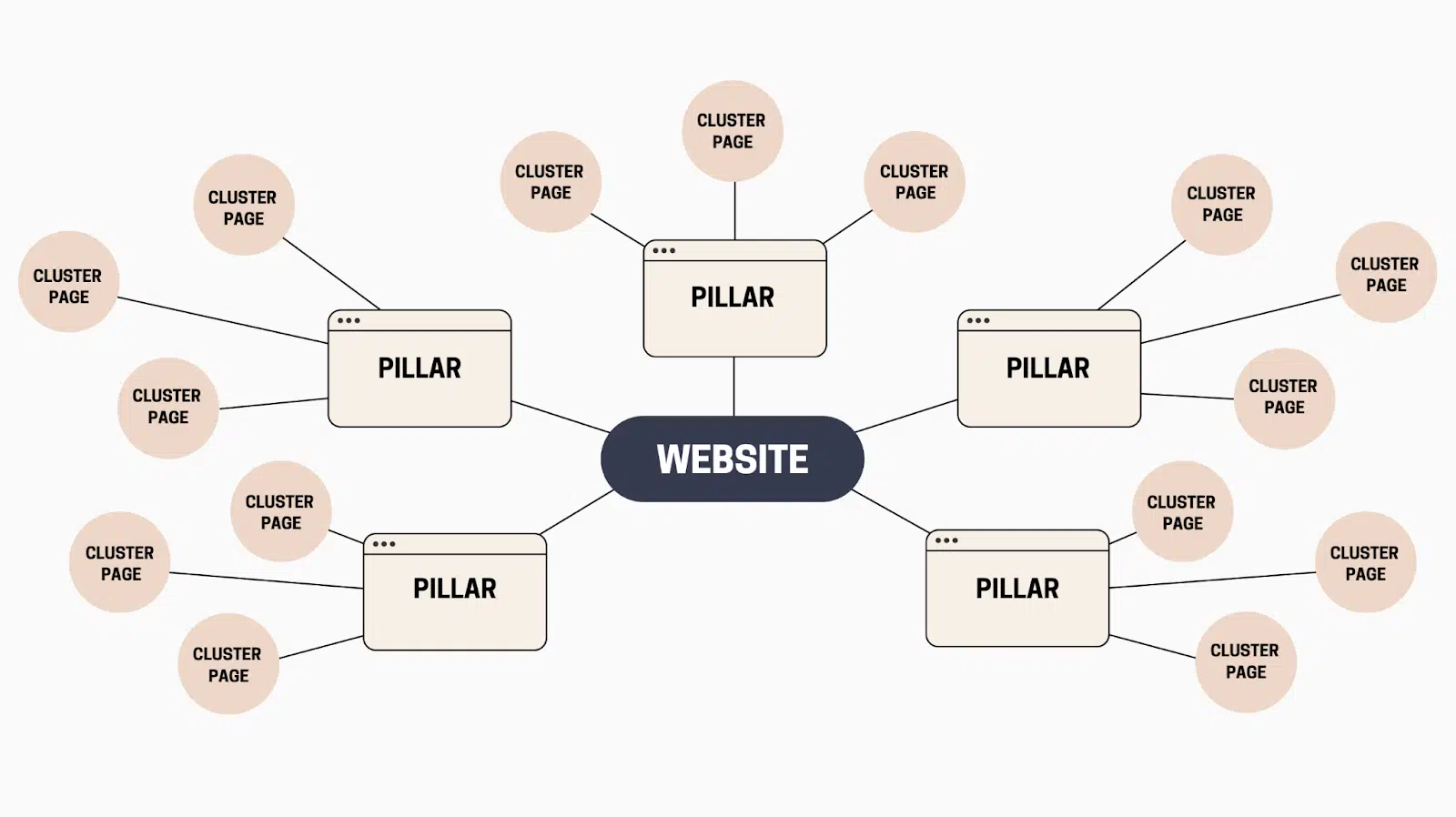
The relationship between internal links and keywords: how to use internal links to string rankings into a system
Speak clear keyword layering, anchor text writing and link path design, master the rules of internal link layout, the station page string into a stable ranking system.

Archive template not working? Don't blame Elementor just yet—understand this first.
You've created and activated the Archive template, yet nothing changed on the frontend? The issue isn't with Elementor, but with your theme's loading priority and Loop control. This article systematically breaks down WordPress Archive page loading logic, helping you understand once and for all why templates might "fail"...
How to write anchor text for internal links: where to put the keywords to be natural and effective
It explains how to write anchor text for internal links, whether keywords should be placed in the body, title or module position more naturally, with the type of anchor text that can be directly applied and the writing process.
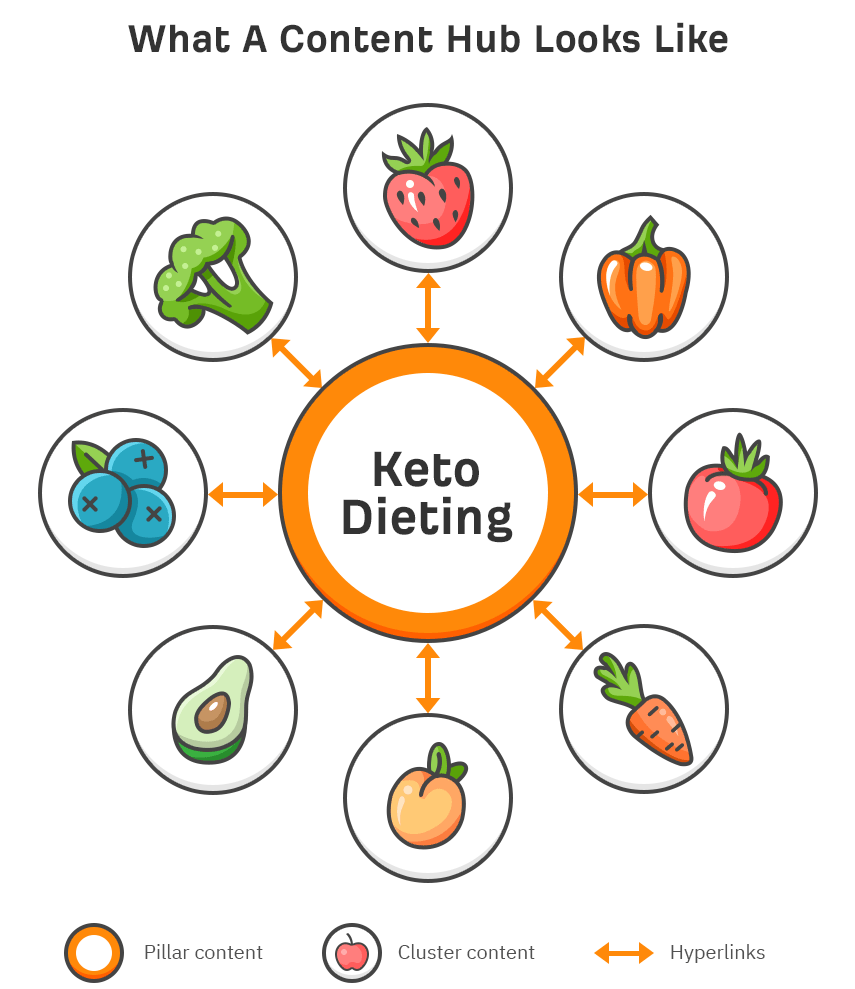
Keyword cluster internal link structure: how a set of words corresponds to a set of pages with links
Explain the practice of keyword cluster internal linking structure: how to split pages by intent, set up Hub and branch pages, and plan internal linking paths and anchor text so that a group of words forms a sustainable ranking system.

Product page internal linking strategy: so that category pages, collection pages and product pages together to drive the conversion of word rankings
Explain the division of labor and link paths between category pages, collection pages, and product pages, and give anchor text and key position tables to help convert word rankings to be more stable and reproducible.
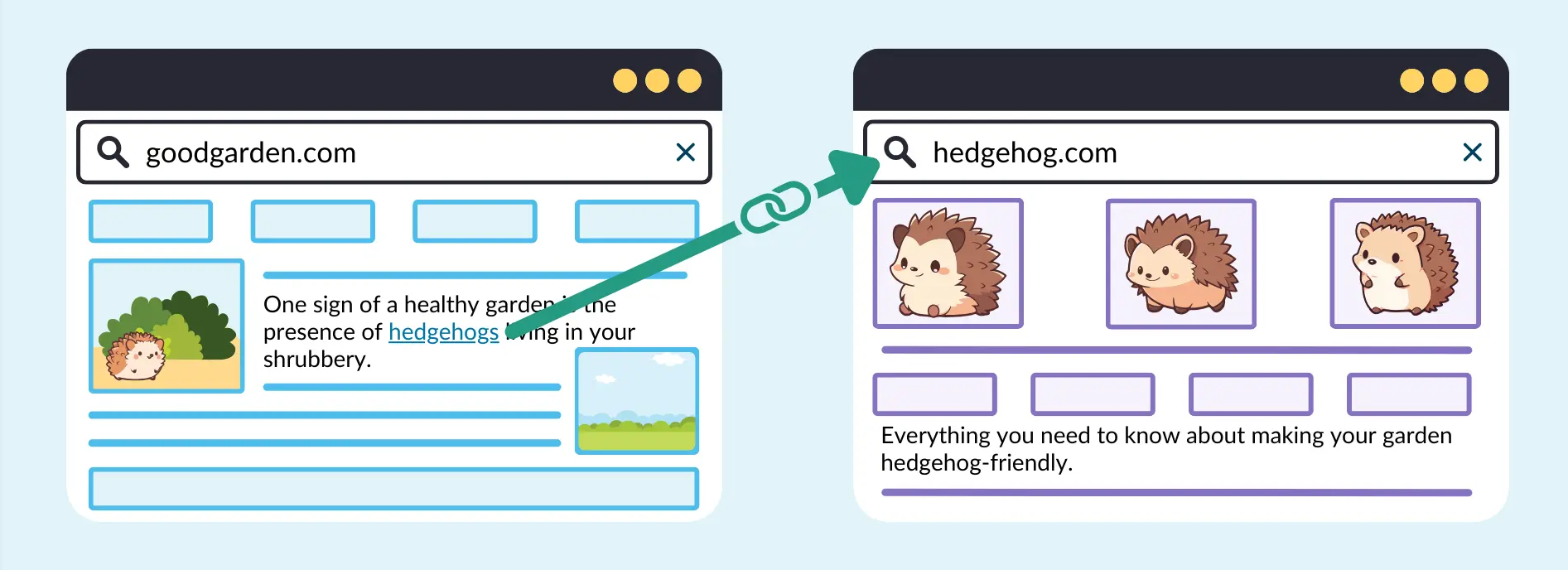
Tutorial article internal link layout: using problematic links to make long-tail keywords into sustained traffic
Around the tutorial article internal chain layout, tell the problem link how to plan anchor text and page hierarchy, drive the long-tail words stable ranking and sustained traffic, and give the layout steps that can be directly landed.
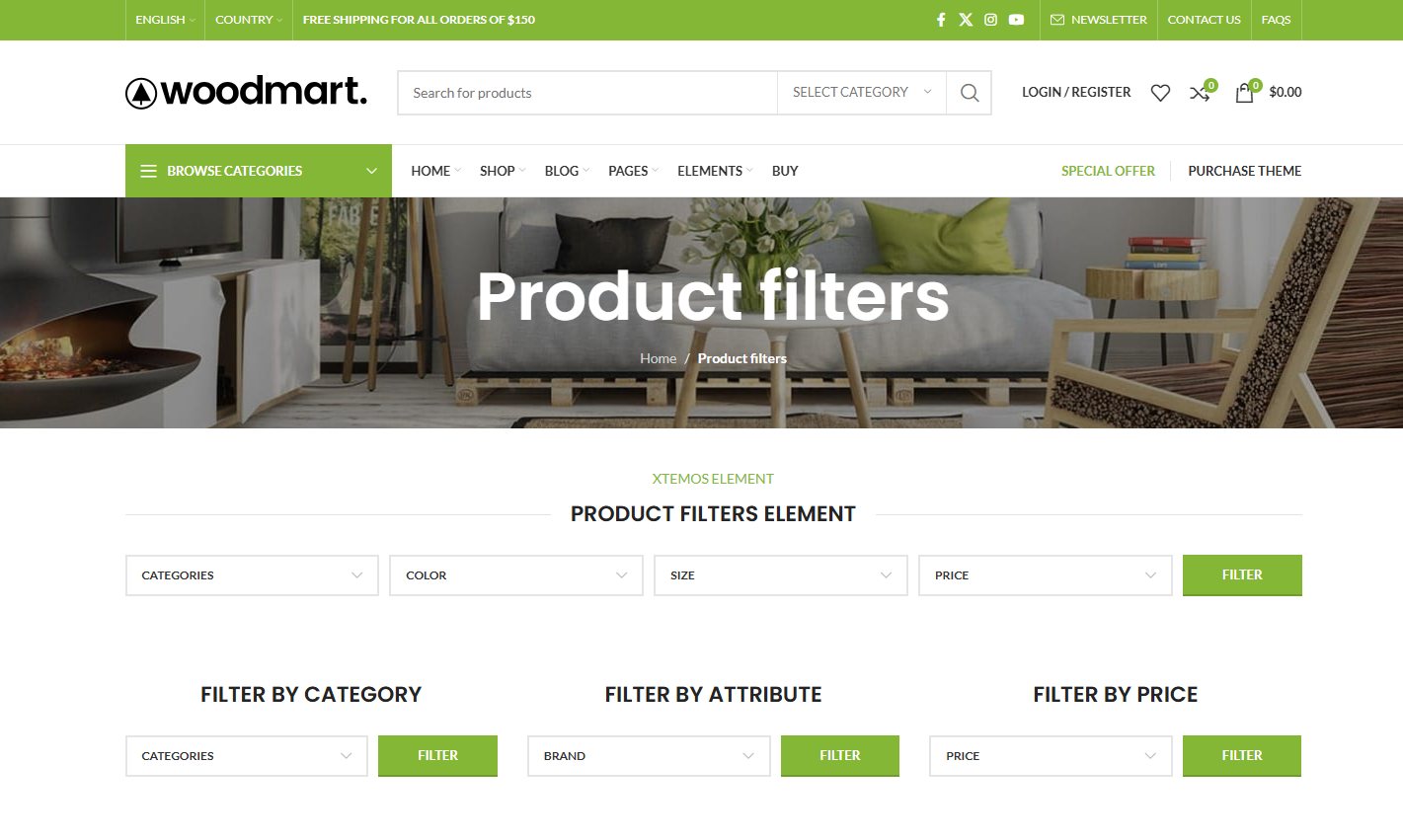
Too many WooCommerce products to sell? Get to know WoodMart Filter first!
Low conversions in a WooCommerce store may not be about the product, but about users not finding the one they want. This article explains what the WoodMart Filter is sifting through, whether or not it should be turned on full blast, and the true impact it has on conversions and SEO.
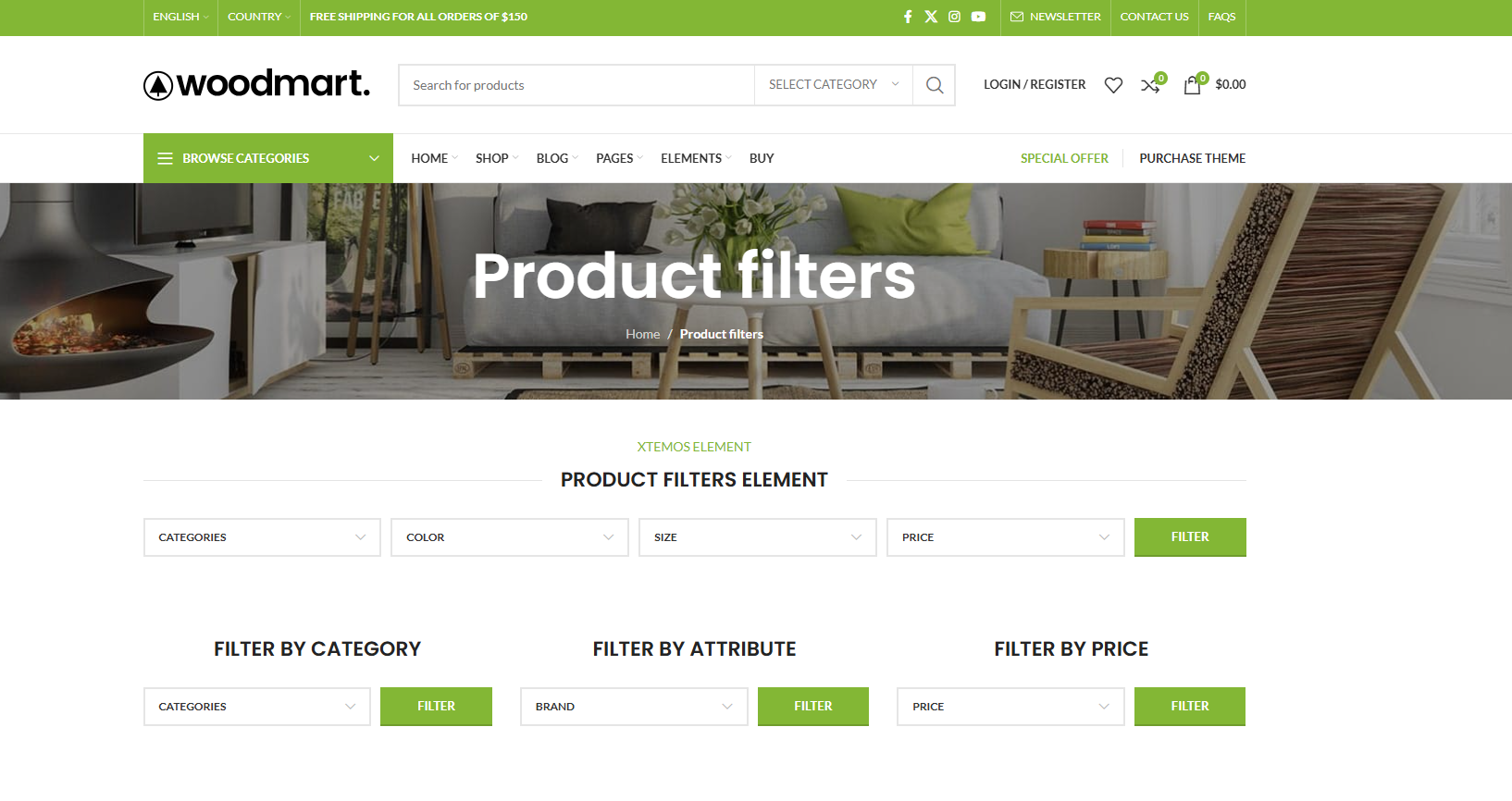
How to avoid WoodMart Filter generating invalid URLs that affect search engine indexing
WoodMart Filter can silently generate a large number of invalid URLs, diluting weight, creating duplicate content, and dragging down indexing. This article is a step-by-step explanation of the causes, risks, and SEO controls that can be put in place.
Why does your WoodMart screening always fail? Price, Color, Size Complete Pitfall Avoidance Solution
WoodMart's filtering not working well? The problem is not the number of controls, but in the data and properties. In this article, hands-on hands-on price, color, size screening configuration, a clear common pitfalls and correct practices, newcomers can also be directly applied.

How to Properly Enable Product Filters on WoodMart Category Pages
Many WooCommerce store category pages have poor results, but the problem lies in the filter. This article explains the correct way to enable WoodMart product filters, location choices and SEO considerations to help you avoid common configuration mistakes and improve conversion.
robots.txt and noindex in Action: Which WordPress Pages Should Be Excluded from Indexing
Use robots.txt and noindex to implement layered control over crawling and indexing. Clearly define which functional pages, archive pages, and attachment pages should be blocked or allowed. Utilize Robots Meta to establish maintainable default rules.

 简体中文
简体中文  English
  日本語
日本語  Français
  Español



