




Selecting the right content management system (CMS) is crucial for a website's long-term development. Open-source CMS platforms, such as WordPress, offer high flexibility and scalability, allowing users to freely customize and migrate. Proprietary CMS solutions, on the other hand, reduce technical management burdens by providing integrated services and a consistent experience, making them suitable for teams requiring rapid deployment. This article compares open-source and proprietary CMS options to help you make an informed choice based on your specific needs.
![Image[1] - The Ultimate Guide to Open-Source CMS: Understanding Closed-Source Differences and Selection Criteria in One Article](https://www.361sale.com/wp-content/uploads/2025/12/20251219182837927-image.png)
1 What is Open-Source CMS? A Clear Explanation of Its Differences, Advantages, and Disadvantages Compared to Closed-Source CMS
Open Source CMS This refers to a content management system released under an open-source license. You can use it to build websites and, within the scope permitted by the license, view, modify, and redistribute the source code. Closed-source CMSs are typically controlled by vendors regarding source code and distribution methods. While you can use the system, it's difficult to see its internal implementation, and you cannot freely perform deep modifications or redistribute it. Choosing between the two directly impacts your website's controllability, cost structure, maintenance approach, and long-term risks.
2 What exactly does CMS do?
The core purpose of CMS is straightforward: to enable you to manage website content and pages without having to write code from scratch. It typically includes the following capabilities:
- Content Editing and Publishing: Articles, Pages, Media, Drafts, and Review
- Templates and Display:thematicBlocks, components, and sections render content as web pages.
- Permissions and Collaboration: Administrator, Editor, Author, Review Process
- Extension and Integration: Plugins, APIs, Forms, Membership, E-commerce, Analytics Tools
- Data Storage: Content, User, Settings Writecomprehensive databaseSupports backup and migration
You can think of CMS as the "content management backend" for your website. Content, permissions, templates, and extensions are all managed centrally here.
3. Definition and Scope of Open-Source CMS
Open source does not equate to "free." The essence of open source lies in the license granting you greater autonomy: you can use, study, and modify the software according to its terms, and distribute modified versions when conditions are met. For webmasters, this means a website functions more like a long-term asset—you can choose your hosting provider, select service vendors, and migrate or rebuild when necessary.
![Image[2] - The Ultimate Guide to Open-Source CMS: Understanding Closed-Source Differences and Selection Criteria in One Article](https://www.361sale.com/wp-content/uploads/2025/12/20251219183015700-image.png)
3.1 Why "Can Be Changed" Matters
After a site has been operational for some time, requirements often evolve: implementing a membership system, adding multilingual support, integrating with enterprise systems, or restructuring templates. Open-source CMS platforms typically offer greater flexibility for customization. You can supplement functionality through plugins, themes, or custom development, rather than being constrained by a single product roadmap.
3.2 Community Collaboration is the Engine of the Open-Source Ecosystem
Updates and fixes for open-source projects often rely on community collaboration. Tasks like fixing bugs, submitting patches, releasing versions, and maintaining documentation are distributed among numerous contributors and maintainers. For webmasters, a vibrant community typically means more plugin and theme options, as well as easier access to proven solutions when encountering issues.
4. Definition and Common Forms of Closed-Source CMS
Closed-source CMS is often referred to as proprietary software or commercial software. Vendors control the source code and distribution methods, with users accessing it through purchased licenses, subscriptions, or service agreements. Closed-source CMS typically comes in two forms:
- On-premises deployment: Vendors provide installation packages or images, but modification capabilities are constrained by contractual or technical limitations.
- Managed SaaS Model: The vendor provides integrated services, while you primarily handle configuration and content management.
![Image[3] - The Ultimate Guide to Open-Source CMS: Understanding Closed-Source Differences and Selection Criteria in One Article](https://www.361sale.com/wp-content/uploads/2025/12/20251219183116802-image.png)
Closed-source doesn't necessarily mean inferior. Its common advantages include more consistent delivery, centralized support, and a unified backend experience, making it suitable for teams seeking peace of mind and service commitments. However, it also carries greater risks of feature limitations, migration costs, and long-term lock-in.
5 Key Differences Between Open Source and Closed Source Explained in One List
Don't get bogged down by jargon. What webmasters truly care about usually boils down to these dimensions: controllability, scalability, cost structure, risk, and migration difficulty. You can use the checklist below for a quick assessment:
- Controllability: Open-source solutions typically offer greater flexibility—you can switch hosts, teams, or solutions; closed-source solutions rely more heavily on the vendor's roadmap.
- Customization Capabilities: Open-source solutions facilitate deeper modifications; closed-source solutions typically allow configuration within predefined parameters.
- Cost Structure: Open-source solutions typically concentrate expenses on hosting and development/maintenance; closed-source solutions commonly involve subscription or license renewal fees.
- Security and Transparency: Open-source solutions are auditable but rely more heavily on your update strategy; closed-source solutions are patched by vendors but lack transparency regarding internal details.
- Migration Difficulty: Open-source solutions are generally easier to export and redevelop; closed-source solutions may be constrained by data formats and interfaces.
5.1 Understanding the "Ecosystem Gap" Through Market Data
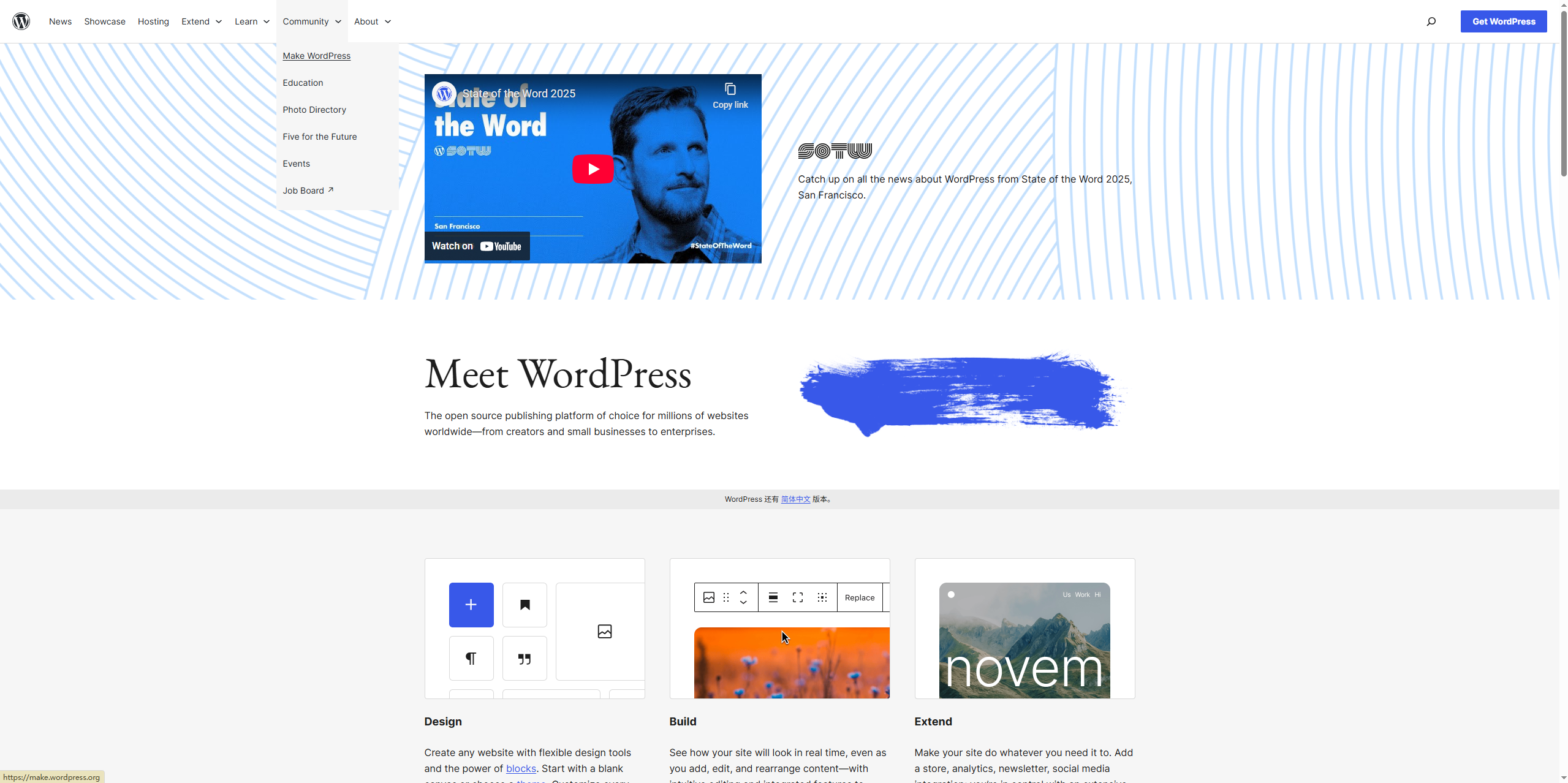
EcologyThe larger the ecosystem, the more themes and plugins, developers and service providers, and the richer the tutorials and case studies. Taking content management system usage as an example, W3Techs' daily updated statistics show: WordPress accounts for approximately 43.01% of all websites and about 60.21% of websites with identifiable CMS. The significance of such data lies in reminding you: ecosystem size impacts the range of available solutions and the speed at which problems can be resolved.
6 Advantages and Trade-offs of Open-Source CMS
6.1 Key Advantages
- High flexibility: Choose suitable hosts and service providers to avoid being locked into a single platform.
- Scalable: Extensive plugin and customization capabilities, adaptable to complex business scenarios
- Transparency and Auditability: When issues arise, they can be traced back to the logical and configuration layers, providing concrete points of reference for troubleshooting.
- Rich ecosystem: Themes, plugins,tutorialsDiscussions with the community are typically more active.
6.2 Primary Costs
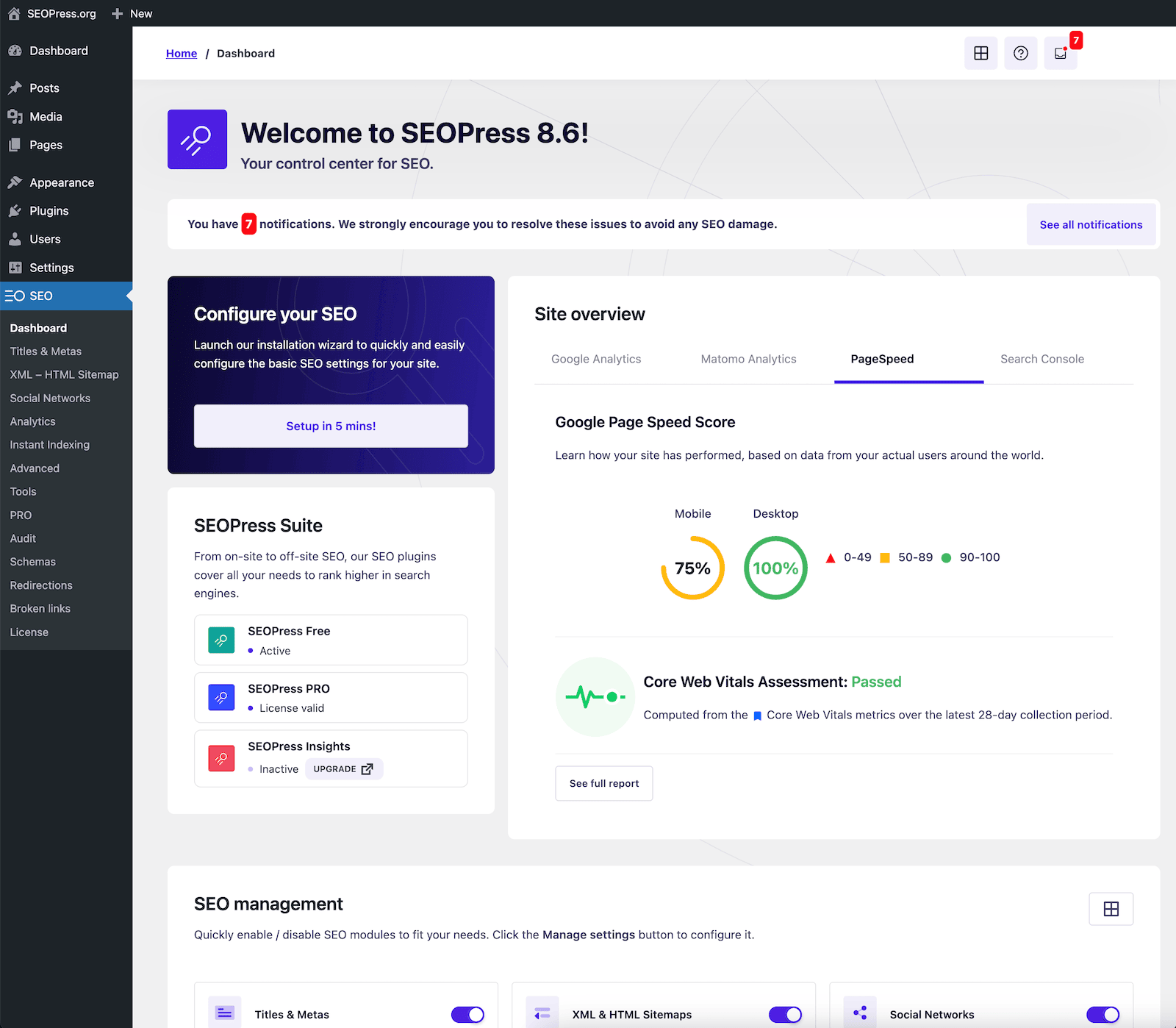
- Requires operational awareness: updates, backups,Security PolicyEstablish a process
- Varying Quality: While there are numerous plugins and themes available, they require careful screening and evaluation.
- Customization is a double-edged sword: the deeper the modifications, the greater the expertise required for subsequent upgrades and maintenance.
The most common "hidden cost" of open-source sites is maintenance: you must continuously update the system and plugins to avoid long-term version obsolescence.
7 Advantages and Limitations of Closed-Source CMS
7.1 Key Advantages
- Delivery consistency: Backend experience, feature boundaries, and update cadence are more unified.
- Support is more centralized: When issues arise, there are typically clear service channels and responsible parties.
- Hassle-Free Mode: Managed solutions typically bundle hosting, monitoring, and upgrades into the service package.
7.2 Key Limitations
- Customization limitations: Many requirements can only be fulfilled when manufacturers provide them, or require additional development fees.
- Migration Costs: Data export, template migration, and API capabilities may be restricted.
- Long-term lock-in: Changes in pricing, policies, and product direction will impact your site strategy.
If you opt for a managed closed-source CMS, you're essentially trading higher "service dependency" for lower "technical burden."
8 Licenses and Compliance: The Essential Rules Every Webmaster Must Know
Open-source software does not mean there are no rules. Open-source CMS platforms specify in their licenses how you may use, modify, and distribute the software. Take WordPress as an example—it uses the GPLv2 or later license. For webmasters, daily site development typically involves only "use and modification." However, if you intend to distribute derivative code, engage in commercial releases, or package and deliver the software, you must carefully understand the license requirements.
![Image [5] - The Ultimate Guide to Open-Source CMS: Understanding Closed-Source Differences and Selection Criteria in One Article](https://www.361sale.com/wp-content/uploads/2025/12/20251219183450147-image.png)
9 How to Choose: Make Quick Decisions with 6 Questions
You don't need to memorize concepts. Answer the following 6 questions, and you'll be able to choose the path that best suits you:
- 9.1 Do you require deep customization, or is it highly likely you'll need complex functionality in the future?
- 9.2 Do you have an in-house technical team or access to reliable developers for long-term collaboration?
- 9.3 Are you more focused on long-term controllability, or do you prioritize hassle-free delivery?
- 9.4 Are you concerned about being bound by platform rules, such as template restrictions, API limitations, or price adjustments?
- 9.5 Does your business require auditable, traceable change records?
- 9.6 Do you want the flexibility to migrate hosts and service providers at any time to reduce operational risks?
If you operate your website as a long-term asset, migration and backup capabilities must be considered in advance. The ability to smoothly export databases and media resources is a critical factor in practical implementation.
![Image [6] - The Ultimate Guide to Open-Source CMS: Understanding Closed-Source Differences and Selection Criteria in One Article](https://www.361sale.com/wp-content/uploads/2025/12/20251219182913663-image.png)
10 Conclusion: Remember the difference in one sentence
The core value of open-source CMS lies in control and portability, allowing you to manage your website as a long-term asset. The core value of closed-source CMS is service and consistency, shifting more technical burdens to the vendor. When selecting a CMS, don't just focus on short-term launch speed—also factor in scalability, migration, costs, and team capabilities over the next two years.

Link to this article:https://www.361sale.com/en/83487The article is copyrighted and must be reproduced with attribution.

















![Emoji[wozuimei]-Photonflux.com | Professional WordPress repair service, worldwide, rapid response](https://www.361sale.com/wp-content/themes/zibll/img/smilies/wozuimei.gif)

![Emoticon[baoquan] - Photon Wave Network | Professional WordPress Repair Services, Worldwide Coverage, Rapid Response](https://www.361sale.com/wp-content/themes/zibll/img/smilies/baoquan.gif)


 简体中文
简体中文  English
  日本語
日本語  Français
  Español


No comments