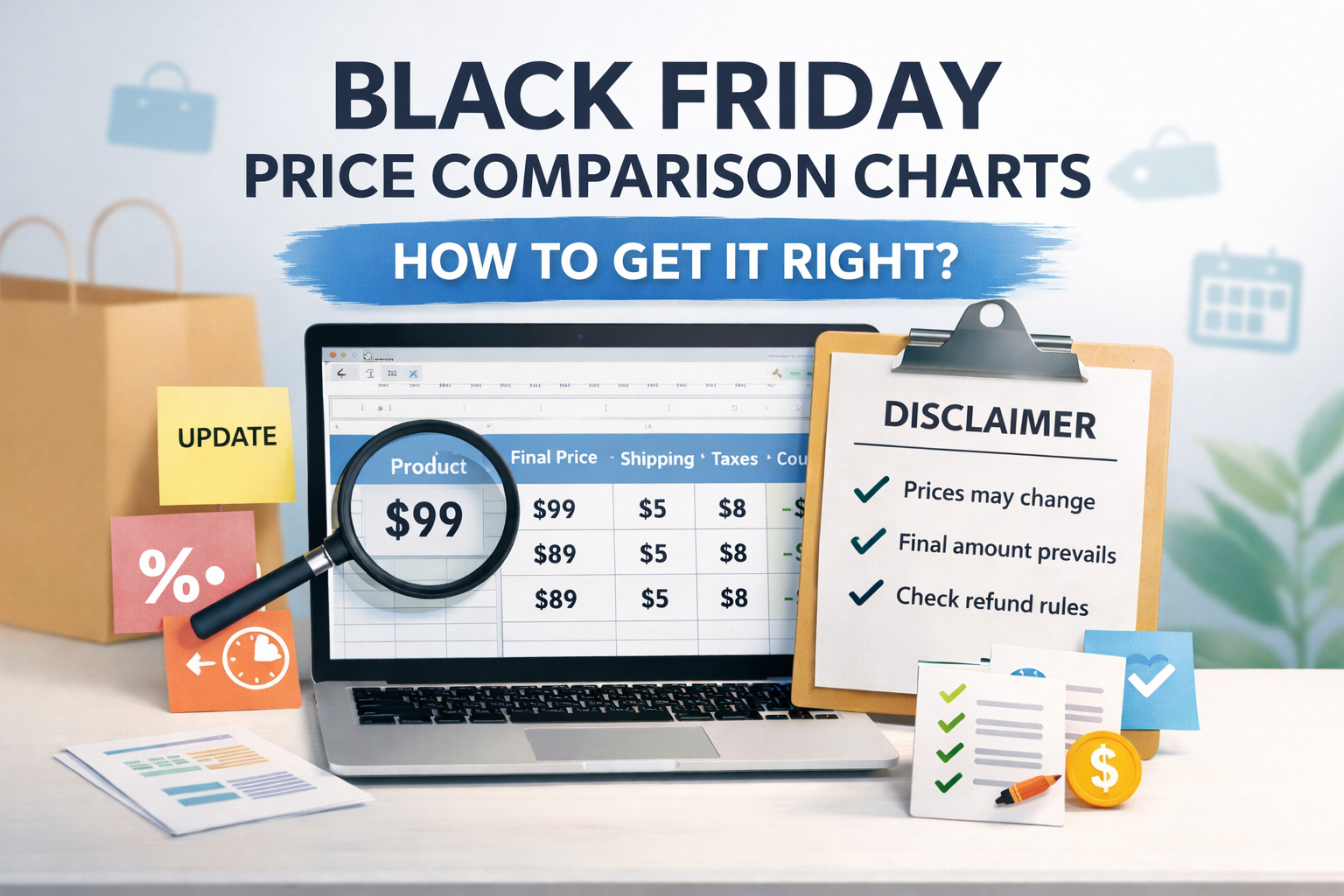





The biggest pitfall of Black Friday 2026 isn't failing to create a price comparison table—it's crafting one that looks professional yet crumbles at checkout: taxes, shipping fees, stacked discounts, and regional variations turn the final price into a tangled mess. Before you start writing, first...comparison tableConsistency in terminology is key—only then will your tables gain credibility as they spread.

1. First, lock the "comparison aperture."
1.1 Compare only "the same final result"
Don't confuse "listed price" with the final price when comparing: The same product may have different tax structures, shipping rules, or gift thresholds across different channels. Your comparison table must clearly state whether it's comparing the "final price" or the "listed price," and use the same calculation method for every row. Avoid misleading comparisons by mixing listed prices with final prices.
1.2 Break down shipping and tax charges into verifiable items
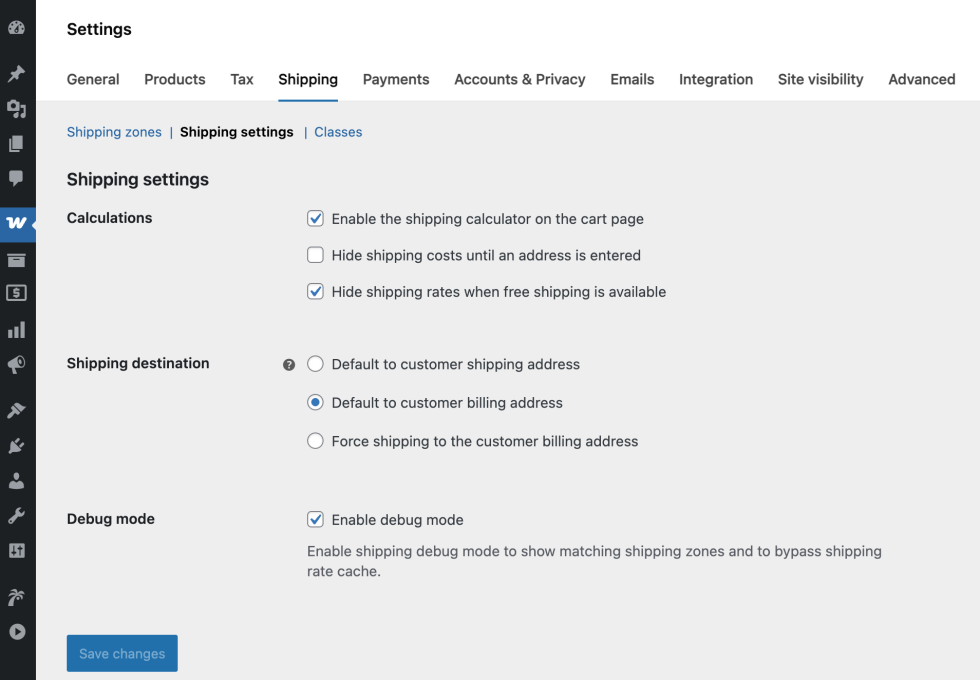
The safest approach is to break down "product price, discounts, shipping fees, and taxes" for display, clearly labeling the conditions for each item—such as "free shipping on orders over $X," "additional charges for remote areas," or "taxes calculated by address." When readers can verify each component individually, they can more easily understand where price fluctuations originate, even when prices change.
2. How to design fields to avoid misleading users
2.1 Cover all points of contention with the "minimum field"
It is not advisable to create a cluttered, jumbled table, as this increases the risk of omitting critical conditions. A field combination that minimizes pitfalls typically includes: product identification (model/specification/color), comparison metric (listed price or final price), discount type (direct discount/spending threshold discount/ coupons/freebies), stacking rules (whether coupons can be used simultaneously), geographic scope (country/state/zip code/warehouse), cost breakdown (shipping/taxes), validity period, update time, and notes. When displaying specification details, refer toProduct Parameter TableBy separating "specifications" from "price," readers will not compare different specifications as if they were the same product.
2.2 Enable readers to reproduce: Provide "verification paths" rather than slogans
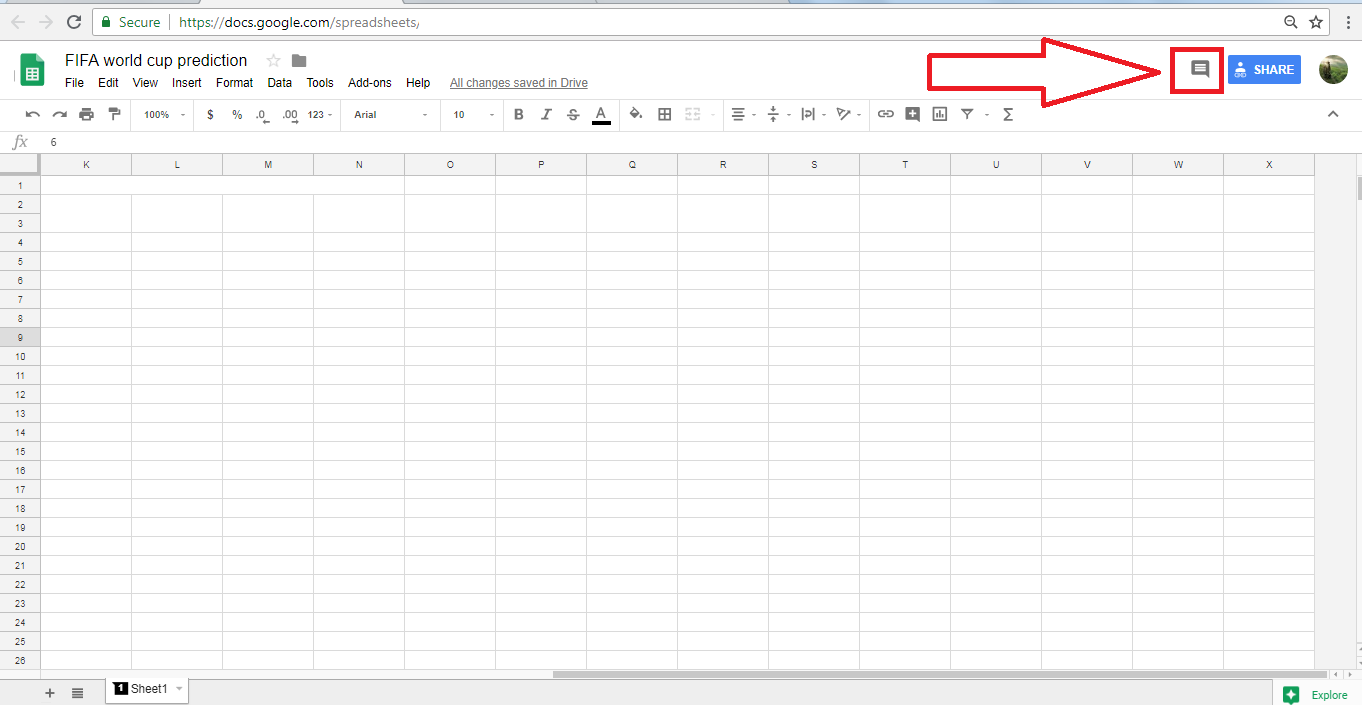
For each row, include a brief note on "how to verify," such as "Check taxes on the checkout page after adding to cart" or "Refresh shipping rates after selecting the corresponding regional address." When compiling tables in an independent store environment, pay special attention to whether checkout fields affect tax or shipping calculations. When standardizing field display logic, you can cross-referenceCheckout fieldRelevant settings: Make the address, postal code, and region selection into clear, actionable step-by-step instructions that readers can easily understand and follow.
3. Black Friday Pitfalls: Coupons, Time-Limited Offers, and Stackable Deals
3.1 The voucher must clearly state three things:
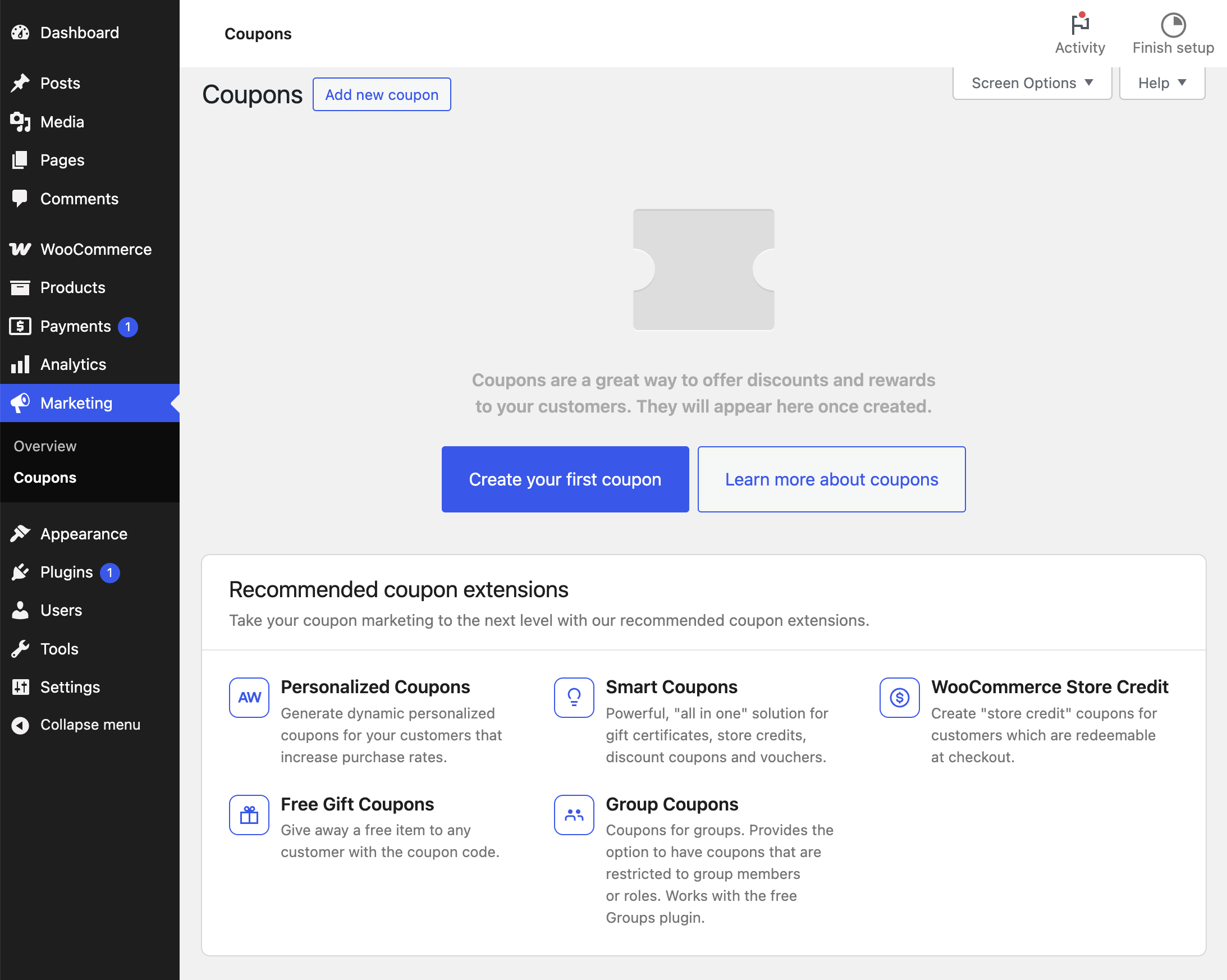
Many Black Friday disputes stem from "thinking a coupon is valid, only to find it isn't." The table recommends breaking down coupons into: - Applicability (storewide/category/specific items) - Thresholds (minimum spend/minimum items) - Exclusions (sale items/bundles/clearance) - Stackability You can document coupon activation and exclusion rules in notes and reference them on-site when needed.Optimize CouponsThe configuration approach avoids discrepancies in "final price" calculations caused by different stacking sequences.
3.2 For limited-time offers, use the term "window" instead of simply stating "today."
Black Friday often features multi-stage pricing shifts: "pre-sale price → day-of price → return price." Avoid vague terms like "tonight" or "tomorrow morning" in your tables. Clearly state the "start and end times along with the time zone," and add a note specifying "subject to the countdown timer displayed on the page." If you're concerned about cross-time-zone confusion, include an additional sentence: "Prices are calculated based on the rate displayed at the time of order placement," ensuring any disputes can be resolved by verifiable interface evidence.
4. How to Write a Disclaimer That's Compliant Yet Not Intimidating
4.1 The disclaimer should be placed adjacent to the form, not hidden in the footer.
It is recommended to include a brief disclaimer immediately before or after the table. The tone should focus on "explaining the rules" rather than "shifting blame." Possible phrasing includes: Prices may vary based on inventory, region, taxes, and overlapping promotions; The table is for informational comparison purposes; Final amounts are subject to the checkout page display; If discrepancies arise, we recommend reviewing the verification path outlined in the notes.
4.2 Returns and Price Differences: Clearly state "what you can do and what you cannot promise."
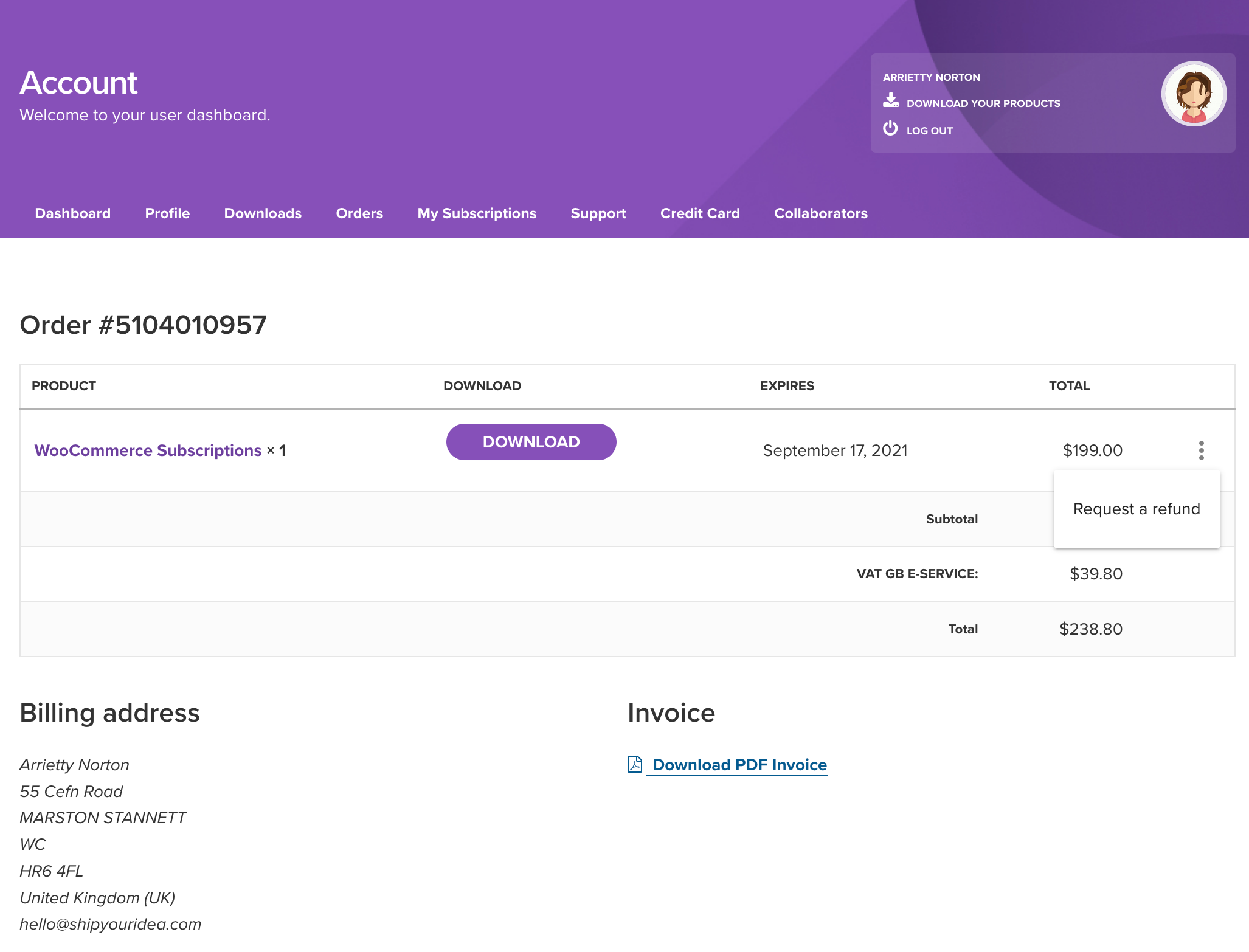
Avoid implying "price adjustments will be required" or "guaranteed lowest price" in price comparison tables, as such statements are most likely to cause disputes. A safer approach is to state: "For returns, exchanges, or refunds, please refer to the merchant's published policies," and ensure the "returns/exchanges/refunds portal" is clearly accessible to readers. If your content relates to independent website operations, you may also guide readers to learn more.Refund and Return PolicyThe configuration logic enables readers to understand where the rules originate and how they are enforced.
5. Update Strategy: Ensure the comparison table remains "reliable" by 2026.
5.1 First determine "when to update," then discuss "what to update."
The most critical aspect during Black Friday is maintaining a consistent update schedule: you can set fixed update times and add additional triggers for updates, such as detecting broken links, price fluctuations, changes in coupon rules, or shipping cost alterations due to warehouse switches. The table must include a "Last Updated" field and clearly indicate to readers which specific element was updated: price, inventory, promotions, shipping costs, or tax calculations.
5.2 Turn Disputes into Evidence with Change Logs
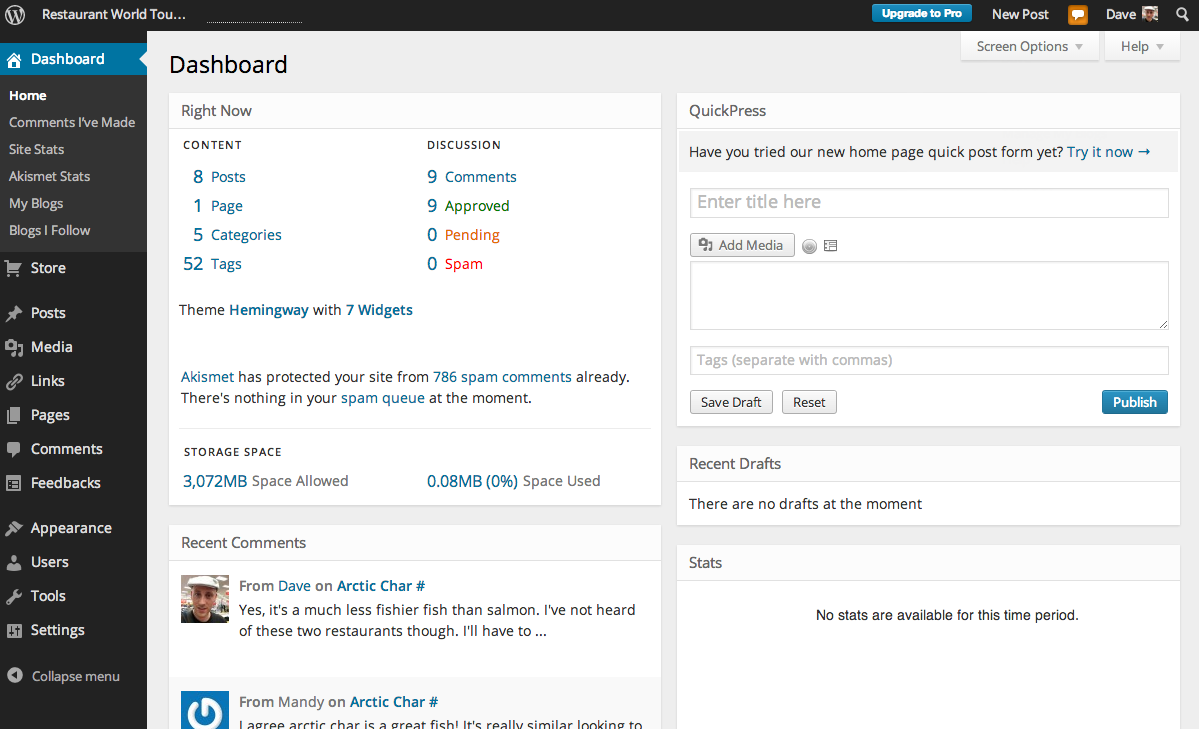
It is recommended to add a brief update log below the table: format entries as "Change Item + Reason + Scope of Impact," such as "Certain coupons no longer stack with special offers" or "Shipping rules adjusted for specific regions." If you publish the comparison table on an internal page or article, leverage the site editing workflow to treat revisions as part of content management. When organizing backend settings, refer to the following guidelines:Functional Parameter ConfigurationThe approach involves centralizing the recording of switches that affect pricing to prevent situations where "settings are changed but the meter is forgotten."
5.3 Make tables reviewable: Keep "screenshots and statements from that time"
When readers question your content, the most effective approach isn't debate—it's reproducibility. Keep screenshots of the "checkout page at the time" or "key policy screenshots" for critical lines, noting the region and timeframe in the comments. After Black Friday, archive the spreadsheet and write a post-mortem: which fields were most frequently asked about, which policies changed most often, and which updates triggered the most effective responses. Next Black Friday, your content will be shorter, more stable, and less prone to errors.

Link to this article:https://www.361sale.com/en/84449The article is copyrighted and must be reproduced with attribution.


















![Emoji[wozuimei]-Photonflux.com | Professional WordPress repair service, worldwide, rapid response](https://www.361sale.com/wp-content/themes/zibll/img/smilies/wozuimei.gif)

![Emoticon[baoquan] - Photon Wave Network | Professional WordPress Repair Services, Worldwide Coverage, Rapid Response](https://www.361sale.com/wp-content/themes/zibll/img/smilies/baoquan.gif)


 简体中文
简体中文  English
  日本語
日本語  Français
  Español


No comments