








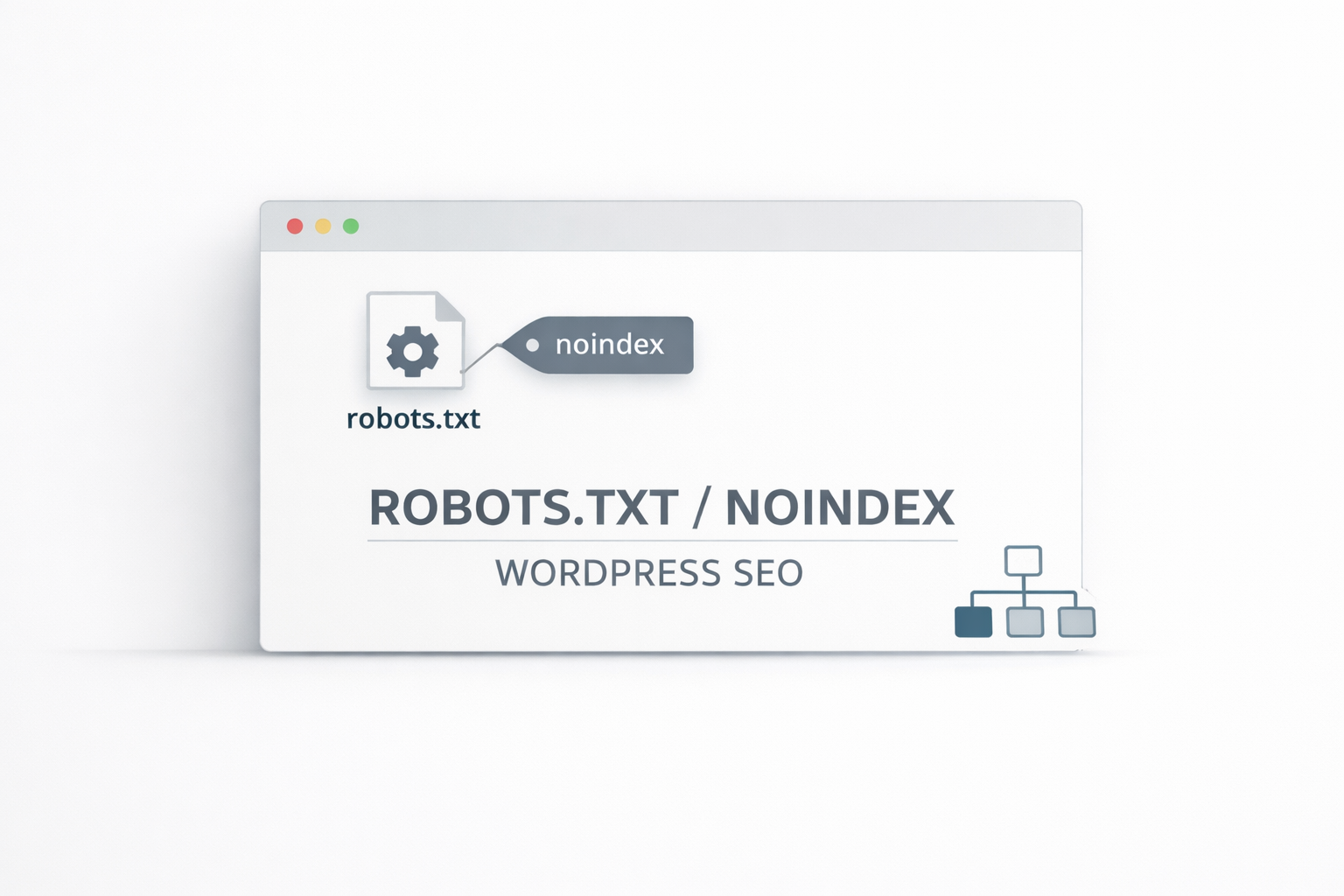
robots.txt and noindex in Action: Which WordPress Pages Should Be Excluded from Indexing
Use robots.txt and noindex to implement layered control over crawling and indexing. Clearly define which functional pages, archive pages, and attachment pages should be blocked or allowed. Utilize Robots Meta to establish maintainable default rules.
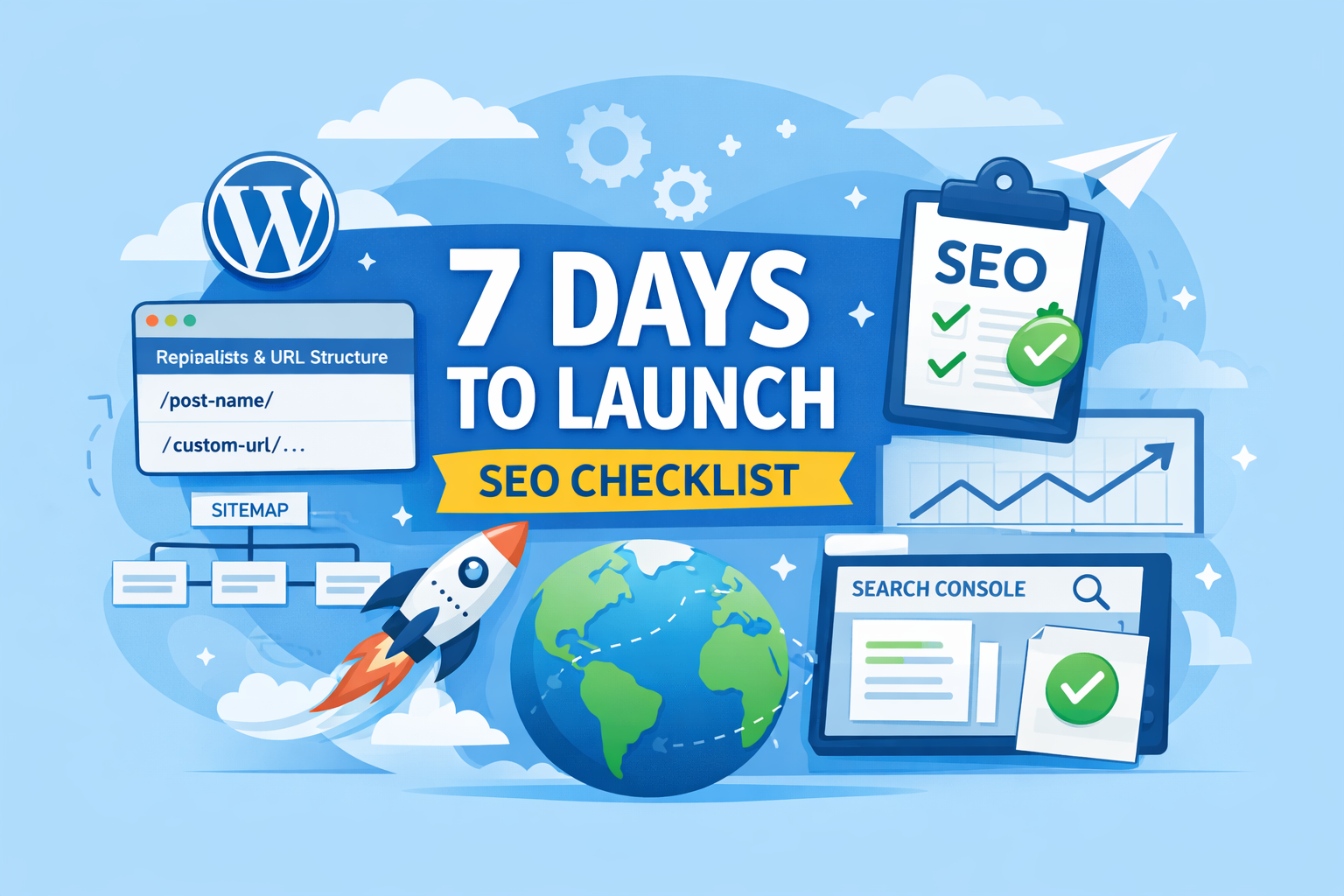
New WordPress Site SEO: 20 Must-Do Tasks Before Launching
SEO Pre-Launch Checklist for the First 7 Days: Complete URL structure, sitemap, cache optimization, and Search Console submission on your new WordPress site to minimize rework and lay a solid foundation for indexing and ranking.
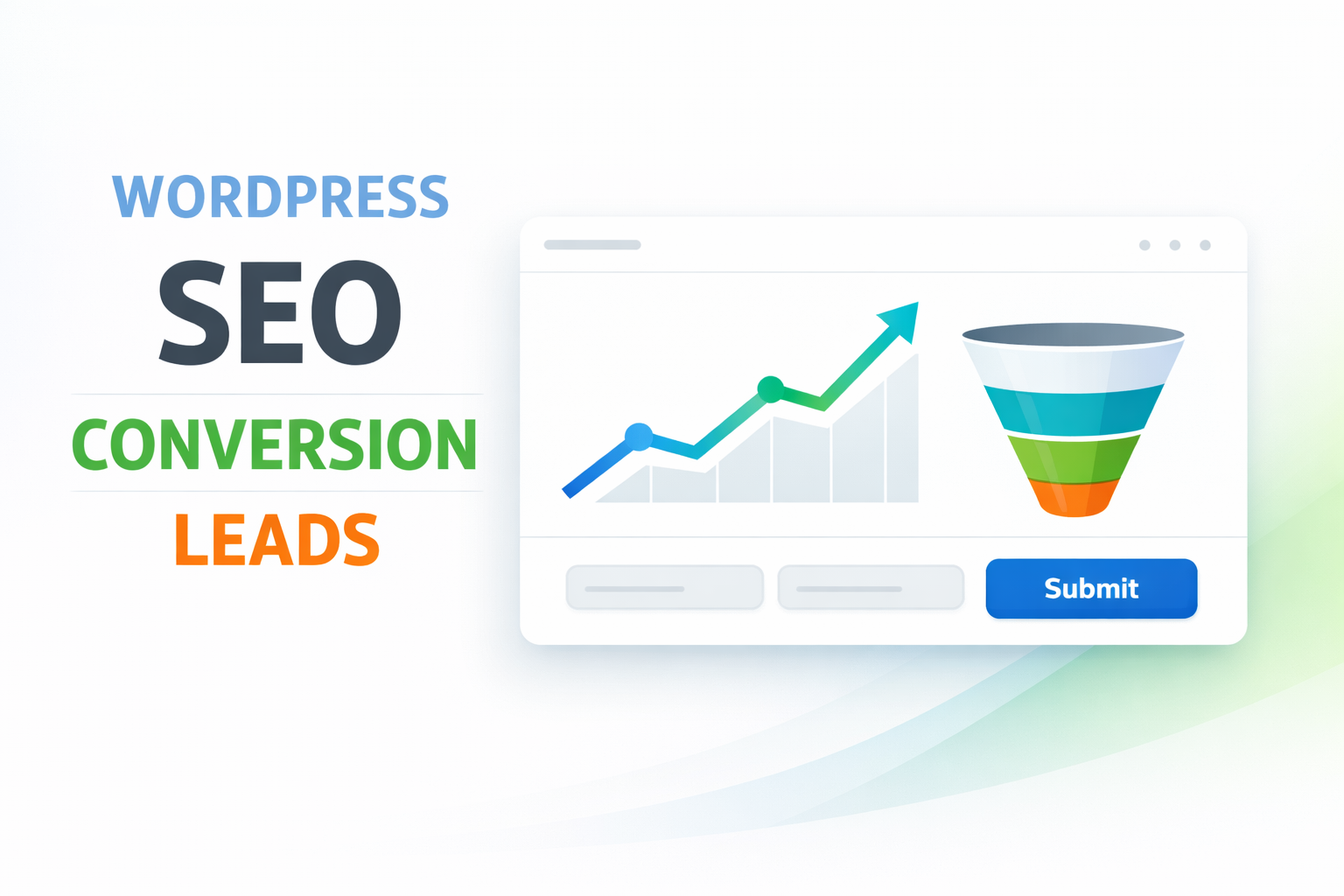
WordPress SEO + Conversion Rate: Same Traffic, Why Are Your Inquiries Lower?
WordPress SEO: Getting Traffic but Few Leads? Use search intent filtering, above-the-fold call-to-action entry points, step-by-step forms, and speed/plugin management to convert visits into high-quality leads and inquiries.
Step-by-Step Guide to Installing the GenerateBlocks Plugin
Detailed Guide to GenerateBlocks Installation Process Covering download, activation, and license steps for both Free and Pro versions to help you get started with the block editor smoothly.

WordPress Block Editor Complete Guide: Master GenerateBlocks Efficiently
Delve into the WordPress Block Editor's architecture, gain comprehensive insight into how GenerateBlocks enhances the editing experience, and master the practical applications of the top bar, sidebar, and block settings.
10 Efficiency-Boosting Features in WordPress 6.9 for Site Administrators
A Comprehensive Analysis of WordPress 6.9's Ten Core Features for Enhanced Efficiency: From Editor Optimization to Theme Development, Empowering Site Administrators to Streamline Content Management and Site Operations.

Not sure what GenerateBlocks is? What website-building problems can it solve?
What is GenerateBlocks? This article systematically explains the core features of the GenerateBlocks plugin, its applicable scenarios, and the WordPress page layout and site-building issues it resolves, helping you determine whether it's worth using long-term.
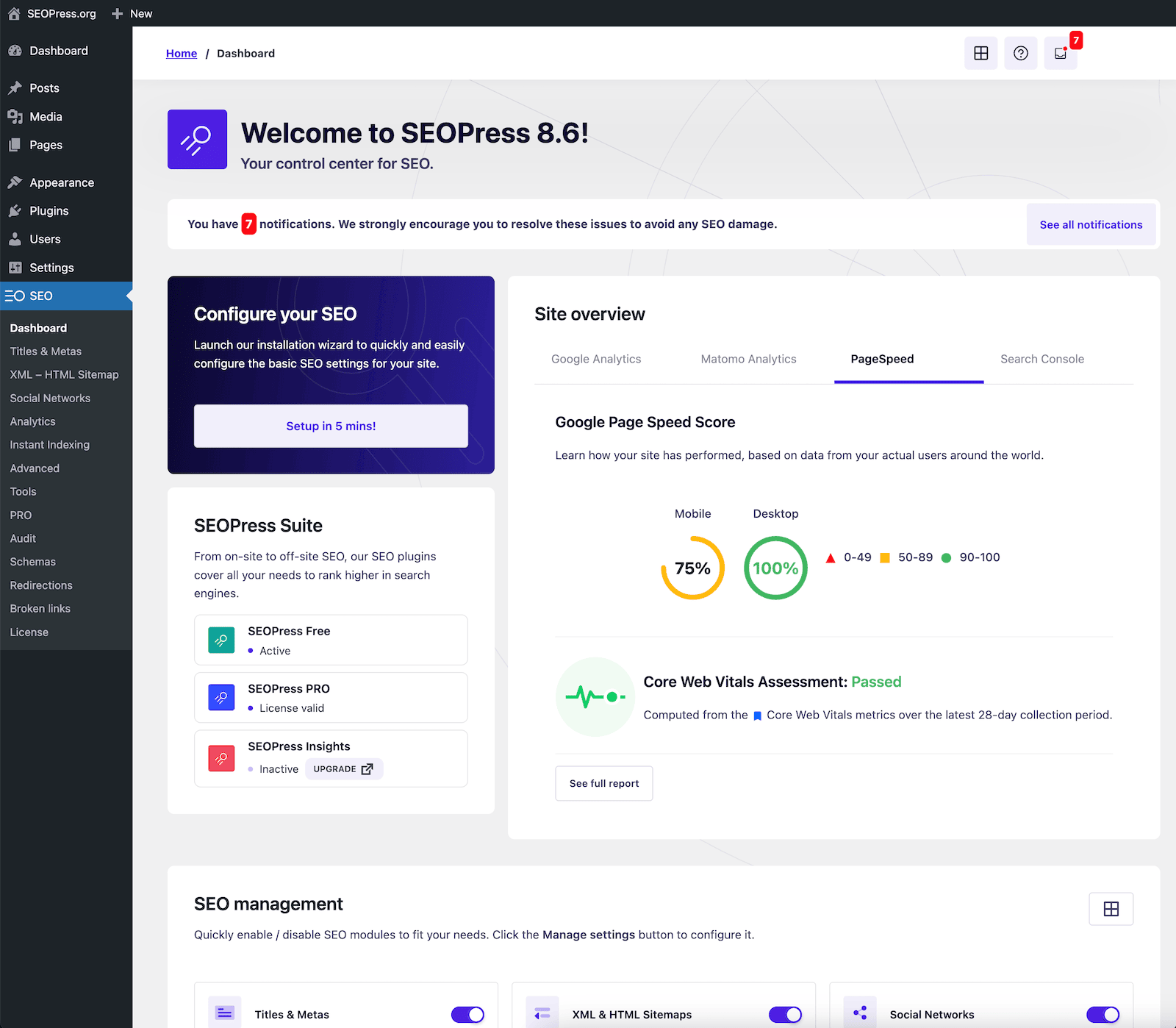
The Integration of AI Writing and SEO: Yoast's Analysis vs. SEOPress's Lightweight Workflow—Which is Better Suited for Content Production in 2026?
How Can AI Writing and SEO Collaborate Efficiently in 2026? Comparing Yoast's Analysis Tips with SEOPress's Lightweight Workflow Providing Key Considerations for Team Selection, Publishing Workflow, and Implementation.
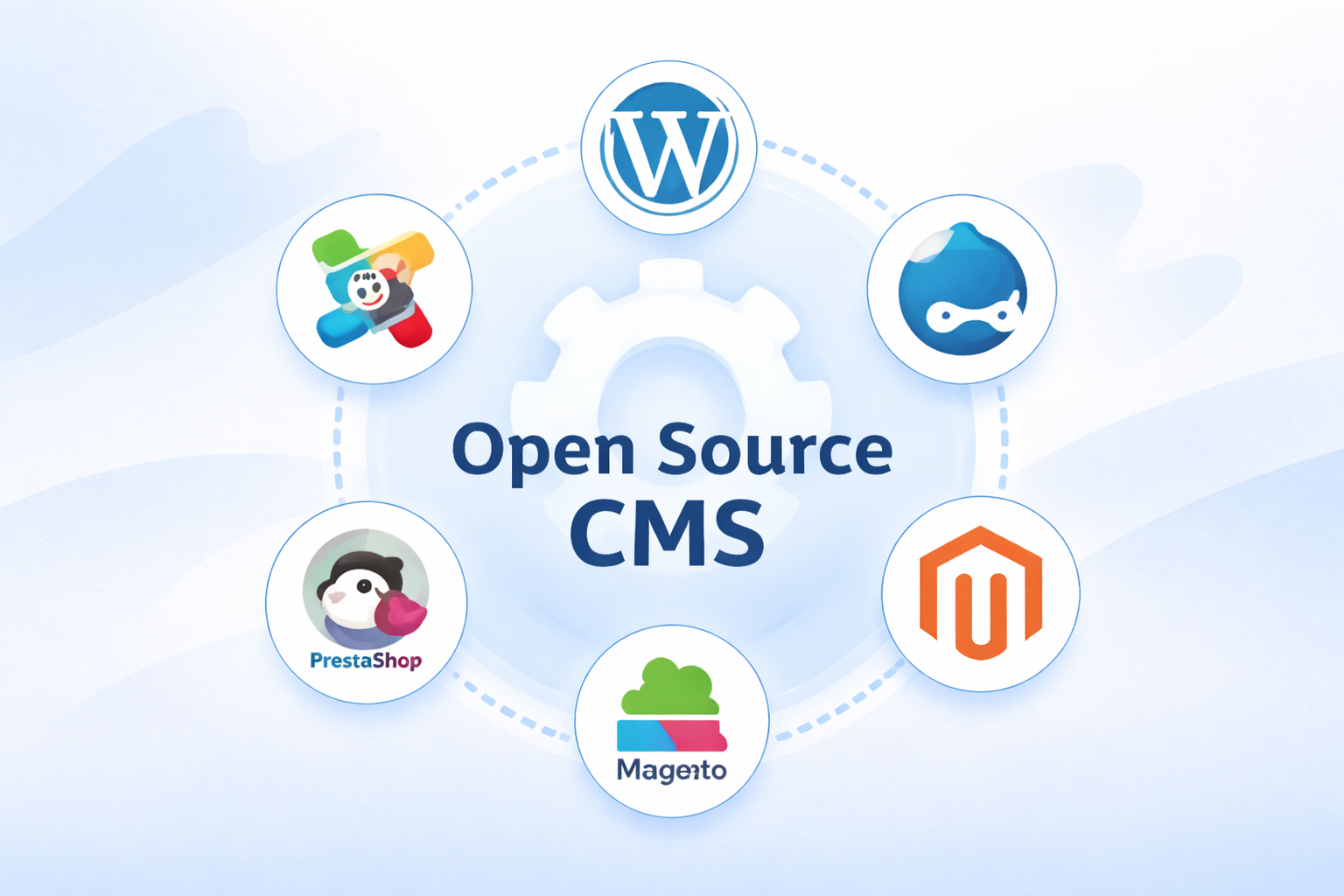
The Ultimate WordPress SEO Guide: How to Quickly Boost Performance Using CMS Structure?
How to Optimize WordPress SEO? Explaining URLs, Sitemaps, robots.txt, and Structured Data Essentials from an Open-Source CMS Perspective Includes a Ready-to-Use Checklist to Improve Indexing and Rankings

WooCommerce E-commerce Site Acceleration: How to Configure Checkout and Cart Pages (Comparison of Both)
Accelerate WooCommerce e-commerce sites by implementing differentiated configurations for checkout and cart pages: disable page caching, optimize static resources and rules, reduce refreshes and blocking, and enhance conversion experiences.
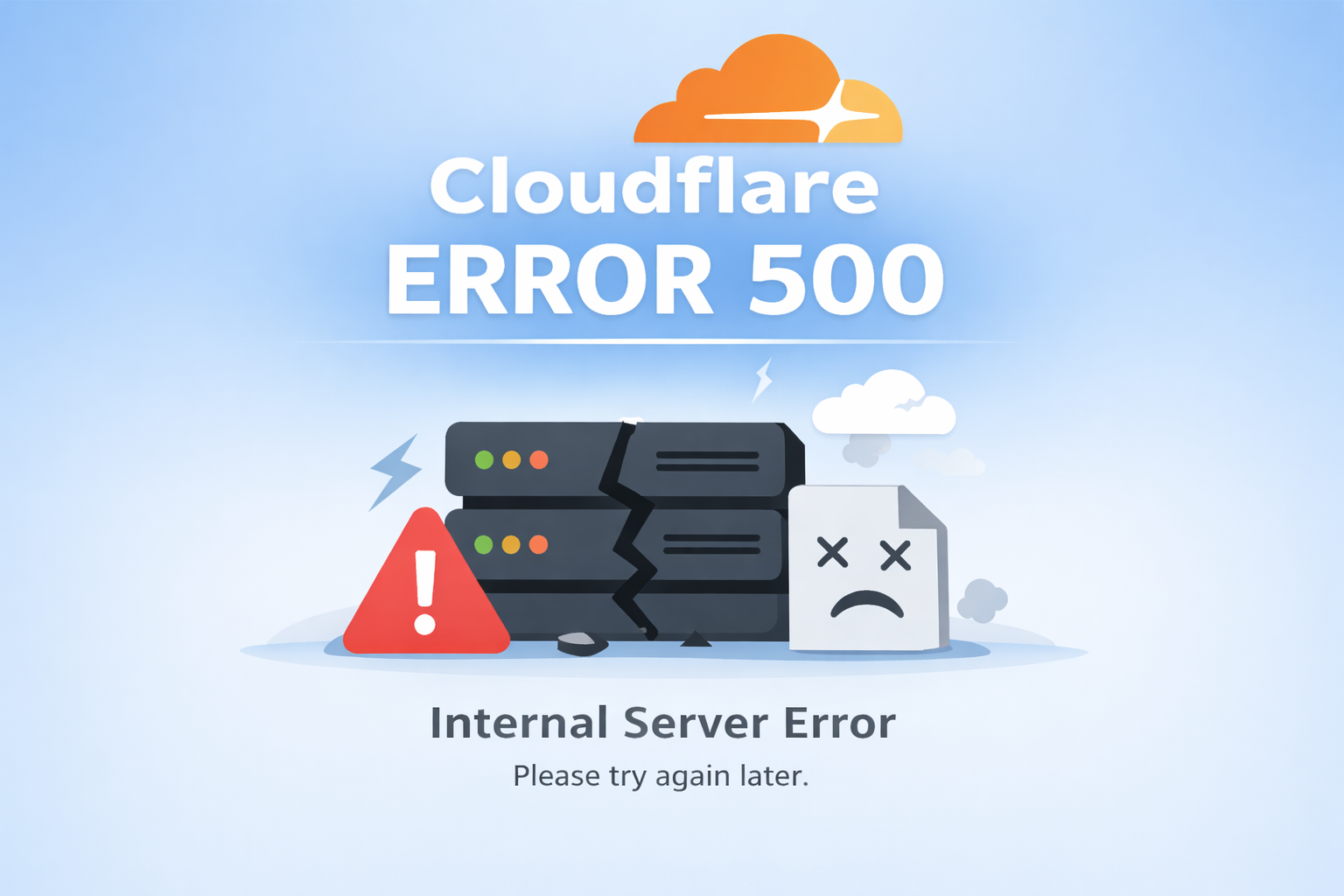
What is Cloudflare Error 500? Why does my WordPress site show an Internal Server Error?
Encountering Cloudflare Error 500? This article breaks down the root causes of origin server and WordPress internal server errors layer by layer, providing quick troubleshooting and solutions for plugin conflicts, timeouts, and rule issues.
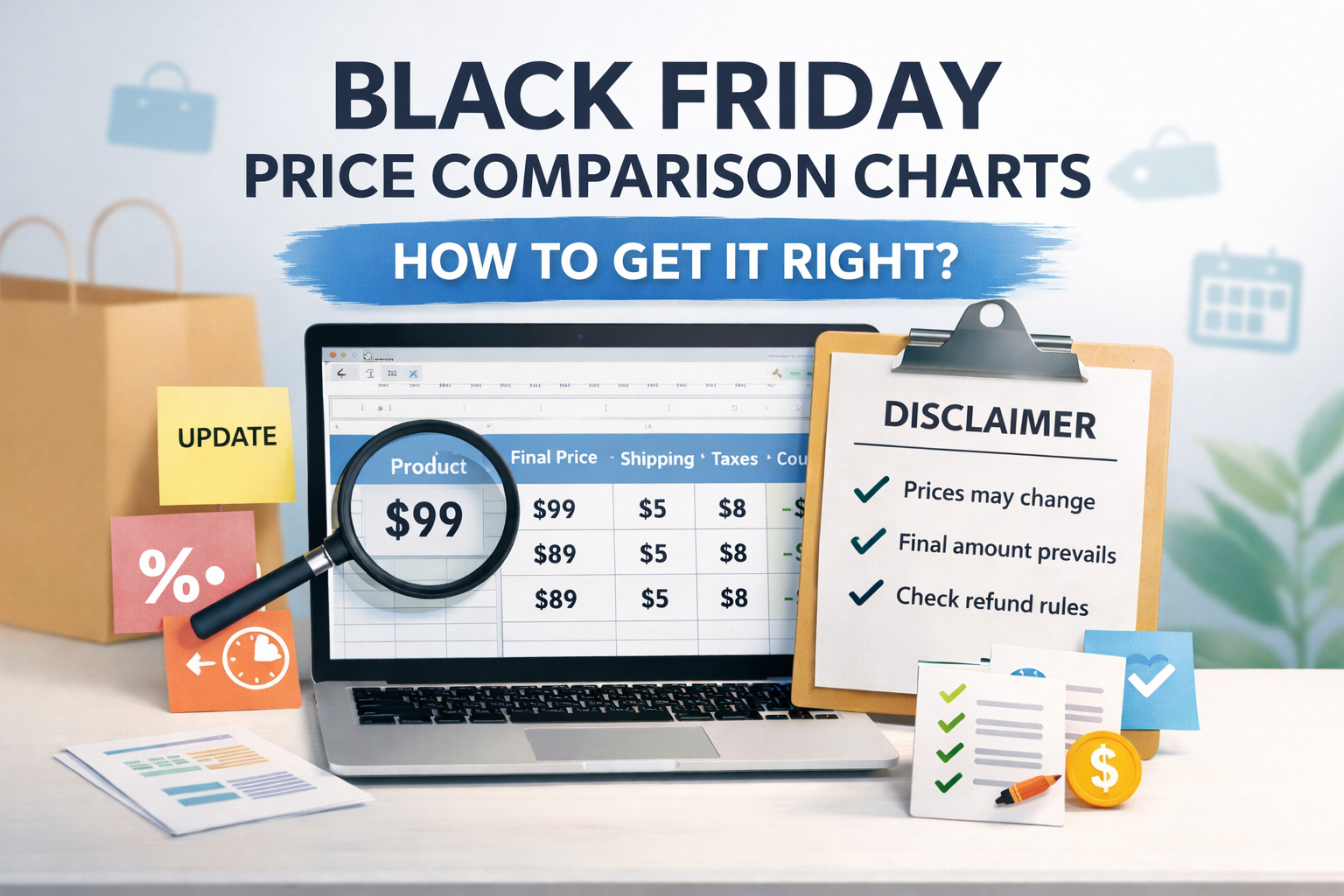
How to Write a Black Friday Price Comparison Chart Without Falling into Pitfalls (Including Disclaimers and Update Strategies)
How to Write a Black Friday Price Comparison Chart Without Falling Into Pitfalls? Use a consistent methodology to break down shipping and tax fees, clearly state coupon stacking rules, include disclaimers and update policies, and enable readers to verify prices by replicating the checkout page.

Common Troubleshooting Scenarios: How to Diagnose Page Layout Issues and Broken Animations After Enabling Merged/Deferred JS (Including Differences Between the Two)
Page misalignment is often caused by merged JavaScript files disrupting dependencies or delayed JavaScript pushing initialization back. Quickly restore layouts and animations by applying either of these solutions: - Isolate the issue - Use console first-error detection - Whitelist exclusions - Clear cache and rebuild
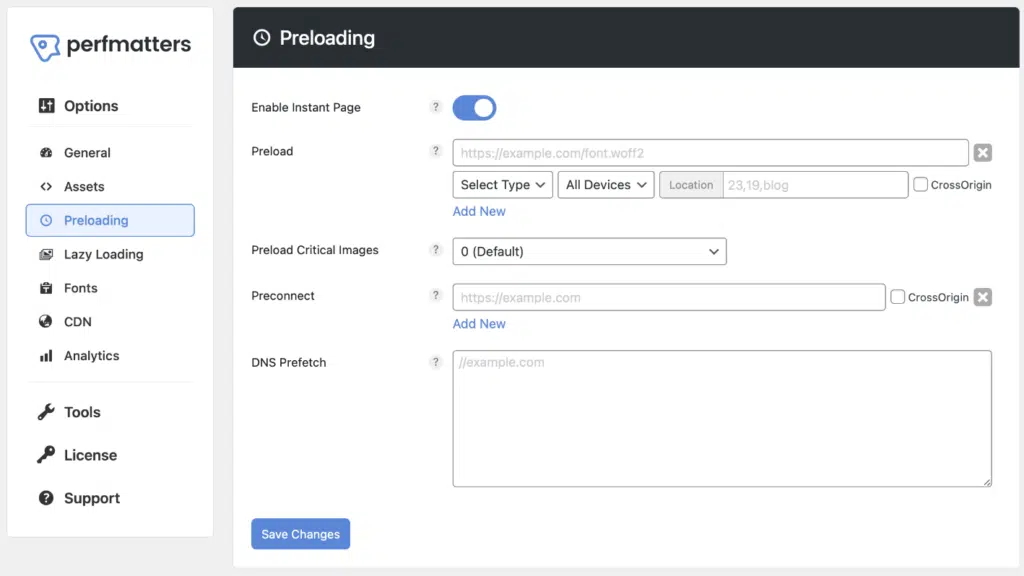
What does Perfmatters primarily address? Understanding its value through "subtractive optimization"
Optimize Perfmatters with Subtraction: Disable redundant frontend overhead, deactivate scripts per page, defer non-critical JS, optimize preconnections and preloading— accelerate first-screen loading, enhance interaction fluidity.

The Top Choice for Beginners: Why 40% Websites All Use WordPress?
WordPress Beginner's Guide to Building a Website: Unraveling the "40% Website in Use" Error Learn to Launch Quickly with Themes, Plugins, and the Block Editor Simplify Updates, Security, and Extensions

Blocksy vs Elementor: How to Choose for WordPress Website Building in 2026
Blocksy vs Elementor: How to Choose? From Performance, Maintenance to Marketing Efficiency, Here's Your 2026 WordPress Website Building Roadmap: Choose Blocksy for Content Sites, Use Elementor for Landing Pages.

WordPress vs. Other Mainstream Open-Source CMS: Which is Better for Average Users?
WordPress Open-Source CMS Comparison Analysis: Helping Ordinary Users Choose the Right CMS by Comparing Drupal, Joomla, TYPO3, Ghost, and Strapi Based on Ease of Use, Extensibility, Maintenance, and Scenarios.
Recommended CMS for Independent E-commerce Sites: Why WordPress + WooCommerce is the Most Popular Choice?
Recommended CMS for Independent E-commerce Sites: Why WordPress + WooCommerce Dominates the Market A Practical Guide to Selection and Setup Based on Onboarding Costs, Payment & Logistics, SEO, and Maintenance

What should I do if I encounter a 403 error on Cloudflare? How can I resolve it?
How to Troubleshoot Cloudflare 403 Errors? Learn to distinguish between Edge Block and Origin Server 403, locate rules in Security Events using Ray ID, and minimize allowances with Skip and WAF Exceptions while verifying recovery.

The Pros and Cons of Four Server Types? Choose Only the Right One!
Four Types of Servers: How to Choose? A comprehensive analysis from performance, cost, scalability, and operational perspectives to help you quickly select the right server solution for your needs.

Website Builder Choice: Blocksy vs Elementor? Which One Is Right for You?
Blocksy vs Elementor: A Comprehensive Comparison Analyzing ease of use, site-building speed, performance, and maintenance costs to help WordPress beginners determine which approach best suits their needs.
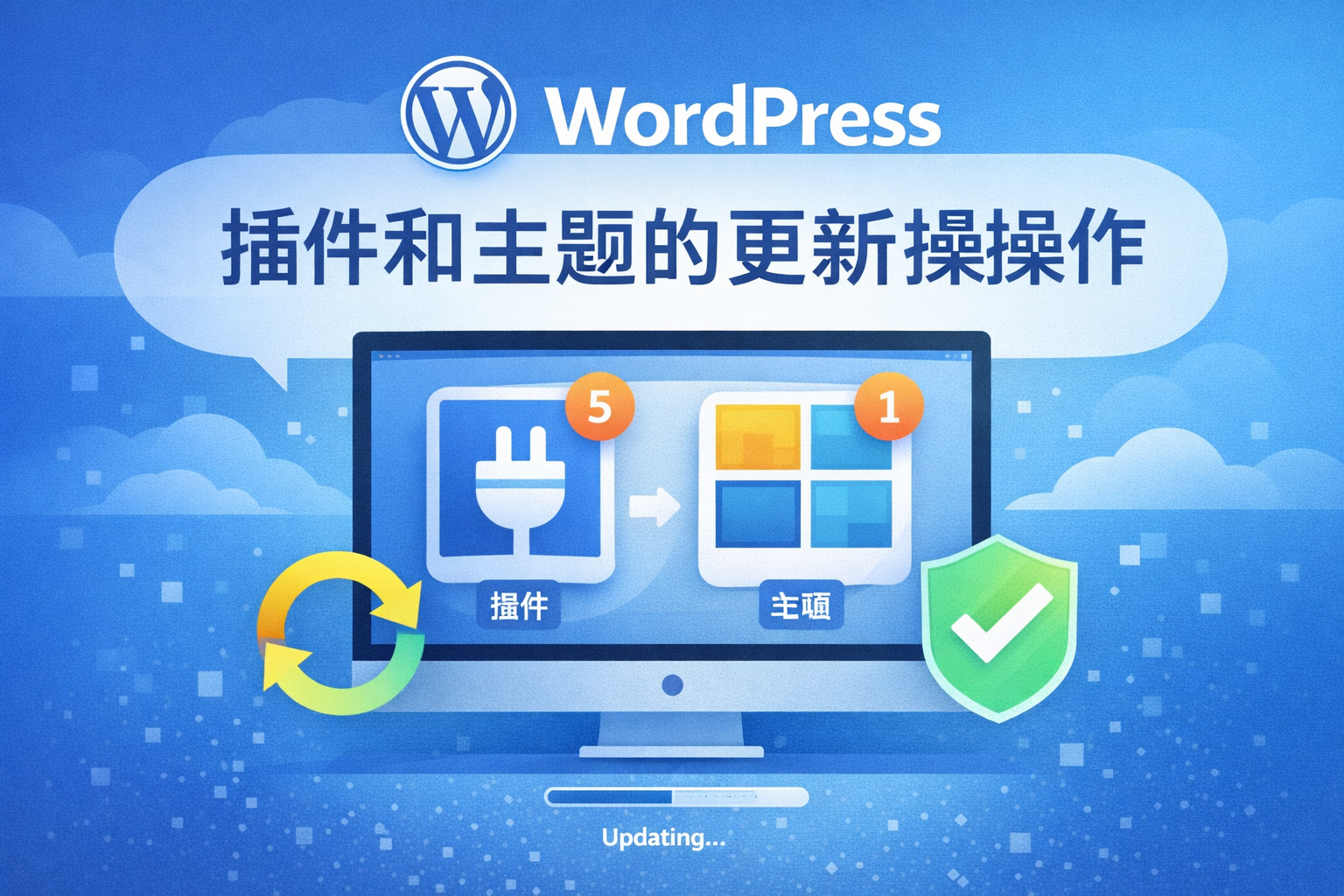
Updating WordPress Plugins and Themes and Automatic Updates
WordPress's automatic update feature enables plugins and themes to update automatically. This guide details how to enable it, how it operates, notification rules, and troubleshooting common issues to help enhance your website's security.

In-Depth Analysis: How to Choose Between Perfmatters and WP Rocket?
Perfmatters vs WP Rocket: An In-Depth Analysis A comprehensive comparison of these two WordPress acceleration plugins, examining their caching mechanisms, performance optimization methods, and use cases to help you choose the solution best suited for your website.
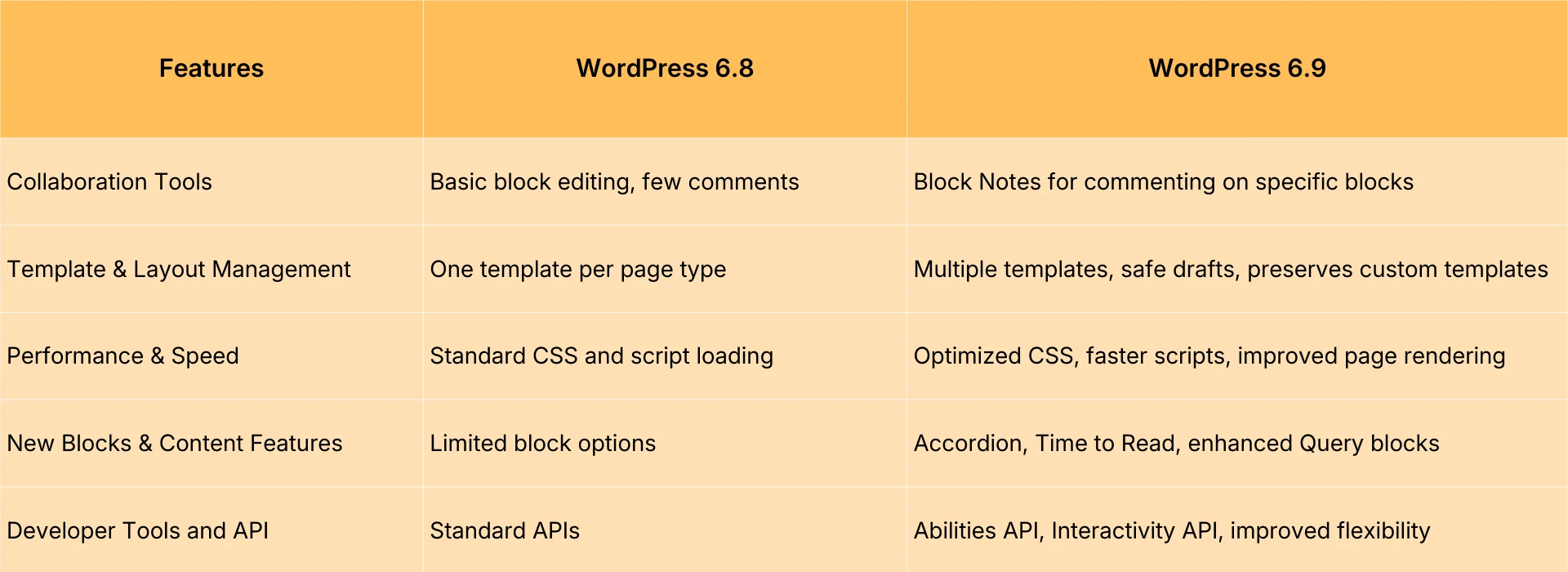
WordPress 6.9 vs. 6.8: Is Upgrading Worth It?
In-Depth Analysis: WordPress 6.9 vs. 6.8 Comprehensive Comparison of Upgrades from Editing Experience to Performance Optimization Helping You Determine Whether the New Version is Worth Adopting

WordPress 6.9 New Features: A Comprehensive Overview of Core Updates, Performance Enhancements, and Experience Optimizations
Comprehensive Analysis of WordPress 6.9 New Features: From Editor Upgrades to Performance Optimization—A Complete Guide to Enhancing Theme Development and User Experience.

In-Depth Analysis: How to Improve SEO Compatibility Using GenerateBlocks?
Use GenerateBlocks to build clear heading hierarchies and modular structures. Master container-based modularity and grid-based card layouts to make articles easier to scan, more understandable, and more favorable for indexing and ranking.
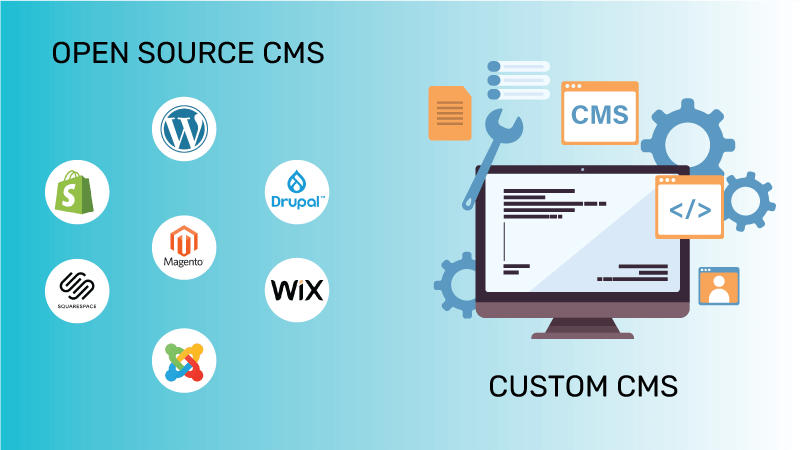
What's the Difference Between Open-Source CMS and Proprietary CMS? One Article to Clarify It All!
What is an open-source CMS? By comparing the controllability, cost, scalability, and migration risks against closed-source CMSs, this article provides clear selection recommendations tailored to WordPress website development scenarios.

What Exactly Is a CMS? And How Does It Relate to WordPress?
How to Choose an Open-Source CMS? This article clarifies the value of content management systems, key points of open-source licenses, and analyzes the ecosystem and positioning of WordPress as an open-source CMS, providing a practical checklist.

 简体中文
简体中文  English
  日本語
日本語  Français
  Español



